
Knowledge SuperBox
Does SuperBox Have Monthly Fees? What You Still Need to Budget For





If you are tired of paying for a cable package and rented receivers every month, SuperBox offers a different way to organize your home entertainment spending. You buy the device upfront and use it as your streaming box.
No, SuperBox does not require a monthly SuperBox subscription. When you purchase directly from SuperBox TV Box Store, we do not charge a recurring equipment subscription to keep using the box.
That can make SuperBox an attractive option for cutting ongoing television costs. The important budgeting question is how much of your current bill you can replace, and which other expenses your household will continue to have.
Here is how to work that out before ordering.
What No Monthly Fees Means for SuperBox
SuperBox is a device purchase rather than a monthly cable-box rental. You own the equipment you buy.
The manufacturer’s subscription FAQ states that SuperBox models do not require extra subscriptions or monthly fees. Our SuperBox S8 product information also explains that the hardware does not require a recurring equipment subscription from the retailer.
For a buyer, the benefit is a predictable starting point: choose the model, pay its purchase price, and avoid adding another monthly equipment bill from our store.
SuperBox also has apps designed specifically for use on its devices, including Blue TV, Blue VOD, Backup TV, and Playback. These core viewing apps are free to use after purchasing a compatible SuperBox; you do not need a separate monthly subscription for each one.
Individual third-party subscriptions remain subject to their own terms. Buying a streaming device does not change what another company charges for its service.
What You Can Watch With SuperBox’s Free Apps
The appeal of SuperBox goes beyond owning a streaming box. Its dedicated apps give you different ways to enjoy a wide variety of entertainment without separate monthly app subscriptions.
| SuperBox app | Entertainment available | Monthly app subscription |
|---|---|---|
| Blue TV | Access to 2,000+ live TV channels, including news, sports, entertainment, and international programming | Free to use on a compatible SuperBox |
| Blue VOD | A large on-demand library of movies and TV series to browse and watch | Free to use on a compatible SuperBox |
| Playback | Catch-up viewing for eligible programs, with up to seven days available on supported channels | Free to use on a compatible SuperBox |
That variety is a practical reason to consider buying: watch live television for everyday viewing, switch to a movie for the evening, or check an eligible program you missed. If those options cover your family’s regular habits, you may have less reason to keep paying for a large traditional cable package.
Download the supported apps from the SuperBox App Store after connecting the device to the internet. Our S8 app installation guide explains the setup. Channel lineups, titles, and supported functions can vary by app version, region, and service availability.
Which Costs Are Required and Which Are Optional
Start by separating the device purchase from the rest of the household’s entertainment spending.
| Budget item | How it affects your SuperBox setup |
|---|---|
| SuperBox hardware | One-time purchase for each device you buy |
| Monthly SuperBox equipment subscription | No |
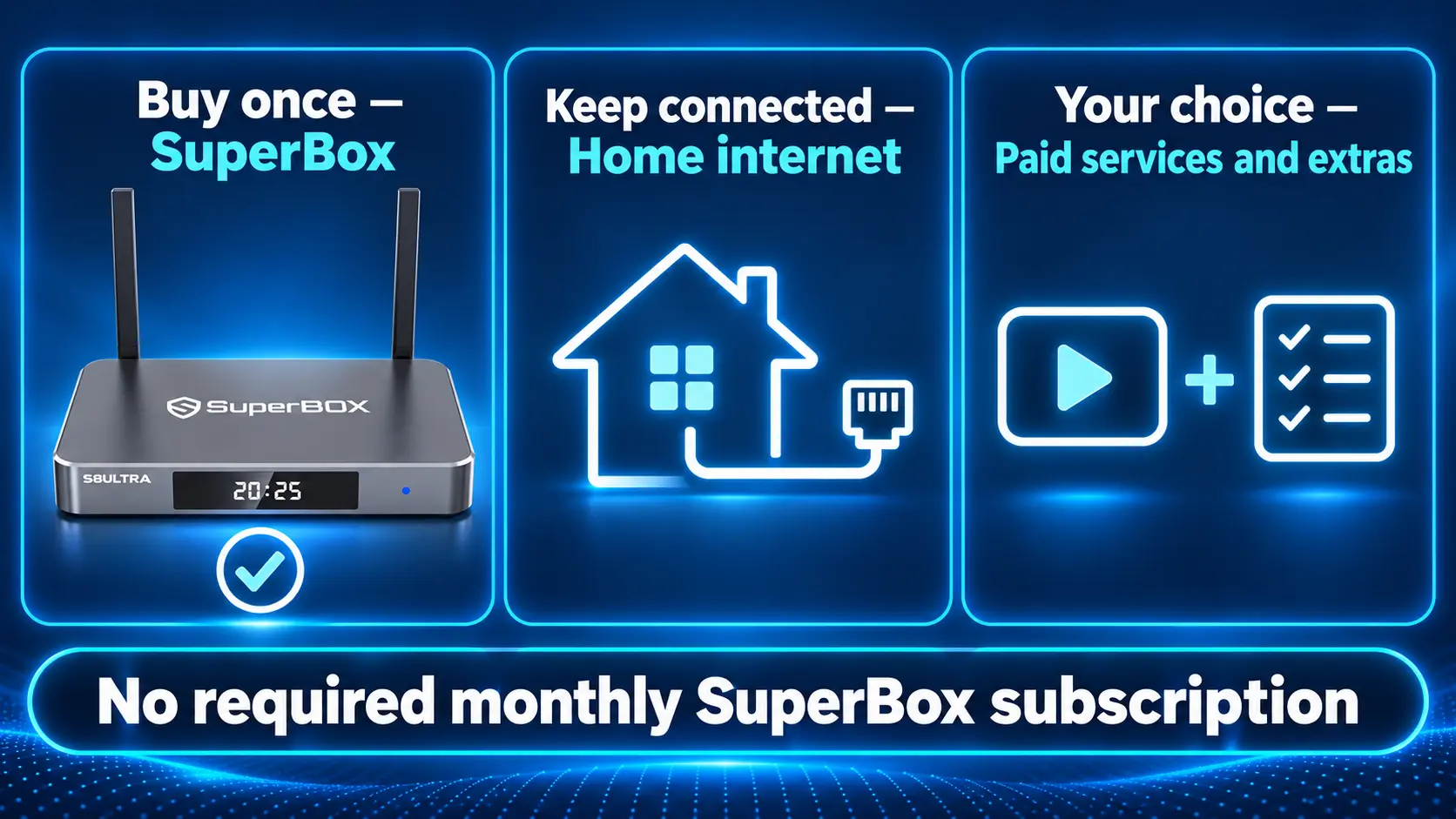
| Home internet | Needed for online streaming; often an existing household expense |
| Paid third-party services | Optional choices, charged under each provider’s terms |
| Another box for a second TV | Additional purchase if that room needs independent SuperBox viewing |
| Accessories or network improvements | Needed only when your setup or chosen features require them |
| Electricity | Normal running cost of the box, television, and network equipment |
You may already own everything needed around the box: a compatible television, working internet, and a suitable place to connect it.
Avoid treating every possible accessory as a required purchase. Set up the device with the equipment you have, then add something only when it solves a specific need.
Budget for Internet Without Counting It Twice
SuperBox needs an internet connection for online viewing. It does not replace the service supplied by your internet provider.
If your household already pays for broadband and keeps the same plan, that bill may continue unchanged after switching your television setup. In that situation, include internet on both sides of a full household comparison.
If you compare only the costs that change, count the difference in the internet bill rather than adding the entire existing bill as a new SuperBox expense.
Bundled plans need particular attention. Ask your provider what internet alone will cost after removing cable TV. Losing a bundle discount can reduce the amount you save, so use the new quoted price.
You also do not need a separate internet subscription for each box. Several devices can share the household connection, provided the network supports their combined activity.
For S8, our WiFi and Ethernet setup guide explains the connection options. Test your current setup before paying for an upgrade.
Keep Paid Services Only When You Want Them
With free live-TV and on-demand options available through the SuperBox apps, you can start enjoying entertainment without signing up for several additional paid services. Keep another subscription only when its particular library or features are worth the cost to your household.
Those are separate decisions. A service such as Netflix or Disney+ continues to have its own subscription requirements where you choose to use it on supported equipment. SuperBox ownership does not include another company’s paid membership.
Make a short list of the services your family actually uses. Check which programs matter, how often you watch them, and what the next renewal will cost. Remove subscriptions that no longer serve a purpose through the provider’s cancellation process.
For a separate trial offer, note the renewal date before signing up. The FTC’s subscription guidance explains why checking trial and automatic-renewal terms helps avoid unexpected charges.
Your aim is a smaller, useful entertainment budget. Adding several services automatically can recreate the spending you wanted to leave behind.
Choose the SuperBox Purchase That Fits Your Budget
As checked on October 25, 2026, our listed S8 prices are:
| Model | Listed device price | Main reason to consider it |
|---|---|---|
| S8 Pro | $359 | Lowest S8 entry price with 32GB internal storage |
| S8 Plus | $379 | 64GB storage with supported PPV and ESPN Multi-Viewing |
| S8 Max | $399 | 64GB, broader supported Multi-Viewing, and the NFL app |
| S8 Ultra | $449 | 128GB and a backlit remote, plus Max’s listed viewing scope |
These are hardware prices before any applicable checkout adjustments. Confirm the current product page and final order total before paying.
Choosing Ultra instead of Pro changes your upfront purchase. It does not introduce a monthly SuperBox subscription. Likewise, choosing Pro does not mean you must later pay our store a monthly fee to keep using the hardware.
The complete S8 comparison explains the feature differences. Choose what your household will use rather than paying more solely because a model sits higher in the lineup.
If you are unsure whether you need a separate box at all, our TV box versus smart TV guide can help you compare the role of each.
Account for a Second Television Before Buying
A second room can change the purchase total more than a small accessory.
For independent SuperBox viewing on two TVs at the same time, plan for two boxes. Each viewer then controls their own device without changing the other room’s program.
If you only use one television at a time, moving a box may be enough. A TV already serving your needs through its own apps may not need an additional SuperBox.
Decide which rooms genuinely need dedicated access before ordering. Buying two boxes doubles the hardware quantity, but it does not create a monthly equipment subscription from our store.
You can also keep a working older SuperBox in a secondary room while placing an S8 in the room used most often. There is no need to replace useful equipment just to make every room match.
Add Accessories for a Specific Purpose
Most buyers should begin with the box’s supplied equipment and their existing television and network. Extras make sense when they support an activity you intend to use.
For example, S8’s built-in recording requires a connected USB storage device. Recording is manual: you start and stop it, and the files save to USB rather than the internal 32GB, 64GB, or 128GB storage. It does not provide scheduled recording.
If that feature matters, budget for a compatible USB drive. You do not need to buy one simply to browse live channels or on-demand content. Our S8 Recorder guide explains the process.
An Ethernet cable may be useful when your router is conveniently located. A network upgrade may help a room with weak coverage, but check the problem first using our WiFi optimization guide.
A VPN is not required simply to operate SuperBox, as the manufacturer’s FAQ explains. Treat a paid VPN as a separate choice rather than a mandatory recurring SuperBox expense.
Compare Savings With the Cable Charges You Can Remove
SuperBox can help create substantial long-term savings when it replaces a costly cable package and rented receivers.
The benefit comes from removing recurring charges while keeping a viewing setup your family enjoys. An upfront purchase becomes easier to justify when a larger television bill stops arriving every month.
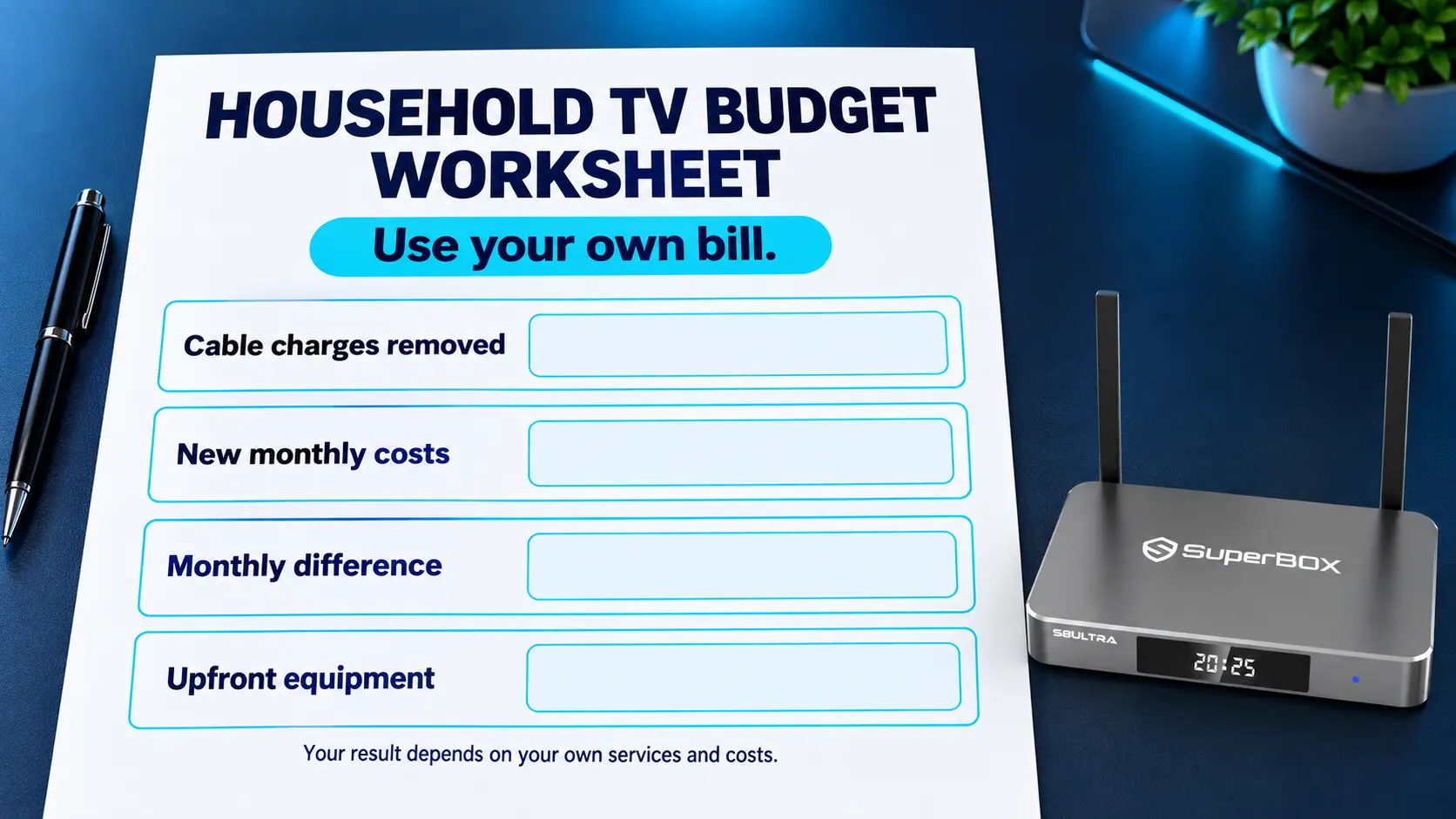
Use your own statement to identify the TV-package charges and equipment rentals that would disappear. Avoid counting fees twice if they are already included in a package total.
Then subtract any new ongoing costs, such as a higher internet-only price or an optional service you decide to add.
A Simple Example With Clearly Stated Assumptions
The following is an illustration, not an average cable bill or a promised saving.
Suppose you can remove $90 per month in cable-TV and receiver charges. You keep the same internet plan at the same price and add $15 per month in optional paid entertainment.
Your net recurring reduction would be $75 per month. Over twelve months, that is $900. Subtract a $399 S8 Max purchase, and the first-year difference would be $501, before tax, accessories, or other applicable costs.
A household keeping more subscriptions or paying more for internet would save less. A household removing more cable charges could save more.
The cable-bill guide explains the spending categories in greater detail. Use the example’s method with your actual numbers.
Check These Details Before Canceling Cable
Test the programs your household considers essential before changing the existing service. A different viewing setup should meet those needs as well as fit the budget.
Check local programming, sports availability, and the apps you intend to use. Available channels, titles, and supported functions can change with the app, region, and service.
Ask the cable provider about the cancellation date, remaining obligations, and equipment returns. Confirm the new price of any internet or telephone service you keep.
Our cord-cutting guide covers that transition. If you are helping older family members, the SuperBox guide for parents and seniors can help make the viewing routine comfortable.
Taking these steps helps the savings last. You are replacing an ongoing expense with a setup you can use, rather than buying equipment while leaving every old bill running.
Understand a Monthly Payment on Your Statement
A recurring transaction is not automatically a SuperBox subscription. Identify who is charging you and what the payment covers.
If you chose an installment arrangement at checkout, payments may relate to the device’s purchase price. Review the agreed payment schedule and total payable amount with the payment provider.
A charge from a paid streaming service, internet company, or optional VPN provider belongs to that separate agreement.
If someone contacts you demanding a SuperBox renewal payment, ask our team to check the request before paying. There is no monthly SuperBox subscription from our store to renew.
For an order placed directly at superboxtvboxstore.com, email customer@superboxtvboxstore.com with your order number and the charge description. Share account details privately so we can help you understand the transaction.
Frequently Asked Questions
Does SuperBox Have a Monthly Subscription?
No. SuperBox does not require a monthly SuperBox subscription, and our store does not charge a recurring equipment fee after a direct hardware purchase.
Are Blue TV and Blue VOD Free to Use on SuperBox?
Yes. These apps are designed for compatible SuperBox devices and do not require separate monthly app subscriptions. Blue TV offers access to 2,000+ live channels, while Blue VOD provides a wide selection of on-demand movies and series. Internet service is still required.
Is There an Annual SuperBox Subscription to Renew?
SuperBox is sold as a device purchase rather than an annual subscription from our store. Separately purchased services may have their own annual or monthly renewals.
Do I Still Need to Pay for Internet?
Yes. Online streaming needs a working connection. If you already have suitable broadband, you may be able to keep using that plan.
Are Netflix and Other Paid Services Included in the Purchase?
A separate paid service still has its own membership requirements. Buy or retain that service only if you want it and can use it on supported equipment.
Does Buying a More Expensive S8 Add a Monthly Fee?
No. The S8 model changes the hardware price and features. It does not create a monthly SuperBox equipment subscription from our store.
Do I Need to Pay for a VPN?
A VPN is not required simply to operate SuperBox. A paid VPN is an optional separate service, with its own cost and terms.
Does S8 Recording Need an Extra Subscription?
There is no separate recording subscription from our store. You need a compatible USB storage device; recording starts and stops manually and saves to that drive.
Can SuperBox Save Money Compared With Traditional Cable?
Yes. Free use of Blue TV and Blue VOD gives you live and on-demand viewing options without adding separate monthly subscriptions for those apps. Replacing a cable package and receiver rentals can therefore reduce ongoing costs. Include internet, any paid services you choose to keep, and the upfront device purchase when calculating your savings.
Buy SuperBox With a Clear Picture of the Cost
SuperBox brings together a one-time device purchase, free use of dedicated live-TV and on-demand apps, and no required monthly SuperBox subscription. For households replacing an expensive cable package, that combination can make a meaningful difference to ongoing TV spending while keeping a wide choice of entertainment.
SuperBox TV Box Store is an authorized retailer serving customers in the US and Canada. Verify our authorization using SP20250414002 at the SuperBox authorization website.
Explore S8 Pro, S8 Plus, S8 Max, and S8 Ultra to choose the features and purchase price that fit your home.
If you purchase directly from superboxtvboxstore.com, contact customer@superboxtvboxstore.com for any technical issue or order-related question. We value your experience and are here to help before and after your purchase.
The article was updated on:
