
Knowledge SuperBox
Halloween Movie Night 2026: Create a Cozy Home Theater with SuperBox






Make Halloween a night worth staying in for
Halloween falls on Saturday, October 31, 2026, giving you a weekend evening to turn the living room into a little home cinema. You do not need a dedicated theater, an enormous television or a shopping cart full of decorations. A good film, comfortable seats and a few warm lights can do most of the work.
The best Halloween movie night feels easy. Guests arrive, choose a blanket and settle in. The snacks are ready, the movie has already been picked and nobody spends the first half-hour trying to find an app.
SuperBox S8 can be part of that setup, bringing live and on-demand entertainment to a compatible television. This guide helps you plan the evening around the people watching, with movie inspiration, simple room ideas and practical ways to get your S8 ready before the doorbell rings.
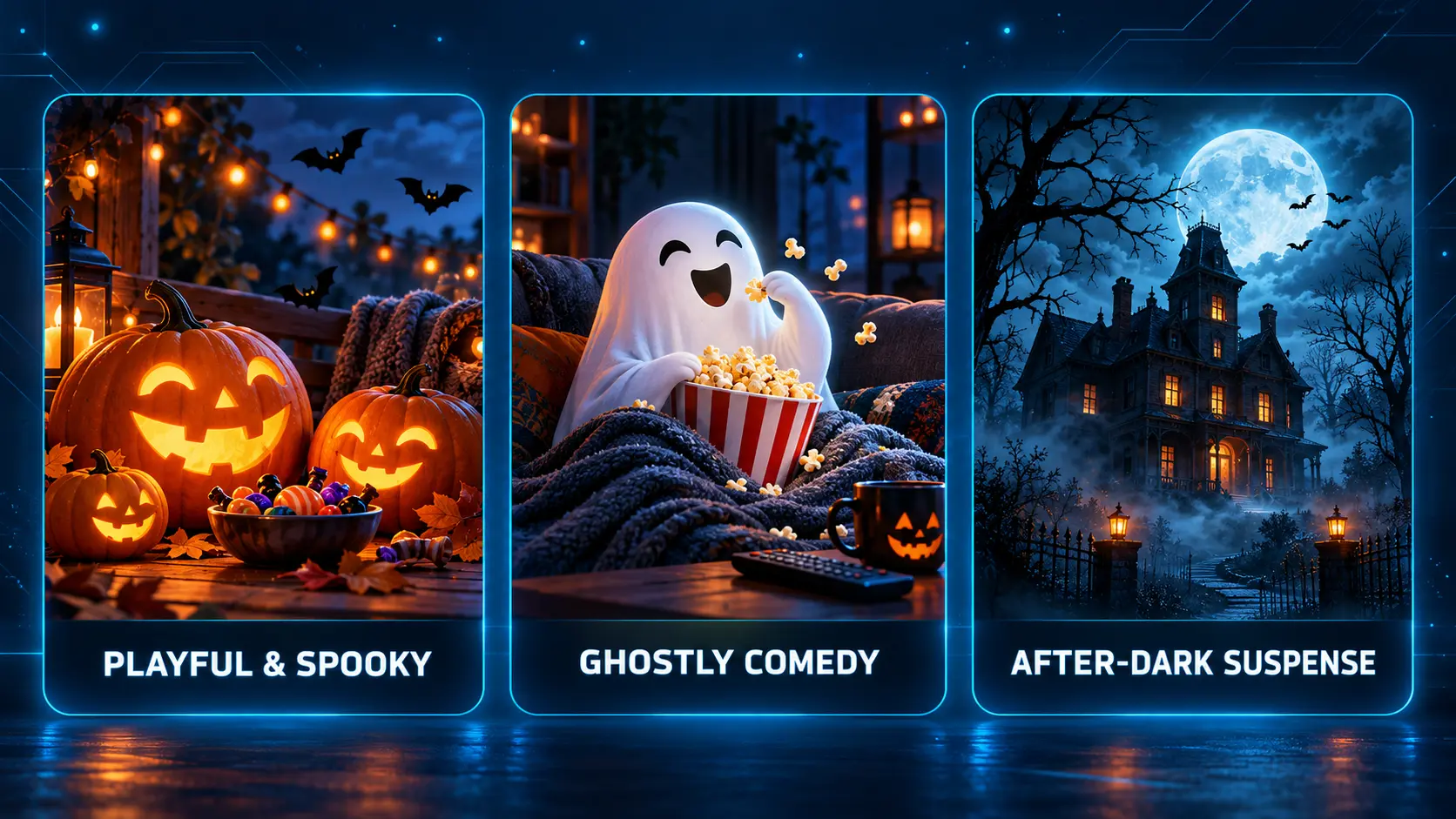
Start with the kind of Halloween you want
Before choosing a film, choose the mood. “Halloween movie” can mean a playful musical, a ghost comedy, a mystery or an intense horror film. A group that agrees on the mood will usually find a title more easily.
| Your evening | A good direction | The atmosphere to create |
|---|---|---|
| Family night | A film suitable for the children attending | Early start, soft lighting and familiar snacks |
| Friends visiting | A supernatural comedy or agreed-on horror choice | Shared snacks and a relaxed intermission |
| A quiet night for two | A favorite seasonal film or suspense story | Blankets, warm drinks and fewer distractions |
| A double feature | Two films with a clear theme | A proper break and a comfortable finishing time |
For children, check the rating and content information rather than relying on a friendly-looking poster. For a mixed group, ask how much fright everyone enjoys. Choosing something people feel comfortable watching is more useful than picking the scariest title you can find.
If trick-or-treating is part of the evening, leave room for it. A family film after the costumes come off may be more enjoyable than trying to follow the opening scenes while answering the door.
Give younger viewers their own part of the evening
If several generations are watching, agree on an early family slot and a later adults’ choice. That lets the evening change naturally without asking children to sit through something uncomfortable or asking everyone else to stay with one mood all night.
Let younger guests help choose between two suitable films, decorate their popcorn bowls or pick the blankets. These small decisions make them part of the occasion without turning the movie selection into a long debate.
Keep a quieter alternative nearby, such as coloring pages or a familiar book, for anyone who wants a break. A successful family movie night does not require every person to watch every minute. It works better when people can settle in, step away and return comfortably.
Choose a short movie list before guests arrive
Pick one main film and one backup. That gives people a choice without creating an endless browsing session. For a longer evening, agree on the second film in advance too.
Here are three seasonal starting points, with links to the studios’ film pages:
- The Nightmare Before Christmas: A musical, animated Halloween atmosphere for viewers who prefer stylized fantasy to a conventional horror story.
- Hocus Pocus: A witches-and-comedy theme that pairs naturally with playful decorations and a nostalgic evening.
- Ghostbusters: A supernatural-comedy direction for a group that wants ghosts and laughs together.
These are movie-night ideas, not a list of titles guaranteed to be available in SuperBox apps. Check the exact film, year, language and current viewing source before planning around it. Paid services, rentals and device support have their own requirements.
You can also build a theme without a famous franchise: haunted houses, friendly monsters, supernatural mysteries or classic black-and-white scares. A theme makes decorations and snacks feel connected without requiring everything to match perfectly.
If your friends enjoy suspense, let the first film establish the mood. If they mostly want to catch up and laugh, a familiar movie may work better than a story that demands complete silence.
Give the room a cozy cinema feeling
A home theater does not have to look like a commercial cinema. For Halloween, a comfortable living room often feels more inviting than rows of seats and complete darkness.
Start with the seats people will actually use. Check that everyone can see the screen without turning sideways, then bring in cushions or move a chair before the evening begins. Keep an easy route to the doorway so guests are not stepping over bags and blankets.
Use warm light around the screen
A table lamp, soft string lights or battery-powered pumpkin lights can create the mood. Place them where they add a glow without shining directly into the screen or the viewers’ eyes.
Dark scenes can be difficult to follow when a bright lamp reflects across the television. Sit in each main seat for a moment and check the reflection. Moving one lamp may improve the picture more than changing several television settings.
You can keep a little light near the snacks and the route out of the room. The evening can feel atmospheric without making it awkward to find a drink or leave the sofa.
Make a few decorations count
Choose one or two focal points: a pumpkin beside the snack table, paper bats on a nearby wall or a dark throw over the sofa. Leave the television area uncluttered so decorations do not block the picture or crowd the equipment.
Blankets in orange, charcoal or deep green can give the room a seasonal feel while still being useful. If you already own cozy throws and cushions, use them. The room should feel ready for people, not ready for a decorating competition.
Prepare the picture and sound before the first film
Use a short test scene before guests arrive. Check that you can hear quiet conversation as well as louder moments. If dialogue is difficult to understand, try the television or soundbar’s available dialogue setting and compare the result.
A soundbar is optional. Clear TV speakers at a comfortable volume can be enough for a small gathering. Choose a level that works for the room rather than turning everything up to make the evening feel more cinematic.
For the picture, use an output setting compatible with your television. SuperBox S8 supports 4K playback with appropriate content and equipment, but a usable HD television can still host an enjoyable movie night. You do not need to buy a new screen for one evening.
Our TV box resolution guide can help with display choices. If you are deciding whether to use a television’s own apps or a separate box, see the streaming box versus Smart TV comparison.
Check captions too if anyone prefers them. A quick adjustment before the film starts is easier than trying to find the right menu during an important scene.
If you have several seats across a wide room, test a quiet scene from the seats at the sides as well as the sofa. Someone may hear the music clearly but struggle with dialogue. Moving a chair closer or enabling available captions can be more useful than raising the volume for everyone.
Avoid making several picture and audio changes together. Change one setting, replay the same short scene and decide whether it helped. Once the room looks and sounds comfortable, leave the settings alone and enjoy the evening.
Get your SuperBox S8 ready while the room is still quiet
For a new S8, complete the initial setup before Halloween evening. Connect it to a compatible HDMI input, use the correct power supply and select that input on the television. Our S8 Max setup guide walks through the connection process.
Connect the box to Wi-Fi or Ethernet and test ordinary playback. S8 provides both connection options; the useful choice is the one that works reliably where your television stands. Follow the S8 internet setup guide if needed.
Next, install the supported apps you intend to use. A Home tile does not necessarily mean the app is already installed. Our Blue TV, Blue VOD and Playback installation guide explains the process.
For on-demand browsing, use the Blue VOD guide. For live-channel browsing before or after the film, see the Blue TV guide. Confirm the content you plan to watch rather than leaving that search until everyone is seated.
Keep the evening’s apps close at hand
Put the installed apps you use most often in the S8 Home shortcut row. You can also assign apps to remote number keys through FN Quick Access and open them from Home.
That can make the evening easier for someone who wants a few familiar choices. The S8 shortcut and number-key guide shows the exact steps. Test the shortcut once, then leave it ready.
If the remote is not responding normally, work through the S8 pairing guide before guests arrive. A small amount of preparation keeps the opening of the evening relaxed.
Keep the snacks easy and the schedule flexible
Pick food you can prepare before the movie. Popcorn, small pretzels, fruit and a simple sweet treat are enough to make the night feel special. Individual bowls can be easier than passing a large tray across everyone’s view.
For a Halloween touch, add a few playful labels: “Witch’s Popcorn,” “Monster Mix” or “Pumpkin Patch Treats.” You do not need a complicated recipe for every item. Check guests’ dietary needs when planning what to serve.
Keep drinks on stable side tables and put napkins where people can reach them. That lets everyone settle in rather than repeatedly leaving the room. If you are serving something warm, make it during the break instead of missing the opening scene.
A simple evening could look like this:
| Part of the evening | What to do |
|---|---|
| Before guests arrive | Test the movie source, picture, sound and remote |
| Arrival | Drinks, snacks and a quick costume photo |
| First film | Settle in with the main choice already agreed |
| Intermission | Refill bowls, stretch and decide whether to continue |
| Optional second film | Choose the backup or finish while everyone is still comfortable |
You can plan a double feature without making the second film compulsory. Families with younger children may prefer one early movie. Friends can decide during the break whether they want another.
For Halloween night itself, plan around doorbell interruptions. You might start the main film after trick-or-treating slows down or choose an earlier familiar film while people are still coming and going.
Have a simple plan for interruptions
A doorbell, a spilled snack or a loading screen does not have to spoil the evening. Agree on a natural break between films, and know how the selected source handles pause before you begin. Live programming and on-demand movies may offer different controls.
Keep the TV and S8 remotes where the host can find them. A small tray beside the sofa works better than leaving them under a blanket or moving them between guests. If someone changes the television input accidentally, your streaming setup will still be on the HDMI input you selected during testing.
If a movie stops loading, check whether another program opens before changing settings. A problem affecting one title may need a different response from a connection issue affecting everything. Our SuperBox buffering guide provides a troubleshooting sequence if the problem continues.
Keep the backup movie ready as well. Switching to an already checked alternative can preserve the mood while you leave a longer investigation for another time.
Why SuperBox makes sense beyond Halloween night
The decorations come down, but the television stays in use. That is where a SuperBox purchase can have more value than something bought only for a seasonal party.
SuperBox offers access to 2,000+ live channels through Blue TV, plus a diverse range of movies, TV shows and other media through its supported apps. You can use the same home setup for a weekend film, regular television browsing and other household entertainment.
The included viewing apps do not require a separate monthly subscription. When their available programming fits what you watch, that can help reduce reliance on a larger cable bundle or subscriptions you rarely use. Internet and optional paid third-party services remain separate, and channel selection and catalogs can change by region and over time.
That makes S8 worth considering as an ongoing home entertainment purchase. Compare the subscriptions you would actually remove and the ones you would keep. Our cord-cutting guide helps you put those costs together.
You can keep the Halloween budget modest too. Start with decorations, cushions and serving bowls you already own, then spend on the few things the group will enjoy most. A streaming device is a longer-term purchase; the pumpkins and sweets are the seasonal extras.
If you are comparing S8 with an existing TV subscription, write down what would remain in your monthly budget after a switch. Include internet and any services you still want. That gives you a clearer reason to buy than expecting one movie night to justify the entire purchase.
For many buyers, S8 Max is a useful starting point with 64GB internal storage and the broader supported viewing features. S8 Ultra adds 128GB and an included backlit remote, an appealing convenience in a dim movie room. The Max remote is not backlit.
You can compare those models with S8 Pro and S8 Plus in our full S8 model guide. Choose for the rest of your viewing year as well as Halloween.
A few questions before your Halloween movie night
Do I need a new television to use SuperBox?
A compatible HDMI television can use SuperBox as an external streaming device. Check the television’s connections and supported settings before ordering. The box connects to the internet; the TV does not need to run the viewing apps itself.
Are the suggested Halloween films included with SuperBox?
The films above are inspiration, not confirmed S8 catalog listings. Check the specific title and current source before planning the evening. Paid services or rentals have their own access requirements.
Can I use SuperBox without a monthly subscription?
Its included viewing apps do not require a separate monthly subscription. You still need internet and must pay for any optional paid third-party services you choose. Available content can change.
Which S8 remote has illuminated buttons?
S8 Ultra includes a backlit remote in the current model comparison. Pro, Plus and Max do not include backlighting. If that matters for your room, check the actual model and package before buying.
Bring the cozy cinema feeling home
The most memorable Halloween movie nights usually come from a few thoughtful choices: a film people want to watch, a comfortable room and enough preparation to let the host enjoy it too. Your existing sofa and television can be the start of something special.
SuperBox TV Box Store is an authorized retailer serving customers in the US and Canada. Verify our status using SP20250414002 at the SuperBox authorization website. We provide S8 comparisons and practical setup guides to help you choose and get started.
If you are planning a Halloween movie night and considering S8 for year-round viewing, contact our team with your television model and questions. Review our return policy before ordering, then choose the setup that fits your home.
Put out the blankets, fill the popcorn bowls and have your first movie ready. Once everyone settles in, the evening can be about enjoying Halloween together.
The article was updated on:
