
Knowledge SuperBox
Halloween Gift Ideas for Movie Lovers: Why Consider SuperBox S8 Max?





Choose a Gift Around the Way They Watch
Movie lovers are often easy to shop for in theory and surprisingly difficult in practice. They may already own their favorite films, have strong opinions about speakers, or prefer choosing their own subscriptions.
Halloween gives you a useful starting point: give them something that makes staying in feel special. That might be a beautifully packaged film, a comfortable throw, or a practical upgrade to the television they already use.
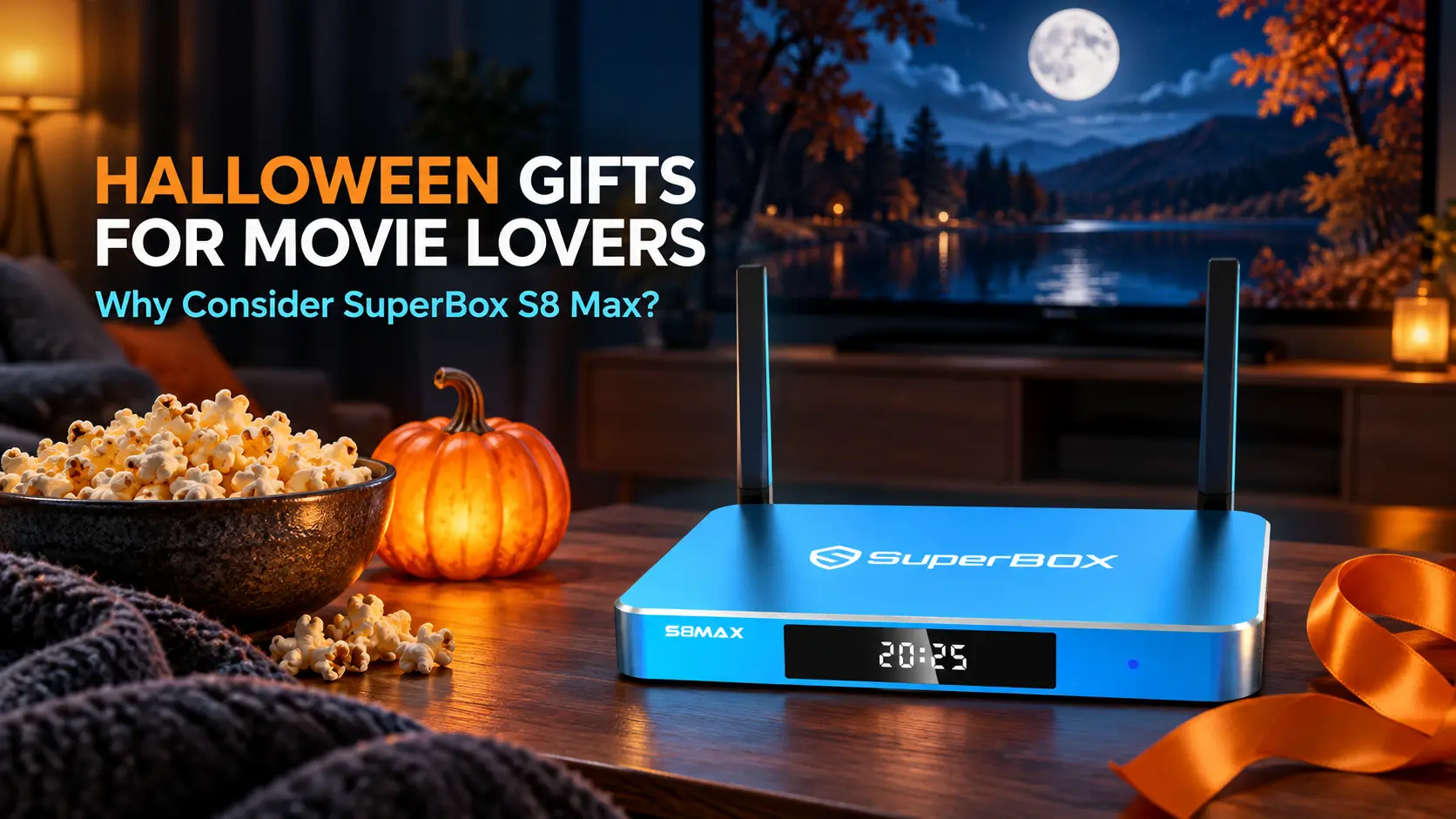
SuperBox S8 Max is worth considering when the gift is meant to improve everyday home entertainment, rather than serve as a decoration for one October evening. At a listed price of $399, it belongs in the larger-gift category. Its appeal is the combination of movie browsing, live viewing, and the newer S8 interface in one separate streaming box.
The right choice depends on what the recipient needs. Start there, and it becomes much easier to decide whether S8 Max, a smaller accessory, or a shared movie-night experience will mean the most.
Halloween Gift Ideas for Different Kinds of Movie Lovers
A good film-related gift solves a problem or reflects a personal interest. Someone collecting physical editions wants something different from a family making more use of its living room TV.
| Gift idea | Best suited to | What to check first |
|---|---|---|
| A favorite film on disc | Collectors who enjoy owning a particular edition | Disc format, region compatibility, and a suitable player |
| A popcorn and snack hamper | Hosts, couples, and casual movie fans | Dietary preferences and whether the packaging feels personal |
| A comfortable throw and cushions | Viewers who value a cozy evening | Their room style and preferred materials |
| A soundbar | Someone struggling with TV dialogue or thin sound | TV connections, available space, and the existing audio setup |
| A cinema outing or viewing credit | Someone who prefers choosing the film themselves | Local availability, redemption terms, and expiry dates |
| SuperBox S8 Max | A household wanting a separate streaming device for regular use | HDMI compatibility, internet access, preferred apps, and budget |
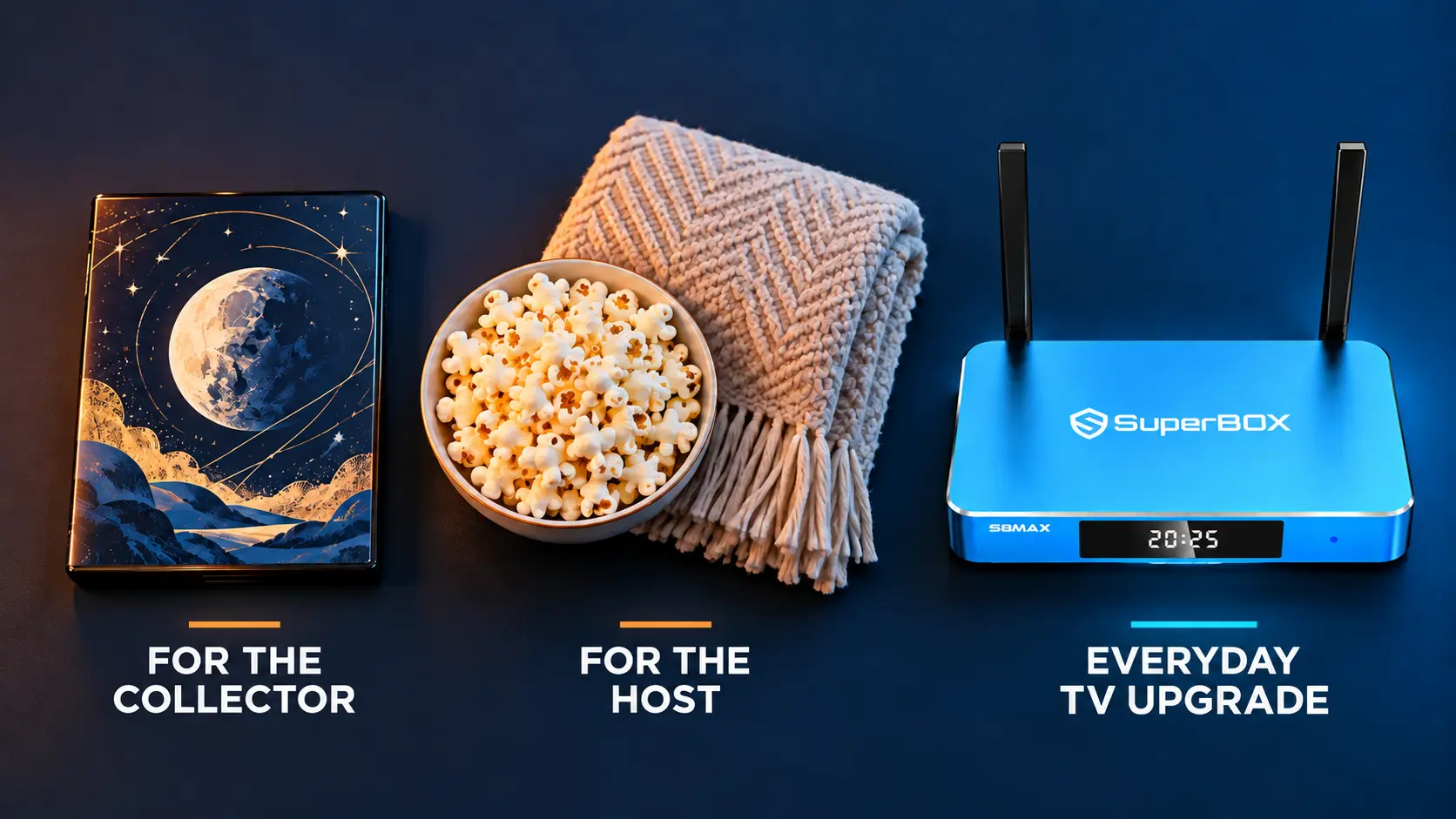
For the Collector
Choose a film or edition they genuinely care about. A familiar favorite with thoughtful packaging can be more personal than a random stack of horror titles. Check whether they already own it, and whether their player supports the format.
S8 Max serves a different purpose: it gives the television a dedicated device for compatible streaming apps. A collector may appreciate both, but a streaming box does not replace the pleasure of owning a favorite edition.
For the Person Who Hosts Movie Nights
A snack hamper, serving bowls, or a comfortable throw can make an immediate impression. If their bigger frustration is the television setup itself, a streaming device deserves a closer look.
Ask what happens before a movie starts. Are they happily opening an app, or borrowing a laptop and moving cables around? That answer tells you whether to spend on atmosphere or equipment.
For the Everyday Viewer
Some movie fans watch whenever they have a free evening rather than planning themed events. For them, a gift that stays useful throughout the week can have greater value than a seasonal novelty.
This is where S8 Max becomes interesting. It can be part of an ordinary TV routine as well as a Halloween film night, especially for a household that wants movies, series, and live viewing from the same connected setup.
Why SuperBox S8 Max Belongs on the Shortlist
The strongest reason to give a streaming box is that it fits the recipient’s habits. S8 Max offers several conveniences that make sense for someone who regularly watches at home.
A Separate Streaming Setup for an Existing TV
S8 Max connects to a compatible television through HDMI. The box handles the apps and internet connection, so the recipient does not need to replace an otherwise useful screen simply to add a separate streaming device.
This can be appealing for a bedroom TV, a family room, or an older HDMI television. Before buying, check the connections and where the box will sit. Our guide to streaming on a non-smart TV explains the basic arrangement.
For a household with a Smart TV, the question is whether a separate device offers something they will use. Our streaming box versus Smart TV comparison can help with that decision.
Movie Browsing That Suits Different Moods
A film lover does not always begin with an exact title. Sometimes the plan is simply “something funny,” “a mystery,” or “a movie we have not seen.”
Blue VOD provides on-demand browsing and search on the S8. Its menu includes Movies, TV Series, Favorite, and History, allowing viewers to explore listings, save interesting choices, and revisit recent activity. Our Blue VOD guide explains those controls.
For a gift, the useful touch is helping the recipient understand those few options. A short saved list is more inviting than being handed a remote and told to search through everything.
Check current availability before promising a particular Halloween film. A title’s presence, language options, and viewing source can change; a gift should not depend on an unverified catalog listing.
A Newer Home Interface With Useful Shortcuts
The S8 generation introduces a redesigned Home interface and customizable Quick Access. Frequently used apps can be kept close at hand instead of requiring the viewer to find them repeatedly.
That makes a thoughtful first setup part of the present. Install the apps the recipient wants and leave the most familiar choices easy to reach. The S8 shortcut and number-key guide covers personalization, including app assignments that open from Home.
Keep the layout simple. The goal is to make their preferred activity easier, whether that is browsing films or returning to a familiar series.
4K Playback and Flexible Internet Connections
S8 Max supports 4K playback and 6K decoding H.265 with suitable content and equipment, plus Wi-Fi 6 and Gigabit Ethernet connectivity. Those are useful capabilities for a home entertainment device, but the best setup still depends on the recipient’s TV and network.
You do not need to turn the gift into a lesson about specifications. Confirm that it works well in the actual room. A reliable connection and a comfortable picture are more meaningful than choosing settings solely because they have the highest numbers.
Our TV box resolution guide and S8 internet connection guide provide help if needed.
What Makes Max a Sensible Choice Within the S8 Series?
S8 Max sits between the basic storage configurations and the Ultra flagship. It has 4GB RAM and 64GB internal storage, with voice-command support and the broader supported Multi-Viewing tier.
The useful comparison is not simply “more expensive means better.” It is whether the extra features suit the person receiving the gift.
| Model | Internal storage | Included backlit remote | Gift-buying consideration |
|---|---|---|---|
| S8 Pro | 32GB | No | Consider for core viewing with a smaller app collection. |
| S8 Plus | 64GB | No | Consider when extra app storage matters without Max’s broader viewing tier. |
| S8 Max | 64GB | No | A balanced choice for movies and a household that also follows live programming. |
| S8 Ultra | 128GB | Yes | Consider when illuminated controls and more internal storage are priorities. |
Max and Ultra share full supported Multi-Viewing and the listed NFL app; Pro and Plus have PPV/ESPN Multi-Viewing instead. These are useful household extras, rather than reasons a movie itself will look better. See the full S8 model comparison for the complete differences.
For movie-focused buyers, Max’s appeal is its overall balance. It is not necessary to buy Ultra just to get the core movie-viewing apps. However, Max’s included remote is not backlit. If finding controls in a dark room matters, compare that detail before purchasing.
Think About the Value After Halloween
A streaming device is a larger purchase than a snack basket, so consider how often it will be used after October.
SuperBox promotes access to 2,000+ live channels and varied on-demand media through its viewing apps, without a separate monthly subscription for the included apps. That can appeal to a recipient who wants more entertainment options without adding another routine TV expense.
The savings depend on the household. Internet remains necessary, and optional paid services are separate. If they keep every existing subscription, buying a box does not automatically reduce their monthly spending. If the available programming replaces services they no longer need, it may help them simplify their TV budget.
Our cord-cutting guide is a useful next step for someone considering that change.
For a gift, avoid making financial decisions on the recipient’s behalf. Give them the device and the information to decide what they want to keep. The strongest value comes from regular use, not a promise that one purchase replaces every service.
Turn S8 Max Into a More Personal Gift
The SuperBox S8 Max can be the main present, while a few inexpensive additions make it feel connected to Halloween and to the person receiving it.
Build a Small Movie Night Package
Pair the box with popcorn, their favorite sweets, and a comfortable throw. Include a note suggesting an evening together rather than simply writing a list of technical features.
You could offer three themes to choose from: a playful monster night, a supernatural mystery, or an old favorite they already love. Let them choose the mood, then confirm a suitable viewing source.
For room ideas and planning the actual evening, see our Halloween movie night guide. That keeps the gift itself focused while giving the recipient inspiration for using it.
Include Help With the First Setup
For some people, the most valuable extra is having someone connect the device and explain the remote. Offer that help without assuming the box should be opened before it is gifted.
If the recipient wants an untouched package, include a small “setup together” invitation. If they prefer a ready-to-use gift, agree on the arrangement first and keep the packaging and accessories together.
A present feels more thoughtful when the recipient can enjoy it without an unexpected evening of troubleshooting.
Check These Details Before Ordering
A quick conversation can prevent a well-meant technology gift from becoming a duplicate or an awkward fit.
- The television: Confirm a compatible HDMI input and somewhere suitable for the box.
- The connection: Make sure internet is available where the television stands.
- Existing equipment: Ask whether the recipient already has a streaming setup they enjoy.
- Viewing preferences: Check must-have films, language options, or services before promising access.
- Delivery and returns: Confirm current stock, delivery expectations, and the applicable gift return arrangements before buying for a particular date.
The S8 Max setup guide covers connecting the supplied equipment, selecting the TV input, joining the network, pairing the remote, and installing apps. Use the app installation guide if the recipient needs help getting started.
Test a real program after setup. Confirm the picture, sound, remote, and preferred app before considering the gift ready. Keep the order confirmation available if help is needed later.
Frequently Asked Questions
Is SuperBox S8 Max a Good Halloween Gift for Movie Lovers?
Yes. It is worth considering for someone who regularly watches at home and would use a separate streaming device. Check their TV, internet connection, and preferred viewing sources first. For a collector wanting one specific film edition, a physical movie may be the more personal choice.
How Much Does SuperBox S8 Max Cost?
SuperBox TV Box Store lists S8 Max at $399 when checked for this article. Review the current product page and checkout total before ordering, particularly if delivery timing is important for your gift.
Does the Recipient Need a Smart TV?
No. A compatible HDMI television can use S8 Max as an external streaming device. The box connects to the internet and runs its compatible apps. Check the TV’s connections before buying.
Does S8 Max Include a Backlit Remote?
No. Max includes voice-command support without a backlit remote. S8 Ultra is the model listed with included remote backlighting. That difference may matter for a recipient who often watches in a dim room.
Can S8 Max Record to Its 64GB Internal Storage?
The S8 recording feature requires a connected USB storage device. You manually press Start and Stop, and the recording is saved to USB rather than the box’s internal 64GB storage. See our S8 Recorder guide for instructions.
Should I Set Up the Gift Before Giving It?
Ask the recipient or choose the approach that suits them. Some people enjoy unboxing a new device themselves; others appreciate help connecting it. Offering to set it up together is a useful compromise that keeps the gift personal.
Buy Your Gift From SuperBox TV Box Store
A good technology gift comes with a clear place to turn for purchase questions and setup guidance.
SuperBox TV Box Store is an authorized retailer serving the US and Canada. You can verify our retailer authorization using SP20250414002 on the SuperBox authorization website. Our S8 guides help you compare models and prepare the device for everyday use.
Choose the SuperBox S8 Max if its features match the recipient’s habits, and contact our team with compatibility or order questions before purchasing. Review the return policy and current delivery information if you are buying for Halloween.
Add their favorite snacks, leave a thoughtful
The article was updated on:
