October 17 Update: Due to high demand, the SuperBox S8 Ultra is temporarily out of stock. Expected to be back in stock in approximately 5 days! Dismiss
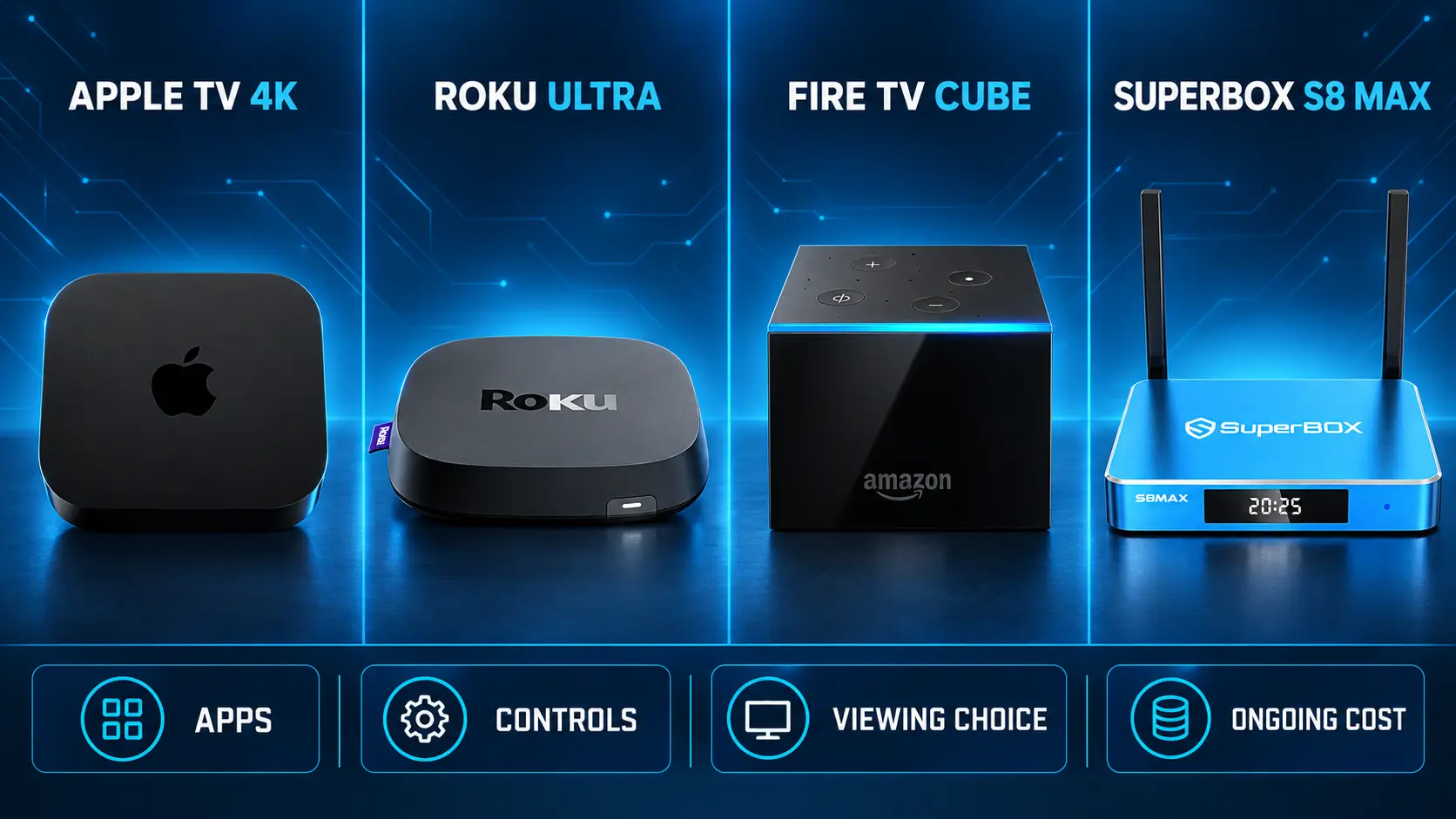
Compare viewing sources, everyday controls and ongoing costs across four streaming boxes.
The best set-top boxes for cooking shows at a glance
Cooking television is easy to get drawn into. One evening you are following a baking competition; the next, a chef’s market visit has you planning something different for dinner. A good set-top box makes that entertainment comfortable to watch on the TV you already own.
The right choice depends on how you watch. Some people want a few familiar subscription apps. Others prefer browsing live channels, discovering food programs and having movies or sports available for the rest of the household. Those are different reasons to buy, and they lead to different recommendations.
For 2026, our shortlist is Roku Ultra, Apple TV 4K, Amazon Fire TV Cube and SuperBox S8. Each has a clear place. Below, we compare what they offer, where their strengths matter and which type of food-loving household they suit.
Set-top box
Strongest reason to consider it
Best fit
Roku Ultra
Remote convenience and free/paid streaming choices
Viewers who want to build their own app selection
Apple TV 4K
Apple’s app platform and premium playback features
Households comfortable with Apple devices and chosen subscriptions
Fire TV Cube
Hands-free Alexa control
Viewers who value voice interaction alongside their apps
SuperBox S8
Broad live/on-demand entertainment and manual USB recording
Households looking beyond one cooking app and reviewing recurring TV costs
A device and a viewing subscription are separate purchases. Confirm your favorite programs and regional availability before choosing a box. No hardware purchase guarantees every chef, season or festival broadcast.
1 Roku Ultra for viewers who want convenient app-based television
Roku Ultra is worth considering if you enjoy choosing your own mix of free channels and paid services. Its current product information lists 4K, Dolby Vision and HDR10+ playback, Wi-Fi 6, Ethernet and a rechargeable Voice Remote Pro with illuminated buttons.
For someone watching food-travel programs after dinner, the remote is a practical attraction. Backlit buttons help in a dim room, and the remote finder may save a search between the sofa cushions. Wired networking is another useful option when the TV is some distance from a reliable Wi-Fi signal.
The purchase decision should still begin with your viewing services. Check the apps available in your country, then look for the exact cooking series or broadcaster you use. A free themed channel is good for browsing; a particular episode may need a paid service.
Choose Roku Ultra if you want a remote-focused setup and prefer to select services individually. Count those subscriptions in the budget. Its hardware features do not include every paid program, and local media playback through USB is different from a universal recording function.
2 Apple TV 4K for an Apple-based entertainment setup
Apple TV 4K is a strong candidate for households that already like Apple’s approach and want a dedicated television device for their chosen apps. Apple’s current specifications list 128GB capacity, Gigabit Ethernet, a Siri Remote and support for compatible 4K video formats.
For food programming, its appeal is the overall viewing setup rather than a special cooking feature. Find your service, open the episode and use the controls available within that app. Caption and accessibility options are also worth considering if you find small text or spoken instructions difficult to follow.
This is a sensible route when you know where your favorite programs are available and are comfortable maintaining the relevant accounts. It is less compelling to pay for a new device simply because one chef’s video looks attractive in a demonstration.
Choose Apple TV 4K when the Apple platform and your preferred apps fit the household. Compare the hardware cost with the subscriptions you will use regularly. You do not need to fill the device with extra paid services to justify owning it.
3 Amazon Fire TV Cube for voice control around the room
Fire TV Cube is the most obvious option here for someone specifically interested in Alexa-based control. Amazon’s third-generation Cube documentation describes hands-free interaction, Wi-Fi 6E and an HDMI input for compatible equipment.
Voice control can be convenient when you want to open an app or search without reaching for the remote. However, opening a service and controlling a particular video are separate actions. Test the commands supported by the apps you intend to use.
For a household that already uses Alexa, the Cube may fit naturally into the room. For someone who mainly wants to select a channel and watch, its extra control features may be less important than the available programming and final cost.
Choose Fire TV Cube if hands-free interaction is a feature you will use often. Check the exact generation being sold; older Cube models have different specifications. Keep ordinary remote controls available for tasks that are easier to complete with buttons.
4 SuperBox S8 for a wider mix of live TV and on-demand entertainment
SuperBox S8 takes a different approach to the home viewing routine. Its dedicated apps include Blue TV for live programming, Blue VOD for on-demand entertainment and Playback for eligible previously available programs. That mix is relevant when food shows are one part of what the household watches.
The S8 Max combines 4GB RAM and 64GB internal storage with Wi-Fi 6 and Gigabit Ethernet. It supports 4K playback, while its H.265 decoding capability extends up to 6K; that decoding specification is separate from display output.
The S8 generation also introduces an updated interface, built-in manual recording and supported Picture-in-Picture/Multi-Screen features. These give it more flexibility than a device selected purely to open one cooking subscription. Their usefulness depends on your habits: a full-screen lesson is usually easier to follow, while a shared household may value the broader viewing tools.
What manual recording means for a cooking demonstration
Connect a compatible USB storage device, manually start the recording and stop it when you are finished. Files save directly to the connected USB drive, not the S8’s internal memory. Scheduled future recording is under development.
This can be useful when you want to capture content displayed by the S8 and revisit it later. The S8 Recorder guide explains the workflow.
Playback is separate again: it provides access to eligible previously available programs within the supported window. Our Playback guide explains how that differs from keeping your own USB recording.
Which S8 model belongs on your shortlist?
All four S8 models list 4GB RAM, voice command and built-in recording. Their internal storage, viewing features and supplied remotes differ.
More internal storage and an included backlit remote
Pro and Plus list PPV/ESPN Multi-Viewing; Max and Ultra list full supported channels. For details, use the complete S8 comparison. The USB drive determines recording capacity, so choosing Ultra’s larger internal memory does not create more recording space.
What food fans should look for before buying
The right programs and usable playback controls
Write down three must-have shows or channels. Check their current viewing sources, including whether the season you want is available in your country. This prevents buying a box around a program that has moved or is available only through another service.
Then consider how you watch. A baking competition is entertainment you might enjoy continuously. A detailed lesson may need pause, replay and readable captions. Test those functions within the actual app; they depend on the source, not simply the name printed on the streaming box.
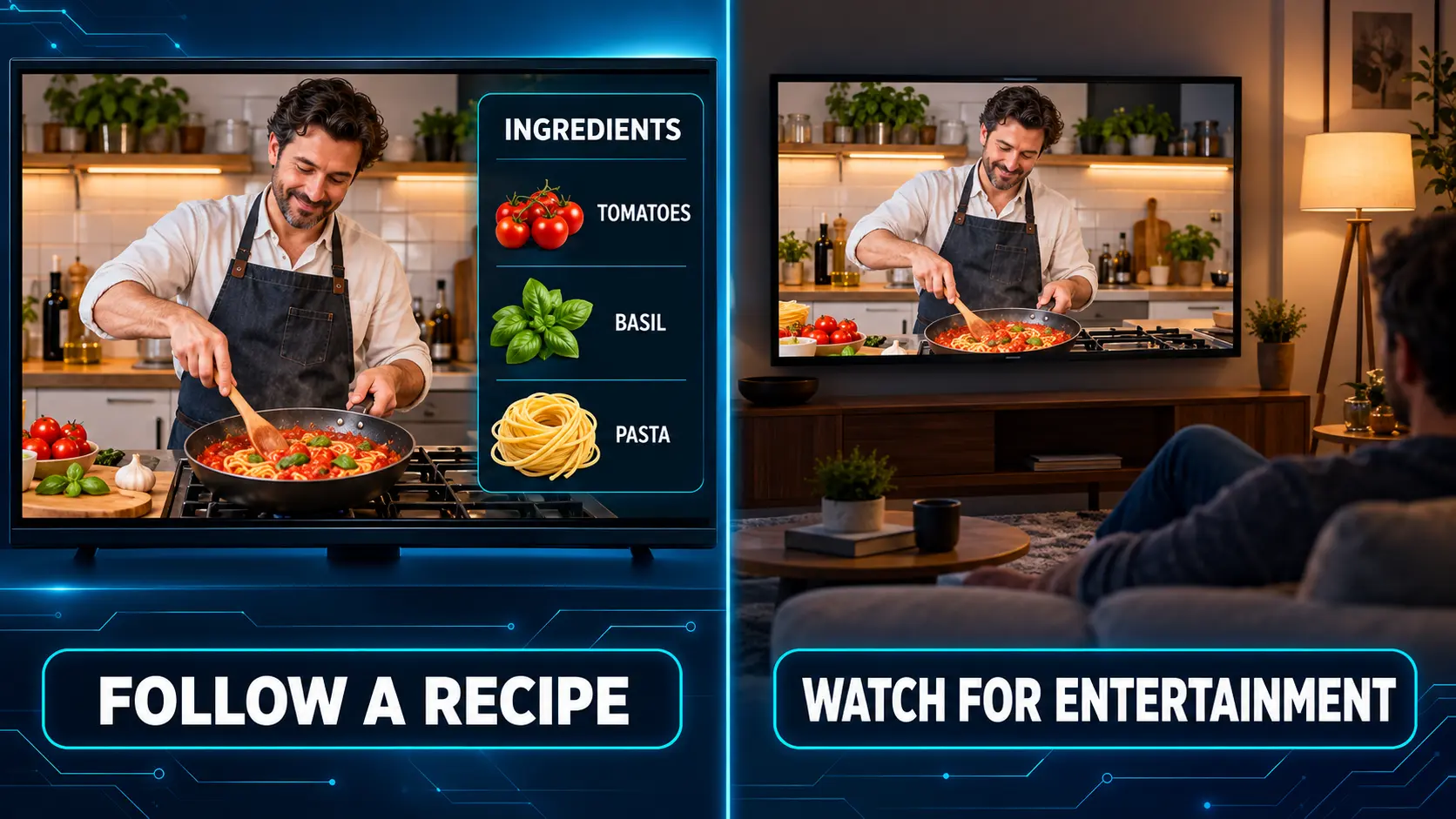
This is also where a written recipe helps. A video can show a technique clearly, while a separate ingredient list makes quantities easier to check without repeatedly stopping the program.
A clear picture and a stable connection
A compatible 4K television and suitable content can make food close-ups look excellent. However, readable text and steady playback matter more than chasing the largest resolution label. A good HD demonstration can still be useful and enjoyable.
Place the screen where you can see captions and instructions comfortably. If the picture is cropped or stretched, check the TV and device settings. Our resolution guide explains the main choices.
Test the network where you will actually watch. A dining area may have different Wi-Fi reception from the living room. If a wired connection is practical, compare it with your wireless result before paying for a faster internet plan. No box can fix every weak connection or unavailable stream.
A remote the household feels comfortable using
A feature can sound convenient and still be awkward for the person using it daily. Ask that person to open a program, adjust the volume and get back to the main screen without help.
For some viewers, voice search is useful. Others prefer visible app icons or a few familiar number shortcuts. Choose the approach that feels comfortable, rather than assuming everyone wants the most elaborate control system.
The S8 Home shortcut and number-key guide shows how its app shortcuts work. Number assignments open apps from Home; they are different from channel-number entry inside a live-TV app.
A box that fits the room where you watch
The best position for the television is not always the best position for a streaming box. Keep equipment dry, ventilated and away from the stove or sink. Leave the cables accessible enough to check a loose connection without moving hot pans or stretching across a counter.
If you watch from a dining table, check the picture and captions from that seat before buying a larger display. Improving the viewing angle may help more than changing the streaming device. Clear speech also matters: turn on a sample program and see whether normal conversation or kitchen noise makes the instructions difficult to hear.
Compare what is included in the actual package. A remote, HDMI cable or required accessory can affect the convenience of the first setup.
Choose controls and viewing sources that match how you watch: learning a technique and enjoying a competition are different needs.
Where to watch cooking shows and food festival coverage
A streaming box is the viewing equipment. The broadcaster, app or event organizer determines what is available. There are several useful starting points for food programming.
PBS Food brings together recipes, cooking programs and food-culture stories. PBS explains that many videos can be watched free, while some require the Passport membership benefit. Regional access conditions also apply.
Tastemade offers free streaming channels through Live Now in its viewing apps. Full on-demand, ad-free access is a separate membership. That makes it useful to distinguish relaxed channel browsing from selecting a particular episode.
Paid entertainment libraries are another route. For example, HBO Max lists select Food Network programming. Check the actual title and season before subscribing, and confirm the service supports your device. These examples are viewing sources to investigate, not a claim that every app works on every box.
Watching a food festival from home
For a specific festival, begin with the organizer’s current website or official social channels. Look for a broadcast partner, livestream link or published highlights. An in-person food event does not automatically offer continuous television coverage.
Confirm the viewing time and time zone, then test the official source before inviting people over. If only recorded highlights are available, you can still plan a themed evening around them without expecting a live broadcast.
The same approach works for chef demonstrations: find the official viewing source first, then confirm your equipment can open it. A more expensive box cannot create access to an event that has no stream.
Compare the full cost of your new TV setup
The device price is only the beginning of the budget. Add the services you would keep paying for, plus any cables or storage you need. Internet remains part of the cost of online viewing.
A hypothetical $150 device with $25 in monthly subscriptions costs $450 over the first year, before internet and other expenses. A hypothetical $400 device with no additional paid viewing subscriptions costs $400 over that period. The cheaper hardware does not necessarily produce the cheaper year—but the content must also meet your needs.
Before canceling cable or another subscription, try the proposed replacement. Check the food programs you want and the rest of the household’s regular viewing. Saving money is easier to maintain when nobody immediately needs to add several subscriptions back.
It also helps to separate permanent spending from seasonal choices. If you subscribe for one competition series, note the renewal date and review whether you still use the service after the season finishes. Keep a simple list of the accounts billed directly and those billed through another platform so the same household is not paying twice for overlapping access.
A short overlap while testing a replacement can be useful. What you want to avoid is months of paying for both the old setup and the new one simply because the cancellation was forgotten.
Our cord-cutting guide explains how to compare the services you can remove with the ones you would retain. If your television still works well, the Smart TV versus streaming box guide can also help you avoid an unnecessary screen replacement.
Frequently asked questions
What is the best set-top box for cooking channels?
Roku Ultra, Apple TV 4K and Fire TV Cube suit different app-based viewing preferences. SuperBox S8 is worth comparing when you want a broader live and on-demand entertainment setup. Confirm your favorite channels and programs before purchasing.
Can I watch cooking shows without cable?
Yes. Public television, food-focused streaming channels and paid entertainment services offer different options. The available titles, episodes and access requirements depend on your location and viewing platform.
Do I need a 4K TV for cooking programs?
No. A compatible HD setup can be sufficient. A 4K-capable device needs suitable content and a compatible display to deliver 4K viewing; it does not make every program 4K.
Can I record a show on SuperBox S8?
Yes, using its manual on-screen recording function with a compatible USB drive connected. Start and stop recording yourself. Files save to the USB drive, and scheduled future recording is not currently supported.
Does SuperBox require a monthly viewing subscription?
No. Its included viewing apps do not require a separate monthly subscription. You still pay for internet and any optional paid third-party services you choose. Check specific programming before replacing an existing subscription.
Our recommendation and why SuperBox S8 fits a food-loving household
Choose Roku Ultra if you like selecting free and paid apps around a convenient remote. Choose Apple TV 4K if Apple’s platform fits your existing preferences. Fire TV Cube makes the most sense when hands-free Alexa control is a meaningful part of the purchase.
For a household that wants cooking entertainment alongside a much wider viewing selection and fewer recurring TV subscriptions, SuperBox S8 is a compelling option. Its benefit extends beyond a single series or seasonal food festival.
S8 adds practical features to that value: an updated Home interface, app shortcuts, supported Multi-Viewing and manual USB recording. You can enjoy food programs, then switch to other entertainment without buying a different device for every interest. Follow the Blue TV guide and Blue VOD guide to learn the viewing controls.
SuperBox TV Box Store is an authorized retailer serving customers in the US and Canada. Verify our authorization using SP20250414002 at the SuperBox authorization website. We provide clear product comparisons and detailed setup guides to help you choose and use your S8.
If you want one setup for food programs and the rest of your family’s viewing, ask our team about the S8 lineup before ordering. Tell us your television model, location and must-have programs, and review our return policy. The right purchase starts with equipment that fits what you watch and a seller you can identify and contact afterward.
Rate this post
The article was updated on:
Views:53
Alex Vu
Alex Vu is a technology expert and the Founder of SuperBox TV Box Store, the leading retailer of authentic SuperBox S6, S7, and S8 series in the US and Canada. With over a decade of experience in the streaming industry, Alex has established himself as a premier authority on "cord-cutting" and smart home entertainment hardware.
Blending a background in IT with a deep passion for consumer advocacy, Alex employs a rigorous testing methodology to evaluate device performance. He has dedicated over 10,000 hours to stress-testing hardware—analyzing processing stability, thermal management, and firmware integrity—to ensure every product meets his strict standards for authenticity. His proprietary verification protocol serves as a shield for consumers against the rising market of counterfeit electronics.
Driven by the philosophy, "Authenticity in hardware, excellence in entertainment," Alex is committed to providing transparent, data-backed insights. Every guide and recommendation he authors is strictly objective, ensuring that SuperBox users avoid technological risks and invest in genuine, high-performance streaming solutions.
Connect with Alex Vu:Facebook | YouTube | LinkedIn | Instagram | Threads | Pinterest | Twitter