
Knowledge SuperBox
Is Gladiator II on Any Streaming Service? Where to Watch Now





Yes. Gladiator II is available on streaming services, including Netflix and Paramount+ in the United States. It is also available in Blue VOD on a compatible SuperBox, where you can watch without a separate movie rental charge or monthly Blue VOD subscription.
If you already subscribe to a service carrying the film, that may be the simplest way to watch tonight. If you own a compatible SuperBox, open Blue VOD before paying for a rental elsewhere.
The important distinction is how each option charges you. A subscription, a digital rental, and viewing through Blue VOD on hardware you own are different choices. Here is how to compare them and find the correct Gladiator II (2024) listing.
Availability checked November 4, 2026. The service comparison below focuses on US listings; Canadian viewers should check their local catalog before subscribing.
Where Gladiator II Is Streaming Now
| Viewing option | Current listing or confirmation | How you pay | What to check before watching |
|---|---|---|---|
| Netflix | US availability confirmed by Netflix | Netflix subscription | Whether the movie is in your country’s catalog |
| Paramount+ | Listed on the US service | Paramount+ subscription | Your local title listing and subscription |
| Prime Video | US offer includes rental, purchase, and a Paramount+ option | Pay for the selected offer | Whether you are renting, buying, or adding a subscription |
| Blue VOD on SuperBox | Movie confirmed in the app by SuperBox TV Box Store | Compatible hardware purchase; no separate monthly Blue VOD subscription or movie rental charge | Your device, app access, and current listing |
Netflix’s October 22, 2026 announcement says both Gladiator and Gladiator II are streaming on Netflix. That matters if you have read an older guide that lists only Paramount+.
The Paramount+ movie page also offers the sequel through its subscription service.
These options can coexist. A movie appearing on Netflix does not automatically mean it has disappeared from another platform, and a rental offer is not the same thing as inclusion in a subscription.
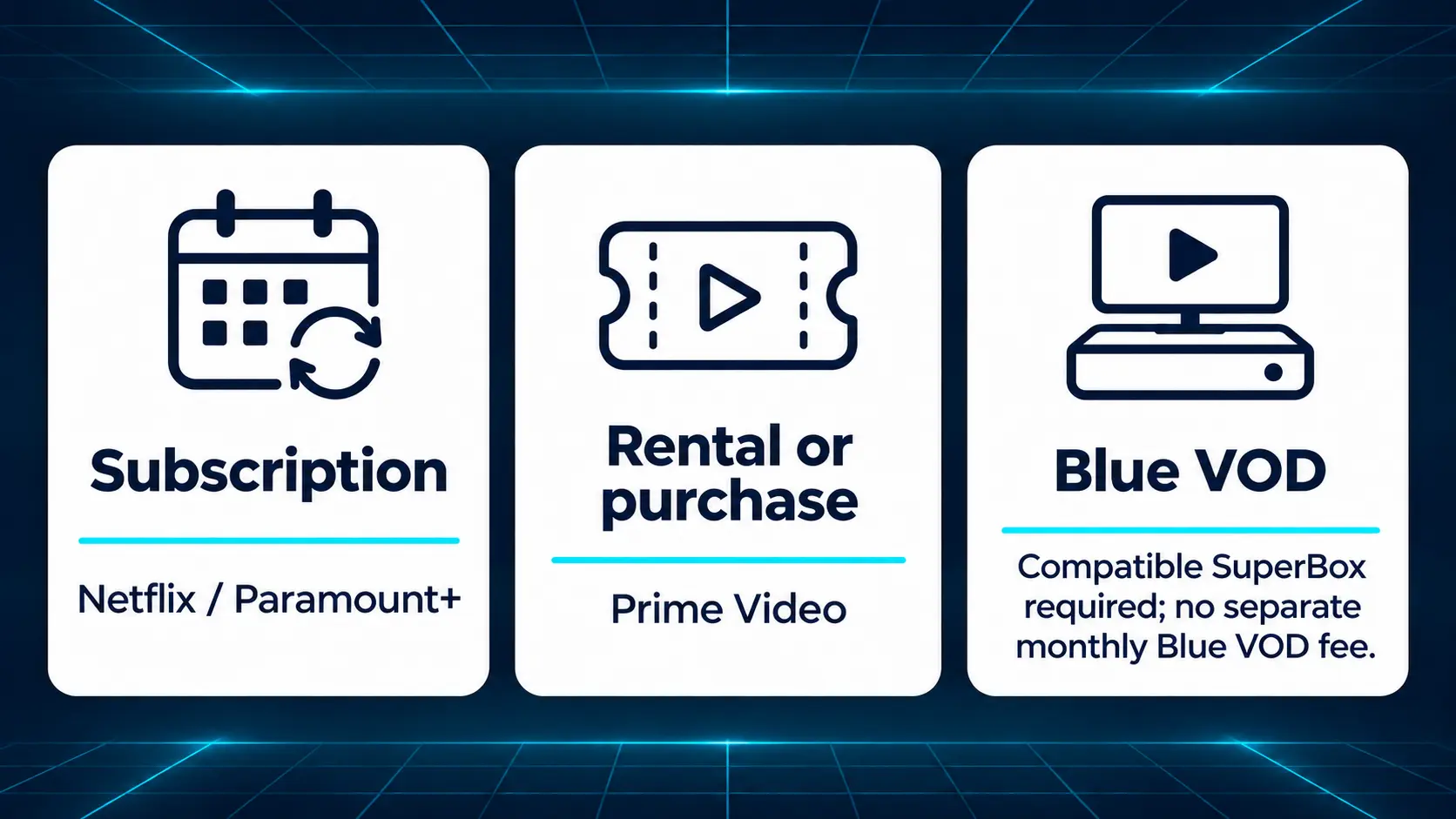
Choose the Option That Fits What You Already Have
If you already pay for Netflix or Paramount+
Look up the movie inside your existing account first. If it is included in your local catalog, you may be able to watch without adding another service or paying separately for the film.
A search result on the open web is a useful starting point, but the movie page inside your account should show the offer that applies to you. Check that page before subscribing solely for one title.
If you only want a digital rental
A rental can suit someone who wants this movie without starting another ongoing subscription.
The Prime Video listing presents several ways to watch. Read the specific offer you select. A Paramount+ channel option, a rental, and a purchase can appear around the same film.
Do not assume that seeing the movie inside Prime Video means it is included with your basic Prime membership. Follow the label on the offer rather than the app’s name.
Check the total and the viewing terms before confirming. There is no need to memorize a rental price from an article when your checkout screen can show the amount you will actually pay.
If you already own a SuperBox
Start with Blue VOD. Gladiator II is available there for free without a separate rental payment or monthly Blue VOD subscription on a compatible SuperBox.
This makes the existing box worth checking before spending elsewhere. You can search for the movie, open its details, and begin viewing through the app.
For a household that regularly watches movies, that benefit extends beyond one evening. The available Blue VOD library gives you other on-demand films and series to explore without treating every choice as another rental.
Watching From Canada or Another Country
Streaming catalogs differ by country, even when the service has the same name. A US Netflix announcement should not be treated as a promise that every Canadian account carries the same film.
Paramount+ originally announced a January 2025 launch for Gladiator II in both the US and Canada. For a Canadian subscription decision today, use the local service’s current search and movie listing before paying.
The same principle applies to digital stores: open the local offer and check its currency, account requirements, and viewing terms.
For SuperBox owners, search Blue VOD on the device you will use. That gives you the relevant app result for your own setup. You do not need to change your account country just because a guide mentions a different market.
Find Gladiator II in Blue VOD
Use your SuperBox remote once the television is displaying the box’s Home screen.
- Open Blue VOD. On S8, select VOD or its installed shortcut.
- Choose Search and enter Gladiator.
- Use Movies and Name for a movie-title search.
- Select Gladiator II (2024). Check the year and cast before opening it.
- Choose Watch now to begin.
A search for Gladiator avoids having to guess whether the app uses the number 2 or the Roman numeral II in its listing.
If Blue VOD is not visible on your S8 Home screen, follow the app installation and shortcut instructions. Installation and placing an app on Home are separate steps.
The Blue VOD search and player guide explains the broader interface if you are still getting familiar with the app.
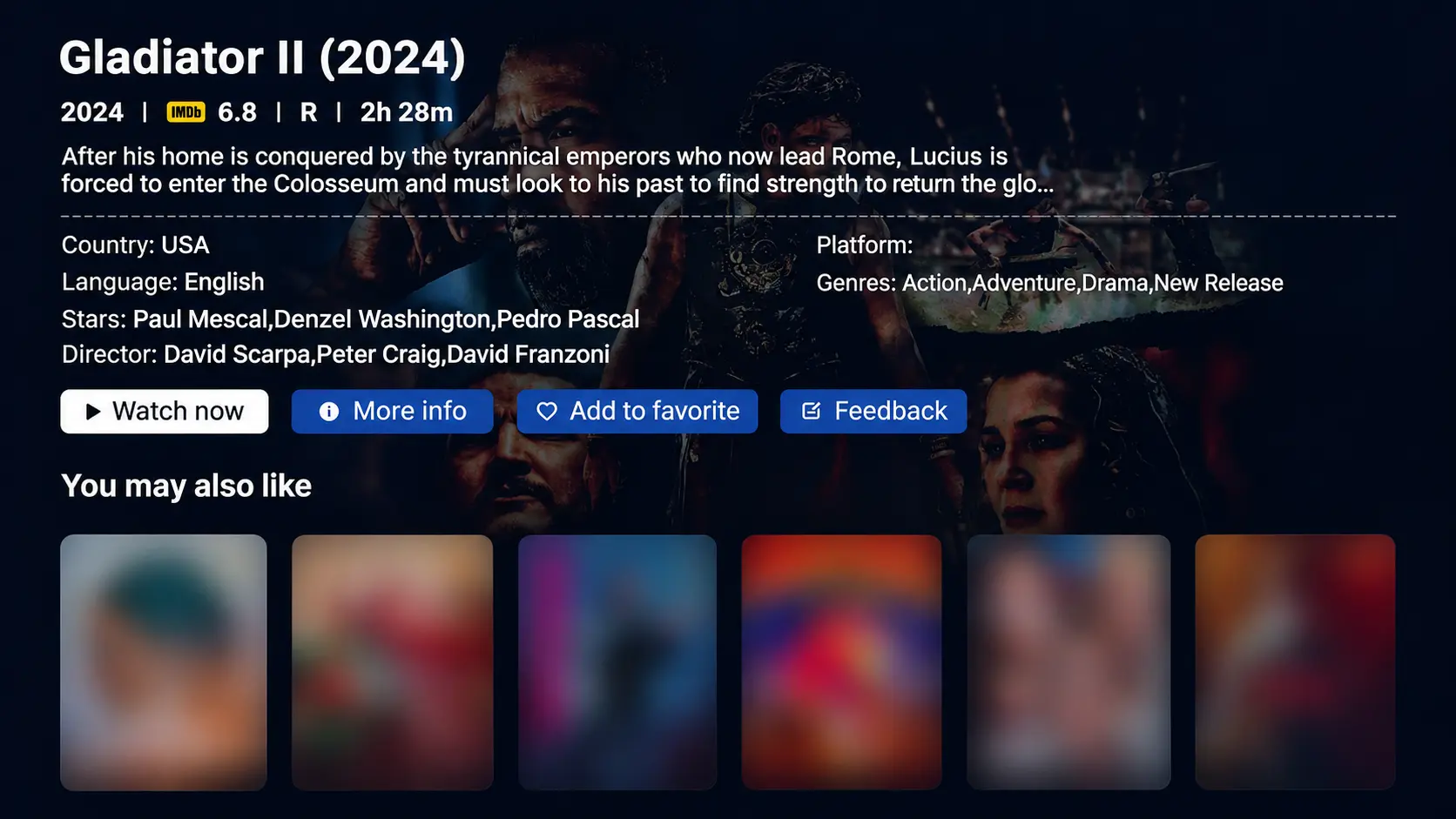
Confirm You Have the 2024 Sequel
The title Gladiator II refers to the 2024 film directed by Ridley Scott. “Gladiator 2” is another common way people search for it.
Paramount’s film page lists a runtime of 148 minutes, or 2 hours and 28 minutes, and a US R rating. The cast includes Paul Mescal, Pedro Pascal, Denzel Washington, and Connie Nielsen.
The story follows Lucius as he is forced into the arena amid conflict over Rome’s future. That is enough background to identify the film without reading a detailed plot summary.
The original Gladiator, released in 2000, is a different movie. If you want to watch it first, look for that title separately rather than assuming any result named Gladiator is the sequel.
Because the sequel is rated R for strong bloody violence, check who will be joining the evening before treating it as a family movie choice.
Why SuperBox Appeals to Regular Movie Viewers
One film can prompt the search, but a streaming device should make sense for the rest of your viewing as well.
SuperBox offers dedicated apps with different roles. Blue VOD provides on-demand movies and series, while Blue TV handles live television. That combination can suit a shared household with different viewing habits.
The core apps do not require separate monthly app subscriptions on a compatible SuperBox. The box is an upfront purchase, and you still need internet. Optional paid services such as Netflix and Paramount+ keep their own charges.
For a fuller budget comparison, separate the SuperBox purchase from recurring viewing costs. The useful question is which services you would actually replace and which you would keep.
S8 Max or S8 Ultra for a new setup
If you are buying your first box, the SuperBox S8 Max offers 4GB RAM, 64GB internal storage, WiFi 6, and Gigabit Ethernet. Consider it for regular movie and television viewing.
The S8 Ultra has 4GB RAM and 128GB storage, plus an included backlit voice remote. Illuminated buttons can be useful when watching with the room lights low.
Both support compatible 4K playback. The resolution of the movie you receive still depends on the actual stream and your display.
SuperBox TV Box Store is an authorized retailer serving the US and Canada. Ask through our website’s live chat if you want help choosing a model around your television, household, and budget.
Get Ready Before Starting a Long Movie
Allow enough time for a film running close to two and a half hours, plus any breaks your group wants. Starting earlier can make more sense than trying to finish when everyone is tired.
Check speech at a comfortable volume before settling in. If you already use a soundbar or receiver, make sure it is handling the sound as intended; the SuperBox audio connection guide covers common setups.
In Blue VOD, open the player’s gear icon and check Subtitle Tracks if captions would help. Choose from the options supplied with the video.
If the movie will not load, compare it with another title and write down the result. For purchases made directly through superboxtvboxstore.com, email customer@superboxtvboxstore.com with your model, app name, and the message on screen. We value your experience and can coordinate help for technical and order questions.
Frequently Asked Questions
Is Gladiator II on Netflix now
Yes, in the US. Netflix announced the film’s availability in October 2026. Check your local catalog because availability can differ outside the United States.
Is Gladiator II still on Paramount+
It is listed on the US Paramount+ service at the time of this update. A Paramount+ subscription is a separate paid viewing option.
Is Gladiator II free on SuperBox
Yes. It is available in Blue VOD on a compatible SuperBox without a separate movie rental charge or monthly Blue VOD subscription. The device purchase and internet service remain your costs.
Is Gladiator II included with Amazon Prime
Do not assume that from a Prime Video movie page. The US offer checked for this guide includes rental, purchase, and a Paramount+ channel option. Read the offer shown for your account.
Do I need an S8 Ultra to watch Gladiator II
No. Use Blue VOD on your compatible SuperBox. Ultra’s storage and backlit remote are model conveniences rather than requirements for this particular film.
Are Gladiator 2 and Gladiator II the same movie
Yes. Both names commonly refer to Ridley Scott’s 2024 sequel. Check the year and Paul Mescal’s name to distinguish it from the 2000 original.
Choose the viewing option you already have access to, confirm the correct movie, and check any charge before pressing play. For SuperBox owners, Blue VOD is the place to start.
The article was updated on:
