
Knowledge SuperBox
SuperBox S8 Ultra Deals: Is Now a Good Time to Buy?





If you are looking for a SuperBox S8 Ultra early bird deal, start by checking the current product listing and choosing the setup that fits your home. The S8 Ultra page lists the device at $449 USD, checked on November 3, 2026. If you have questions before ordering, our website live chat team can help you quickly confirm the model, availability and purchase details.
The next question is whether Ultra’s everyday benefits make it the right choice for you.
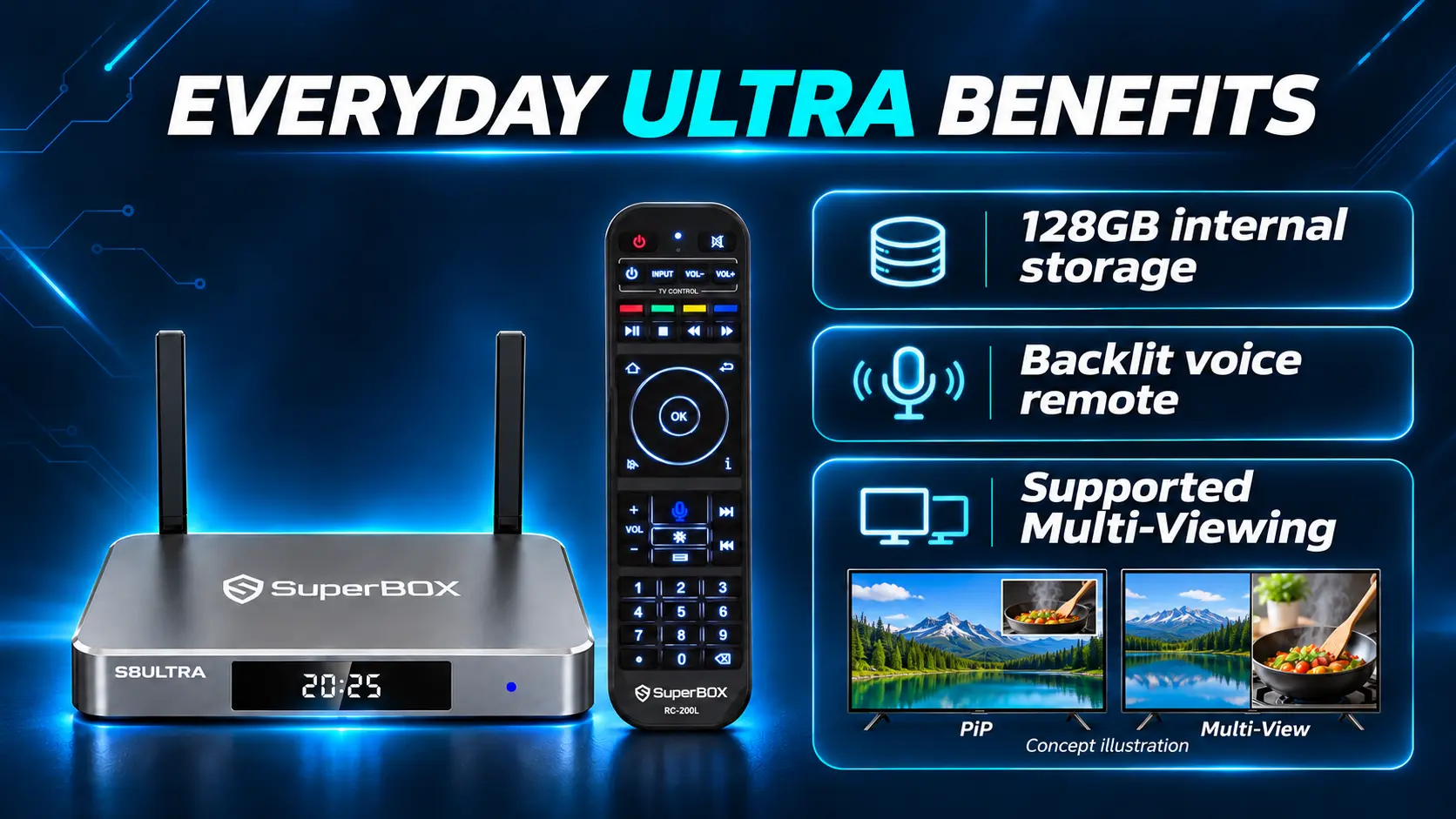
S8 Ultra brings together 128GB internal storage, a backlit voice remote, and the broader supported viewing features in the S8 range. For someone upgrading a frequently used television, those benefits can matter long after the launch period.
Here is how to assess the price, compare Ultra with Max, and buy with a clear understanding of the product and seller.
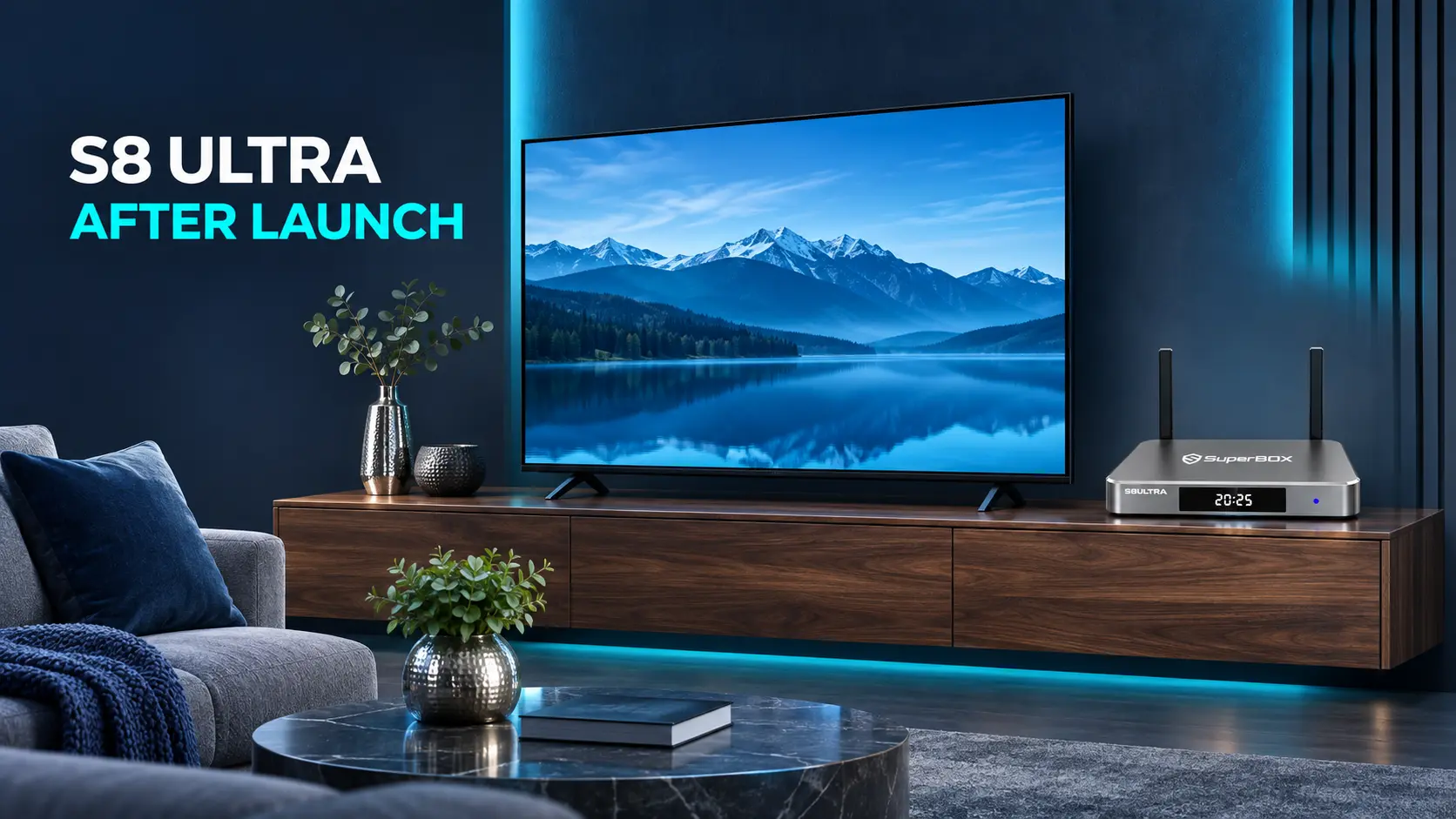
Start with the current S8 Ultra offer
Open the SuperBox S8 Ultra product listing to check the price, availability, and included items before ordering. Review the final order total for your delivery address.
Use the listed price as your starting point, then check the order total for your destination. If any purchase detail is unclear, ask our team before completing checkout.
When comparing sellers, make sure you are comparing the same model and package. A lower advertised number is less useful if the listing does not clearly explain what you receive, who handles support, or when the order can ship.
Write down the exact item name and the total you would pay. That gives you a concrete comparison instead of relying on a banner saying “deal.”
Choose Ultra when its configuration suits your viewing routine and budget. Understanding the product and purchase details makes that decision easier.
Where S8 Ultra earns its place in a home setup
A remote you can read in a dim room
The included backlit voice remote is one of Ultra’s most practical differences. If you often watch in the evening, illuminated buttons can make it easier to find a control without switching on a lamp.
Voice input also gives you another way to use supported search and navigation functions. Think about who will use the television every day: a small convenience repeated regularly can be more valuable than a feature you rarely open.
More room inside the box
Ultra has 128GB of internal storage. That provides space for compatible applications and local files, with some capacity used by the operating system.
The extra room is worth considering when you expect to keep a larger app collection. It does not increase your internet speed or expand the channel lineup by itself.
If a smaller selection of apps covers your needs, compare the lower-priced options before paying for unused capacity.
Flexible viewing for overlapping programs
S8 Ultra supports broader Multi-Viewing across supported channels. Picture-in-Picture keeps one channel prominent with a smaller secondary view; Multi-Screen gives two supported channels similar visual space.
That can be useful when two events overlap or you want to monitor another program without repeatedly switching away. The dedicated NFL app is also listed for Ultra, though individual programming should be checked rather than inferred from the app name.
For the actual layout controls, use the PiP and Multi-Screen instructions. This buying decision is about whether you want those functions in your routine.
Is Ultra worth the extra $50 over S8 Max
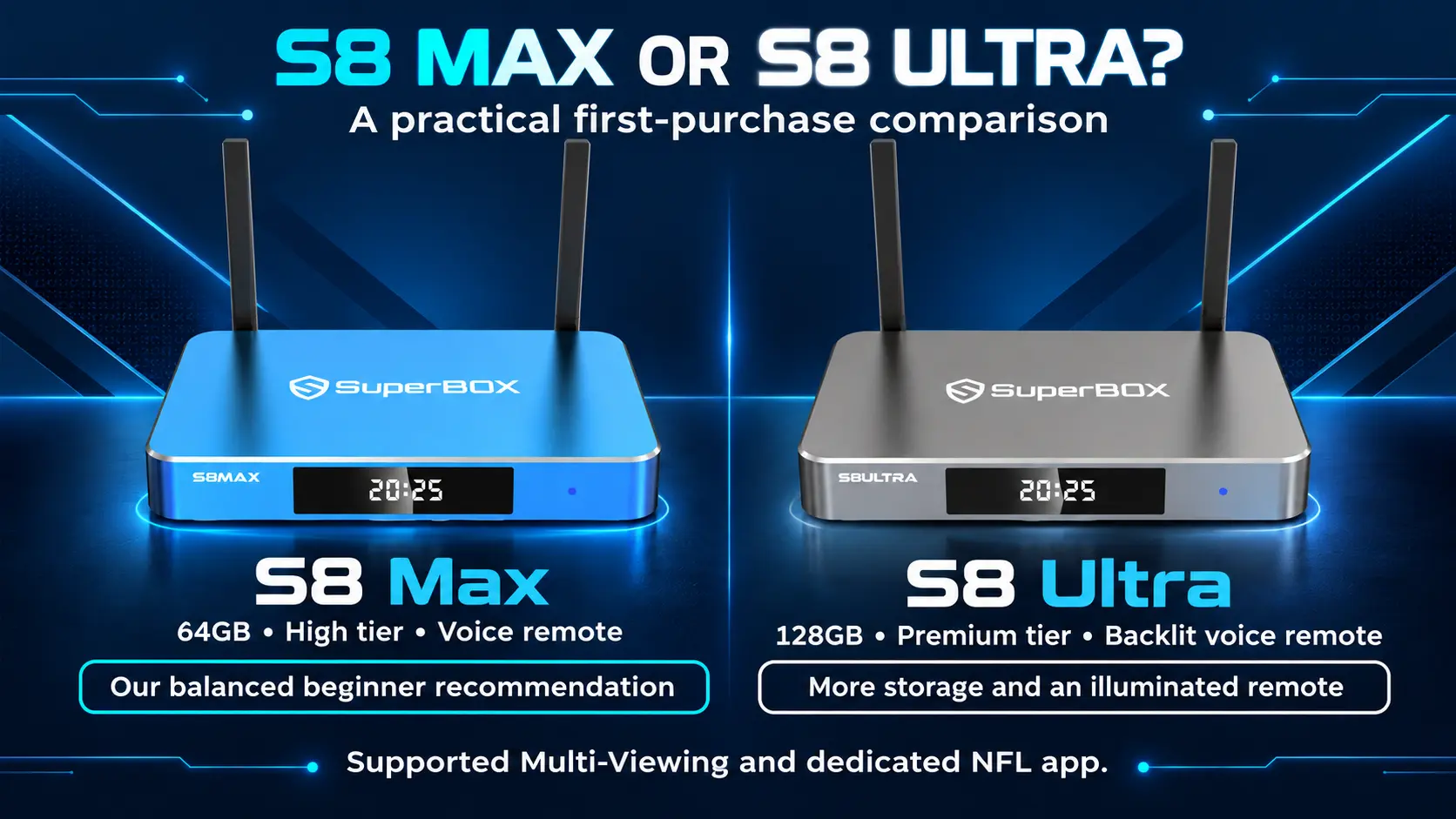
The closest alternative is SuperBox S8 Max, listed at $399 USD at the same check date.
| Buying detail | S8 Max | S8 Ultra |
|---|---|---|
| Listed hardware price | $399 | $449 |
| Internal storage | 64GB | 128GB |
| Included remote | Voice control, non-backlit | Voice control, backlit |
| Performance tier | High | Premium |
| Multi-Viewing scope | Full supported channels | Full supported channels |
| Dedicated NFL app | Listed | Listed |
Both list 4GB RAM, WiFi 6, and Gigabit Ethernet. Ultra is the Premium performance tier, while Max is High; those labels are not a measured loading-time percentage.
Choose Ultra when the added storage and illuminated remote have a clear purpose in your home. Choose Max when 64GB is enough and its standard voice remote suits you.
Max already reaches the broader supported Multi-Viewing tier. You do not need Ultra solely to get that scope.
The full Max-versus-Ultra comparison explores the differences. If your budget is lower still, the four-model S8 guide also covers Pro and Plus.
Consider the ongoing value alongside the purchase price
SuperBox’s appeal includes the dedicated entertainment apps available on compatible devices. Blue TV is advertised with 2,000+ live TV channels, while Blue VOD provides movies and series.
The core supported apps are free to use after purchasing compatible hardware. There is no separate monthly SuperBox equipment subscription from our store.
For a household reviewing cable expenses, that can make a one-time purchase attractive. The financial benefit depends on which existing charges you can remove after confirming that the new setup meets your needs.
Home internet remains necessary. Optional paid third-party services keep their own charges, and channel or title availability can change. Review the costs that remain after buying SuperBox before canceling a service.
Also separate internal storage from recording. S8 manual recording saves to connected external USB storage, so Ultra’s 128GB does not enlarge that recording drive. If recording is part of your plan, allow for suitable storage and follow the S8 Recorder guide.
A useful value check is simple: name the viewing benefit you want and the recurring expense, if any, that the purchase could reduce. Those are more meaningful than the presence of a coupon field.
Decide whether buying now makes sense for you
Buying now can be reasonable when your television setup needs an upgrade, Ultra’s features fit, and the current price is comfortable for your budget.
Before ordering, confirm three things: the programs you care about, the network connection where the box will sit, and the features that make Ultra preferable to Max.
If you already have a setup that does everything you need, take time to compare. There is no need to assume an unannounced sale will arrive or that the current price will expire on a particular date.
Availability belongs in the timing decision too. Check the product page when you are ready to pay, especially if you need the device for a gift or a planned occasion. If the status is unclear, ask the store about the exact model before ordering.
Allow time to connect the device and learn the controls after delivery. Our S8 Ultra setup walkthrough shows what that first session involves.
The best timing is when the product, budget, and delivery expectations align.
Buy from a retailer you can identify and contact
SuperBox is the product brand, and multiple retailers sell its devices. SuperBox TV Box Store is an authorized retailer serving the US and Canada.
Our authorization code is SP20250414002, which you can check at the SuperBox authorization website. Match the returned seller information with the business where you intend to order.
Have a question before you order? Message us through the live chat on our website. Our team responds quickly and can help you compare S8 models, check availability, and clarify delivery or checkout details.
For example, tell us: “I’m considering S8 Ultra for my living-room TV, and I’m ordering from [country]. Could you help me confirm the purchase details?” You do not need to place an order first to ask.
For technical or order questions about a purchase made directly from our store, you can also email customer@superboxtvboxstore.com.
Before checkout, review these practical details:
- Shipping: Our published policy provides free standard shipping in the US and Canada. Processing and transit are separate stages, and delivery estimates can vary.
- Warranty: Direct-store purchases have one year of coverage from delivery under the published warranty terms.
- Returns: Read the return conditions before ordering. Change-of-mind returns include customer-paid return shipping and a 10% restocking fee; confirmed defects follow a separate review process.
The shipping policy, warranty terms, and return conditions explain those details.
Save your order confirmation and check the exact model on it. A clear receipt and an identifiable support team make ownership easier after the initial purchase.
A final check before placing the order
You should be able to answer these questions without guessing:
- Am I ordering S8 Ultra rather than another S8 model?
- Will I use the 128GB capacity or backlit remote?
- Have I confirmed the viewing options that matter to my household?
- Does the final total fit my budget?
- Have I checked availability and the applicable delivery information?
- Do I know which retailer will support my order?
If you are still undecided about the second question, compare Max again. For a quick pre-purchase check, use our website live chat and tell us the model and delivery country so we can address the right point.
Once those checks are complete, you can make the purchase based on the device you want and the terms you understand.
Frequently asked questions
Can I ask about S8 Ultra before placing an order?
Yes. Use the live chat on our website to ask about the model, current product information and order details. Our team responds quickly and can help you make a clear decision before checkout. You can also review the S8 Ultra listing for the published price.
Is S8 Ultra still worth buying after the launch period?
It can be when its storage, illuminated remote, and supported viewing features fit your needs. The end of the launch period does not remove those benefits. Compare the purchase against your current setup and budget.
Should I wait for a discount before buying?
That depends on how soon you need the device and whether the current price works for you. Compare the product with your needs and check the purchase details when you are ready to order.
What does S8 Ultra add over S8 Max?
Ultra provides 128GB internal storage and an included backlit remote, with the Premium performance tier. Max has 64GB, a non-backlit voice remote, and the High tier. Both offer the broader supported Multi-Viewing scope.
Does the purchase include every streaming subscription?
No. Core supported SuperBox apps are free after compatible hardware purchase, while internet and optional paid third-party services remain separate costs.
How do I check availability before buying?
Open the S8 Ultra product page and review the current purchase status. If you need clarification about availability or delivery before ordering, ask our website live chat team.
Choose Ultra for the benefits you will use
S8 Ultra is a sensible choice when you want the premium S8 configuration, additional internal space, and a remote that is easier to see in a dim room.
If those advantages suit your home, review the product listing, confirm the order terms, and choose the setup you will enjoy using. The lasting value comes from how the device fits your routine.
The article was updated on:
