
Knowledge SuperBox
Best Alternatives to Comcast and Xfinity TV in 2026: Compare Costs, Channels and SuperBox S8





If your Comcast bill keeps making you reconsider cable, start with a practical question: what do you want to replace Xfinity TV, your internet service, or both?
Those are separate decisions. A live TV subscription can replace part of your viewing package. An antenna can provide receivable local broadcasts. A streaming box can change how you watch. None of those, by itself, replaces the internet connection that streaming needs.
The best alternatives to Comcast are the ones that cover your household’s actual viewing habits at a total cost you understand. That might mean keeping Xfinity internet while dropping TV, choosing a smaller streaming subscription, or moving to a new internet provider and a different TV setup together.
Below are seven options to compare, with current pricing references, important limitations and a practical place for SuperBox S8 in your cord-cutting plan.
Quick answer: what is the best alternative to Comcast TV?
For a broad live TV lineup, compare YouTube TV and Hulu + Live TV. For a more selective package, investigate Sling or Philo. For low recurring TV costs, combine receivable antenna channels with free ad-supported streaming. SuperBox S8 is a dedicated hardware option for a compatible HDMI television, with model-specific viewing features and no recurring device rental.
Choose after checking local channels, sports, recording needs and the internet-only price at your address. The cheapest advertised package is not always the cheapest complete replacement.
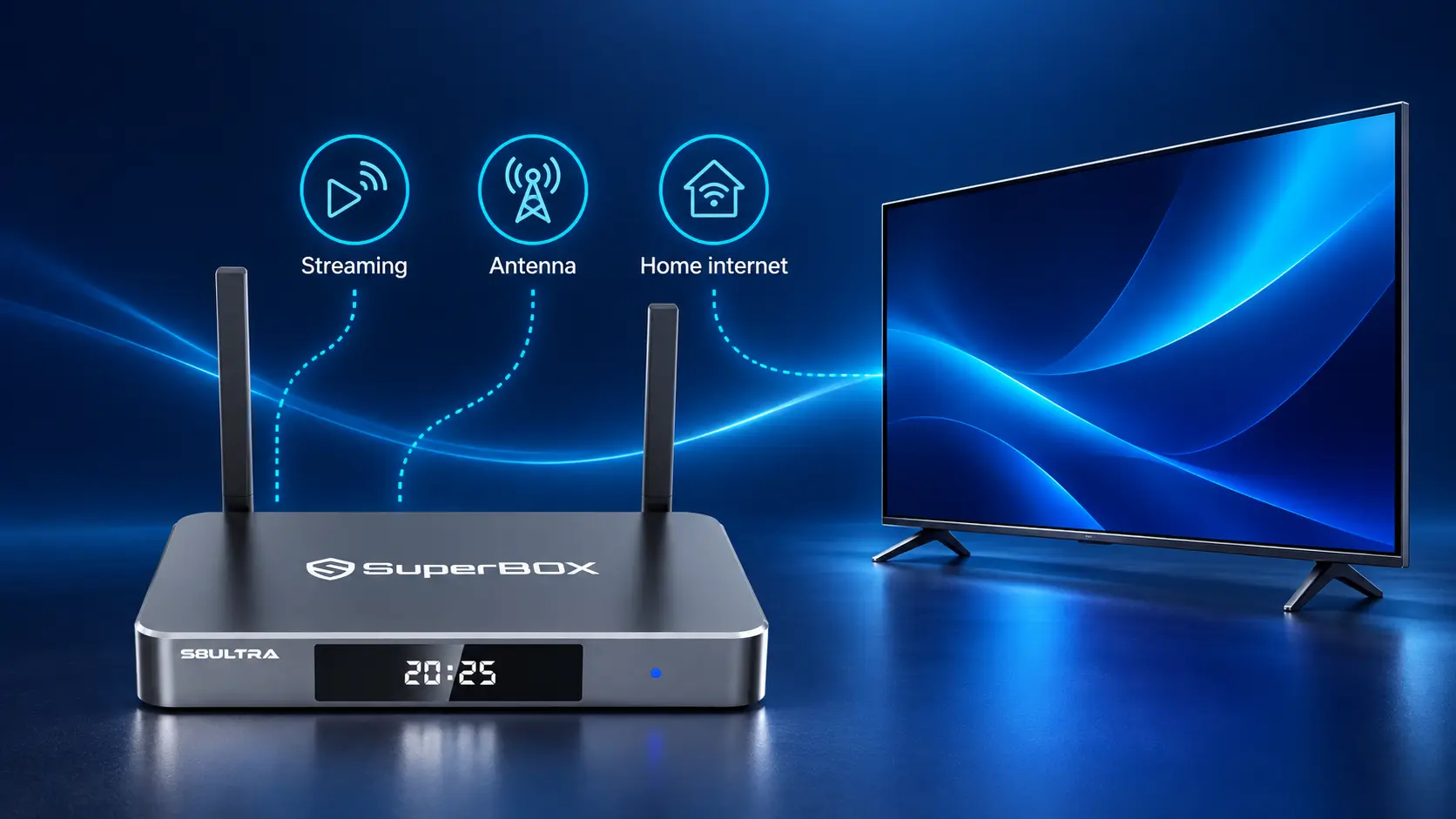
First separate your TV bill from your internet bill
Comcast offers consumer services under the Xfinity name. When comparing alternatives, look at the actual services and equipment on your statement rather than treating the entire bill as cable TV spending.
Write down the TV package, internet service, equipment charges and any other subscriptions or bundled services you use. Then ask Xfinity for a written internet-only quote if you intend to keep its connection.
Your internet-only price may differ from the price allocated to internet inside the existing bundle. Removing one service can change discounts or other terms, so subtracting the TV line from the old total is not a reliable estimate of the new bill.
For a wider introduction to replacing cable, use our 2026 cord-cutting guide. This article focuses on choosing a replacement specifically for your Xfinity arrangement.
Build a short must-have list
List the channels or programs your household uses regularly. Include your local station affiliates, your favorite team’s broadcasts and any shows you record while away.
Also note how many people watch at once and whether they need access on phones or outside the home. Those details help you compare service limits rather than buying a package because its channel count looks impressive.
Seven alternatives to Comcast and Xfinity TV
1. YouTube TV for a broad live TV replacement
YouTube TV is an option for households that still want a substantial live channel lineup and cloud recording without a rented cable box. Its official plan page lists the main plan at $82.99 per month, with unlimited cloud DVR storage and household accounts.
Check the ZIP-code channel lookup before subscribing. Local channels and sports availability are central to whether it replaces your existing package. Premium additions can increase the final cost.
Best fit: You want a familiar live TV service and recording that does not depend on leaving a local box recording manually.
Main tradeoff: The recurring cost is significant, so calculate it alongside internet and any subscriptions you keep. Use the ordinary price when planning your long-term budget, not a welcome offer.
Install the service on a device its provider supports. Do not assume every Android-based TV box is approved for every subscription app.
2. Hulu + Live TV for live channels and bundled entertainment
Hulu + Live TV lists its regular Hulu With Ads + Live TV price at $99.99 per month and includes access to Disney+ and additional ESPN content in their separate apps. It also advertises unlimited DVR.
For a household already paying for included entertainment, a bundle may be worth comparing. Check what is included at signup and which existing subscriptions you can actually stop paying for.
Best fit: You want live TV plus entertainment your family already uses.
Main tradeoff: Included apps do not mean every sporting event is available or every video is ad-free. The provider specifies regional restrictions and blackouts; review your local lineup and event needs.
The current introductory offer differs from the recurring rate. A short discount can lower the initial payment, but it should not drive the entire switching decision.
3. Sling TV for a more selective live channel package
Sling TV offers different base packages and add-ons, letting you compare a more selective lineup rather than automatically choosing a broad replacement bundle.
Sling Orange and Sling Blue are different services with different channels and simultaneous-stream rules. Orange is not simply a version of Blue with fewer channels. Some local channels are available on eligible plans in selected areas; Sling states that Orange does not include local channels.
Best fit: You have a specific channel list and want to pay for a narrower combination.
Main tradeoff: Extras, local-channel availability and stream limits can change the value of your chosen plan. Compare the current full checkout price for your combination; there is no single Sling price that describes every household.
Test whether the selected package covers your viewing needs before cancelling cable. A smaller plan works best when its missing channels are genuinely unnecessary to you.
4. Philo for entertainment-focused households
Philo’s current pricing page lists Essential at $25 per month and Bundle+ at $33 per month. Its packages focus on entertainment channels, and the service lists unlimited DVR with one-year retention.
This is a useful comparison if your household primarily watches reality, lifestyle, entertainment and similar programming. Read the lineup carefully instead of expecting a complete copy of your Comcast package.
Best fit: The channels you actually need appear in Philo’s lineup, and a large sports-oriented bundle is unnecessary.
Main tradeoff: A lower price is only valuable if the lineup covers your needs. Verify local news and sports separately rather than treating an entertainment package as their automatic replacement.
If comparing Bundle+, check whether the included services replace subscriptions you already pay for. Keeping both versions can erase part of the benefit.
5. Free ad-supported streaming for casual viewing
Free services are worth trying before taking on another large monthly package. Pluto TV provides free live-style channels and on-demand entertainment; Sling also offers Freestream.
They can be useful for browsing movies, older shows and themed channels. However, a channel associated with a program or brand is not necessarily the same feed as a paid cable network. Check what the service actually shows.
Best fit: You enjoy casual viewing and can choose from the available catalog rather than requiring a particular live event or premiere.
Main tradeoff: Advertising and changing catalogs are part of the experience. Free content does not remove the cost of your home internet, and it may not replace your must-have channels.
Try these services on a supported smart TV or streaming device you already own. That gives you a low-cost way to see whether you still need a paid live TV package.
6. An over-the-air antenna for receivable local broadcasts
An antenna can provide access to local broadcasts your television can receive without a monthly TV subscription. Reception depends on your address, station signals, installation and surrounding conditions.
Use AntennaWeb to investigate expected reception before buying. A product’s advertised mileage is not a guarantee that your home will receive a particular affiliate.
Best fit: Your essential viewing includes local broadcasts, and reception testing indicates a workable setup.
Main tradeoff: An antenna does not replace internet or supply every cable-only channel. Recording requires a suitable separate recording arrangement; an antenna alone is not a DVR.
For setup, follow the antenna and television instructions, connect to the TV’s antenna input and run a channel scan. Keep the antenna route separate from your streaming box’s HDMI connection. Do not assume SuperBox can record the TV’s antenna input.
7. SuperBox S8 for a dedicated streaming hardware setup
SuperBox S8 is a different category from YouTube TV or Hulu: it is a device you own, not an internet provider or a conventional live TV subscription. It connects to a compatible television through HDMI and uses your home internet connection.
For cord-cutting households, owning hardware can remove the need for a rented cable box once that cable equipment is no longer required and has been returned. S8 also gives you a dedicated media interface with features that vary by model.
Our S8 Max listing currently shows $399 for the device. Compare the purchase price with the whole setup, including internet and any third-party services you keep.
Best fit: You want a dedicated TV box and will use its supported viewing, recording or remote features.
Main tradeoff: Hardware ownership does not guarantee every channel, every app or every event. Confirm the current features and content availability that matter to your household. Third-party subscription services still require their own accounts and payments where applicable.
Start with what SuperBox is and how SuperBox works if you are new to the product.
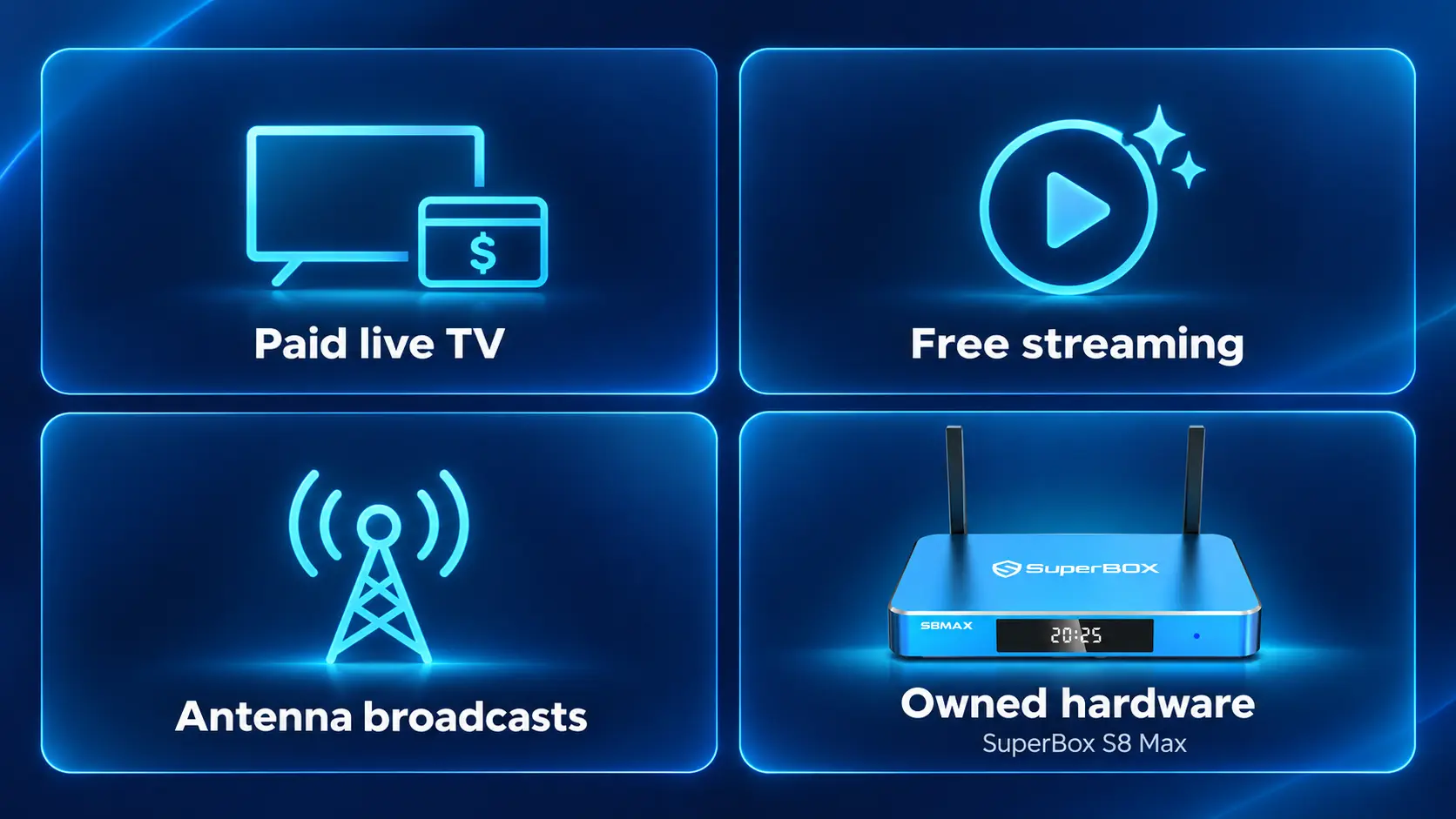
Compare the options by the job they do
The table below highlights the decision each option solves. Prices are US references checked October 10, 2026, before applicable taxes, extras and internet costs. Confirm the provider’s current checkout terms before ordering.
| Option | Published cost reference | Best reason to consider it | Important check |
|---|---|---|---|
| YouTube TV main plan | $82.99/month | Broad live TV with cloud DVR | Local lineup and paid sports extras |
| Hulu With Ads + Live TV | $99.99/month regular rate | Live TV and bundled entertainment | Included services, blackouts and ads |
| Sling TV | Varies by selected package | A narrower channel combination | Channels, locals and stream limits |
| Philo | $25 Essential / $33 Bundle+ monthly | Entertainment-focused viewing | Required channels in the lineup |
| Free streaming | No paid TV subscription for free offerings | Casual, flexible viewing | Catalog and advertising |
| Antenna | Hardware and possible installation cost | Receivable local broadcasts | Address-specific reception |
| SuperBox S8 | Model-dependent purchase; Max listed at $399 | Owned streaming hardware | Featur |
DIRECTV’s streaming packages are another comparison if a particular channel or regional sports network is essential. Check the specific package, local availability and whether the offer involves a device or commitment. Do not mix its different purchase routes into a single assumed price.
Which SuperBox S8 should a cord-cutter choose?
Select the model for the features you expect to use. A more expensive model does not automatically replace more of your current subscriptions.
| Model | RAM / storage | Multi-Viewing scope | NFL app | Backlit remote |
|---|---|---|---|---|
| S8 Pro | 4GB / 32GB | PPV + ESPN channels | No | No |
| S8 Plus | 4GB / 64GB | PPV + ESPN channels | No | No |
| S8 Max | 4GB / 64GB | Full supported scope | Yes | No |
| S8 Ultra | 4GB / 128GB | Full supported scope | Yes | Yes |
The series includes voice command, built-in recording and Playback. “Full supported scope” refers to supported Multi-Viewing channels, not a guarantee about every possible stream. See the complete S8 model comparison before choosing.
Recording matters when replacing cable
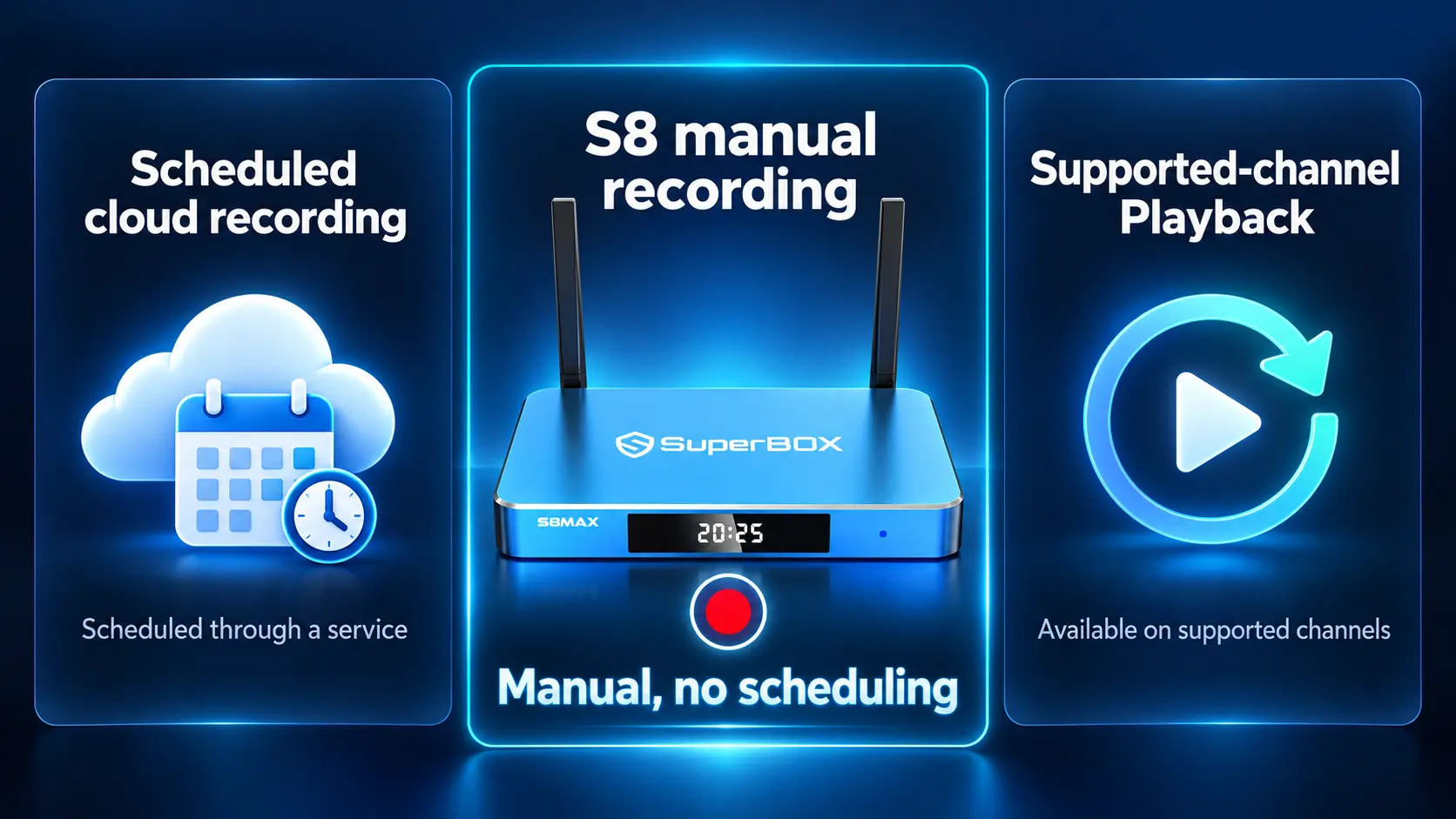
S8’s built-in recording is manual; it does not schedule future recordings. If you rely on setting recordings in advance, make that a specific requirement when comparing replacement services.
Playback offers catch-up on supported channels, with availability up to seven days. It is separate from recording and should not be assumed to contain every program you missed.
Read the S8 Recorder guide and Playback guide to understand the workflows. For watching supported streams together, use the S8 Multi-Screen guide.
What if you also want an alternative to Comcast internet?
Start with address-level availability. A provider serving your city may not serve your building, and prices can depend on the plan, billing method and other services.
Fiber internet
Check AT&T Fiber, Verizon Fios and local fiber providers where available. Compare the quote for your exact address, installation timing, included equipment and upload requirements for your household.
Do not treat a mobile-bundle discount as the ordinary price for someone who does not qualify. If you are changing providers to save money, calculate the total cost of the related services too.
Fixed wireless home internet
An option such as T-Mobile Home Internet may be available at your address. Test the connection where the gateway will sit and during your normal evening viewing period, using any trial or return terms the provider currently offers.
Availability alone does not prove it will suit several simultaneous streams in your particular home. Check the provider’s traffic-management terms and make a real playback comparison.
Other local providers
Compare other cable, fiber or fixed-wireless services available to the property. In some homes, keeping Xfinity internet is still a sensible choice even after dropping TV.
Use the address-specific quote rather than a national headline price. Note installation charges, equipment costs, data policies and the price after any promotion.
Calculate savings with the complete replacement cost
The useful comparison is your current total spending against the new total, not the price of a streaming device against the entire old bill.
New monthly cost = internet + retained subscriptions + new subscriptions + recurring equipment or service charges.
Then calculate the first year:
First-year cost = twelve months of the new recurring cost + hardware + installation or other one-time switching costs.
| Budget item | Enter your actual amount |
|---|---|
| Current monthly bill and separate subscriptions | $___ |
| New internet-only quote | $___ |
| Subscriptions you will retain | $___ |
| New paid TV services and extras | $___ |
| Recurring equipment or other charges | $___ |
| One-time hardware and installation | $___ |
Use ordinary recurring prices for a long-term comparison, then account for eligible introductory discounts separately. Include cancellation charges if your agreement requires them. If the new arrangement costs less but misses essential viewing, revise the plan before switching.
Owning SuperBox can make the hardware cost more predictable. The actual savings still depend on which paid services and rentals you stop using, and on the internet price you retain.
How to switch from Xfinity TV with fewer surprises
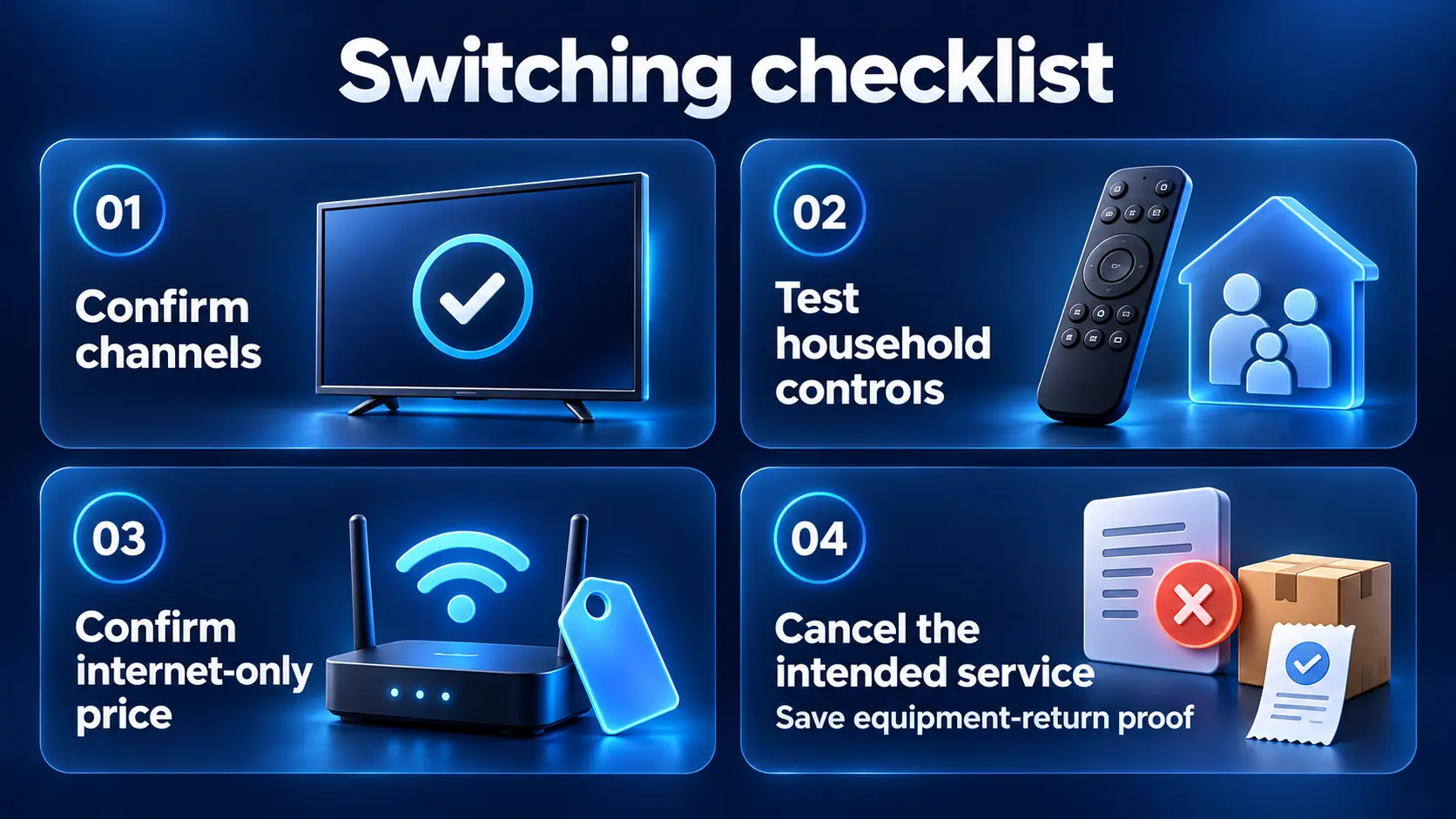
1. Get the replacement working first
Confirm your new service, local reception or device setup while the old arrangement is still available. Check your essential content on a normal viewing evening.
For S8, follow the Wi-Fi and Ethernet setup guide and app installation guide. The apps are installed through the supported workflow; do not assume every retail unit arrives with the same apps already installed.
2. Let the household test the controls
Have the people who use the TV most often find a channel, reopen an app and switch the TV input themselves. A setup that works for one person may still need adjustment for the rest of the family.
For remote setup, use how to pair the S8 remote.
3. Confirm what Xfinity will keep and cancel
Tell Xfinity exactly which services you want to retain. Its official cancellation page lists contact and store options. Ask for the effective date, the new recurring bill and any agreement-related charges.
If switching internet too, confirm activation of the replacement first. Review the effect on any other bundled services before cancelling the whole account.
4. Return only the equipment you no longer need
Use Xfinity’s current equipment-return instructions. Its support page lists store and prepaid shipping options. Match device serial numbers to the return selection and keep the receipt or tracking record.
If you are retaining Xfinity internet, confirm which gateway or other equipment must stay. Then check that the final bill and equipment list reflect the intended changes.
Buy SuperBox S8 from a retailer you can verify
If S8 fits your plan, SuperBox TV Box Store is an authorized retailer serving customers in the US and Canada. Verify authorization code SP20250414002 at the SuperBox authorization website.
Our model pages and setup guides help you understand what you are buying and how to use it. Contact our store for help choosing a model or checking an order placed directly with us.
SuperBox is the product brand, and individual retailers handle their own purchases. Our seller identification guide helps confirm where your order came from. Review the returns policy before ordering.
Choose a cable replacement around the programs your family watches, the recording features it needs and the full cost of keeping it connected. That is how you make cord-cutting useful beyond the first discounted month.
Frequently asked questions
Can I cancel Xfinity TV and keep Xfinity internet?
Ask Xfinity to quote an internet-only arrangement for your account. Confirm the new price and any changed bundle terms before removing TV rather than assuming the remaining bill will stay the same.
Does SuperBox replace Comcast internet?
No. SuperBox is streaming hardware and needs an internet connection. You can use a suitable connection from Xfinity or another provider; the box does not supply broadband service.
Which Comcast alternative has the lowest monthly TV cost?
Free streaming and receivable antenna broadcasts can avoid a paid TV subscription, but they may not cover your essential channels. Among the cited paid options, Philo Essential is listed at $25 monthly; compare its actual lineup with your needs.
Can I keep local channels after cancelling cable?
Check your ZIP-code lineup with the streaming provider or investigate antenna reception at your address. Local availability is not identical across packages or homes.
Which replacement is best for sports?
Start with the teams and competitions you follow. Identify their current broadcasters, local availability, blackouts and any paid extras. A generic sports label or NFL app listing does not establish access to every game.
Does SuperBox S8 schedule recordings like a cable DVR?
No. Built-in S8 recording is manual and does not schedule future programs. Supported-channel Playback is a separate catch-up feature. Choose a service with suitable scheduled recording if that is essential.
Do I need a new television to use SuperBox S8?
You need a compatible television and HDMI connection, not necessarily a new TV. Our streaming box vs smart TV guide explains the roles of the screen and external device.
Will cancelling cable always save money?
No. Calculate the new internet price, all retained subscriptions, extra packages and equipment. Savings depend on your actual replacement plan, not simply removing the cable TV package.
The article was updated on:
