
Knowledge SuperBox
Top 11+ VOD Apps for SuperBox S7 Users: Complete Streaming Guide





The best video-on-demand (VOD) apps for the SuperBox S7 (S7 Pro, S7 Max, S7 Ultra) combine built-in, zero-fee streaming powerhouses with popular commercial platforms and free ad-supported television (FAST) services.
Out of the box, the pre-installed Blue VOD app provides instant access to over 15,000+ movies and TV series, while the companion Prime VOD and Prime Cinema apps offer over 100,000+ additional classic and indie titles with $0 monthly fees. Because the S7 series runs Android 12 with 4GB of RAM, you can also download paid subscription apps like Netflix, Disney+, Max, and Hulu from the Google Play Store, alongside 100% free legal services like Tubi TV, Pluto TV, and YouTube 4K.
Below is your complete guide to the top VOD applications for the SuperBox S7, broken down by category, features, storage requirements, and installation steps.
Quick Verdict: Which VOD Apps Should You Install First?
For Zero-Fee Daily Movies and Series: Start with Blue VOD and Prime VOD. They are pre-installed, fully optimized for SuperBox hardware, updated weekly via cloud servers, and require $0 monthly subscriptions or account setups.
For Free Legal Live and On-Demand Streaming: Download Tubi TV, Pluto TV, and YouTube 4K. They provide tens of thousands of licensed Hollywood films, virtual linear channels, and independent content without credit card registrations.
For Paid Commercial Streaming: Install Netflix, Disney+, or Max only if you already maintain active paid subscriptions. They run smoothly on Android 12 with 4K HDR playback and multi-channel audio passthrough.
Best Built-In Zero-Fee VOD Platforms
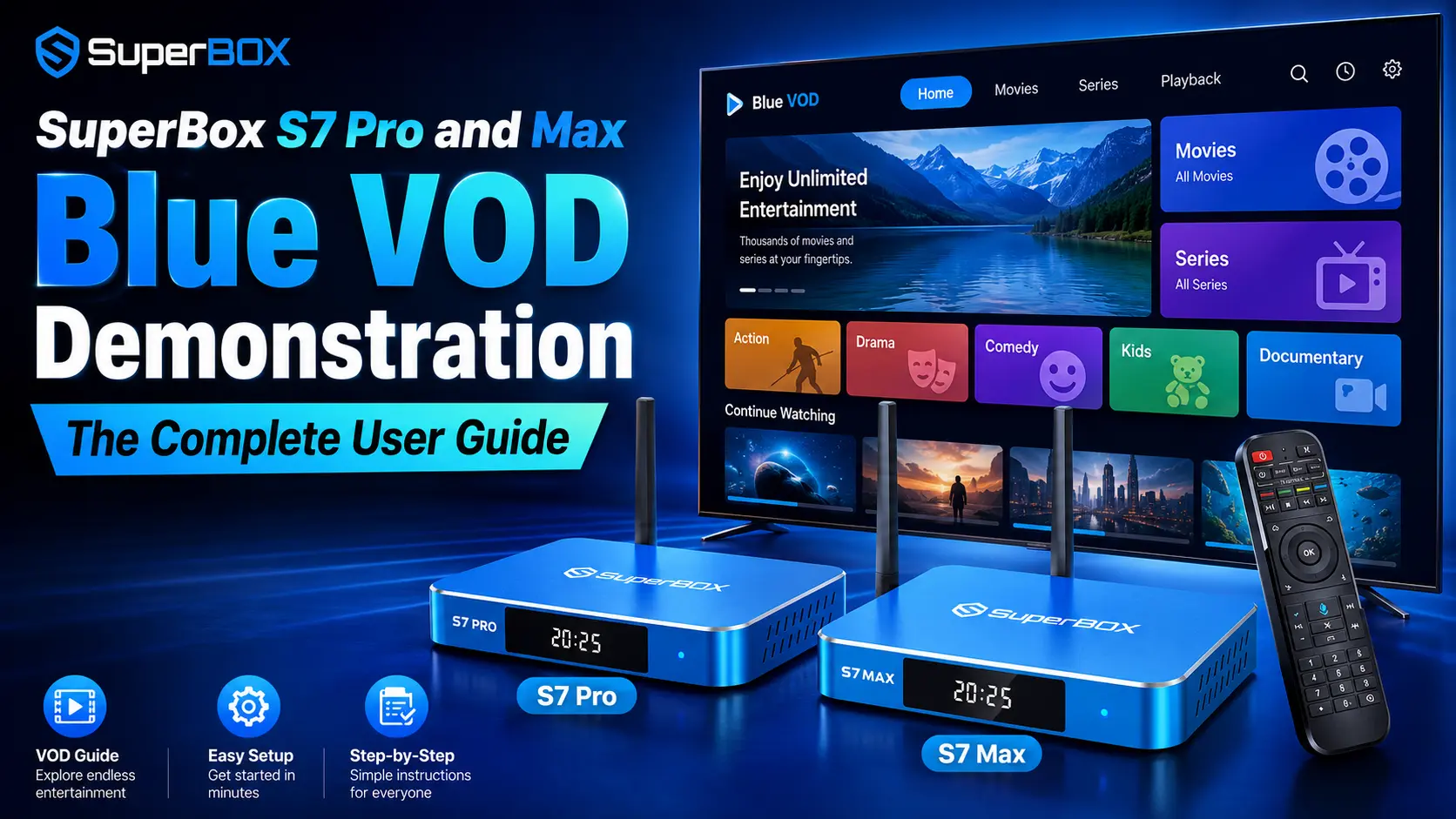
Blue VOD: 15,000+ Movies and TV Series with Weekly Updates
Blue VOD is the central on-demand application tailored specifically for SuperBox hardware. It features a curated library of over 15,000+ titles ranging from current Hollywood blockbusters and multi-season TV dramas to documentaries and children’s animation. The library is updated weekly via cloud servers, adding new theatrical releases automatically without requiring manual software updates.
Because Blue VOD is optimized for the S7’s quad-core 64-bit ARM processor and Mali GPU, playback starts almost instantly. The app supports 4K Ultra HD and 6K hardware video decoding, allowing users to switch audio tracks, adjust subtitle sizes, and choose alternative server sources directly from the included RC-200L backlit remote.
As the SuperBox ecosystem advances with newer hardware platforms, the on-demand engine continues to gain speed enhancements and higher resolution capabilities. Explore our in-depth walkthrough on the guide to the new Blue VOD on SuperBox to discover how modern video codecs deliver crystal-clear 4K HDR playback and instant multi-server failover.
Prime VOD and Prime Cinema: 100,000+ Classic and Indie Vault
Included within the 7 Bonus Prime Apps suite in the Blue App Store, Prime VOD and Prime Cinema provide an expansive digital archive of over 100,000+ titles. This catalog is especially rich in vintage cinema from the 1970s through the 2000s, international films, stand-up comedy specials, and cult classics rarely found on modern subscription services.
Prime VOD runs on independent, dedicated Content Delivery Networks (CDNs). This separation provides a critical redundancy benefit: during high-traffic holiday evenings when major servers experience peak demand, having Prime VOD ensures you always have a lightning-fast alternative stream ready to play.
Top Commercial Subscription Streaming Apps
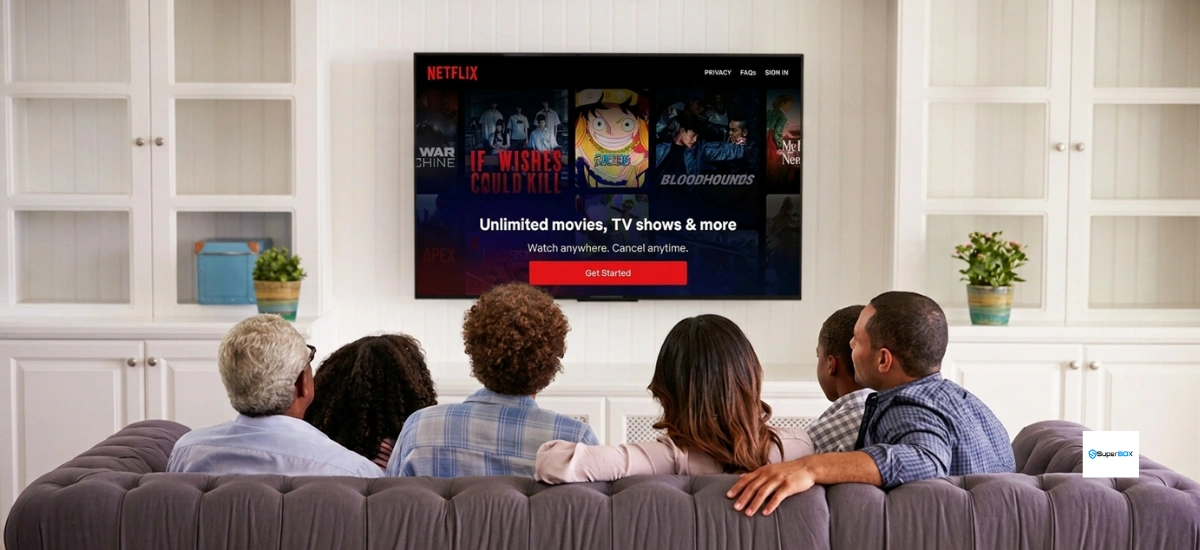
Netflix: 4K HDR Global Originals
The Android TV edition of Netflix runs smoothly on the SuperBox S7. The device’s 4GB DDR3 RAM ensures that video previews load instantly without freezing the user interface. Users can access the full global Netflix library of original movies, documentaries, and drama series with personalized user profiles and seamless subtitle syncing.
Disney+: Family Entertainment and Blockbusters
Disney+ provides complete access to animated classics from Pixar, Marvel Cinematic Universe sagas, Star Wars franchises, and National Geographic nature documentaries. The S7 hardware supports high-bitrate HDR10 color grading and Dolby Audio passthrough, delivering theater-grade audiovisual immersion on compatible 4K smart TVs.
Amazon Prime Video and Hulu: Next-Day Network TV
Amazon Prime Video brings high-budget originals, Thursday Night Football broadcasts, and on-demand rentals. Hulu complements this with next-day streaming of primetime network television episodes from ABC, FOX, and FX. Both applications support offline episode downloading on the S7’s generous onboard storage.
Max: HBO Prestige Dramas and Warner Bros. Cinema
Max (formerly HBO Max) remains the top choice for acclaimed prestige dramas like Succession, Game of Thrones, and The Sopranos. The app utilizes the SuperBox S7’s Wi-Fi 6 wireless connectivity to maintain full 2160p resolution without buffering artifacts during evening peak hours.
Best Free Ad-Supported Television (FAST) Apps
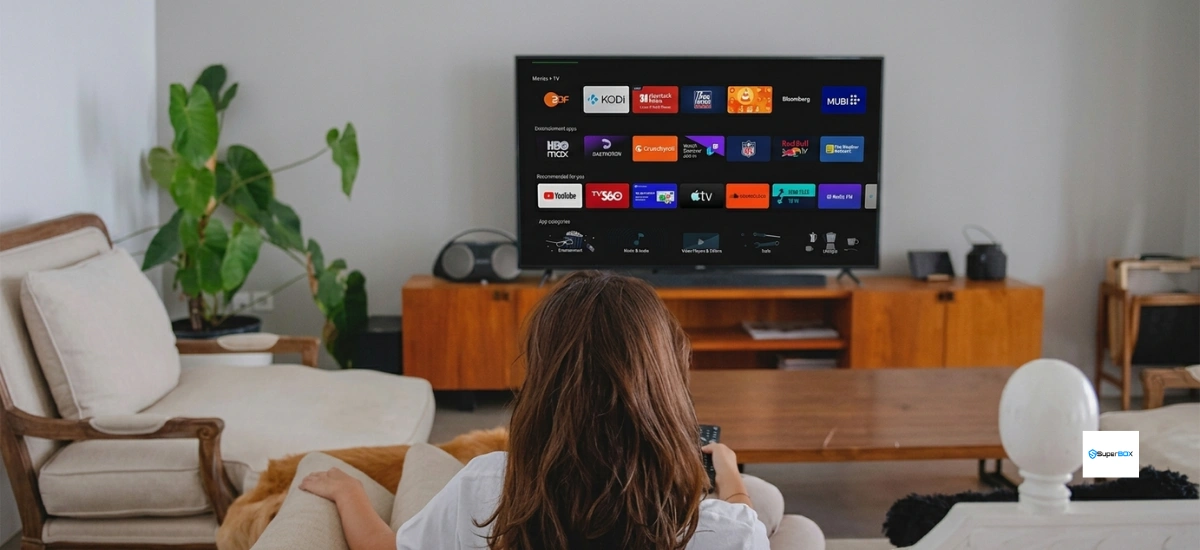
YouTube 4K: Tutorials, Podcasts, and Free Streams
YouTube 4K delivers infinite video content, ranging from DIY repair guides and culinary tutorials to live concert streams. The S7 decodes VP9 Profile 2 and AV1 codecs in hardware, ensuring silky-smooth 60fps playback. The voice remote allows you to search videos hands-free by holding the microphone button.
Tubi TV: 50,000+ Free Licensed Movies
Owned by Fox Corporation, Tubi TV features over 50,000 licensed movies and television episodes from studios like Paramount, MGM, and Lionsgate. It is renowned for classic action films, 90s comedy hits, and British detective dramas, interrupted by only a fraction of the commercial breaks found on regular broadcast television.
Pluto TV: 250+ Virtual Linear Channels
Pluto TV provides a nostalgic linear TV experience, offering over 250 virtual live channels organized by theme (including 24/7 channels for Star Trek, true crime, game shows, and classic sitcoms) alongside a dedicated on-demand movie vault.
Advanced Media Players for Local and USB Playback
Kodi Media Center: Home Network and NAS Management
Kodi transforms the SuperBox S7 into an automated home theater hub. It connects to your local Network Attached Storage (NAS) or computer folders via SMB or NFS, automatically fetching movie artwork, cast lists, and Rotten Tomatoes ratings. The S7’s 4GB RAM easily handles complex, animated Kodi skins without stuttering.
VLC Media Player: Universal USB File Decoding
VLC Media Player serves as the ultimate standalone decoder. Simply plug a USB thumb drive or external hard drive into the blue USB 3.0 port on the SuperBox S7, and VLC will play virtually every file format imaginable—including MKV, MP4, AVI, ISO files, and uncompressed 4K Blu-ray rips—with complete hardware acceleration.
How to Install and Set Up New VOD Apps on SuperBox S7
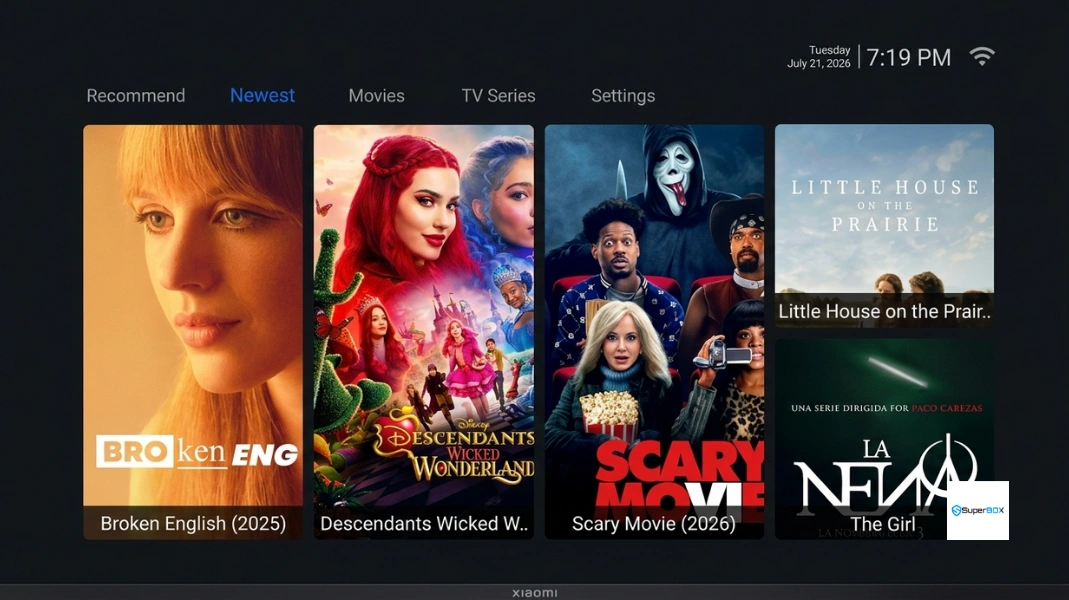
Step 1: Open App Store from the Home Screen
From the main home screen, select the blue App Store icon. If you are setting up the box for the first time, click the green App Store icon first to download the latest Blue App Store update package.
Step 2: Find the Apps You Plan to Use
Browse through the categories in the Blue App Store to locate Blue VOD, Prime VOD, and Playback. For third-party apps like Tubi, Netflix, or VLC, open the Google Play Store or use the built-in browser to download verified APKs.
Step 3: Install Apps and Confirm Completion
Click download on your selected application. The system will automatically download and install the package, displaying a solid green checkmark once finished. Click the “+” button on your home screen dock to pin shortcuts for one-click access.
Comparison of Top SuperBox S7 VOD Apps
| Application Name | Category | Library Size | Resolution | Monthly Cost | Best Feature |
|---|---|---|---|---|---|
| Blue VOD | Built-in Native | 15,000+ Titles | 4K / 6K UHD | $0 (Included) | Zero fees, weekly auto-updates, voice search |
| Prime VOD / Cinema | Built-in Companion | 100,000+ Titles | 1080p FHD / 4K | $0 (Included) | Massive backup server network, classic cinema |
| Netflix | Commercial Paid | Global Catalog | 4K Ultra HD HDR | $6.99 – $22.99 | Exclusive global original series & movies |
| Disney+ | Commercial Paid | Disney, Marvel, Star Wars | 4K Dolby Vision | $9.99 – $15.99 | Family classics, Marvel sagas, kids profiles |
| YouTube 4K | Free Ad-Supported | Billions of Videos | 4K @ 60fps (AV1) | Free | Tutorials, podcasts, news, music concerts |
| Tubi TV | FAST Platform | 50,000+ Licensed | 1080p Full HD | Free | Legal Hollywood movies with minimal ad breaks |
| Pluto TV | FAST Platform | 250+ Live Channels | 1080p Full HD | Free | 24/7 themed live channels & on-demand vault |
| Kodi Media Center | Local / NAS Hub | User Local Storage | Up to 6K Decode | Open Source ($0) | Full local library organization & poster scraping |
| VLC Media Player | Standalone Player | USB Drive Files | Up to 6K Decode | Open Source ($0) | Instant plug-and-play decoding for all formats |
Storage and Memory Capacity Across SuperBox S7 Models
| Model Name | Official Store Price | RAM | Internal Storage | App Capacity | Best Suited For |
|---|---|---|---|---|---|
| SuperBox S7 Pro | $305.00 | 4GB DDR3 | 32GB eMMC | 20 – 30 Standard Apps | Essential cord-cutters focusing on Blue TV & Blue VOD |
| SuperBox S7 Max | $339.00 | 4GB DDR3 | 64GB eMMC | 50 – 75 Media Apps | Families with diverse subscription and gaming apps |
| SuperBox S7 Ultra | $381.00 | 4GB DDR3 | 128GB eMMC | 100+ Apps & Files | Power users, extensive Kodi builds & offline movie archives |
Frequently Asked Questions About SuperBox S7 VOD Apps
Does Blue VOD require any monthly subscription fee?
No. Blue VOD is pre-installed on the SuperBox S7 and requires zero recurring monthly subscriptions, activation fees, or contract renewals for the life of the hardware.
How often are new movies and TV series added to Blue VOD?
The Blue VOD database is updated automatically on a weekly basis via cloud servers. New movie releases and trending television episodes appear in the catalog without requiring manual software downloads.
Can I install paid streaming services like Netflix, Hulu, and Disney+ on the S7?
Yes. The SuperBox S7 runs full Android 12 with Google Play Store support, allowing you to install and log in to paid subscription apps including Netflix, Disney+, Amazon Prime Video, Hulu, and Max seamlessly.
What is the difference between Blue VOD and Prime VOD?
Blue VOD is the flagship native on-demand application featuring mainstream Hollywood cinema and television series. Prime VOD is part of the 7 Bonus Prime Apps suite, offering an additional 100,000+ independent, international, and vintage cinema titles hosted on independent fallback servers.
Can I search for movies in Blue VOD using voice commands?
Yes. By pairing the included RC-200L backlit remote control via Bluetooth 5.2, you can press and hold the microphone button to search for movies, actors, or specific genres using clear spoken English.
How much internal storage do I need for streaming VOD apps?
The S7 Pro’s 32GB storage is sufficient for standard streaming. However, if you plan to install dozens of streaming apps, large Kodi builds, or save offline video files, the 64GB S7 Max ($339.00) or 128GB S7 Ultra ($381.00) provides substantially greater breathing room.
What should I do if a movie in Blue VOD fails to load or buffers?
If a specific stream buffers or fails to open, click the menu button on your remote while on the title page to switch to an alternative playback server. Additionally, run the Sweeper app to clear cached memory, and verify that your device is connected to a 5GHz Wi-Fi or wired Ethernet network.
Can I play my own video files from a USB flash drive on the S7?
Yes. The SuperBox S7 includes USB 3.0 and USB 2.0 ports. You can plug in an external hard drive or USB thumb drive formatted in FAT32, exFAT, or NTFS and play your MKV, MP4, and AVI video files using pre-installed media players like VLC or Kodi.
Are free streaming apps like Tubi and Pluto TV legal and safe to use?
Yes, 100%. Tubi TV and Pluto TV are fully licensed, advertising-supported television platforms owned by major media corporations (Fox Corporation and Paramount Global). They are completely legal, secure, and available directly from the Google Play Store.
How does the 7-Day Playback feature complement on-demand streaming?
The 7-Day Time Shift Playback app automatically archives live broadcasts across 86 popular sports, news, and entertainment channels. If you miss a live sports event or primetime show, you can replay the broadcast up to seven days later without needing local DVR hard drive storage.
Final Thoughts
The SuperBox S7 series provides unmatched streaming versatility. Combining the zero-fee power of Blue VOD and Prime VOD with commercial giants like Netflix, Disney+, and Max delivers an endless home theater experience. For most viewers, Blue VOD paired with free FAST apps like Tubi TV covers every entertainment need without spending a dime on recurring subscriptions.
If your household manages dozens of media apps or extensive offline downloads, upgrading to the S7 Max ($339.00) or S7 Ultra ($381.00) provides the storage freedom you need. Enjoy endless commercial-free entertainment on your terms!
The article was updated on:
