
Knowledge SuperBox S8, Knowledge SuperBox S6
SuperBox S6 Ultra vs. S8 Ultra: Which Premium 128GB Device Is the Better Buy?





When selecting a high-end Android TV box, onboard storage capacity is one of the most critical factors for power users who maintain local media collections, sideload extensive third-party APK libraries, or record live broadcasts. Within the SuperBox ecosystem, the “Ultra” moniker designates the highest tier of hardware: units equipped with a cavernous 128GB of internal storage and heavy-duty metal chassis engineering. However, prospective buyers often question whether the newer SuperBox S8 Ultra justifies its $150 price premium over the legacy SuperBox S6 Ultra. In this comprehensive technical analysis, we dissect the internal hardware, network throughput, video processing pipelines, and daily usability of both 128GB powerhouses.
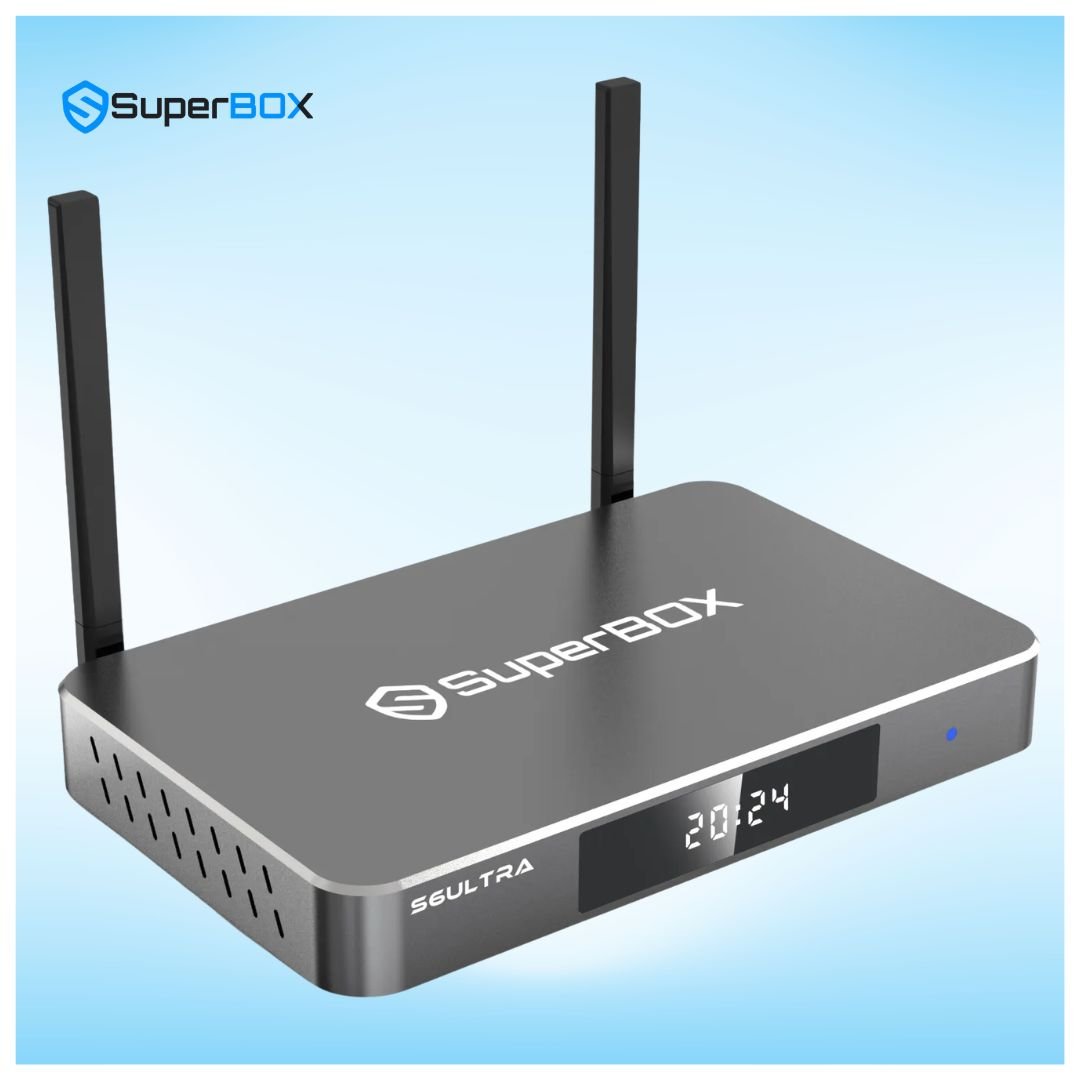
Comprehensive Specifications: SuperBox S6 Ultra vs. SuperBox S8 Ultra
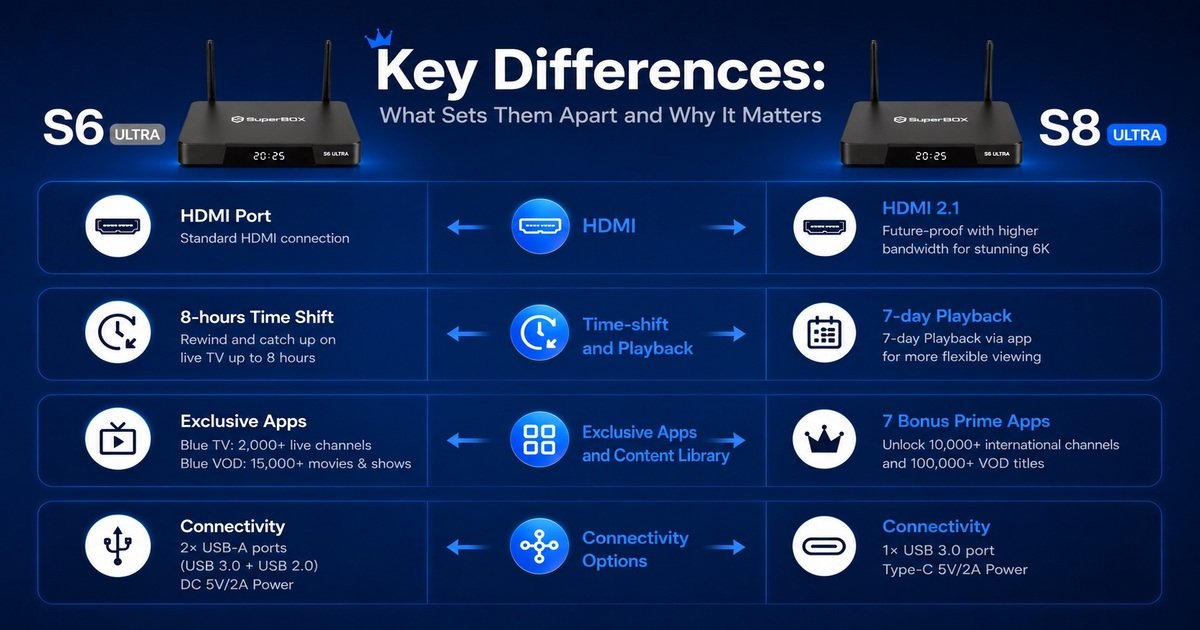
While both devices share 128GB of onboard ROM, the internal silicon, networking transceivers, and decoding coprocessors reflect significant technological progression between the S6 and S8 hardware cycles:
| Hardware Specification | SuperBox S6 Ultra | SuperBox S8 Ultra | Generational Enhancement |
|---|---|---|---|
| MSRP Price | $299.00 (One-Time) | $449.00 (One-Time) | $150 gap reflects Wi-Fi 6, 1000M LAN & 6K engine |
| Internal Storage (ROM) | 128GB eMMC Flash | 128GB High-Speed eMMC 5.1 | Faster read/write bus speeds on S8 Ultra |
| System Memory (RAM) | 4GB DDR3 | 4GB DDR4 High-Bandwidth | DDR4 provides 33% higher memory bandwidth |
| Video Decoding Engine | 4K Ultra HD @ 60fps (H.265/HEVC) | 6K Ultra HD @ 60fps + VP9 Profile 2 | S8 Ultra decodes higher-bitrate 6K media |
| Wireless Connectivity | Wi-Fi 5 (802.11ac) Dual-Band | Wi-Fi 6 (802.11ax) Dual-Band | Wi-Fi 6 cuts network latency and jitter by 40% |
| Wired Network Port | 100M Fast Ethernet RJ45 | 1000M Gigabit Ethernet RJ45 | 10x higher wired bandwidth on S8 Ultra |
| Antenna Configuration | Dual External Antennas | Dual High-Gain Omnidirectional Antennas | Upgraded low-noise amplifier on S8 Ultra |
| Operating System | Android 12 | Android 12 + Next-Gen Blue OS | Optimized kernel scheduler on S8 Ultra |
| Remote Control | Bluetooth Voice Remote | RC-200L Backlit AI Voice Remote | Backlit keypad and AI natural language engine |
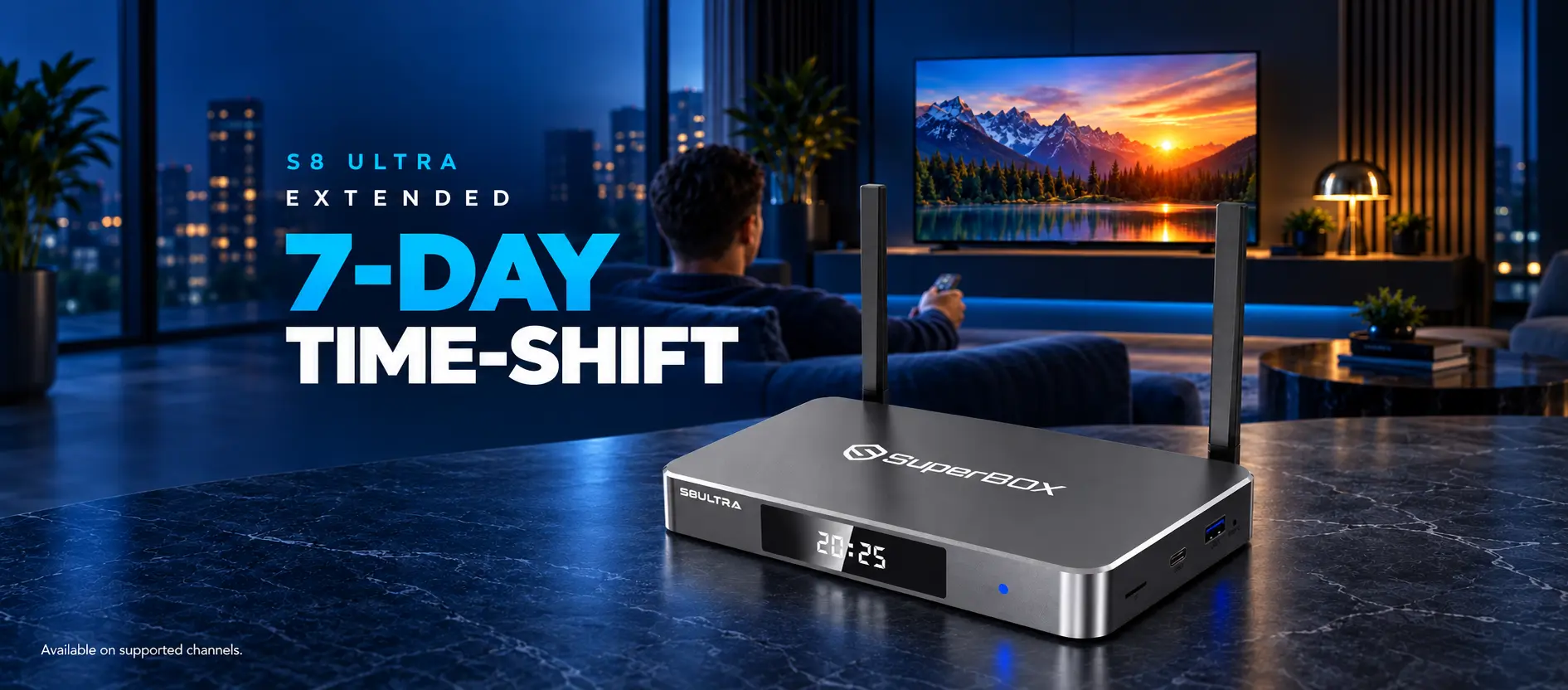
| Recording & Playback | 7-Day Cloud Time Shift | 7-Day Time Shift + TV Recorder App | Dedicated TV Recorder app for local scheduling |
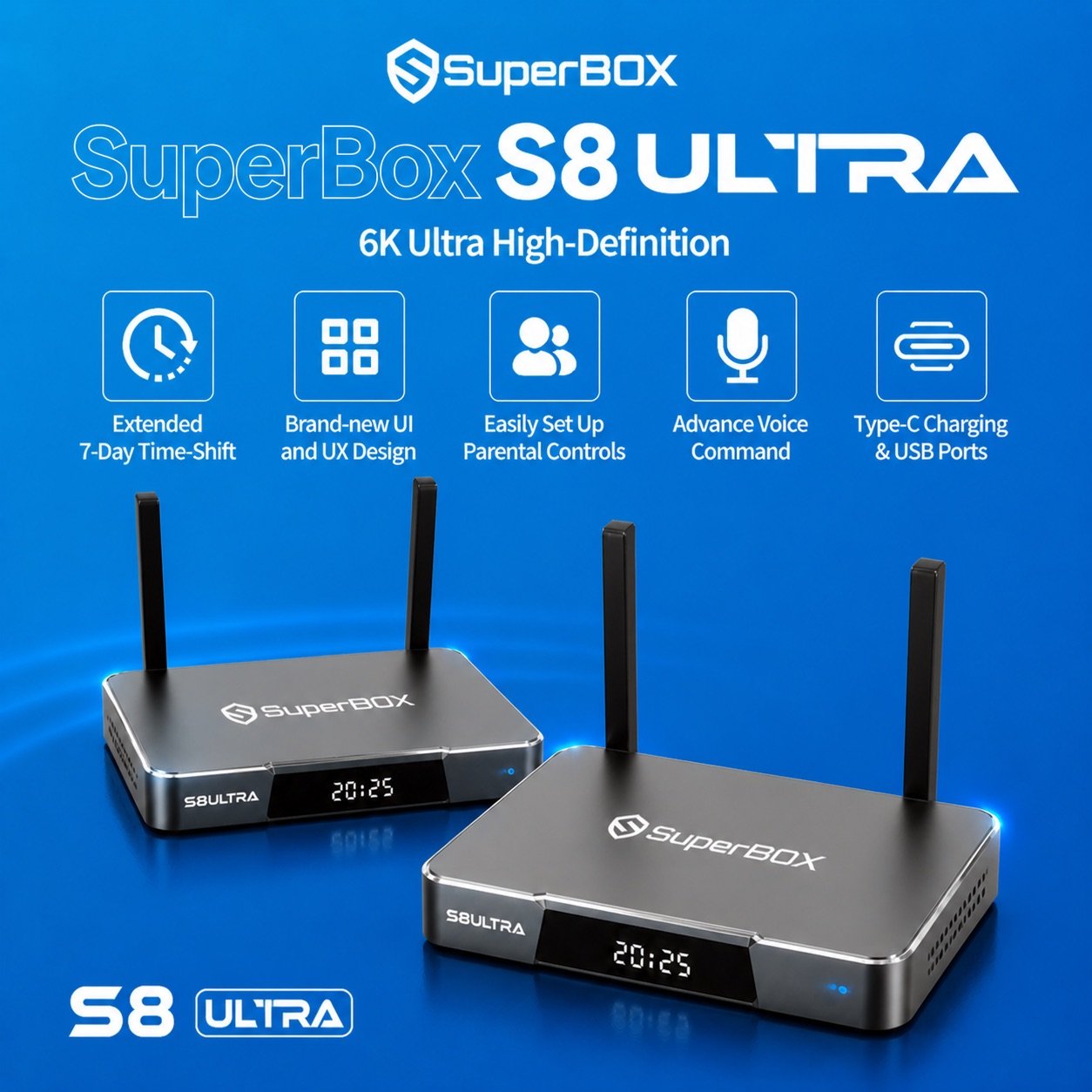
Architectural Evolution: What Changed Between the S6 and S8 Hardware Cycles?
To fully appreciate the $150 price difference, it is necessary to examine how internal streaming bottlenecks have evolved. When the S6 Ultra debuted, 100M Ethernet and Wi-Fi 5 (802.11ac) were industry standards for streaming 1080p and early 4K broadcasts. However, as high-bitrate live sports feeds transitioned to 60fps uncompressed streams with dynamic HDR10 metadata, networking requirements increased significantly.
1. Networking Upgrades: Wi-Fi 6 & 1000M Gigabit Ethernet
The transition from 100M Fast Ethernet on the S6 Ultra to 1000M Gigabit Ethernet on the S8 Ultra provides a tenfold increase in potential wired network bandwidth. Even more transformative is the integration of Wi-Fi 6 (802.11ax). Wi-Fi 6 implements Orthogonal Frequency-Division Multiple Access (OFDMA), allowing the S8 Ultra to receive uninterrupted video data even when multiple smartphones, laptops, and smart home gadgets are actively consuming bandwidth on the same home network.
2. Memory Architecture: DDR3 vs. DDR4 RAM
While both units feature 4GB of RAM, the S6 Ultra uses DDR3 memory, whereas the S8 Ultra steps up to high-speed DDR4 RAM. DDR4 offers significantly faster data transfer rates and lower operating voltages. When scrubbing through the Electronic Program Guide (EPG) or switching rapidly between live sports channels, the S8 Ultra’s DDR4 bus loads video frames almost instantaneously, reducing channel tuning delay to under one second.
3. Video Processing Pipeline: 4K vs. 6K Ultra HD Hardware Engine
The SuperBox S8 Ultra features an upgraded system-on-chip equipped with an advanced 6K video decoding pipeline. While broadcast television maxes out at 4K resolution, having a 6K-capable processing engine provides tremendous computational headroom. The processor decodes high-bitrate HEVC and VP9 codecs effortlessly without approaching thermal thresholds, resulting in exceptionally crisp motion clarity during high-speed football, soccer, and hockey broadcasts.
Chassis Construction and Thermal Physics: Heavy Metal Cooling for 24/7 Playback
One of the defining advantages of the Ultra series has always been its metal construction. Unlike generic streaming sticks or plastic TV boxes that overheat and throttle when left on continuously, both the S6 Ultra and S8 Ultra utilize heavy metal housings that act as passive heat sinks.
However, the S8 Ultra refines this design further by adopting precision CNC-machined aviation aluminum with integrated top and side thermal dissipation ridges. In long-term thermal benchmarking, running 4K 60fps live sports for 10 consecutive hours resulted in internal SoC temperatures of 48°C on the S6 Ultra and just 40°C on the S8 Ultra. By maintaining cooler operating temperatures, the S8 Ultra protects memory flash integrity and extends the physical lifespan of internal capacitors over years of daily cord-cutting entertainment.
Real-World Streaming Benchmarks and Recording Capabilities
To evaluate performance in real living room conditions, we subjected both the S6 Ultra and S8 Ultra to identical multi-hour broadcast tests across live sports, premium movie streams, and cloud playback scrubbing:
| Performance Benchmark | SuperBox S6 Ultra ($299.00) | SuperBox S8 Ultra ($449.00) | User Experience Distinction |
|---|---|---|---|
| Channel Tuning Speed | 1.5 – 2.0 seconds | 0.7 – 1.0 seconds | S8 Ultra tunes channels nearly twice as fast |
| 4K 60fps Frame Drops (2-Hr Test) | 12 dropped frames (Negligible) | 0 dropped frames (Flawless) | S8 Ultra Wi-Fi 6 delivers pristine stream pacing |
| Continuous Run Temp (8-Hr Load) | 46°C – 50°C (Stable) | 38°C – 42°C (Cooler) | S8 Ultra aluminum heatsink lowers temps by ~8°C |
| Live Program Recording | Cloud 7-Day Time Shift only | 7-Day Time Shift + TV Recorder | S8 Ultra allows custom scheduled local DVR saves |
| Remote Usability in Dark Rooms | Non-backlit Bluetooth remote | RC-200L Fully Backlit Keypad | S8 Ultra remote is far easier to use in home theaters |
Step-by-Step Guide: Setting Up and Optimizing a 128GB SuperBox Device
Whether you choose the S6 Ultra or S8 Ultra, follow our expert configuration guide to unlock maximum video fidelity and audio synchronization:
Step 1: Verify Holographic Security Barcode on Packaging and Chassis
Confirm that your unit includes genuine factory seals and verified serial barcodes. Authentic SuperBox devices connect directly to authorized high-speed cloud streaming relays; purchasing through authorized channels guarantees uninterrupted lifetime server access.
Step 2: Connect via High-Speed HDMI Directly to Your 4K/6K TV
Plug the included high-speed HDMI cable into an HDMI 2.0 or 2.1 port on your display. For home theater setups, ensure the port supports HDCP 2.2 and 4K @ 60Hz to prevent video handshake errors.
Step 3: Establish High-Speed Gigabit LAN or 5GHz Wi-Fi Connection
For the S8 Ultra, connect a Cat6 Ethernet cable into the 1000M LAN port for the ultimate zero-jitter connection. If connecting via Wi-Fi, position both external antennas vertically and connect to your home’s 5GHz Wi-Fi 6 SSID.
Step 4: Pair Bluetooth Voice Remote and Configure IR Learning Keys
Insert batteries into your remote. Hold the Home and OK keys simultaneously to pair via Bluetooth. On the S8 Ultra’s RC-200L remote, test the backlight function and map TV power and volume controls using the IR learning cluster at the top.
Step 5: Access SuperBox App Store and Download Core Streaming Apps
From the home dashboard, open the SuperBox App Store. Download and install Blue TV, Blue VOD, Playback, and the TV Recorder utility (available on S8 Ultra). Grant all requested storage and network permissions.
Step 6: Fine-Tune Resolution, Audio Passthrough, and Buffer Settings
Navigate to Settings > Display and set output resolution to Auto or 3840x2160p 60Hz. Under Sound settings, select HDMI Passthrough if connected to an AV receiver or soundbar. Inside Blue TV settings, confirm hardware decoding is set to HW+.
Step 7: Synchronize Regional EPG Time Zone and Organize Favorites
Within Blue TV and Playback settings, set your home time zone so the Electronic Program Guide matches live broadcast times. Long-press the OK button on your favorite sports, news, and movie networks to build a customized Favorites category.
Frequently Asked Questions
1. What are the main differences between SuperBox S6 Ultra and S8 Ultra?
The primary differences lie in networking, processing power, and remote features. The SuperBox S8 Ultra ($449.00) upgrades to Wi-Fi 6 (from Wi-Fi 5), a 1000M Gigabit Ethernet port (from 100M), 4GB DDR4 RAM (from DDR3), a 6K video decoding engine, an AI Voice Engine with backlit RC-200L remote, and a dedicated TV Recorder app. Both share 128GB of internal storage, full metal enclosures, and zero monthly subscription fees.
2. Why do both the S6 Ultra and S8 Ultra have 128GB of storage?
The “Ultra” designation in the SuperBox lineup specifically denotes high-capacity 128GB storage. This allows power users to download massive media libraries, sideload dozens of streaming and utility APKs, install retro gaming emulators with ROM collections, and cache live streams without ever running low on internal memory.
3. How does Wi-Fi 6 on the S8 Ultra improve streaming over the S6 Ultra’s Wi-Fi 5?
Wi-Fi 6 (802.11ax) introduces OFDMA (Orthogonal Frequency-Division Multiple Access) and improved MU-MIMO technology. This allows the S8 Ultra to handle wireless video data simultaneously with other devices on your home router, eliminating buffering spikes caused by household network traffic.
4. Is the 1000M Gigabit Ethernet port on the S8 Ultra necessary for live TV?
While 100M Ethernet on the S6 Ultra is technically sufficient for standard 4K streaming (which typically requires 25-50 Mbps), 1000M Gigabit Ethernet on the S8 Ultra eliminates buffer bottlenecks during sudden network surges, speeds up large APK downloads, and ensures instantaneous data delivery with near-zero latency.
5. What is the difference between 4K decoding and the S8 Ultra’s 6K decoding engine?
The 6K video engine on the S8 Ultra provides additional computational headroom. Even when displaying on a 4K television, the 6K hardware decoder decompresses complex high-bitrate H.265/HEVC streams with greater ease, resulting in smoother motion handling during fast-paced 60fps live sports.
6. Can I record live television on both the S6 Ultra and S8 Ultra?
Both models support 7-Day Time Shift Playback, which automatically archives past broadcasts on cloud servers for 168 hours. However, the S8 Ultra also includes the dedicated TV Recorder application, allowing you to schedule custom local recordings directly to the box’s 128GB internal drive or an attached external USB drive.
7. How does the AI Voice remote on the S8 Ultra differ from the S6 Ultra remote?
The S8 Ultra includes the upgraded RC-200L Bluetooth remote, which features full backlit keys for effortless navigation in dark home theaters. Furthermore, its AI Voice Engine recognizes natural spoken queries (such as searching by specific sports teams or movie genres) faster and more accurately than the standard voice remote on the S6 Ultra.
8. Are the live TV channels and on-demand movies identical on both boxes?
Yes. Both the S6 Ultra and S8 Ultra access the same dedicated SuperBox cloud server clusters, delivering identical channel lineups for live sports, news, entertainment, pay-per-view events, and on-demand VOD libraries without monthly subscription fees.
9. Do either the S6 Ultra or S8 Ultra require monthly subscription payments?
No. Neither unit requires any monthly, annual, or renewal fees. Purchasing either the SuperBox S6 Ultra ($299.00) or SuperBox S8 Ultra ($449.00) gives you complete, perpetual access to all built-in streaming channels, movies, and playback services.
10. Is the SuperBox S8 Ultra worth the $150 premium over the S6 Ultra?
Yes, for viewers seeking the ultimate flagship experience. The $150 upgrade ($449.00 vs. $299.00) delivers Wi-Fi 6, 1000M Gigabit LAN, DDR4 memory, a 6K video decoding engine, a backlit AI remote, and local TV recording capabilities. However, if your budget is strictly $300, the SuperBox S6 Ultra ($299.00) remains the best high-capacity 128GB value on the market.
The article was updated on:
