
Knowledge SuperBox
How to Watch FIFA World Cup 2026 Free on SuperBox Guide?





Get ready for the biggest sports celebration our continent has ever witnessed. The 2026 FIFA World Cup is coming to North America, co-hosted across the United States, Canada, and Mexico. For more than a month, 48 national soccer teams will battle through 104 unforgettable matches to lift the greatest trophy in global sports.
Whether you are cheering for the United States, rooting for Mexico, following powerhouse favorites like Brazil and Argentina, or backing exciting tournament underdogs, you will want front-row seats for every kickoff. With SuperBox, you can watch every goal, penalty shootout, and celebration live in your living room completely free of cable subscriptions.
Quick Matchday Summary: SuperBox owners can enjoy all 104 matches of the 2026 FIFA World Cup free from monthly fees or sports package add-ons.
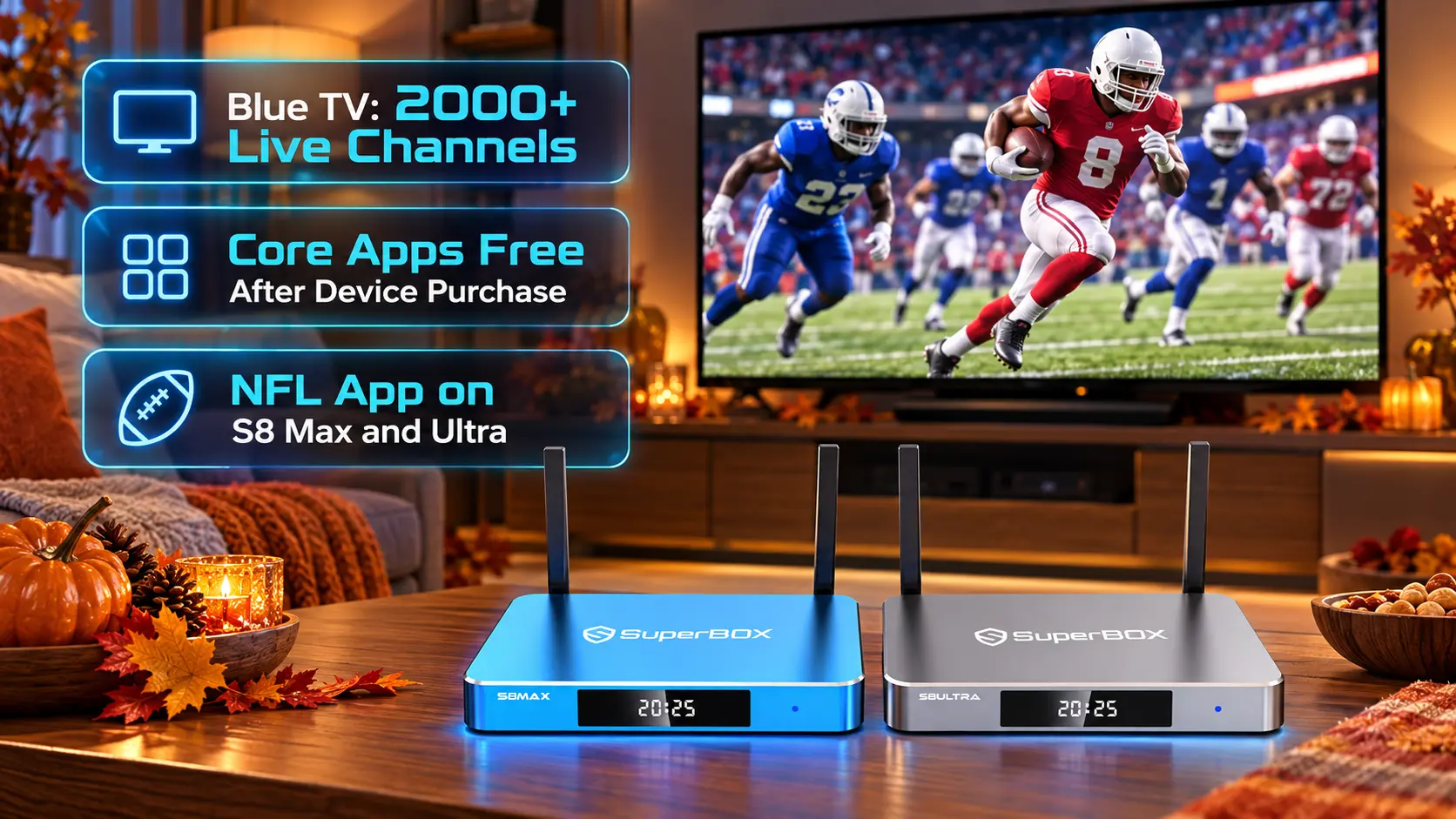
Using the pre-installed Blue TV application, viewers get instant access to official English broadcasts on FOX and FS1, passionate Spanish coverage on Telemundo and Universo, as well as international feeds from BBC and ITV.
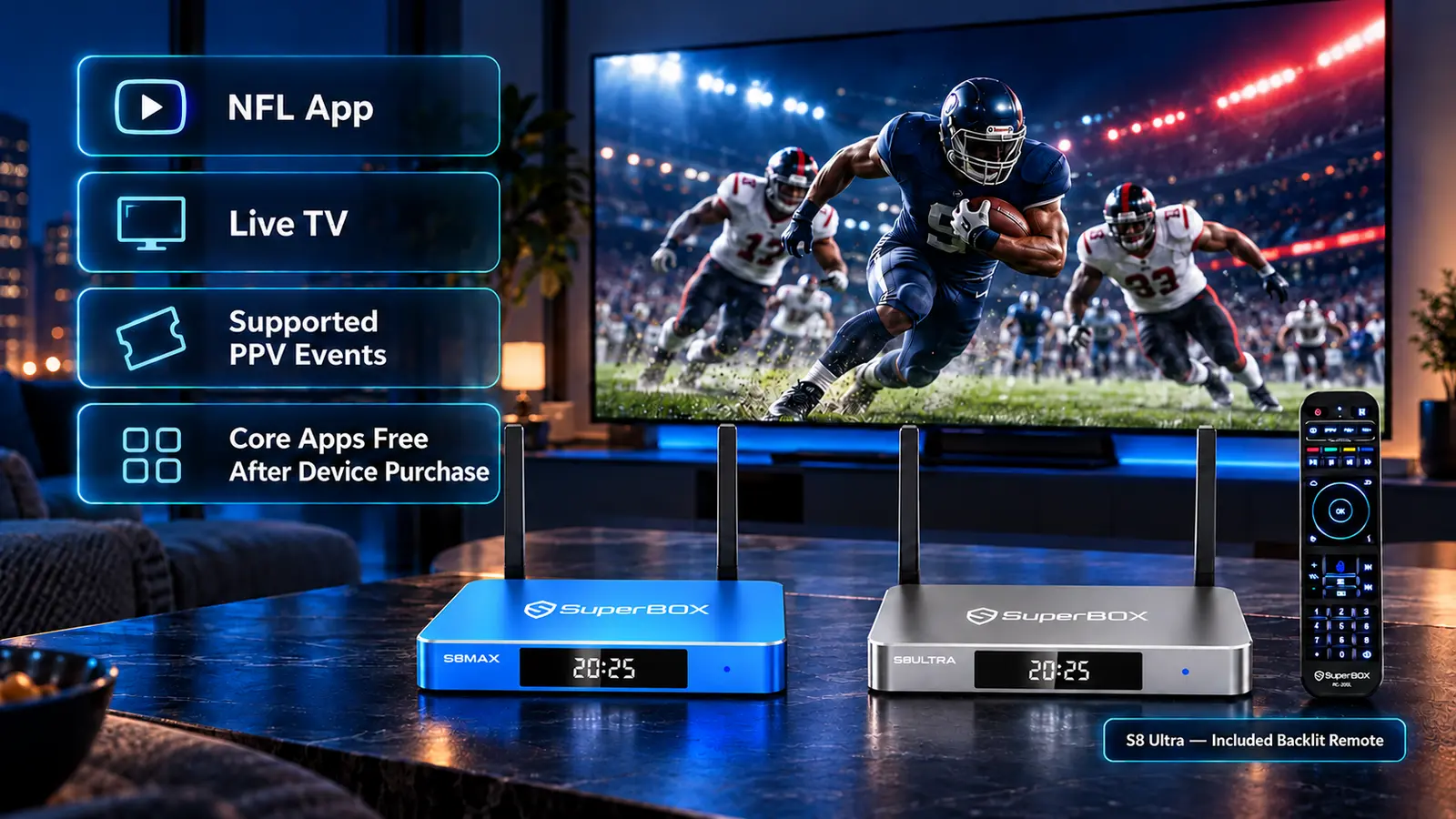
Learn how to prepare your setup on flagship devices like the SuperBox S8 for crystal-clear 4K soccer streaming.
Why the 2026 World Cup Will Be an Unforgettable Spectacle
The 2026 tournament is breaking all previous records. In past World Cups, only 32 national teams competed across 64 matches. This expanded tournament welcomes 48 nations, boosting the total match count to an incredible 104 games over 39 action-packed days.
Matches will be held in legendary stadiums across 16 world-class host cities, including New York/New Jersey, Los Angeles, Dallas, Miami, Atlanta, Toronto, Vancouver, and Mexico City. The energy across the continent will be electric.
During the opening group stages, soccer fans will be treated to up to four matches every single day, kicking off from morning through late evening across different North American time zones.
Instead of scrambling to find which expensive cable channel has the rights to today’s game, having an intuitive media center ready in your living room ensures you never miss a kickoff.
How SuperBox Delivers Every Game Without Monthly Cable Bills
Traditional television companies love major sporting events because they use them to lock consumers into expensive 2-year contracts. Between high monthly cable tiers, regional sports fees, and set-top box rental charges, sports fans often end up paying over $120 a month.
SuperBox turns that outdated model on its head. When you purchase an authorized SuperBox media center, all live broadcast channels and sports categories are included with your device for life. There are zero monthly bills, zero activation charges, and zero hidden contracts.
Inside the pre-installed Blue TV app, the Sports section automatically organizes all tournament channels into clean categories. You can switch effortlessly between official English commentary, passionate Spanish broadcasts, and international studio feeds with a single tap of your remote.
Check out our guide on choosing a SuperBox for sports to learn which model best matches your family viewing style.
Comparing Cable Television
| Viewing Factor | Traditional Cable & Satellite Packages | SuperBox Home Media Center |
|---|---|---|
| Tournament Cost | $100 to $150+ monthly cable bills | $0.00 / month (100% free with box) |
| Match Availability | Often requires multiple sports tier upgrades | All 104 tournament matches included |
| Commentary Choices | Limited to domestic English affiliate | English, Spanish, and UK broadcast feeds |
| Missed Match Catch-Up | Requires expensive monthly DVR storage | Free 7-Day Playback to rewatch anytime |
| Portability | Locked to your living room cable wall jack | Take it anywhere with Wi-Fi or hotspot |
| Picture Quality | Compressed 720p or 1080i cable feeds | Pristine 1080p and high-bitrate 4K Ultra HD |
Step by Step Guide to Preparing Your SuperBox for Match Day
Step 1: Check Your Home Wi-Fi or Connect an Ethernet Cable
Fast-paced soccer action looks best on a stable connection. For the smoothest possible picture, plug an Ethernet cable directly from your internet router into the back of your SuperBox.
If connecting over Wi-Fi, make sure your device connects to your router’s faster 5GHz network band, which provides great speed and minimal wireless interference.
Step 2: Open Blue TV and Locate the Live Sports Category
Turn on your box and launch the Blue TV application from your home screen. Press OK on your remote to bring up the full category directory.
Scroll down to the Sports category or dedicated World Cup section to view all channels carrying live tournament matches.
Step 3: Save Major Tournament Channels to Your Favorites Folder
Highlight key tournament channels such as national FOX affiliates, FS1, Telemundo, and Universo in the channel guide.
Press the Yellow button or Star key on your remote control to add each channel to your Favorites folder. This allows you to jump between simultaneous group matches during final round games in under a second.
Step 4: Bookmark Backup Channels for Worry-Free Streaming
During massive high-stakes games like the tournament final, millions of fans tune in online. Locate the corresponding backup channels in the guide and bookmark them as well.
Having backup channels ready ensures that if a primary server undergoes maintenance, you can switch streams in two seconds without missing a single penalty kick.
Simple Television Picture Tweaks for Stadium Quality Video
To make the stadium feel like it is right inside your living room, taking two minutes to adjust your television settings delivers dramatic visual improvements.
First, pick up your television’s original remote and change the picture mode to Sports or Natural. This brightens the field lighting and delivers rich, vivid stadium grass tones.
Second, ensure that motion smoothing or motion interpolation is set to medium or clear. This prevents fast-moving soccer balls from looking blurry during long cross-field passes.
If you connect your SuperBox through a home soundbar or surround sound system, turn on surround sound audio to enjoy the thunderous chants of 80,000 passionate stadium fans.
Rewatching Past Matches with the 7-Day Playback App
With games kicking off throughout the day across different time zones, you will inevitably have to work or run errands during a few key matches.
Do not worry about missing out. SuperBox includes a built-in 7-Day Playback application that automatically archives major broadcast channels for an entire week.
When you get home in the evening, simply open the Playback app, pick today’s date, select the match you missed, and press Play. You can pause the action, replay incredible goals, and fast forward through halftime commercials at your own pace.
Hosting the Ultimate World Cup Match Day Watch Party at Home
The 2026 World Cup will be the biggest international soccer tournament in history, spanning 48 nations across sixteen host cities in the United States, Canada, and Mexico. Watching these games with friends and family is an unforgettable experience.
To ensure your match-day viewing party runs without a hitch, prepare your media setup a few days before the opening kickoff. Connect your SuperBox to your home router with a direct Ethernet cable to ensure uninterrupted data delivery during high-stakes penalty shootouts.
If you enjoy stadium atmosphere sound, pair your box with external stereo speakers or a dedicated soundbar. The roaring crowd noise, referee whistles, and commentator energy will make your living room feel like front-row seats in the stadium.
Create a dedicated World Cup folder or add tournament broadcast networks to your favorites list inside Blue TV and Backup TV ahead of time so you never waste time searching for channels when the referee blows the whistle.
Multi Language Commentary Options for International Soccer Fans
Soccer is a truly global passion, and fans often love experiencing matches with enthusiastic native-language commentary that captures the true passion of the beautiful game.
While mainstream North American networks offer English commentary, many viewers prefer the electrifying play-by-play excitement of Spanish-language broadcasts, where commentators famously celebrate goals with extended passion.
Through SuperBox and Prime Worldwide, you can easily switch between English feeds, top Spanish sports channels, French broadcasts, and international networks across Europe and South America.
Having multi-language broadcast options allows multilingual households and international fans to follow their home nation in the exact language and commentary style they grew up loving.
Frequently Asked Questions About Streaming the World Cup on SuperBox
Are all 104 matches of the 2026 World Cup really free on SuperBox?
Yes, every match from the opening match at Estadio Azteca through the final at MetLife Stadium will be available to watch live on Blue TV with zero subscription charges.
Which channels will broadcast the matches in English and Spanish?
Official English coverage is broadcast across national FOX and FS1 networks. Spanish language broadcasts air live on Telemundo and Universo. Both language options are fully included.
Can I watch the games if I am at work and get home late?
Yes, the built-in 7-day Playback feature lets you rewatch full matches aired over the last seven days whenever your personal schedule allows.
Does SuperBox support 4K Ultra HD for soccer matches?
Yes, SuperBox hardware supports 4K Ultra HD video decoding at 60 frames per second, delivering razor-sharp picture clarity on compatible 4K television screens.
Will I be able to watch international commentary from UK or Canada?
Yes, in addition to North American feeds, you can tune into premier international broadcasts from British networks like BBC and ITV, as well as Canadian sports feeds on TSN.
Can I watch two matches at once on the same screen?
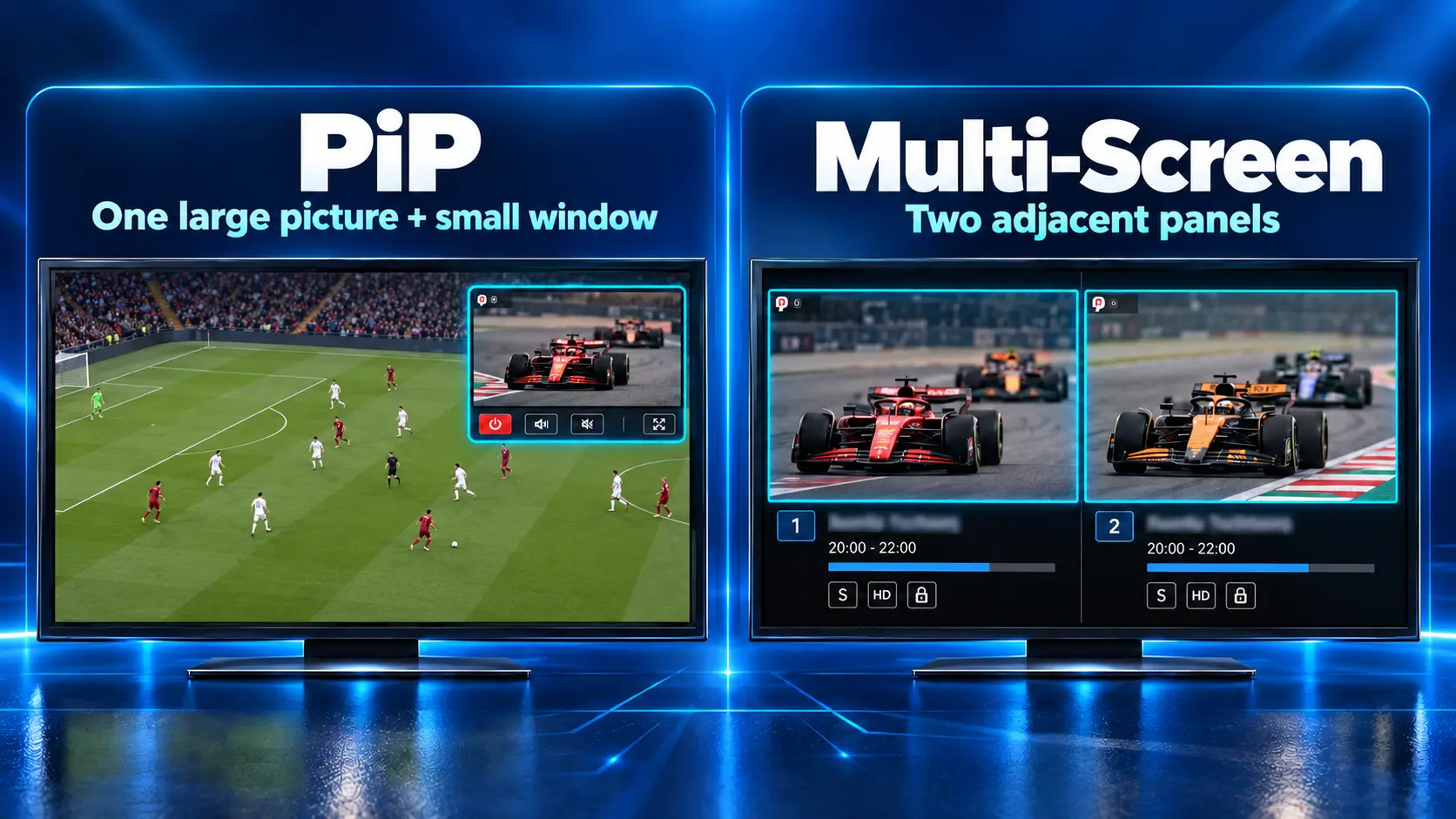
Flagship models like the SuperBox S8 Ultra feature Picture-in-Picture decoding, allowing you to monitor two simultaneous group matches on the same television display.
What internet speed do I need so the game does not buffer during penalties?
A reliable home internet download speed of 25 Mbps to 50 Mbps provides smooth, buffer-free high-definition sports streaming throughout the entire tournament.
Do I need a sports pass subscription to watch knockout games?
No subscriptions or sports passes are required. All knockout rounds, semifinals, and the championship final are included with your hardware ownership.
Can I bring my SuperBox to a friend’s house or barbecue party?
Yes, SuperBox is small, lightweight, and completely portable. Simply plug it into any TV with an HDMI port and connect to Wi-Fi to host the ultimate matchday watch party.
How early should I turn on the channel before kickoff?
Tuning in 15 to 30 minutes before kickoff gives you plenty of time to enjoy pre-game stadium analysis, lineup reveals, and national anthems.
Final Thoughts
The 2026 FIFA World Cup promises to be a once-in-a-generation celebration of athleticism, passion, and international unity right here in North America. Experiencing all 104 matches from the comfort of your couch with crystal-clear video and multiple commentary choices is the ultimate treat for sports lovers.
With SuperBox, you can invite friends and neighbors over, fire up the barbecue, and enjoy every thrilling goal without worrying about cable contracts or expiring streaming trials.
If you have any questions about channel setups or getting your device ready for game day, our dedicated team is always happy to help through our official Contact Us page.
The article was updated on:
