
Knowledge SuperBox
What Is Free Live TV? How Does It Work on SuperBox





Opening your monthly utility mail or checking your bank statement often brings an unwelcome surprise: the cable television bill. What started as an affordable promotional deal has quietly crept up to $120, $150, or even $180 every single month once promotional discounts expire.
Between basic service fees, regional sports surcharges, broadcast television surcharges, and monthly equipment rental fees for every television in your house, traditional cable has become one of the biggest household expenses. That is why millions of families are searching for free live TV solutions.
Quick Cord Cutting Summary: Free live TV on SuperBox uses a hardware-bundled ownership model that completely replaces recurring monthly television subscriptions.
You purchase an authorized Android set-top box once, and access to private cloud streaming servers carrying thousands of live news, sports, and entertainment channels is included for life.
Learn more about how modern hardware makes this possible in our complete guide to what a SuperBox TV box is.
What Does Free Live TV Actually Mean for Everyday Viewers
When people hear the phrase free live TV, it is natural to feel curious or even a little skeptical. How can television channels that cost over a hundred dollars on cable be watched without a monthly subscription?
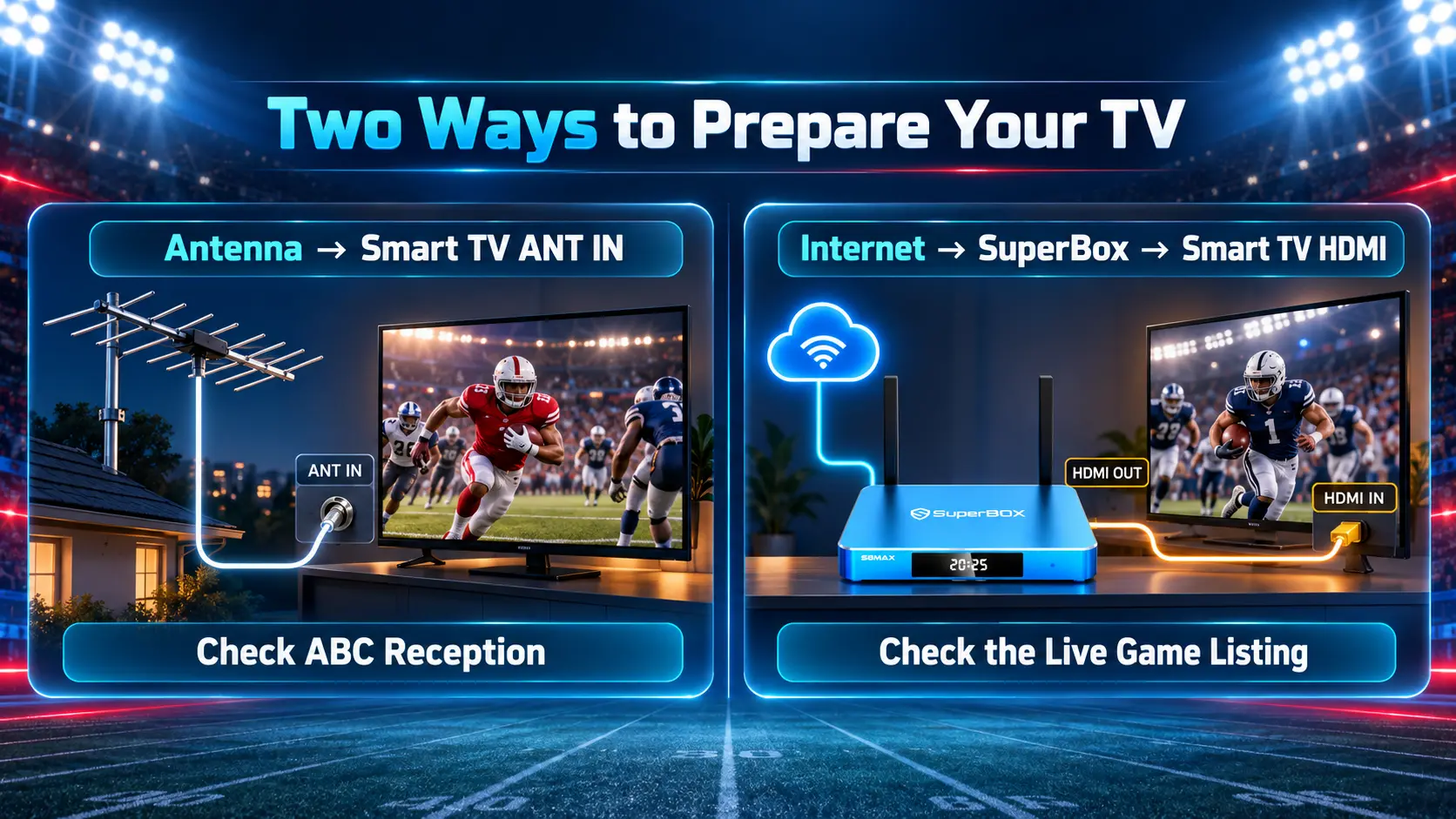
In modern home entertainment, free television generally falls into three distinct categories:
Over-the-Air Digital Antennas: This is classic free television. By plugging a digital metal antenna into your TV, you can pick up uncompressed local broadcast signals from nearby transmission towers completely free of charge.
Free Ad-Supported Streaming Apps (FAST): Platforms like Pluto TV, Tubi, and The Roku Channel stream curated internet channels for free by showing frequent commercial advertisements. However, they rarely carry live sports or live national network feeds.
Hardware-Bundled IPTV Media Hubs: This is the model used by SuperBox. Instead of paying a cable provider every single month, you buy a dedicated high-performance media box once. The manufacturer funds ongoing server infrastructure through hardware margins, providing you with contract-free television for life.
How Dedicated Media Hubs Eliminate Monthly Television Bills
Traditional cable and satellite companies carry massive operational overhead. They have to maintain thousands of miles of physical cables on telephone poles, manage fleets of repair trucks, and operate massive billing departments.
SuperBox shifts the entire distribution method to high-speed home internet. Video signals are encoded using modern compression standards (like H.265 HEVC) and delivered directly over your existing home broadband connection.
When you plug in a unit like the SuperBox S8, the device authenticates securely with central cloud servers. You never receive a monthly bill, never have to sign an annual contract, and never have to call customer service to negotiate promotional pricing.
You simply turn on your television, pick up your remote control, and start watching your favorite live programming immediately.
Comparing Three Year Household Costs Between Cable and SuperBox
| Household Expense Category | Typical Cable Television Package | SuperBox Home Media Box | 3-Year Consumer Savings |
|---|---|---|---|
| Initial Equipment Cost | $0 – $50 (Activation fee) | $359 – $449 (One-time purchase) | One-time upfront investment |
| Monthly Service Fee | $115.00 / month average | $0.00 / month | $115.00 saved every month |
| Box Rental Fees (2 TVs) | $30.00 / month ($15 each) | $0.00 (You own your hardware) | $30.00 saved every month |
| Regional Sports & Broadcast Surcharges | $30.00 / month average | $0.00 | Zero hidden regulatory surcharges |
| Year 1 Total Expense | $2,100.00 | $399.00 (Hardware only) | $1,701.00 Saved in Year 1 |
| Year 3 Cumulative Total | $6,300.00 | $399.00 | $5,901.00 Total 3-Year Savings |
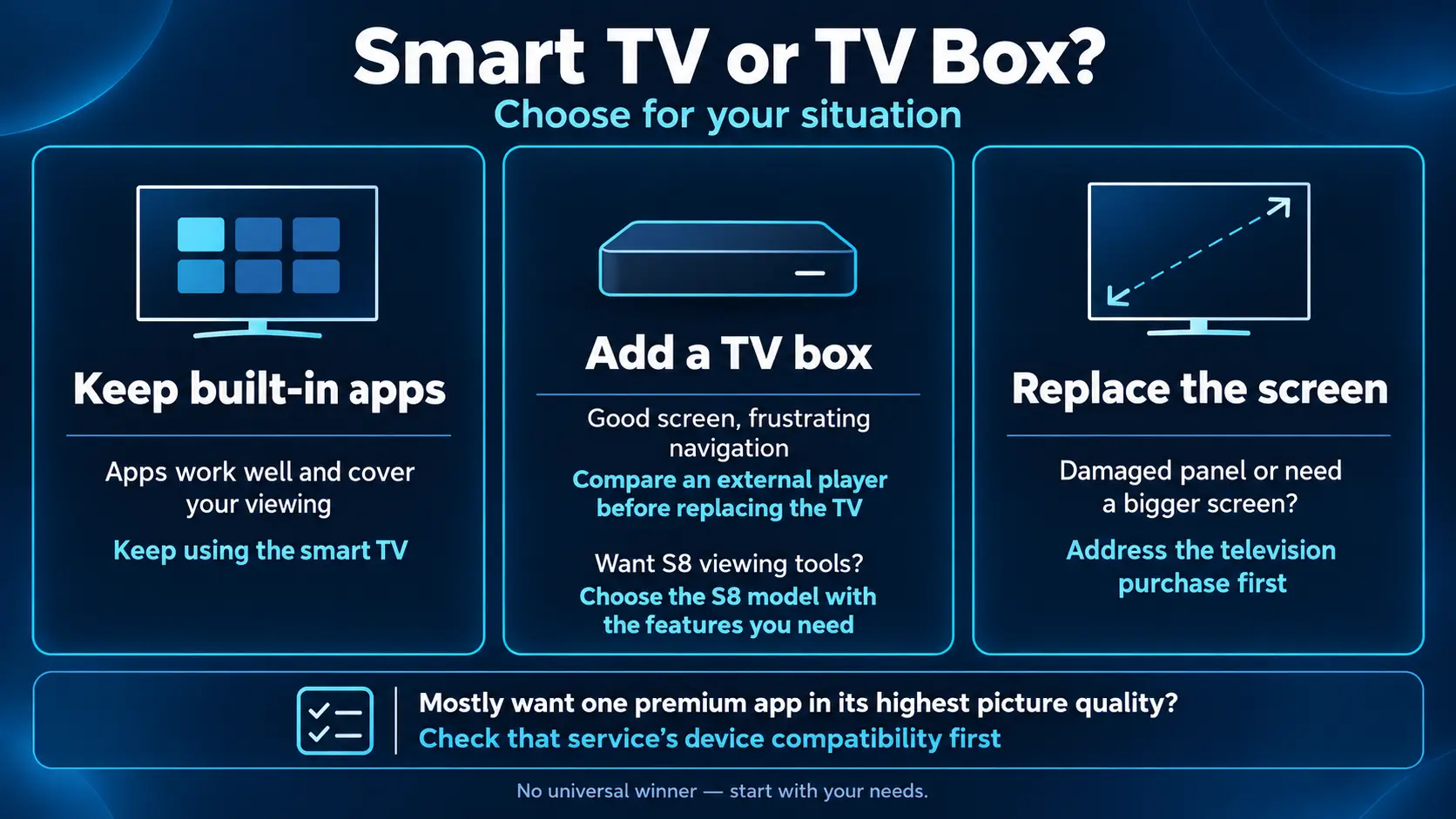
Channel Categories Included with SuperBox Live Streaming
Inside the pre-installed Blue TV application, channels are neatly organized into familiar categories that make browsing as simple as traditional cable.
Local Broadcast Affiliates: Watch regional morning news, evening broadcasts, and local weather forecasts on ABC, CBS, NBC, FOX, and PBS across major metropolitan cities.
Live Sports and Tournaments: National sports networks, regional sports networks (RSNs), dedicated college conference channels, and major professional sports packages for football, basketball, baseball, hockey, and soccer.
24/7 News and Weather: Continuous live news from major domestic and global networks keeping you informed around the clock.
Movies, Entertainment, and Kids: Premium movie channels, nature documentaries, culinary lifestyle networks, and cheerful animated family entertainment.
International Channels: Foreign-language stations covering Europe, the United Kingdom, Latin America, and Asia for bilingual households.
Setting Up Your SuperBox for the First Time in Three Minutes
You do not need to wait for a technician to visit your home or drill holes in your walls. Setting up a SuperBox takes three minutes and requires only three simple connections.
First, plug the included HDMI cable from the back of your SuperBox into an open HDMI port on your television.
Second, connect the power adapter into an electrical wall outlet and plug the power tip into the box.
Third, turn on your television, switch to the correct HDMI input, and follow the simple on-screen prompts to connect to your home Wi-Fi network or plug in an Ethernet cable.
Click on the Blue TV icon on the home screen, and you are instantly watching live high-definition television.
Helpful Internet Tips for Buffer Free Live Streaming
Because live television streams over your home broadband connection, keeping your home Wi-Fi healthy ensures smooth, uninterrupted viewing.
A reliable home download speed of 25 Mbps to 50 Mbps is ideal for high-definition television. If family members are downloading large files or streaming on multiple screens at once, a 75 Mbps to 100 Mbps home plan provides comfortable headroom.
Whenever practical, connecting your SuperBox directly to your router with an Ethernet cable provides the lowest latency and eliminates wireless interference.
If you prefer using Wi-Fi, make sure your device connects to the 5GHz network band on your home router for fast, stable wireless performance.
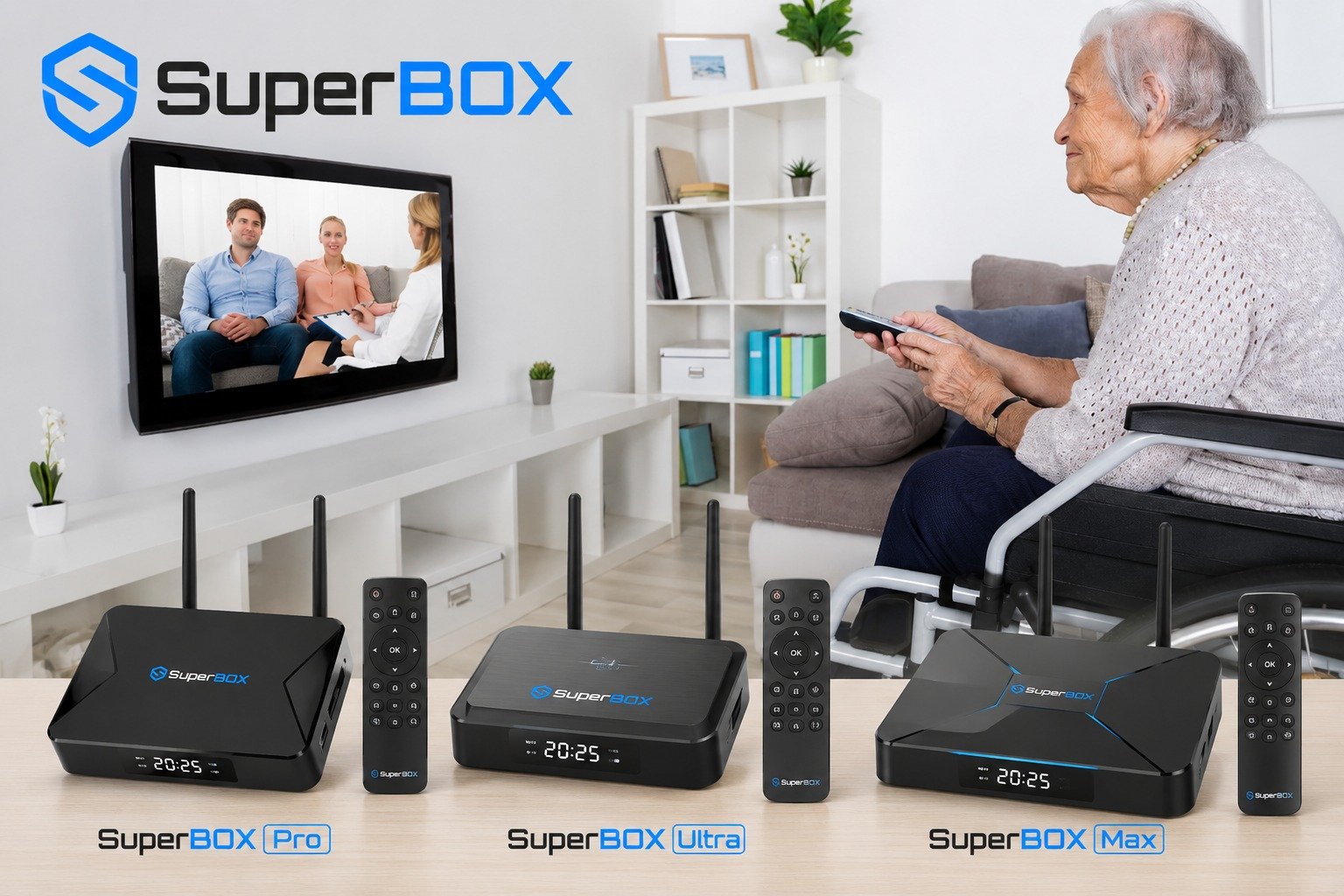
What Popular Channel Categories Are Included with Free Live TV?
Many new cord-cutters wonder what kinds of channels they can actually watch when they switch to hardware-bundled television. The variety is extensive and covers every television interest in your household.
Major local network affiliates allow you to watch live programming from major national networks, including ABC, CBS, NBC, FOX, and PBS across various regional metropolitan markets, keeping you connected to morning news and evening prime time.
National 24/7 news channels keep you informed around the clock with live feeds of major news channels, financial networks, and weather broadcasts without needing a cable login.
Comprehensive sports networks cover national sports powerhouses and regional sports networks broadcasting local baseball, basketball, and hockey franchises all year round.
Family, kids, and lifestyle entertainment options provide animated channels for children, home renovation networks, food channels, nature documentaries, and classic movie stations that keep the entire family entertained.
SuperBox Is So Easy for Seniors and Non Tech Users
A major problem with modern streaming platforms is complexity. Many older adults and non-technical viewers find smart TV apps frustrating because they require remembering dozens of passwords, navigating confusing app interfaces, and constantly updating credit cards.
SuperBox solves this by maintaining the beloved, comfortable familiarity of traditional cable television. The physical remote control features a standard numeric keypad, clear Channel Up and Down buttons, and a dedicated Volume rocker.
When you turn the television on, the box starts up directly into a clean screen. You click on Blue TV, and live programming starts playing immediately just like an old-school television set.
There are no recurring billing pop-ups, no expired password warnings, and no confusing menus. It delivers all the financial benefits of cord-cutting while preserving the simple, stress-free viewing experience that everyone loves.
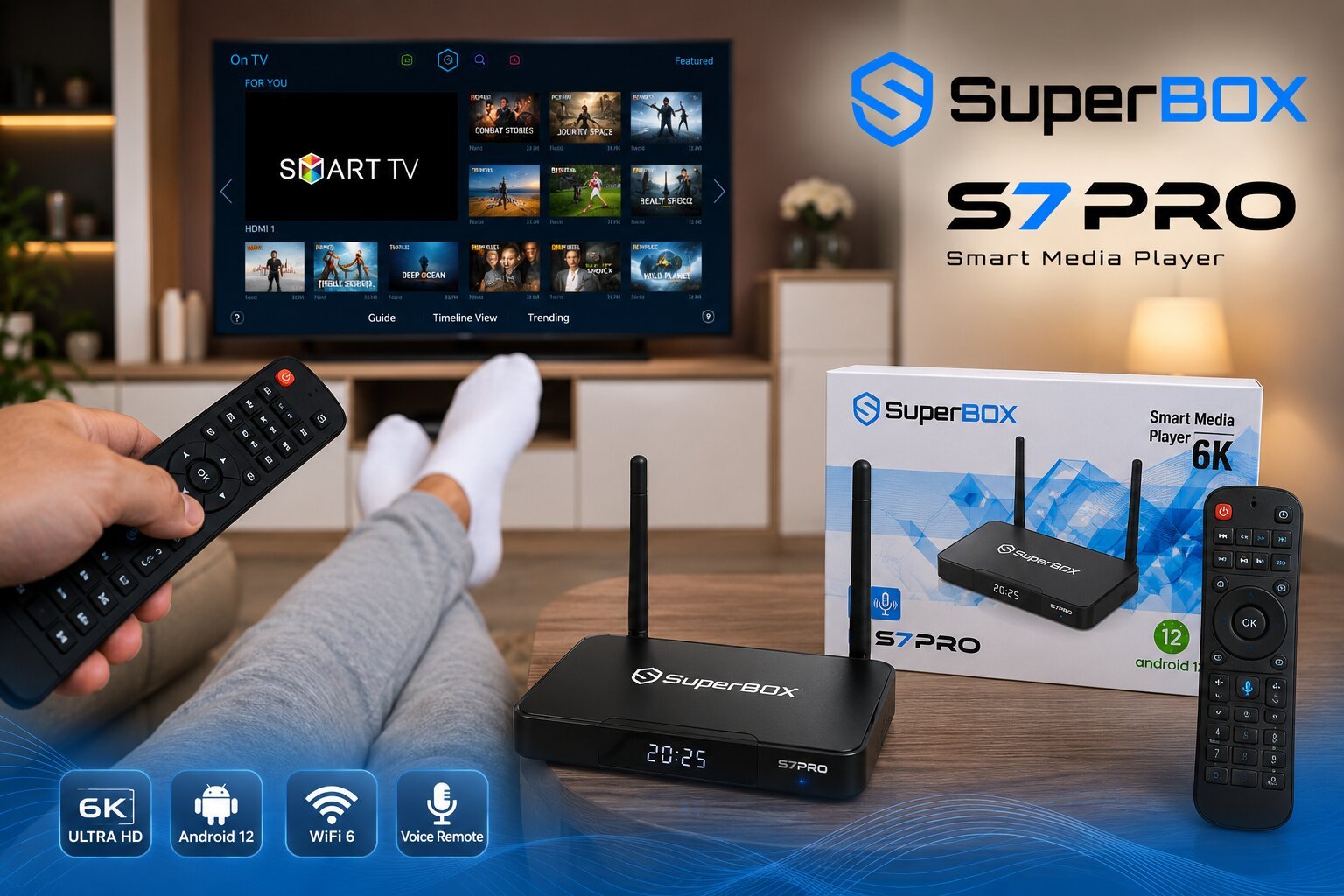
Frequently Asked Questions About Free Live TV Streaming
How can live TV be free without a monthly bill?
SuperBox uses a hardware-bundled model. The cost of maintaining private streaming servers is covered within the upfront hardware purchase price, so you never pay monthly subscription fees.
Do I need an antenna or satellite dish on my roof?
No antennas or satellite dishes are required. SuperBox streams all channels through your standard home broadband internet connection via Wi-Fi or Ethernet.
Can I get my local ABC, CBS, NBC, and FOX affiliates?
Yes, Blue TV includes regional broadcast affiliate stations across major metropolitan markets, allowing you to watch local morning news, weather, and sports.
Is watching live TV on SuperBox legal and safe?
Yes, SuperBox operates as an open-architecture Android media player that connects to dedicated cloud delivery networks, providing families with a reliable and contract-free streaming alternative.
Will I see extra commercial ads added to the channels?
No, SuperBox does not insert pop-up advertisements or mid-roll commercials. You see the authentic live broadcast stream exactly as it is transmitted on television.
Can I take my box with me when traveling or staying in an RV?
Yes, SuperBox is small, lightweight, and completely portable. You can connect it to hotel Wi-Fi, an RV park internet connection, or a mobile phone hotspot while traveling.
What internet speed do I need for buffer-free live TV?
A download speed of 25 Mbps to 50 Mbps provides smooth, high-definition streaming with quick channel changes and zero buffering delays.
Does the free live TV service expire after one or two years?
No, there is no expiration date or mandatory renewal charge. Access to live channels is included with your hardware ownership for the entire life of the box.
Can I connect multiple TVs to one SuperBox?
Each SuperBox is designed to connect to one television via HDMI. For multi-room viewing, many households place a dedicated SuperBox in their living room and another in their bedroom.
What happens if a channel experiences maintenance?
If a primary server undergoes maintenance, you can simply switch to the corresponding Backup TV feed to continue watching the program without interruption.
Final Thoughts
Watching television should be a relaxing, enjoyable part of your day, not a source of financial stress at the end of every month. Switching to free live television with SuperBox gives you the premium channels, live sports, and local news you love, while saving your family thousands of hard-earned dollars.
With simple three-minute setup, intuitive remote control navigation, and zero contracts, cutting the cord has never been easier or more rewarding.
If you have any questions about choosing the right model or connecting your device, our friendly support team is always here to help through our official Contact Us page.
The article was updated on:
