
Knowledge SuperBox
Do I Need an Antenna for a Smart TV? Local Channels in 2026





You do not need an antenna for a smart TV if you have home internet and a dedicated streaming device like a SuperBox. While modern smart televisions include built-in digital tuners, they cannot pick up over-the-air broadcasts without an external physical antenna wired to the back panel.
However, traditional antennas suffer from significant drawbacks: they drop signals during bad weather, require direct line-of-sight to broadcast towers, clutter your living room with coaxial cables, and only pick up basic local channels with zero access to live cable sports or news networks.
With an Android TV box like SuperBox, you stream major local network affiliates alongside hundreds of live cable channels in high definition over Wi-Fi with zero monthly subscription fees. At SuperBox TV Box Store, our team helps homeowners across the United States and Canada build clean, cable-free entertainment setups without ugly antenna wiring.
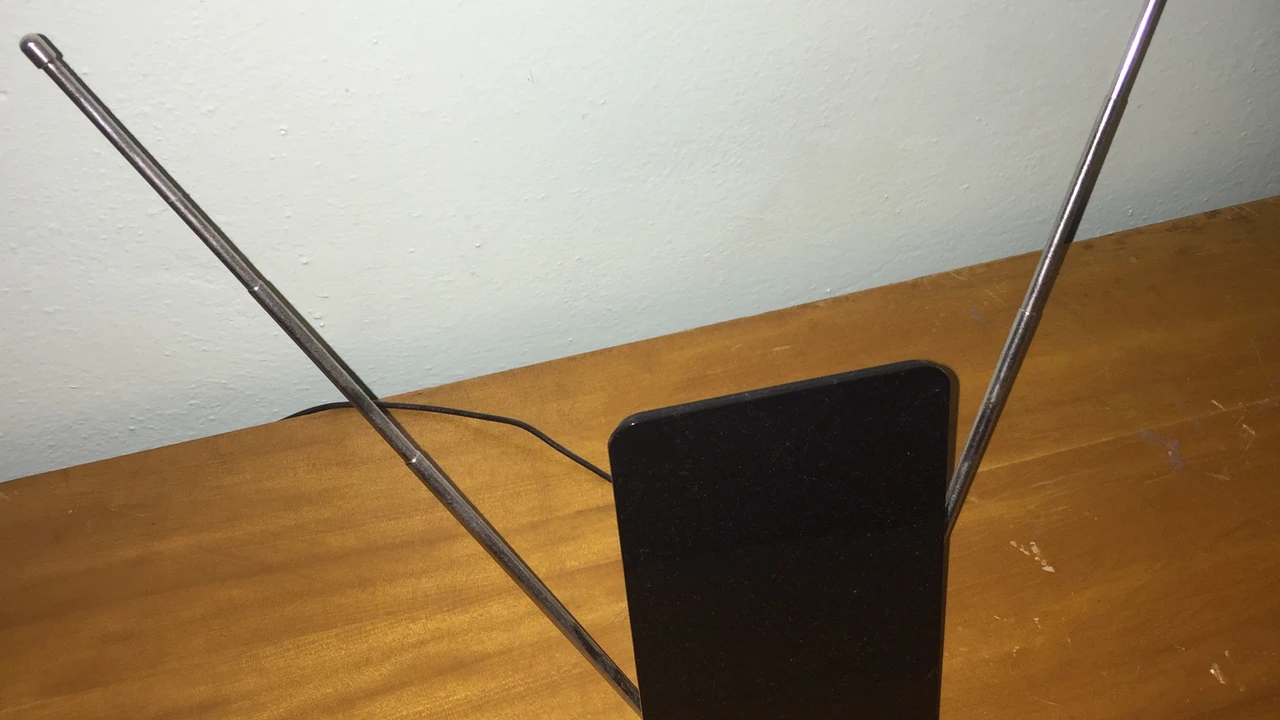
Quick Answer: Do You Actually Need an Antenna for a Smart TV?
When unboxing a brand-new Samsung, LG, Sony, TCL, or Hisense smart television, many consumers assume that the word smart means the television automatically receives free live local channels out of thin air. In reality, a smart TV is simply a high-definition display equipped with an operating system and internet connectivity. It allows you to download streaming applications, but it does not generate free over-the-air broadcast signals on its own.
To watch traditional broadcast networks like ABC, CBS, NBC, FOX, and PBS without an internet connection, a smart TV still requires a physical digital antenna connected via an old-fashioned coaxial cable jack. The television built-in ATSC tuner then scans the local airwaves to detect radio signals transmitted from regional broadcast towers.
However, if you have a reliable high-speed home internet connection, you do not need an antenna at all. By pairing your smart TV with a dedicated streaming console like the SuperBox, you can bypass over-the-air antennas entirely and stream crystal-clear local affiliates, live sports, and national entertainment networks directly over your Wi-Fi network.
Digital Antenna vs Smart TV Alone vs SuperBox: Complete Feature Comparison
Before deciding whether to buy a digital window antenna or invest in an independent streaming TV box, it is essential to understand what each solution delivers. While an over-the-air antenna is an inexpensive one-time purchase, its capabilities are strictly limited to free local broadcast frequencies. It cannot provide popular cable news channels, specialty sports networks, or on-demand movie libraries.
The comparison table below outlines how a traditional digital antenna, a standalone smart TV, and a SuperBox Android TV box compare across daily viewing requirements:
As the comparison demonstrates, relying solely on an antenna leaves massive entertainment gaps. While you might catch the Sunday night local football broadcast, you will miss Monday night cable football, college basketball tournaments, regional sports feeds, and breaking cable news commentary unless you add expensive monthly streaming app subscriptions.
The Real-World Limitations and Frustrations of TV Antennas
Distance from Broadcast Towers and Dead Zones
Digital television signals travel by line of sight. If you live more than thirty to forty miles away from your metropolitan area broadcast towers, indoor leaf antennas struggle to pick up stable frequencies. Homes located in valleys, behind rolling hills, or surrounded by dense tree cover frequently experience digital cliffing, where the picture breaks into unwatchable pixelated squares or freezes into a black screen.
Building Materials and Room Obstructions
Modern home construction materials actively block over-the-air radio waves. Brick exteriors, stucco wire mesh, metal roofs, radiant barrier attic insulation, and energy-efficient Low-E window coatings act as signal shields. If your television is located in an interior family room or finished basement without exterior windows facing the broadcast towers, an indoor antenna often fails to discover more than two or three weak channels.
Weather Sensitivity and Environmental Dropouts
Nothing is more frustrating than settling down to watch the final minutes of a major sporting event only for the channel to start stuttering. Heavy rainstorms, wet snow on roof branches, and severe wind can easily disrupt over-the-air reception. Because digital signals are all-or-nothing, minor atmospheric interference causes complete signal loss rather than mild static.
Living Room Cable Clutter and Placement Hassles
To achieve even modest reception, indoor antennas must be stuck against high window glass or pinned awkwardly to upper drywall. This leaves unsightly black or white coaxial cables hanging down across living room walls. If you want broadcast reception on three televisions in your home, you must either purchase three separate antennas or undergo the complex project of drilling holes and wiring coaxial splitters from an attic roof mount.
How SuperBox Delivers Local Channels and Cable Networks Without an Antenna
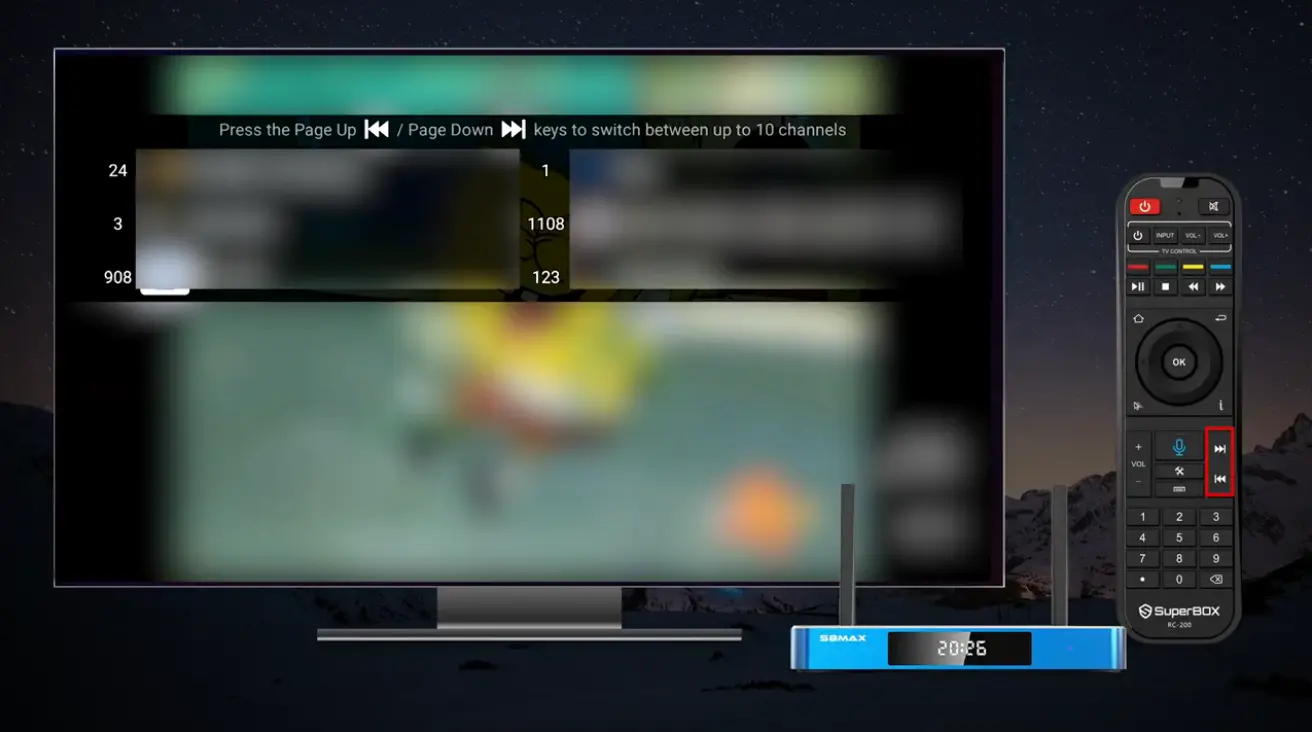
An Android TV box like the SuperBox solves antenna limitations by delivering broadcast and cable television over your existing high-speed home internet connection. Instead of relying on fickle radio waves traveling through the atmosphere, your television receives high-definition digital streams directly from dedicated content delivery servers.
Access Major Network Affiliates via Blue TV
Inside the Blue TV application on SuperBox, viewers can browse local network feeds representing major American and Canadian metropolitan markets. Whether you want to watch the morning news from New York, evening weather updates from Chicago, or primetime entertainment from Los Angeles, you can select and watch local programming with a single click of your remote control.
Seven-Day Time Shift Playback: An Invaluable Upgrade Over Basic Antennas
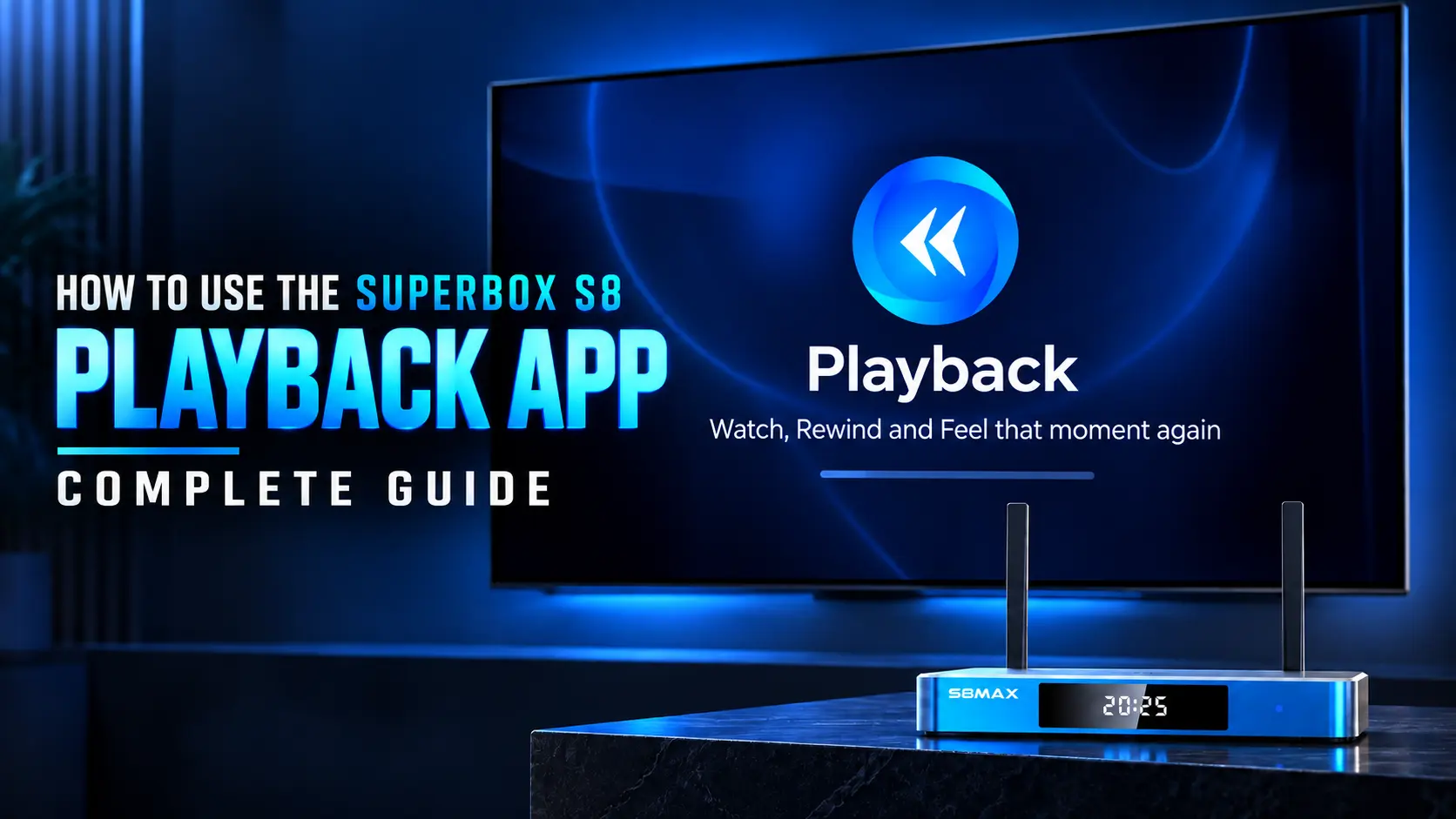
A standard digital antenna only lets you watch what is airing in the exact present moment. If you work late and arrive home thirty minutes after your local evening news or favorite drama started, an antenna leaves you with no way to watch the beginning unless you purchased an expensive third-party OTA DVR recorder.
With the SuperBox 7-Day Time Shift Playback feature, our cloud servers record and archive the complete weekly schedule across more than eighty-five major networks automatically. You can sit down on your couch at 9:00 PM, select the 6:00 PM broadcast from earlier that evening, and watch the entire program with full pause, rewind, and fast-forward controls with zero hard drives required.
When Does an Antenna Still Make Sense? (And How to Balance Your Setup)
While streaming via an Android TV box is the superior everyday solution for the vast majority of households, there are specific situations where keeping a compact digital antenna on hand remains a practical consideration.
The situational guide below outlines when to rely on your SuperBox streaming setup and when an over-the-air antenna serves as a helpful backup:
For most suburban and urban households, using a SuperBox as your primary television hub provides total entertainment satisfaction. Tucking an inexpensive twenty-dollar indoor antenna into a storage drawer gives you peace of mind for the rare occasion when severe weather knocks out local broadband infrastructure.
Step-by-Step Setup: Connecting SuperBox to Your Smart TV in Under 5 Minutes
To ensure your local news and sporting events stream with pristine clarity, connect your SuperBox to your router five-gigahertz Wi-Fi band or plug a standard Ethernet cable directly into the rear gigabit port. This eliminates wireless interference from household appliances and guarantees buffer-free playback.
Once connected, open the App Store utility on your home screen, press OK to download Blue TV, Playback, and Blue VOD, and start exploring live local networks, sports channels, and on-demand movies immediately.
Frequently Asked Questions About Smart TV Antennas and Streaming
Do I need an antenna for a smart TV to watch local channels?
No, you do not need an antenna if you use an Android TV box like SuperBox to stream local network affiliates directly over your high-speed home internet connection.
Can a smart TV get local channels without an antenna or cable?
A smart TV cannot receive over-the-air signals without an antenna, but it can stream local networks seamlessly through streaming devices and specialized TV applications.
What channels can a digital TV antenna pick up?
An antenna only picks up free over-the-air broadcast networks like ABC, CBS, NBC, FOX, and PBS within direct line of sight of your local transmission towers.
Why does my digital antenna lose signal during bad weather?
Heavy rain, snow, and dense cloud cover absorb and scatter digital radio frequencies, causing over-the-air television signals to break into pixels or drop completely.
Does SuperBox require an antenna or coaxial cable connection?
SuperBox requires zero antenna or coaxial connections because all live channels and on-demand content stream cleanly over standard Wi-Fi or Ethernet.
Can I watch live sports on a smart TV without an antenna?
Yes, you can stream live national football, basketball, baseball, and soccer games through the Blue TV app on SuperBox with zero monthly subscription fees.
Does SuperBox hardware come with preloaded streaming applications?
SuperBox consoles do not arrive with preloaded apps, allowing users to download official utilities like Blue TV and Playback directly from the built-in App Store in seconds.
Do I need an expensive DVR to record shows from a smart TV?
No external DVR is needed with SuperBox because the 7-day time shift playback feature automatically archives the past week of broadcasts on cloud servers.
Do SuperBox remotes have backlit buttons for dark living rooms?
Yes, all authentic SuperBox S8 series and SuperBox S7 series models include full backlit voice remotes that illuminate automatically for easy button navigation in dark viewing rooms.
Can I move my SuperBox between different smart TVs in my house?
Yes, the compact SuperBox console can be unplugged in seconds and reconnected to any smart TV in your bedroom, basement, patio, or vacation cabin with Wi-Fi access.
Final Thoughts: Choosing the Smarter Setup for Your Living Room
Buying a new smart television should be an exciting upgrade for your home, not an invitation to clutter your walls with ugly antenna wires or endure pixelated broadcast dropouts every time a storm rolls in. While digital over-the-air antennas served an important transitional role in the early cord-cutting era, modern high-speed internet and advanced Android TV hardware have made physical antennas largely obsolete for everyday viewing.
By adding an authorized SuperBox console to your smart TV, you gain the best of both worlds: reliable access to your local news and major network broadcasts alongside hundreds of premium live sports, news, and family cable channels with zero monthly subscription fees.
With automated seven-day catch-up playback, robust Wi-Fi 6 connectivity, and responsive backlit voice remotes, your entertainment setup becomes clean, flexible, and completely cost-free. At SuperBox TV Box Store, our team is proud to offer authentic hardware, free express shipping across the United States and Canada, and expert technical support to keep your living room streaming smoothly every day.
The article was updated on:
