
Knowledge SuperBox
4K vs 6K Resolution: Real-World Differences for TV Boxes





The main difference between 4K and 6K resolution is pixel density and total image detail. A standard 4K Ultra HD display delivers 3840×2160 pixels (around 8.3 million pixels), while 6K resolution provides approximately 6144×3160 pixels (nearly 20 million pixels), delivering more than double the visual clarity of 4K.
However, in home entertainment, 6K televisions are virtually non-existent because consumer displays jump directly from 4K to 8K. When a streaming media player like the SuperBox S8 features 6K resolution, it refers to 6K hardware video decoding capability.
This means the internal processor can decode heavy video files up to 6K at 60 frames per second and downsample them onto your 4K or 1080p television. This extra computing power produces sharper text, richer colors, and smoother sports action without buffering.
Quick Answer: Do You Need a 6K TV to Use a 6K Streaming Box?
No, you do not need a 6K television to use or benefit from a 6K-capable streaming media player. In fact, television manufacturers do not produce consumer 6K television sets; retail displays progress from standard 1080p Full HD to 4K Ultra HD, and then directly to 8K.
When streaming hardware advertises 6K support, the term describes the processing power of the internal video decoder and graphics chipset. Connecting a 6K-capable streaming console to a standard 4K or 1080p television provides immediate practical advantages:
- Cleaner picture clarity: The box processes high-density video feeds and scales them down to your screen resolution through a process called supersampling, resulting in sharper edges and finer texture details.
- Effortless 4K performance: Because the processor is engineered to handle massive 6K video data, decoding regular 4K live streams and 1080p sports requires only a fraction of its computing power, preventing overheating and interface lag.
- Future-proof compatibility: The device easily decodes modern video compression standards like H.265 and AV1, ensuring your streaming console remains compatible with high-bitrate media for years to come.
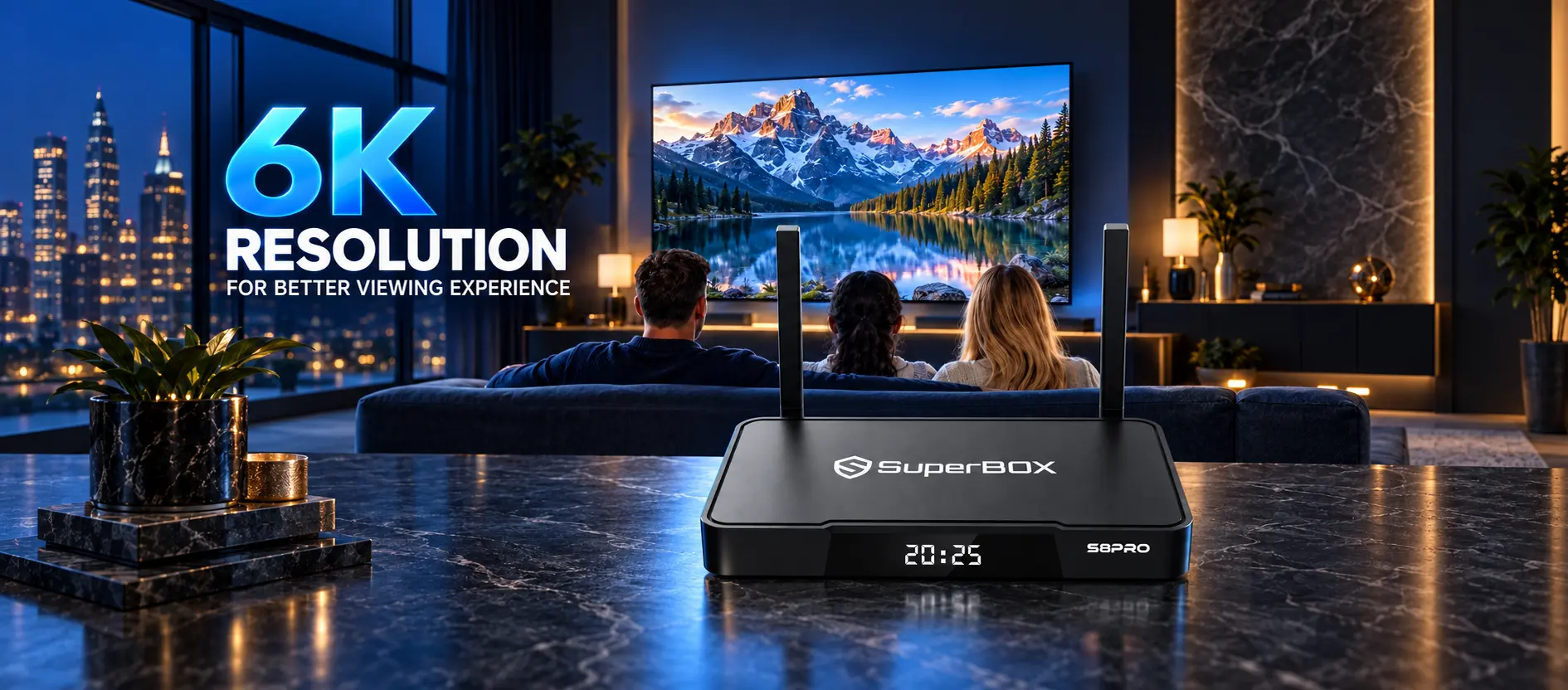
6K hardware video decoding capability
4K vs 6K Resolution: Technical Comparison Matrix
| Metric | Standard 4K Ultra HD | 6K Video Resolution | Everyday Impact on Your TV |
|---|---|---|---|
| Pixel dimensions | 3840 x 2160 pixels | 6144 x 3160 pixels | 6K packs over 2.3 times more pixels than 4K |
| Total pixel count | Approx. 8.3 million pixels | Approx. 19.4 million pixels | Extremely high pixel density and fine detail |
| Consumer TV availability | Everywhere (Standard retail format) | Rare (Used in production monitors) | Your living room TV will almost certainly be 4K |
| Streaming box function | Standard video output resolution | Hardware decoding processing ceiling | Box decodes 6K feeds and displays crisp 4K |
| Color depth support | 8-bit to 10-bit HDR10 | 10-bit to 12-bit wide color gamut | Richer color gradients with zero color banding |
| Required HDMI cable | High-Speed HDMI 2.0 (18 Gbps) | Ultra High-Speed HDMI 2.1 (48 Gbps) | Standard HDMI 2.0 cables easily carry output |
| Internet speed needed | 25 to 50 Mbps continuous download | 50 to 80+ Mbps continuous download | Smooth playback on standard home broadband |
What Does 6K Resolution Actually Mean on an Android TV Box?
The difference between decoding resolution and display output
There are two separate stages involved in showing a video on your television screen:
- Video decoding: This takes place inside the streaming box. The internal processor (such as the quad-core ARM Cortex-A53 and Mali-G31 GPU inside SuperBox consoles) receives compressed digital data from the internet, unpackages the video frames, and reconstructs the image. A 6K rating means this internal chip can decode massive video streams up to 6144×3160 resolution at 60 frames per second.
- Display output: This is the physical signal sent over your HDMI cable to your television panel. Modern streaming boxes output signals up to 4K at 60Hz (3840x2160p), which matches the exact native resolution of modern 4K Ultra HD televisions.
How supersampling improves picture quality on your 4K TV
When a high-performance streaming box receives high-bitrate video, it performs a visual optimization technique known as supersampling.
Instead of stretching a low-quality stream to fill your screen, the processor takes a dense image, calculates the color values of neighboring pixels, and scales it cleanly into your television native 4K grid. The result is noticeably sharper text in channel guides, less visible compression noise in dark movie scenes, and smoother edges around fast-moving athletes during live sports broadcasts.
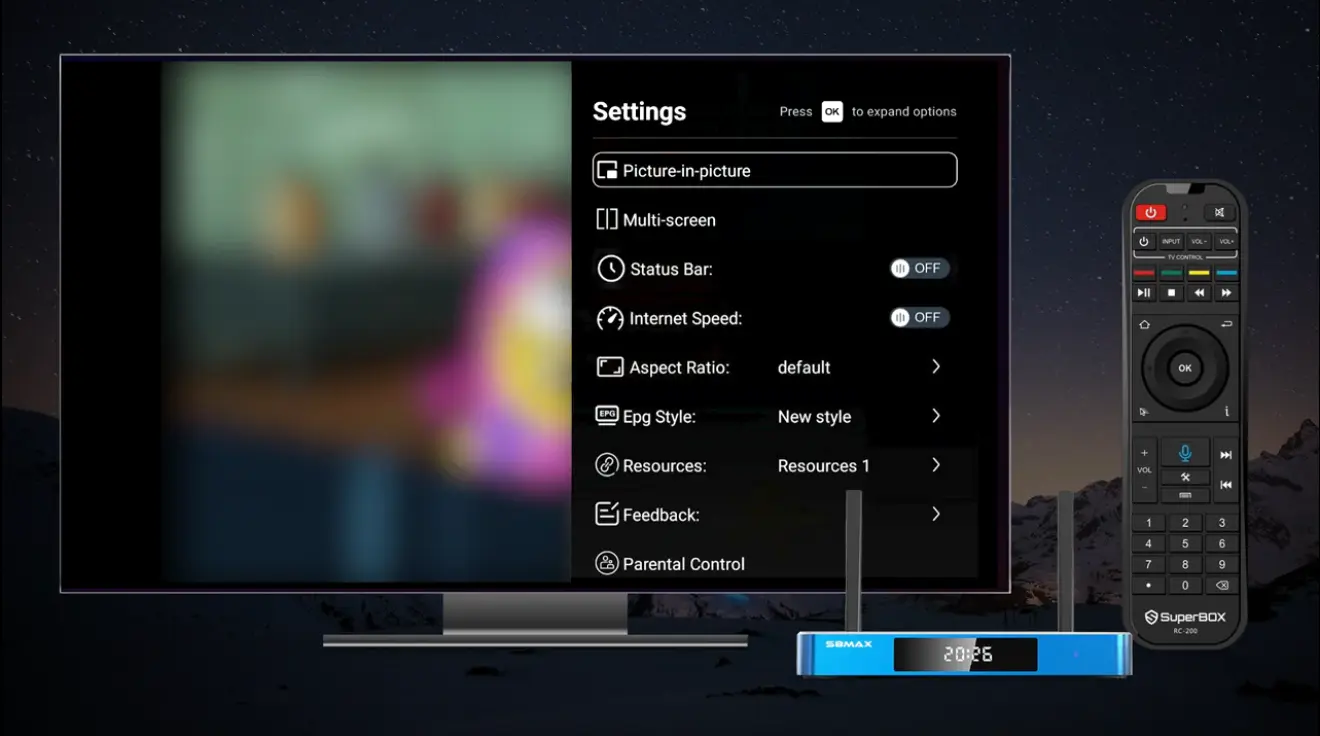
Configuring television display resolution settings
Real-World Benefits of 6K Hardware for Everyday Viewers
1. Zero lag and buffer-free multitasking
Underpowered streaming sticks equipped with basic 1080p or entry-level 4K chips often run at maximum capacity just to keep up with high-definition video. When an app updates in the background or you scroll rapidly through a large channel guide, the processor becomes overwhelmed, causing the video to stutter or the app to freeze.
Because 6K-capable consoles possess substantial processing headroom, playing standard 1080p cable feeds or 4K movies uses only a fraction of their capacity. The system remains cool, menus remain snappy, and channel switching feels instantaneous.
2. Rich 10-bit color depth and natural HDR contrast
Resolution is only one part of picture quality; color accuracy and dynamic contrast matter just as much.
Hardware capable of 6K processing natively supports YUV420 10-bit color depth, which allows your television to display over one billion distinct color shades (compared to just 16.7 million shades on older 8-bit systems). When watching outdoor sporting events or scenic movies, blue skies and sunset horizons transition smoothly without ugly, blocky color rings.
3. Choosing a capable streaming box model
The current SuperBox S8 lineup incorporates this high-speed video decoding across all four hardware editions:
- SuperBox S8 Pro ($359): Features 4GB RAM, 32GB storage, Type-C power, and complete 6K video decoding. It is a capable, budget-conscious choice for any living room or bedroom.
- SuperBox S8 Plus ($379): Delivers 4GB RAM, 64GB storage, a round DC power adapter, and USB 2.0 and 3.0 ports for connecting external media drives.
- SuperBox S8 Max ($399): Provides 4GB RAM, 64GB storage, Type-C power, and multi-viewing capabilities that let you monitor multiple live sports feeds simultaneously.
- SuperBox S8 Ultra ($449): The flagship edition with 4GB RAM, 128GB of internal storage and multi-viewing support.
Every model includes dual-band Wi-Fi 6 and a physical Gigabit Ethernet (1000Mbps) port to ensure that high-bitrate video streams download smoothly without network bottlenecks.
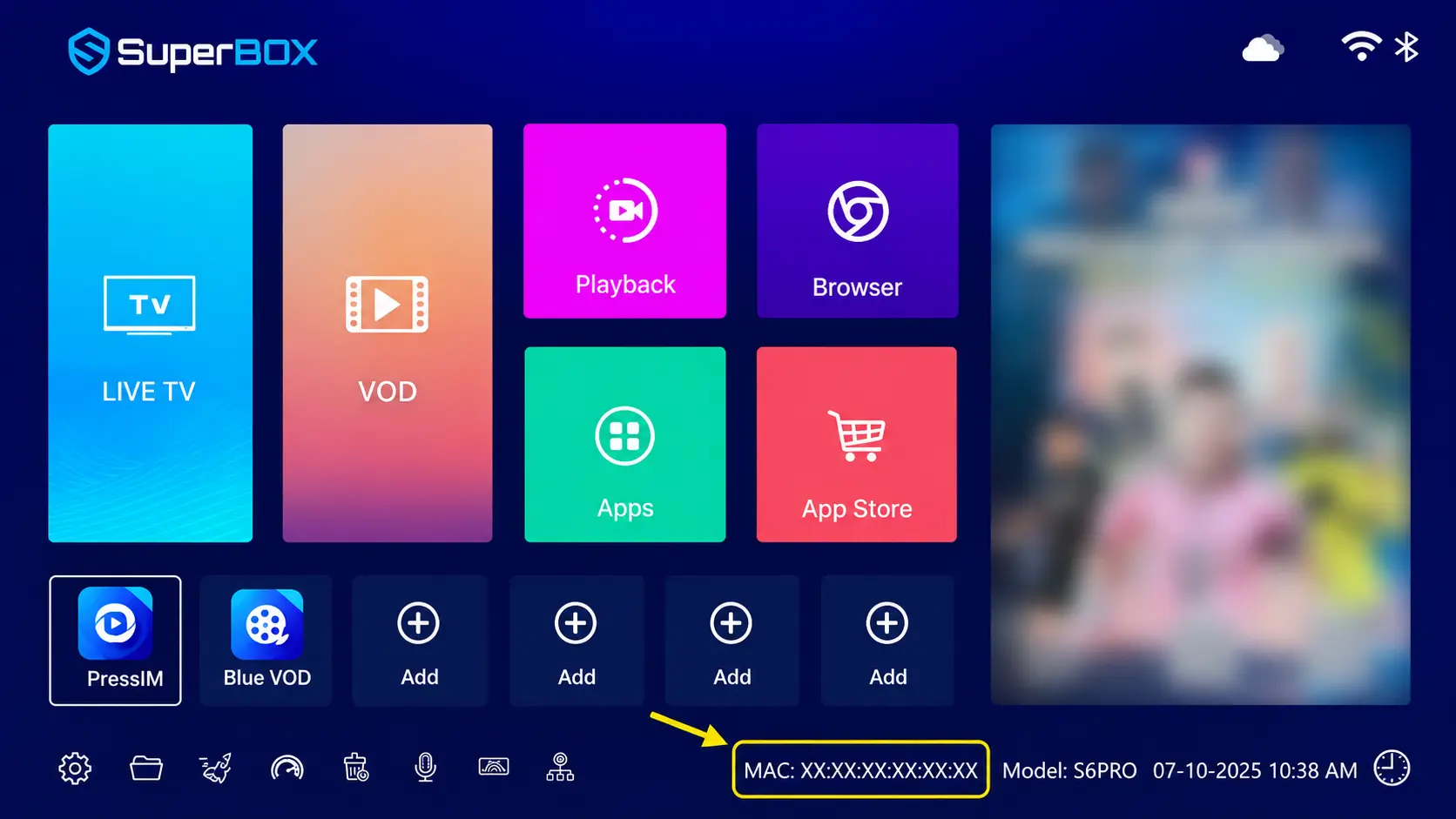
Checking physical video output ports
What You Need to Get the Best Picture on Your Television
To make sure you are getting the sharpest possible picture from your 4K or 6K-capable streaming device, verify that your physical setup meets these requirements:
- Certified High-Speed HDMI cable: Use a certified HDMI 2.0 (18 Gbps) or HDMI 2.1 cable. Older HDMI 1.3 or 1.4 cables lack the bandwidth to transmit 4K at 60 frames per second with HDR color, often causing flickering or blank screens.
- Enhanced HDMI port setting on your TV: Many television brands ship with their HDMI ports set to a standard compatibility mode. Open your television picture settings and turn on HDMI Enhanced Format, Ultra HD Deep Color, or 4K Enhanced Mode for the port connected to your box.
- Reliable broadband internet connection: A steady download speed of 25 Mbps is recommended for HD video, while 50 Mbps or higher ensures seamless 4K playback without buffering pauses.
- Proper television picture aspect ratio: Ensure your television aspect ratio is set to Just Scan, Screen Fit, or 1:1 Pixel Mapping so that the screen does not stretch or crop outer menu edges.
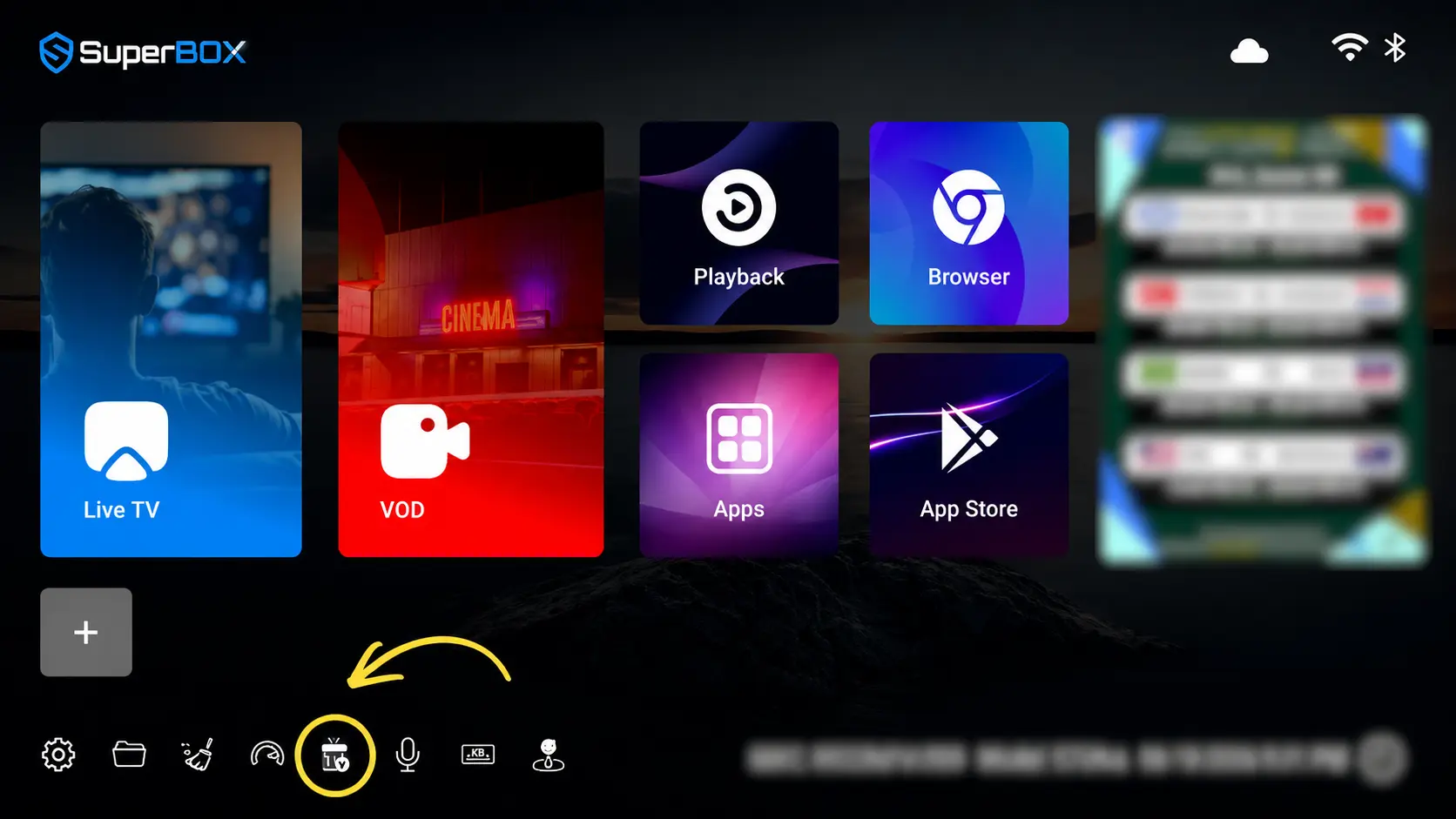
High definition media stream playback
Step by Step: How to Configure Resolution on Your Streaming Box
Step 1: Connect your streaming device via HDMI
Plug one end of your certified HDMI cable into the HDMI OUT port on your streaming box and insert the other end into an HDMI 2.0 or 2.1 port on your television.
Step 2: Access Android display preferences
Power on your television and streaming console. From the main home launcher, click the Settings gear icon, open Device Preferences (or Display and Sound depending on your model), and select Display.
Step 3: Disable automatic resolution negotiation
Locate the toggle labeled Auto Switch to Best Resolution and switch it to Off. Leaving automatic negotiation on can cause your television screen to flash black for two to three seconds every time you switch channels or launch an application.
Step 4: Manually lock output resolution to 4K at 60Hz
Click on HDMI Output Mode or Resolution List. If your console is connected to a 4K television, select 3840x2160p at 60Hz. If your television is an older 1080p panel, choose 1920x1080p at 60Hz.
When prompted, press OK on your remote control to confirm the new setting. If the screen stays dark, wait fifteen seconds without pressing buttons; the system will automatically revert to your previous working display mode.
Step 5: Adjust overscan borders with Screen Percent
Navigate back to the Display menu and select Screen Percent (or Display Zoom). An alignment grid with white borders will appear. Use the left and right arrows on your remote to expand or shrink the border until it aligns exactly with the physical frame of your screen, ensuring channel names and scores are never cut off.
System display verification screen options
Step 6: Select optimal color space and Auto HDR
Open the Color Space setting and choose YUV420 10-bit (or YUV422 if supported by your television).
Next, open HDR Settings and select Auto HDR. This setting ensures that HDR color processing activates only when you play genuine HDR content, preventing standard cable broadcasts from looking oversaturated or artificially dark.
How to Verify Picture Quality on Your Television
After completing your calibration, conduct these quick visual checks to confirm that your display is performing at its best:
- Small text legibility: Look at the channel descriptions in the electronic program guide. The letters should look crisp and sharp with no blurry halos or fringing.
- Fast sports motion clarity: Watch a live basketball or hockey broadcast. Rapid horizontal camera pans should feel fluid and smooth without double-image stutter or frame-skipping judder.
- Deep shadow details: Check the letterbox black bars on a widescreen movie. They should look ink-black without glowing dark gray or crushing dark clothing details into solid black silhouettes.
- Smooth color gradients: Watch a sunrise or underwater scene. The colors should transition smoothly from bright to dark without stepped rings or pixel banding
Troubleshooting Common Picture and Resolution Issues by Symptom
| Observed Picture Issue | Quick First Check | Simple Solution |
|---|---|---|
| Black screen after changing resolution | Wait 15 seconds for fallback timer | Connect to 1080p screen and reset to 1080p@60Hz |
| Picture edges cut off or cropped | Check television aspect ratio mode | Set TV to Just Scan or adjust box zoom slider |
| Video judders during live sports | Check box output refresh rate setting | Lock display output to 60Hz instead of 30Hz |
| Screen displays sparkling white noise | Inspect HDMI cable connection firmly | Replace cable with certified 18 Gbps HDMI 2.0 |
| Colors look washed out or faces look orange | Check HDR mode in box settings | Set HDR to Auto and color space to YUV420 |
| Dialogue sound does not match actors lips | Check digital audio format setting | Switch audio output to PCM or Passthrough |
Frequently Asked Questions
Can a 4K TV play 6K video from a streaming box?
Yes, a 6K-capable streaming box decodes the high-resolution video internally and scales it down to fit your 4K television screen with enhanced sharpness.
Are there any 6K televisions available to buy?
No, consumer television manufacturers do not produce 6K televisions; retail displays jump directly from 4K Ultra HD to 8K.
Does a 6K streaming box look better than a regular 4K box on a 4K TV?
Yes, because 6K processors use supersampling to scale dense video feeds down to 4K, producing cleaner lines, richer color depth, and fewer compression artifacts.
Will a 6K streaming box work on an older 1080p TV?
Yes, modern streaming boxes automatically support 1080p and 720p output resolutions, providing fast navigation and smooth playback on older displays.
What refresh rate is best for watching live sports: 60Hz or 30Hz?
You should always select 60Hz because live sports broadcasts are filmed at sixty frames per second; selecting 30Hz causes noticeable stutter during camera pans.
Why does my TV screen flash black when I open an app?
This occurs when Auto Resolution is turned on, forcing the TV and streaming box to renegotiate HDMI handshakes whenever a new video starts; turn Auto Switch off to fix it.
Do I need a special HDMI cable for 4K video?
Yes, you need a certified High-Speed HDMI 2.0 (18 Gbps) or HDMI 2.1 cable to carry 4K video at 60Hz with HDR color without flickering.
What is the difference between YUV420 and RGB color settings?
YUV420 is the broadcast standard used by television networks and streaming video apps, while RGB is designed primarily for computer desktop monitors.
Does 6K video decoding use more home internet bandwidth?
It depends on the stream source; when streaming regular live TV channels or movies, the box uses the same standard 25 to 50 Mbps bandwidth as other devices.
Which SuperBox model offers 6K video decoding?
All current SuperBox S8 models: S8 Pro ($359), S8 Plus ($379), S8 Max ($399), and S8 Ultra ($449) include full 6K hardware video decoding.
Final Thoughts
Comparing 4K vs 6K resolution reveals that in home entertainment, 6K is about computing muscle rather than buying an expensive new television screen. While 4K remains the gold standard for living room displays, having a streaming box equipped with 6K hardware video decoding gives your setup the extra processing power needed for effortless streaming.
By pairing your existing 4K or 1080p television with a capable streaming console like the SuperBox S8 series, you enjoy sharper text, richer 10-bit color reproduction, and buttery-smooth live sports without the freezing or stuttering common on underpowered hardware. It is a simple, cost-effective way to get the very best picture quality out of the screen you already own.
The article was updated on:
