
Knowledge SuperBox S7
NVIDIA Shield TV Pro vs SuperBox S7 Ultra: Price and Specs Comparison





Comparing the NVIDIA Shield TV Pro ($199.99) and the SuperBox S7 Ultra ($381.00) pits the benchmark in cloud gaming against the pinnacle of cord-cutting independence. The NVIDIA Shield TV Pro excels at GeForce NOW cloud gaming, Plex Media Server hosting, and AI 4K upscaling, but relies entirely on expensive third-party television subscriptions like YouTube TV or Sling ($70-$90/month).
In contrast, the SuperBox S7 Ultra is built with a heavy-duty aluminum chassis, 4GB DDR3 RAM, an expansive 128GB internal storage drive, dual high-gain Wi-Fi 6 antennas, Gigabit LAN, and the pre-installed Blue TV platform delivering 2,000+ live sports and news channels with zero recurring monthly bills.
Below is your complete comparison of the NVIDIA Shield TV Pro vs SuperBox S7 Ultra, evaluating hardware specifications, storage advantages, long-term costs, networking performance, and optimization steps.
Quick Verdict: Which Flagship Console Should You Choose?
Choose the NVIDIA Shield TV Pro ($199.99) if your primary hobbies are cloud gaming via GeForce NOW, running a self-hosted Plex Media Server, or AI-upscaling 1080p local movie files to 4K, and you are comfortable paying ongoing monthly fees ($70-$90/mo) for live television services like YouTube TV or Fubo.
Choose the SuperBox S7 Ultra ($381.00) if you want the ultimate turnkey cable replacement with zero monthly fees. Featuring an expansive 128GB eMMC storage drive, 4GB of DDR3 RAM, a heavy-duty aluminum heatsink housing, dual high-gain Wi-Fi 6 external antennas, a 1000Mbps Gigabit LAN port, and Blue TV providing 2,000+ live sports and news channels with 7-day catch-up playback, the S7 Ultra is a complete home theater investment that pays for itself in just four months.
Detailed Technical Specifications: NVIDIA Shield TV Pro vs. SuperBox S7 Ultra
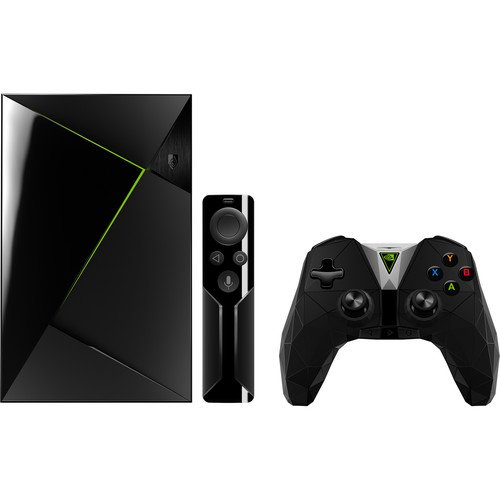
Both streaming consoles offer desktop-grade performance, but their hardware configurations emphasize different strengths. Here is how their physical and internal architectures compare side by side.
| Technical Feature | NVIDIA Shield TV Pro | SuperBox S7 Ultra |
|---|---|---|
| Official Purchase Price | $199.99 | $381.00 (Official Store Price) |
| Chassis Construction | Black Plastic Wedge with Internal Fan | Heavy-Duty Aluminum Alloy Metal Housing |
| System Memory (RAM) | 3GB LPDDR4X | 4GB DDR3 High-Speed Memory |
| Internal Storage | 16GB eMMC (Only ~11GB usable) | 128GB eMMC (8x more internal storage) |
| Processor (SoC) | NVIDIA Tegra X1+ (256-Core GPU) | Quad-Core 64-bit ARM Cortex-A53 + Mali GPU |
| Video Decoding Capability | 4K @ 60fps (Dolby Vision, AI Upscaling) | 6K Ultra HD @ 60fps (H.265 / HEVC HDR) |
| Wireless Connectivity | Wi-Fi 5 (802.11ac 2×2 MIMO internal) | Wi-Fi 6 (Dual High-Gain External Antennas) |
| Wired Networking | 10/100/1000M Gigabit LAN | 10/100/1000M Gigabit LAN |
| Physical Ports | 2x USB 3.0, HDMI 2.0b, Gigabit LAN | 1x USB 3.0, 1x USB 2.0, HDMI, Optical, TF Slot, LAN |
| Included Remote | Shield Remote (Triangular, Motion-activated) | RC-200L Backlit Voice Remote (IR TV Learning) |
| Ongoing Monthly Cost | $70 – $120+ / month for live TV & apps | $0.00 / month forever |
The 128GB Storage Advantage: Why Internal Space Matters
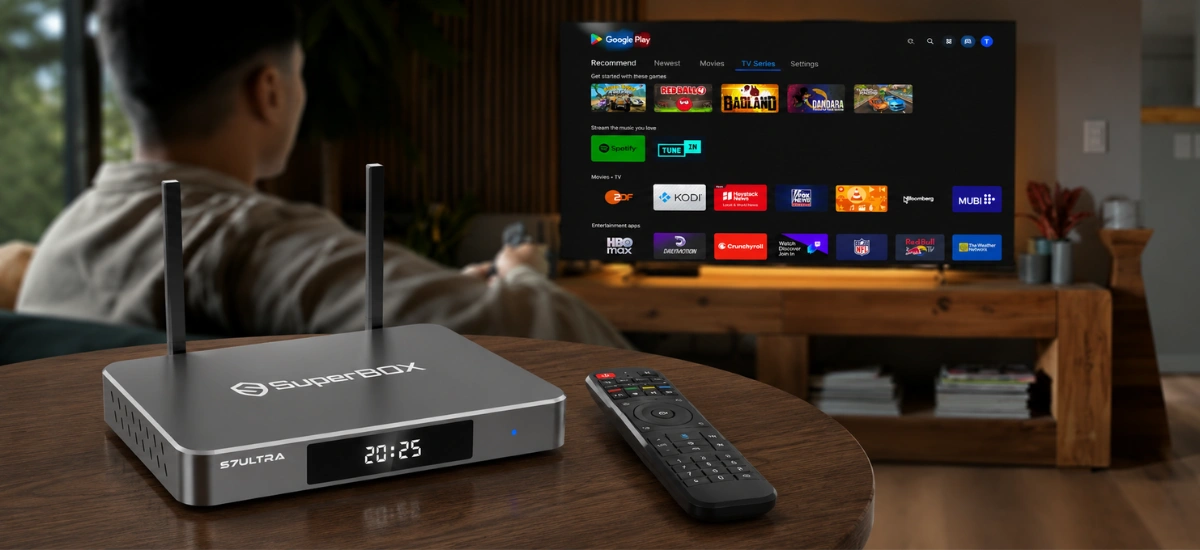
Storage capacity is one of the most stark differences between these two consoles.
NVIDIA Shield 16GB Storage Ceiling
Despite costing $199.99, the NVIDIA Shield Pro includes only 16GB of onboard storage, with roughly 11GB accessible after system partitions. Installing several modern Android games, emulators, or Kodi media skins quickly triggers low storage warnings, forcing users to buy external USB drives.
SuperBox S7 Ultra 128GB Storage Freedom
The SuperBox S7 Ultra includes a massive 128GB of internal eMMC storage. This allows you to install dozens of video applications, download offline movie files, and keep complex media libraries locally without storage anxiety.
The Financial Equation: Gaming Box vs. Complete Cable Replacement
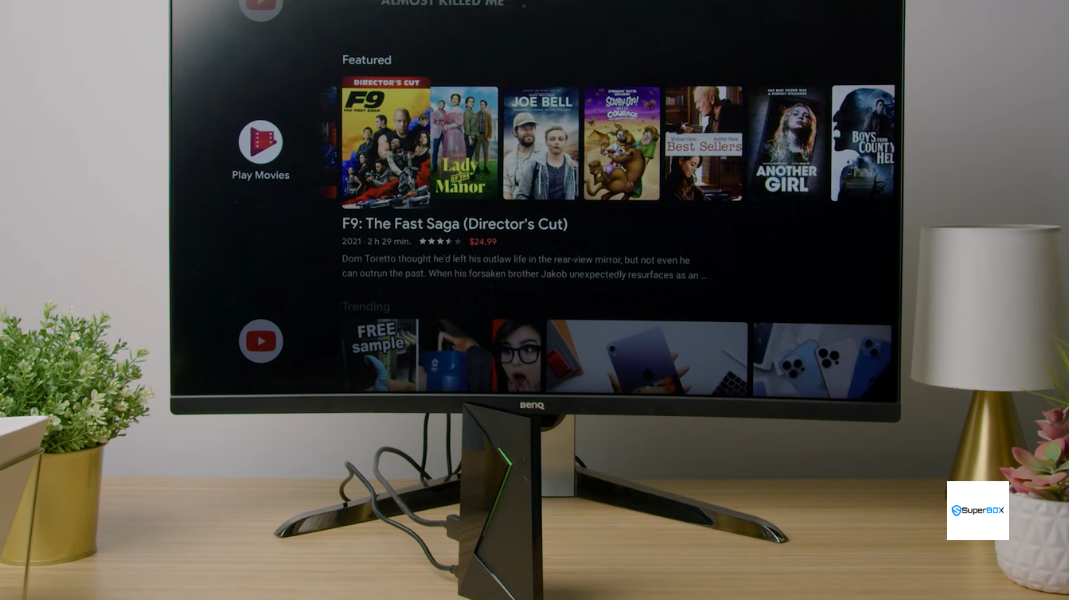
While the NVIDIA Shield TV Pro costs less upfront, it requires recurring subscriptions to access live television.
Pairing the Shield with a live TV package like YouTube TV or FuboTV costs approximately $79.99 per month. Over two years, total out-of-pocket expenses exceed $2,100.
In contrast, the SuperBox S7 Ultra requires a single upfront investment of $381.00. It includes lifetime access to Blue TV with over 2,000 live channels and 15,000+ movies, saving more than $1,700 over two years.
| Expense Milestone | NVIDIA Shield TV Pro + Live TV Bundle | SuperBox S7 Ultra (128GB Metal) |
|---|---|---|
| Day 1 Purchase Price | $199.99 | $381.00 |
| Month 1 to 6 Total | $679.93 ($79.99/mo bundle) | $381.00 (Break-even at month 4) |
| 12-Month Total Out-of-Pocket | $1,159.87 | $381.00 (Saves $778.87) |
| 24-Month Total Out-of-Pocket | $2,119.75 | $381.00 (Saves $1,738.75) |
Networking Hardware: Wi-Fi 6 with Dual Antennas vs. Wi-Fi 5
Network connectivity is vital for buffer-free live sports. Discover maintenance tips in our guide to SuperBox S7 buffering.
The NVIDIA Shield TV Pro relies on Wi-Fi 5 (802.11ac) with internal antennas. The SuperBox S7 Ultra integrates modern Wi-Fi 6 (802.11ax) with dual high-gain external antennas, offering superior range and throughput across multi-room home environments. Both boxes feature 1000Mbps Gigabit Ethernet ports for dedicated wired setups.
Live Television and Sports: The Blue TV Experience
The core advantage of the SuperBox S7 Ultra is the pre-installed Blue TV application. Blue TV delivers over 2,000 live channels across sports, news, and regional networks with zero commercial subscriptions. Paired with 7-day automated cloud playback across 86 channels, you can watch missed games and primetime broadcasts anytime.
How to Configure SuperBox S7 Ultra for Maximum Performance
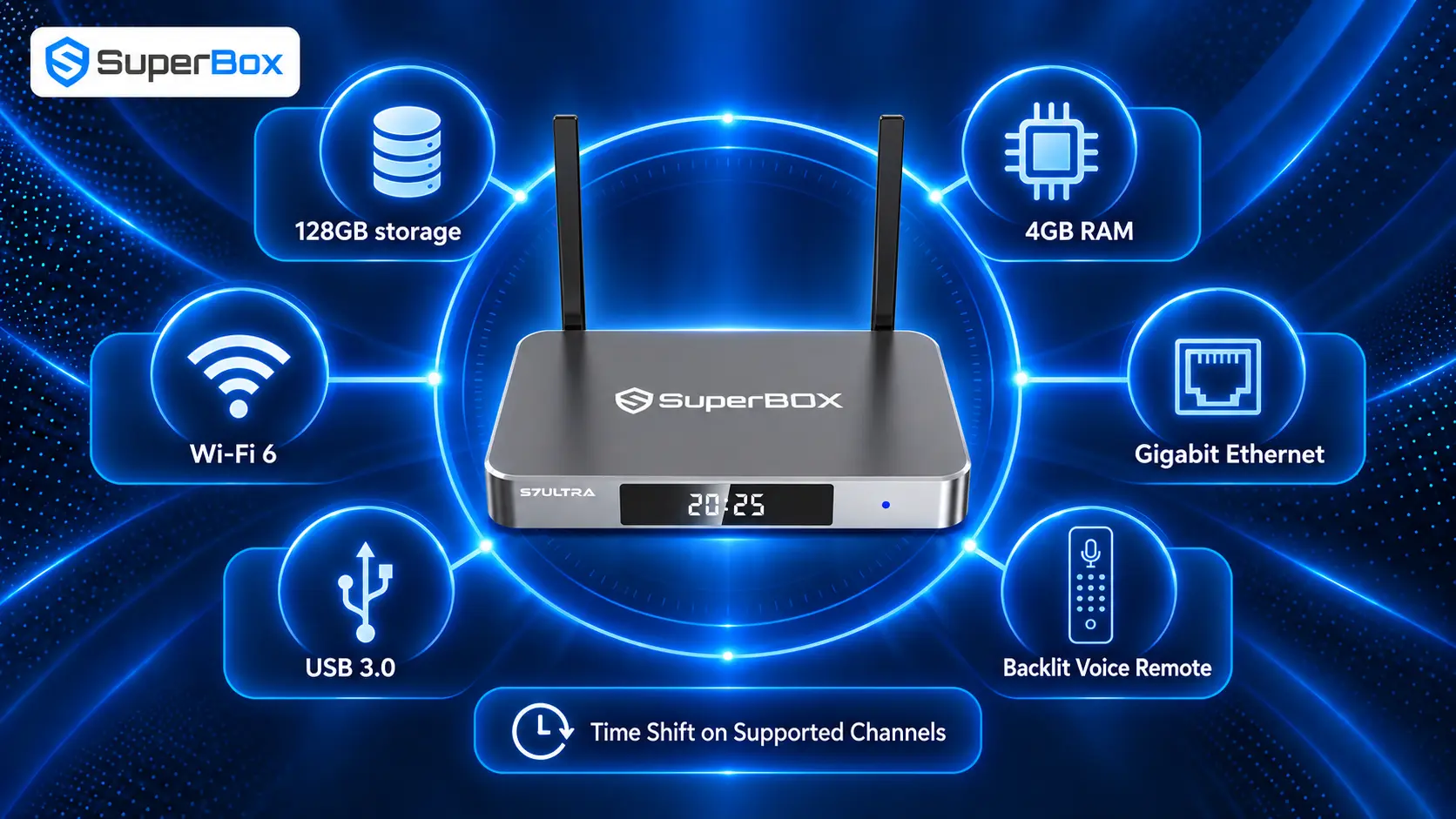
Configuring the SuperBox S7 Ultra for your home theater takes just a few simple steps:
Step 1: Connect to 4K 60Hz HDMI 2.0 Port
Plug the included high-speed HDMI cable into an available 4K 60Hz port on your TV or audio receiver. Attach the dual external Wi-Fi antennas securely to the gold connectors on the rear panel.
Step 2: Connect to Gigabit Ethernet for Zero Jitter
For the lowest latency during live broadcasts, connect an Ethernet cable to the 1000M LAN port. If using wireless, connect to your router’s 5GHz band.
Step 3: Configure 4K Resolution and Dolby Audio Passthrough
Navigate to Settings > Display to confirm 4K output resolution and calibrate screen margins between 96% and 100%. Under Sound, enable audio passthrough if using an external soundbar or AV receiver.
Step 4: Access 128GB Storage and Install Media Apps
Pair the RC-200L remote via Bluetooth by holding [OK + Return] for 8 seconds. Download Blue TV, Blue VOD, and Playback from the Blue App Store, and use your expansive 128GB storage to load Kodi or your personal media collection.
Final Thoughts: Enthusiast Gaming Hub vs. Flagship Cable Replacement
The NVIDIA Shield TV Pro ($199.99) remains an outstanding console for retro emulation, cloud gaming via GeForce NOW, and local Plex servers.
However, for viewers seeking a flagship television console that completely eliminates expensive monthly cable bills, the SuperBox S7 Ultra ($381.00) stands in a class of its own. Featuring 128GB internal storage, a premium aluminum alloy metal chassis, Wi-Fi 6 external antennas, and thousands of zero-fee live channels, the S7 Ultra pays for itself in just four months and delivers years of television independence.
Frequently Asked Questions About NVIDIA Shield TV Pro vs SuperBox S7 Ultra
Can the SuperBox S7 Ultra play games like the NVIDIA Shield TV Pro?
The S7 Ultra can run standard Android games and retro emulators from the Google Play Store. However, the Shield TV Pro’s Tegra X1+ processor is specifically optimized for advanced cloud gaming via GeForce NOW.
Does the SuperBox S7 Ultra require any monthly subscription fees?
No. Blue TV, Blue VOD, and 7-day Playback require zero monthly subscriptions or renewal fees for the life of the hardware.
Why is 128GB storage on the S7 Ultra better than 16GB on the Shield?
With 128GB of internal storage, you have over eight times more space to install applications, save offline videos, and store media files without needing external USB drives.
Does the SuperBox S7 Ultra feature an internal cooling fan?
No. The S7 Ultra utilizes its solid aluminum alloy metal housing as a massive passive heatsink, dissipating heat silently and efficiently without noisy internal fans.
Can I install Netflix and Disney+ on the SuperBox S7 Ultra?
Yes. The S7 Ultra runs open Android 12 with full Google Play Store support, allowing you to install and log into Netflix, Disney+, and Amazon Prime Video.
Does the SuperBox S7 Ultra support Wi-Fi 6?
Yes. The S7 Ultra includes Wi-Fi 6 (802.11ax) paired with dual external high-gain antennas, offering superior range and bandwidth compared to the Shield Pro’s Wi-Fi 5.
Can I connect external USB hard drives to the SuperBox S7 Ultra?
Yes. The S7 Ultra includes USB 3.0 and USB 2.0 ports supporting external hard drives and SSDs formatted in NTFS or exFAT for high-capacity media playback.
What is the manufacturer warranty on the SuperBox S7 Ultra?
Every authentic SuperBox S7 Ultra purchased through the official store includes a comprehensive 1-Year Manufacturer Replacement Warranty tied to its unique hardware MAC address.
Does the SuperBox remote control my television volume and power?
Yes. The included RC-200L remote features programmable IR learning buttons that copy power, volume, and input signals from your existing TV remote.
How does the S7 Ultra compare to the newer SuperBox S8 Ultra?
The newer S8 Ultra ($449.00) introduces an upgraded processor, the new TV Recorder application, and an advanced AI Voice Engine. Compare them in our SuperBox S7 vs S8 review.
The article was updated on:

Good read!