
Knowledge SuperBox
Can You Watch Disney Plus Free with SuperBox Full Guide





If you have children or grandchildren in your home, family-friendly entertainment is an essential part of daily life. From timeless animated fairy tales and cheerful musical adventures to modern superhero blockbusters and space sagas, family movies create wonderful shared memories in the living room.
As monthly streaming subscription prices continue to climb, parents frequently ask: Can you watch Disney Plus free with SuperBox? In this clear and friendly guide, we will explain exactly how Disney Plus works on SuperBox, and how you can access thousands of beloved family movies without recurring monthly bills.
Quick Family Viewing Summary: The official Disney Plus application is a paid third-party subscription service that can be downloaded onto SuperBox through the curated App Store or Aptoide TV marketplace.
However, SuperBox owners can also enjoy thousands of family classics, superhero franchises, and animated blockbusters directly inside the pre-installed Blue VOD and Prime Cinema applications completely free of charge.
Learn how family features work across modern hardware in our review of the SuperBox S8 series.
Understanding Disney Plus on an Open Android Set Top Box
To understand your viewing options, it helps to distinguish between the official Disney Plus subscription app and the built-in entertainment system of your SuperBox.

The official Disney Plus application is owned and operated by The Walt Disney Company. To stream content through that specific app, you need an active paid account with a monthly or annual subscription fee.
Because SuperBox runs on an open, user-friendly Android operating system, you have complete freedom to download the official Disney Plus app right onto your box. You simply sign in with your family’s existing account credentials and watch just like you would on a smart TV.
At the same time, SuperBox includes its own massive on-demand movie libraries. Inside these built-in applications, you will discover thousands of popular family movies, animated features, and superhero adventures ready to play with zero subscription fees.
How to Install the Official Disney Plus App on SuperBox
If your household already pays for a Disney Plus membership and wants to access it on your main living room television, setup takes only a couple of minutes.
Step 1: Open the SuperBox App Store or Aptoide TV
Turn on your SuperBox and navigate to the application titled App Store or Aptoide TV on your home launcher screen.
This curated store hosts verified third-party applications that are pre-tested for stability and compatibility with your remote control.
Step 2: Download the Verified Disney Plus App
Use the search bar at the top of the store to search for Disney Plus. Highlight the official icon and click Install.
Your box will download the installation file and set up the application automatically on your home screen.
Step 3: Sign In with Your Family Account
Open the app and select Log In. You can enter your email and password using the on-screen keyboard, or scan the on-screen QR code with your smartphone for instant single-tap activation.
Once logged in, select your family profile and start streaming your favorite animated series and nature documentaries.
How Blue VOD Delivers Family and Kids Movies for Free
Many parents choose SuperBox specifically to eliminate monthly streaming bills. If you want to cancel your $15 to $20 monthly Disney Plus subscription, you will be delighted to discover what is already included on your box for free.
The pre-installed Blue VOD application features dedicated Animation, Kids, and Family categories containing thousands of beloved theatrical movies and animated adventures.
Children can easily browse through colorful poster rows featuring magical princesses, talking animals, intergalactic heroes, and toy adventures. You simply click on a title and it begins playing in high definition immediately, with zero commercial breaks and zero monthly charges.
Comparing the Disney Plus App with SuperBox Blue VOD
Comparing your options helps you decide whether you really need to keep paying for a separate monthly app subscription.
| Entertainment Factor | Paid Disney Plus Subscription | Built-In SuperBox Blue VOD |
|---|---|---|
| Monthly Cost | $9.99 to $19.99 / month | $0.00 / month (100% free with hardware) |
| Account Requirements | Mandatory email, password & billing | Zero account registration needed |
| Commercial Ads | Ad breaks on cheaper entry tiers | 100% commercial-free movie playback |
| Content Variety | Only Disney-owned studio properties | Movies across all major Hollywood studios |
| Live Television | On-demand only (No live channels) | Paired with thousands of live TV channels |
| Ease of Navigation | Standard TV interface | Optimized for SuperBox directional remotes |
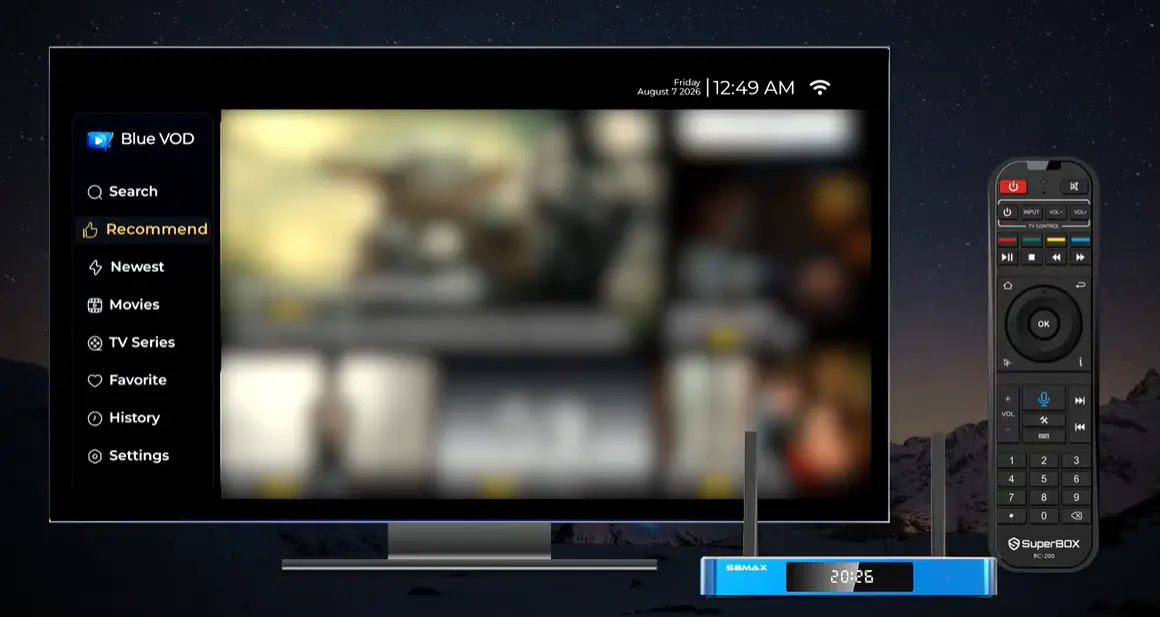
For parents looking to cut monthly entertainment expenses, Blue VOD provides an immense catalog of wholesome family cinema without recurring bills.
Simple Parental Controls to Keep Screen Time Safe
When sharing a media hub across the entire household, making sure that young children only watch age-appropriate content is every parent’s top priority.
SuperBox includes robust, easy-to-configure parental control features. Inside the main settings menu, parents can establish a private four-digit numeric PIN code.
This passcode locks mature movie categories, late-night channels, and adult content behind a security barrier. Children can freely explore their favorite cartoons and family films without any risk of stumbling into inappropriate material.
Helpful Tips for Everyday Family Movie Viewing
A few simple remote control tricks make family movie time smooth and enjoyable for viewers of all ages.
If you have early readers in the house, turn on subtitles by pressing the Subtitle or Menu button on your remote control during movie playback. Reading dialogue along with characters is a wonderful way to boost vocabulary and reading confidence.
Save your children’s favorite movies to your personal Favorites folder by pressing the Star or Yellow key on your remote. This allows little ones to find their favorite animated characters with a single click without searching through thousands of titles.
A home download speed of 25 Mbps to 50 Mbps provides smooth, high-definition streaming for the whole family without buffering delays.
Family Friendly Entertainment Bundled Inside the SuperBox Ecosystem
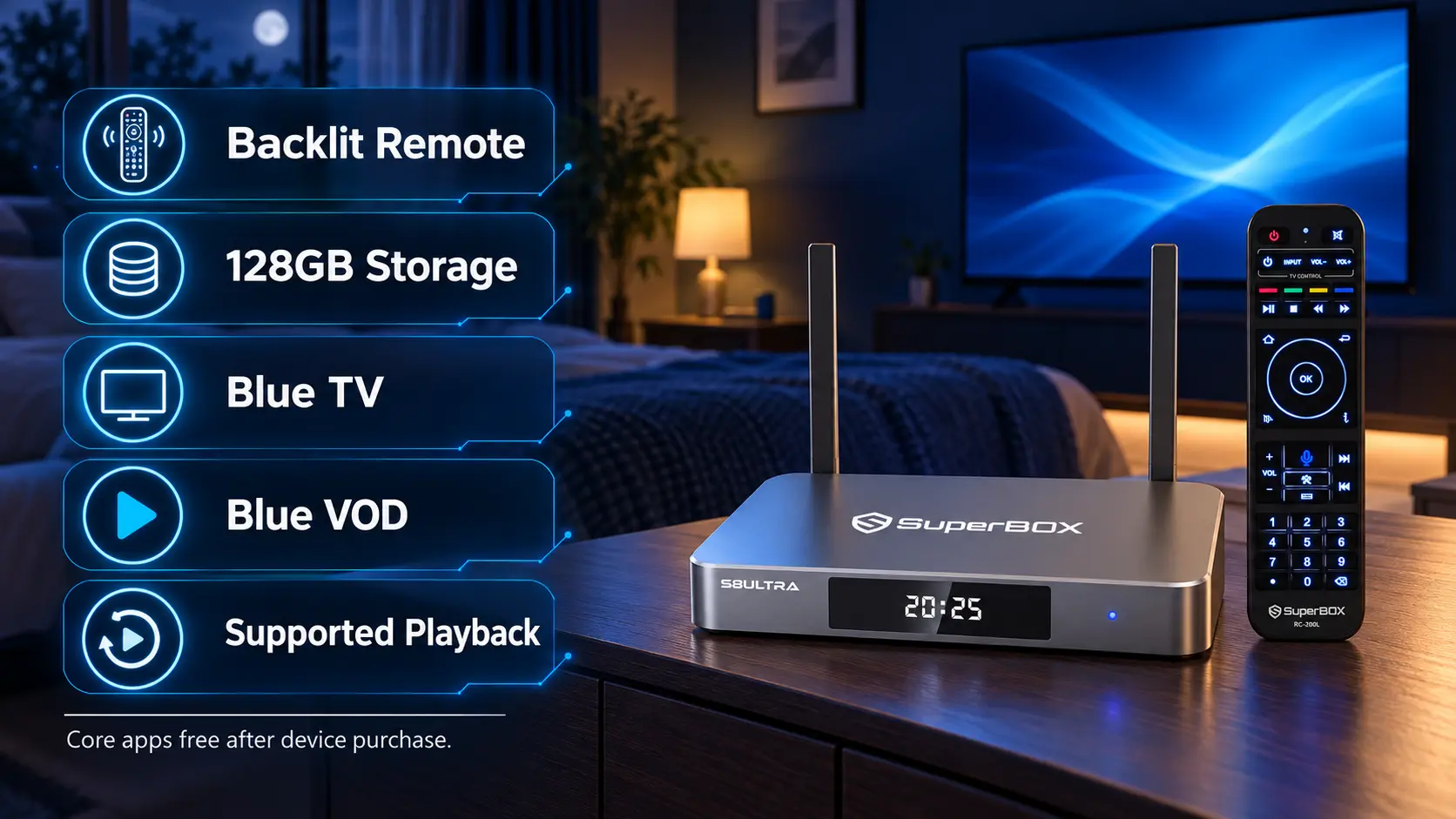
While many families explore sideloading the Disney Plus application, it is worth exploring the extensive family entertainment already bundled directly inside SuperBox for zero extra cost.
Inside Blue TV, you have continuous access to live children’s broadcast channels featuring classic cartoons, educational science programs, animated adventures, and family movies.
Meanwhile, on-demand hubs like Blue VOD and Prime Cinema carry large collections of animated features, heartwarming family comedies, and wildlife documentaries that cater to kids of all ages.
For many households, the vast library of family-safe content included with the hardware provides more than enough weekend entertainment, allowing parents to rethink or cancel paid streaming subscriptions without their children missing out on great entertainment.
Simple Viewing Guidelines for Safe and Peaceful Family Streaming
When children use television streaming devices in the living room or playroom, parents want confidence that viewing remains safe, age-appropriate, and easy to manage.
Creating a customized favorites list containing only kid-friendly animated networks on Blue TV allows young children to turn on the television and change channels safely with the remote without wandering into adult content.
If you install the official Disney Plus app for your children, you can easily set up dedicated Kids Profiles within the app settings to restrict content ratings to TV-7 or G-rated titles.
Combining the vast free content of SuperBox with optional parental profile controls creates a balanced, worry-free entertainment hub that keeps children happily entertained while protecting your household budget.
Understanding Audio and Subtitle Options for Family Streaming
Modern family television viewing often involves different personal needs, from grandparents who need help catching soft dialogue to young children learning how to read.
Both the official Disney Plus app and the built-in media players on SuperBox include extensive closed captioning and audio settings that can be customized with your remote control.
Enabling subtitles while watching animated films or family adventures helps early readers connect spoken dialogue with written words, accelerating vocabulary development while enjoying their favorite cartoon characters.
You can also select alternate audio tracks (such as Spanish or French dubs) for many popular animated features, making family movie night enjoyable for bilingual relatives or relatives visiting from overseas.

Frequently Asked Questions About Disney Plus and SuperBox
Is Disney Plus free when I purchase a SuperBox?
The official Disney Plus app requires its own separate paid account. However, thousands of family movies, animated classics, and superhero sagas are included for free within the pre-installed Blue VOD app.
Can I install the official Disney Plus app on my SuperBox?
Yes, an optimized Android TV build of Disney Plus is available for download directly inside the curated SuperBox App Store and Aptoide TV marketplace.
Can I use my existing Disney Plus account username and password?
Yes, you can log in with your family’s current credentials just like you would on a smart television, tablet, or smartphone.
What family and animated movies can I watch on Blue VOD for free?
Blue VOD features extensive libraries of animated feature films, classic fairy tales, nature documentaries, family comedies, and blockbuster fantasy sagas from all major Hollywood studios.
Are Marvel and Star Wars movies available inside Blue VOD?
Yes, popular superhero sagas and sci-fi franchises are included in the on-demand catalog, ready to watch in high definition without monthly subscriptions.
Can I set up a PIN code to keep children safe from adult movies?
Yes, the built-in parental control settings allow parents to lock mature categories behind a private four-digit numeric passcode.
Can I turn on subtitles for children who are learning to read?
Yes, pressing the Menu or Subtitle button during movie playback allows you to enable clear English or Spanish subtitles with customizable font sizes.
Do I need a computer mouse to navigate the Disney Plus app?
The standard remote arrow keys work on most screens. If you ever need to scroll through a row of tiles, tap the Mouse button on your remote to activate the on-screen pointer.
Will streaming family movies use up all my internet data?
Streaming uses standard home internet bandwidth. If you have unlimited home broadband, your family can enjoy movie nights as often as you like with zero worries.
What should I do if the Disney Plus app displays an error code?
Go to Settings > Apps > Disney Plus and click Clear Cache. If errors persist, make sure your box’s Date & Time settings are set to Network Time.
Final Thoughts
Family movie nights are precious opportunities to gather together, share laughs, and enjoy timeless stories that spark imagination. Whether you choose to sign into your existing Disney Plus account or explore the vast free libraries inside Blue VOD, SuperBox gives your family total entertainment freedom.
With simple remote navigation, commercial-free viewing, and built-in parental safeguards, you can relax knowing your children have access to wholesome, high-quality entertainment.
If you have any questions about setting up family apps or configuring parental locks, our friendly team is always here to help through our official Contact Us page.
The article was updated on:
