
Knowledge SuperBox
Best Free to Air Set Top Box Options for Free Live TV





If you want to cut expensive cable television bills and enjoy unencrypted broadcast entertainment, selecting the best free to air set top box is the most effective cord-cutting decision you can make.
Modern set-top hardware bridges the gap between traditional over-the-air broadcast channels and high-speed broadband media hubs, giving households unlimited access to news, live sports, and entertainment without recurring subscription contracts.
Quick Check – Free to Air Set Top Box Essentials:
- Primary Function: Receives free-to-air broadcast television without monthly subscription fees.
- Leading Turnkey Options: SuperBox S8 Series (Pro $359, Max $399, Ultra $449) and S7 Series ($305 – $339).
- Channel Availability: 2,000+ live local, national, news, and sports networks plus on-demand media.
- Network Requirements: 15 Mbps to 25 Mbps broadband over Dual-Band Wi-Fi 6 or Gigabit Ethernet.
- Core Features: 7-Day Time Shift Playback, electronic program guide, voice remote navigation.
- Long-Term Value: $0.00 monthly subscription cost, saving typical households over $1,500 annually.
Understanding Free to Air Television Technology and Standards
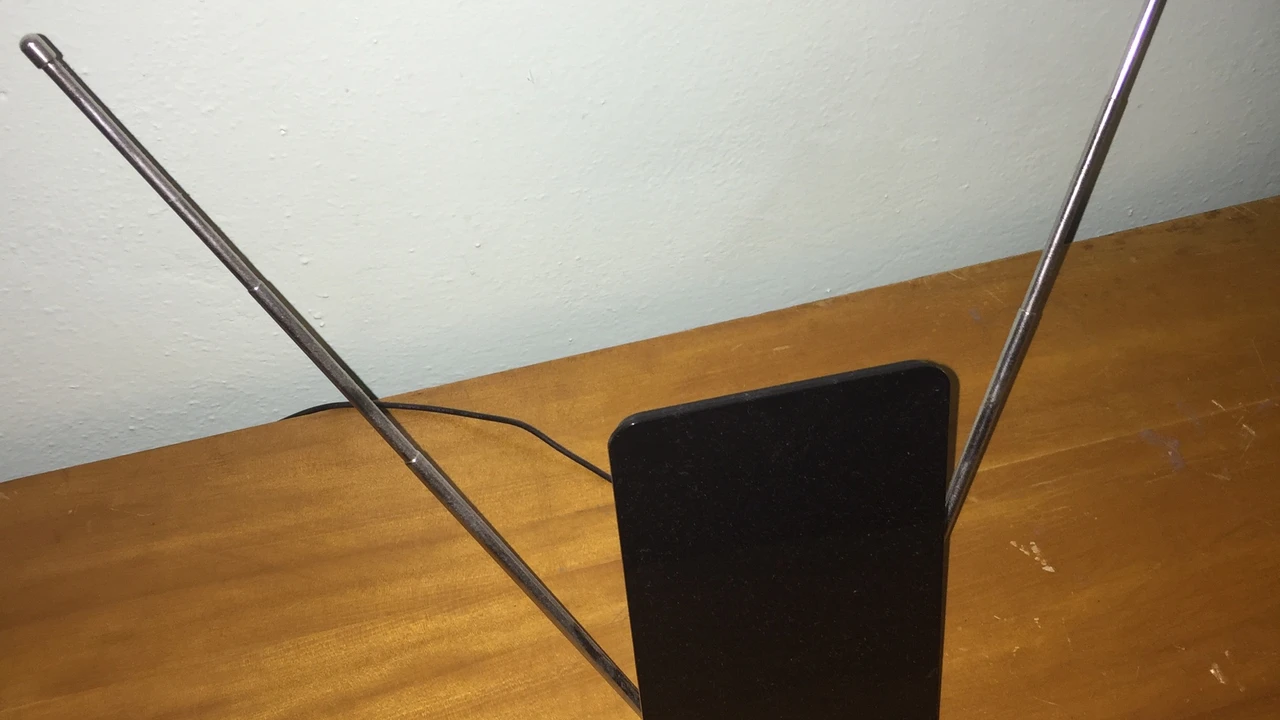
Free-to-air television refers to unencrypted television and radio broadcast signals delivered over public airwaves or open networks without encrypted paywalls. Historically, free-to-air hardware meant digital terrestrial television converter boxes decoding ATSC 1.0 or DVB-T2 radio frequencies captured through outdoor antennas.
While physical antennas provide uncompressed local channels like CBS, NBC, ABC, and FOX, their geographic range remains severely limited by distance and terrain.
Viewers living in rural valleys, apartment complexes, or dense suburban areas frequently struggle with signal pixelation, multipath interference, and weak reception. Even newer ATSC 3.0 NextGen TV broadcast standards face rising consumer hurdles, including complex digital rights management encryption that locks out third-party tuners.
Physical aerials are also prone to the digital cliff effect, where minor signal fluctuations cause video feeds to drop out completely rather than degrading gracefully. The modern evolution of free-to-air viewing replaces physical antenna towers with cloud-delivered media architecture hosted on dedicated Android set-top boxes.
By routing unencrypted broadcast streams over managed high-speed data networks, viewers receive crystal-clear digital transmissions regardless of local broadcast tower geography.
Comparing Traditional Antenna Converters and Modern Media Hubs
Evaluating traditional antenna tuners against turnkey streaming consoles reveals major differences in channel diversity, hardware durability, and viewing flexibility. Traditional antenna converter boxes like Mediasonic or ViewTV require a physical coaxial connection to an indoor or rooftop aerial.
These legacy tuners typically deliver between 15 and 45 local broadcast stations, offering zero access to out-of-market sports, cable news, or global cinema. Coaxial cabling also suffers from progressive signal attenuation over long cable runs, often demanding powered signal amplifiers that introduce electronic background noise.
Distributing antenna signals to multiple televisions across a home requires coaxial splitters, which cut signal strength in half for every additional connection. In contrast, modern internet-based set-top boxes like the SuperBox lineup access over 2,000 live broadcast networks through high-speed broadband connections.
Users receive regional affiliates from across the nation, international language programming, and full on-demand movie archives without weather interference. Every television connected to an independent set-top box enjoys dedicated full-bandwidth streaming without signal loss or degradation from multi-room splitting.
| Feature Category | Legacy Antenna Converter Box | Satellite FTA Receiver (DVB-S2) | SuperBox S8 Streaming Media Hub |
|---|---|---|---|
| Initial Equipment Cost | $35.00 – $65.00 | $80.00 – $180.00 | $359.00 – $449.00 |
| Monthly Service Fees | $0.00 / month | $0.00 / month | $0.00 / month |
| Channel Selection | 15 – 45 local stations only | 50 – 150 unencrypted feeds | 2,000+ live sports, news, and regional channels |
| Hardware Signal Source | Over-the-air coaxial antenna | Motorized satellite dish | Dual-Band Wi-Fi 6 or 1000M Gigabit Ethernet |
| On-Demand Movies & Series | Not supported | Not supported | 50,000+ titles via Blue VOD |
| Catch-Up Playback | Manual USB flash recording | Manual external hard drive | Built-in 7-Day Time Shift Playback |
| Weather Interference | High (Rain, wind, and mountains) | High (Heavy cloud cover and trees) | Zero (Broadband fiber and cable stability) |
Total Cost Analysis of Free to Air Hardware vs Cable TV
The primary motivation for investing in a dedicated free-to-air set-top box is eliminating compounding monthly subscription expenses. Average American households subscribing to traditional cable or satellite packages pay between $115.00 and $160.00 each month.
When factoring in broadcast television surcharges, regional sports fees, and set-top box rental charges, yearly costs quickly surpass $1,800.00. Over a three-year period, maintaining conventional television service costs between $4,000.00 and $5,500.00 in continuous operational expenses.
A turnkey Android set-top box requires a single equipment purchase, providing perpetual access to live programming with zero subsequent invoices. Even when compared to paid live streaming apps like YouTube TV ($72.99/mo) or Hulu Live ($76.99/mo), the hardware pays for itself within five months.
By eliminating monthly equipment rental fees, viewers keep full ownership of their hardware while enjoying permanent financial relief from rising entertainment costs.
Hardware Architecture and Specifications of Top Set Top Boxes
Smooth television decoding requires robust internal hardware capable of processing high-bitrate video streams without thermal throttling.
The SuperBox S8 series, released on September 13th, 2026, features 4GB high-speed RAM paired with a 64-bit Quad-Core ARM Cortex processor and Mali-G31 GPU. This silicon architecture handles modern video codecs including H.265 HEVC, AV1, and VP9 up to 6K resolution at a fluid 60 frames per second.
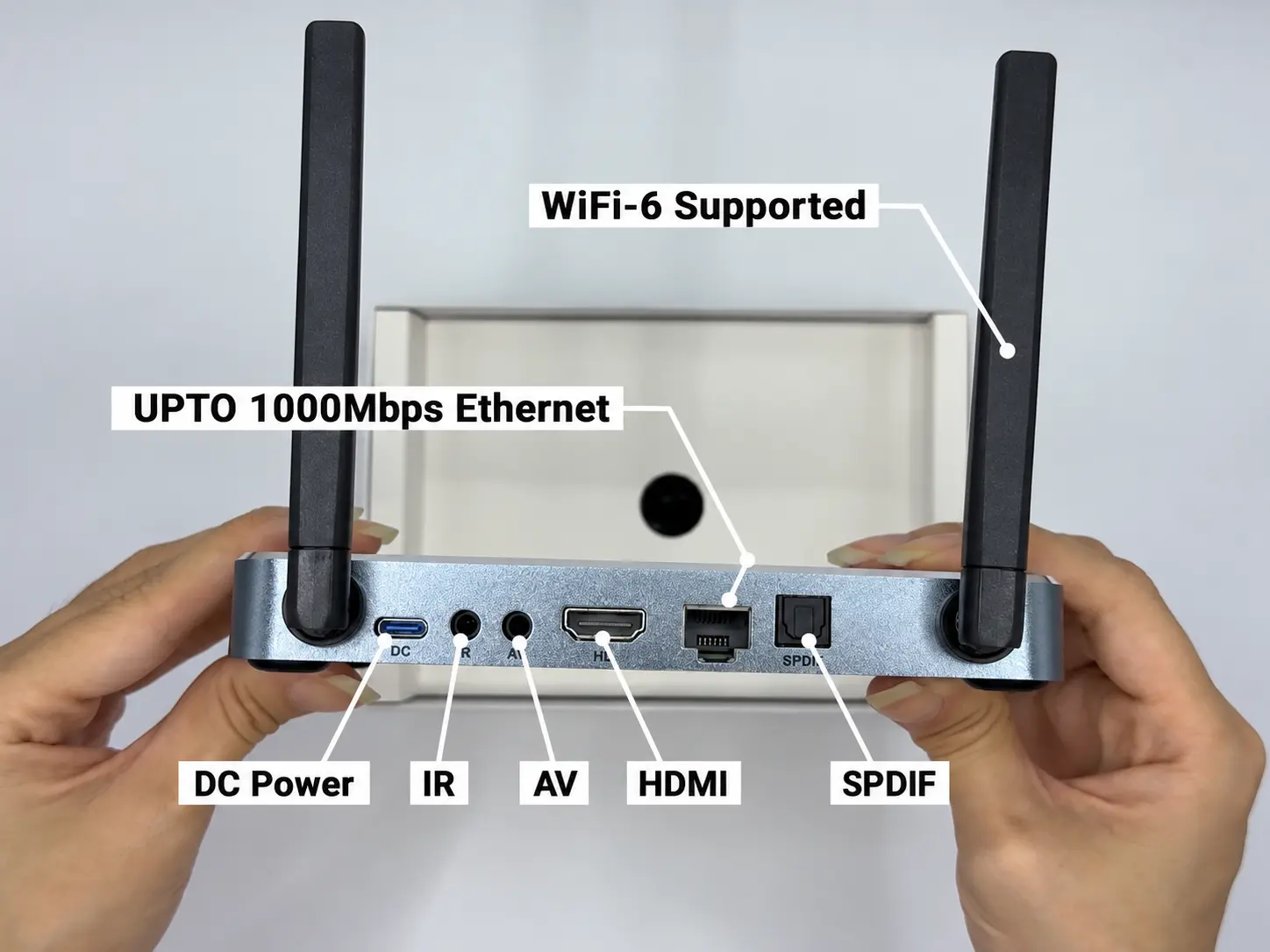
Internal storage ranges from 32GB on the S8 Pro ($359.00) to 64GB on the S8 Max ($399.00) and 128GB eMMC flash on the flagship S8 Ultra ($449.00).Network performance is anchored by Dual-Band Wi-Fi 6 with external dual antennas (2T2R) and an integrated 1000M Gigabit Ethernet port.
The premium aluminum alloy chassis on the S8 Ultra provides passive heat dissipation, keeping temperatures cool during long viewing marathons. Comprehensive port selections include HDMI 2.0 with HDCP 2.2 support, optical SPDIF digital audio, USB 3.0, and a MicroSD card expansion slot.
These robust physical interfaces ensure compatibility with older television panels, modern 4K HDR displays, and multi-channel home audio receivers alike.
Step-by-Step Guide to Setting Up a Free to Air Set Top Box
Step 1: Unbox and Verify Hardware Components
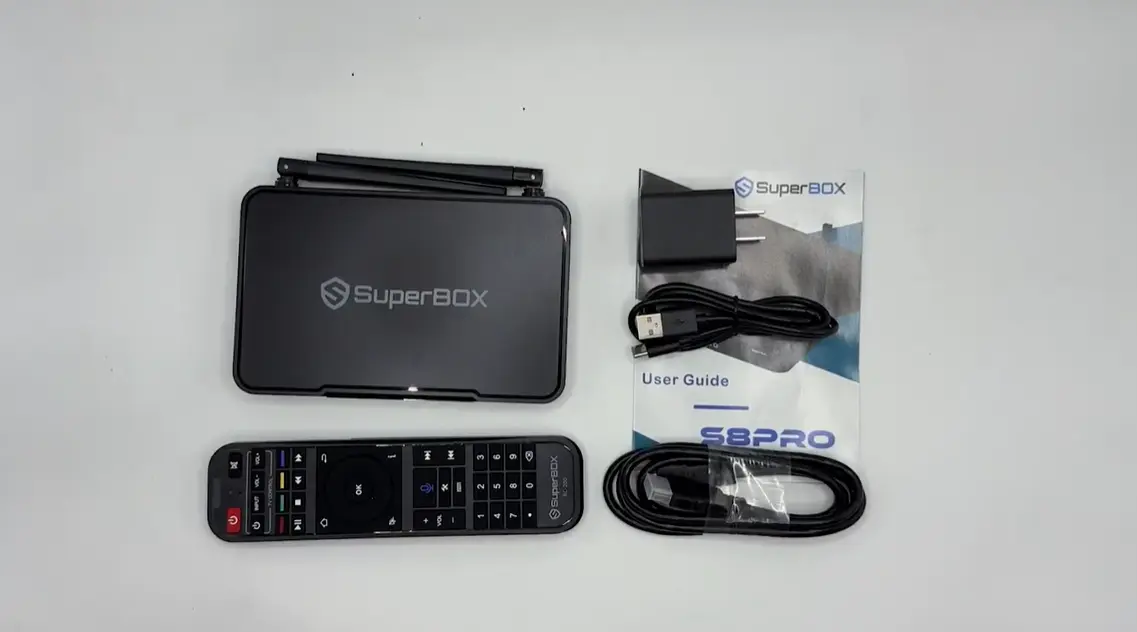
Carefully unpack your media box and confirm the presence of the main console, HDMI 2.0 cable, power adapter, and remote control.
Attach the external Wi-Fi antennas securely to the rear screw-on golden SMA terminals if your model includes detachable antennas.
Position the console on a flat, well-ventilated surface away from enclosed cabinets or direct heat sources to optimize passive cooling airflow.
Step 2: Connect HDMI 2.0 and Network Cables
Insert one end of the HDMI cable into the set-top box HDMI OUT port and the other end into an available HDMI input on your smart TV.
For the most stable stream delivery, connect an RJ45 Ethernet patch cable directly from your home broadband router to the 1000M LAN port.
If wired networking is impractical, prepare your wireless credentials to connect through the high-throughput 5GHz Wi-Fi 6 wireless band.
Step 3: Power On and Complete Initial Remote Pairing
Connect the included power adapter to the box power port and plug it into a surge-protected wall outlet.
Turn on your television and switch the video input source to the corresponding HDMI port using your TV manufacturer remote.
Press and hold the Home and Return keys on your voice remote simultaneously to pair Bluetooth audio commands for hands-free searching.
Step 4: Calibrate Display Resolution and Color Depth
Navigate to Android System Settings and select the Display & Sound submenu on your television screen.
Set output resolution to Auto or match your panel native resolution, choosing 4K @ 60Hz or 1080p @ 60Hz with standard color depth.
Enable HDR auto-detection so the set-top box dynamically matches HDR10 color profiles without oversaturating standard definition video feeds.
Step 5: Launch Live TV and Video On Demand Platforms
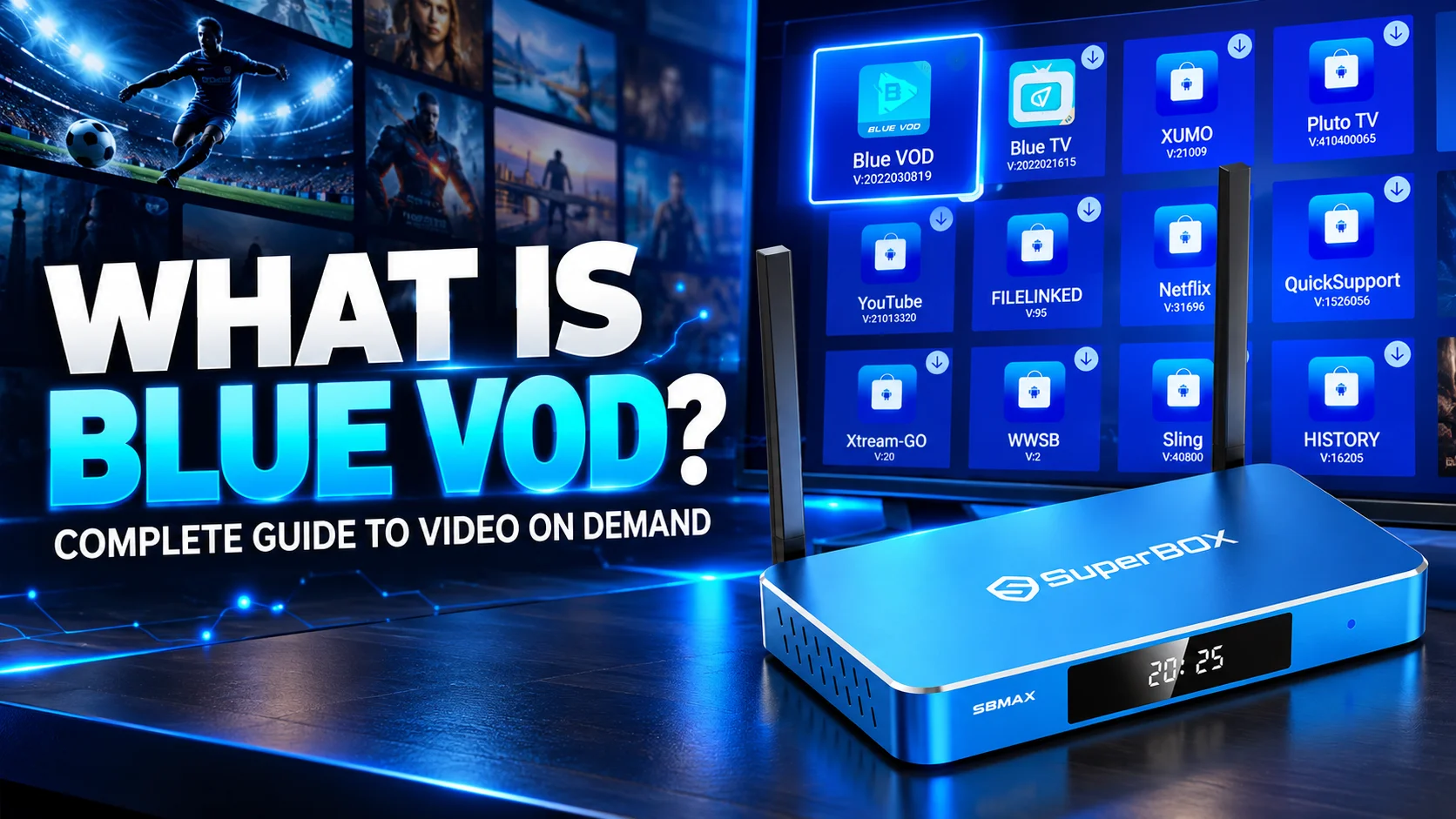
Open the SuperBox App Store from the home launcher to access the dedicated media platform apps including Blue TV and Blue VOD.
Launch Blue TV to synchronize cloud channel directories, which immediately populates over 2,000 live broadcast networks into organized categories.
Wait thirty seconds during first launch for server routing to complete, ensuring all regional video feeds link to optimal content distribution nodes.
Step 6: Organize Favorite Channels and Electronic Program Guide
Use the remote directional keypad to browse channel groups such as News, Sports, Regional Affiliates, and Entertainment.
Press the OK button or Star key on preferred channels to save them into your Favorites tab for one-touch access whenever you watch.
Access the built-in Electronic Program Guide to review upcoming broadcast schedules, game times, and special live entertainment programs.
Optimizing Video Decoding and Network Stability for Live Streams
Achieving broadcast-quality video stability requires matching your hardware playback settings with your home internet conditions.
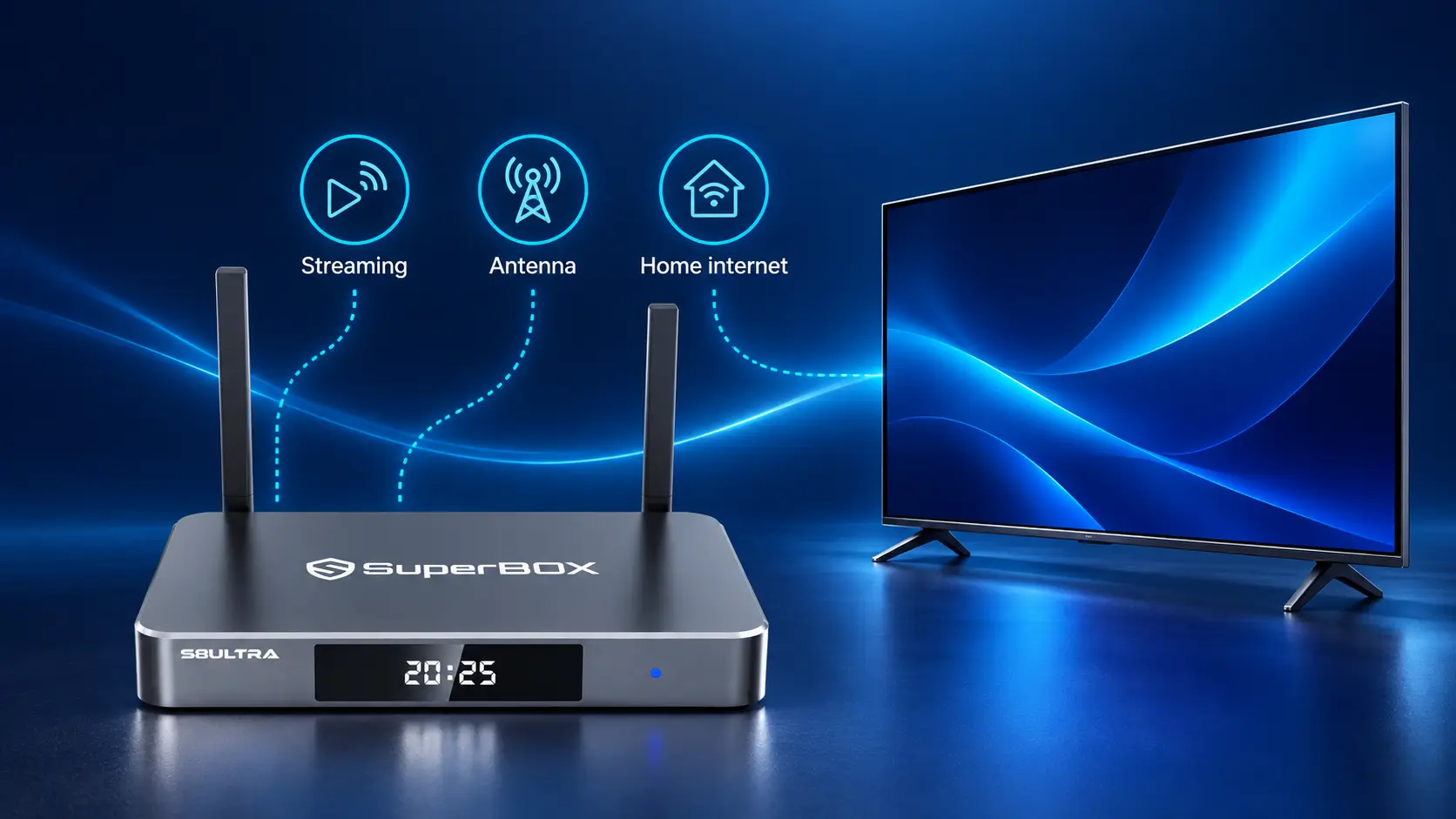
Inside the live player options menu, verify that video decoding is configured to Hardware Plus (HW+) mode for maximum rendering efficiency. Hardware decoding offloads video processing from the main CPU cores onto the dedicated Mali graphics processor, eliminating micro-stutters.
If connecting over wireless networking, always connect to your router 5GHz Wi-Fi band to avoid microwave and Bluetooth radio congestion. Configuring your home router with public DNS resolvers like Cloudflare (1.1.1.1) or Google DNS (8.8.8.8) accelerates hostname lookups for live feeds.
Periodically power-cycling your wireless router refreshes local IP assignments and maintains minimal jitter for live sports streams.
Troubleshooting Common Free to Air Set Top Box Playback Issues
Resolving minor playback hiccups usually takes under a minute using standard on-device maintenance tools.
If a specific channel displays a black screen or persistent loading spinner, switch to an adjacent channel and switch back immediately.
This quick channel refresh forces the video player to establish a fresh stream connection with an alternative cloud edge server.
For audio-video synchronization mismatches, navigate to the player settings menu and adjust the audio latency offset by plus or minus 100 milliseconds.
Clearing application cache memory through Android Settings clears temporary video fragments, restoring swift menu navigation and snappy channel switching.
Ensure your system time zone is accurately matched to your local geographical location so Electronic Program Guide schedules align perfectly with broadcasts.
Choosing the Right SuperBox Model for Your Home Setup
Selecting the best model from the current lineup depends on your internal storage requirements and chassis construction preferences.
- The SuperBox S8 Pro ($359.00) provides 32GB storage, representing the ideal value model for standard family living room streaming.
- The SuperBox S8 Plus ($379.00) offers balanced performance with enhanced internal caching capacity for regular live sports viewers.
- The SuperBox S8 Max ($399.00) doubles storage capacity to 64GB, accommodating extensive third-party app installations and personalized media files.
- The flagship SuperBox S8 Ultra ($449.00) provides 128GB storage, a premium titanium-gray aluminum case, and the illuminated RC-200L backlit voice remote.
For buyers on a tighter budget, the SuperBox S7 series ($305.00 to $339.00) delivers dependable 4GB RAM performance with proven dual-band wireless networking. The budget-friendly SuperBox S6 series ($299.00) offers an accessible entry point for guest bedrooms, vacation cabins, or home offices.
Frequently Asked Questions
Do free to air set top boxes require an active internet connection?
Traditional antenna boxes require only an indoor aerial, whereas modern broadband media hubs like SuperBox require an internet connection of 15 Mbps or faster.
Faster broadband connections ensure consistent buffer-free playback even when streaming high-bitrate 4K sports events or multi-channel audio tracks.
Can I watch out-of-market sports on a free to air streaming box?
Yes, internet-based set-top boxes provide live sports feeds from across the nation, allowing fans to watch out-of-market games without regional blackouts.
Users can follow their hometown football, basketball, baseball, and hockey teams regardless of what city or state they currently reside in.
Are there any hidden fees or renewal charges after purchasing the hardware?
No, authentic SuperBox hardware includes lifetime service access with zero monthly bills, contracts, or renewal fees of any kind.
The initial one-time hardware purchase covers all platform server operations, software updates, and customer technical assistance permanently.
How does 7-Day Time Shift Playback work on SuperBox?
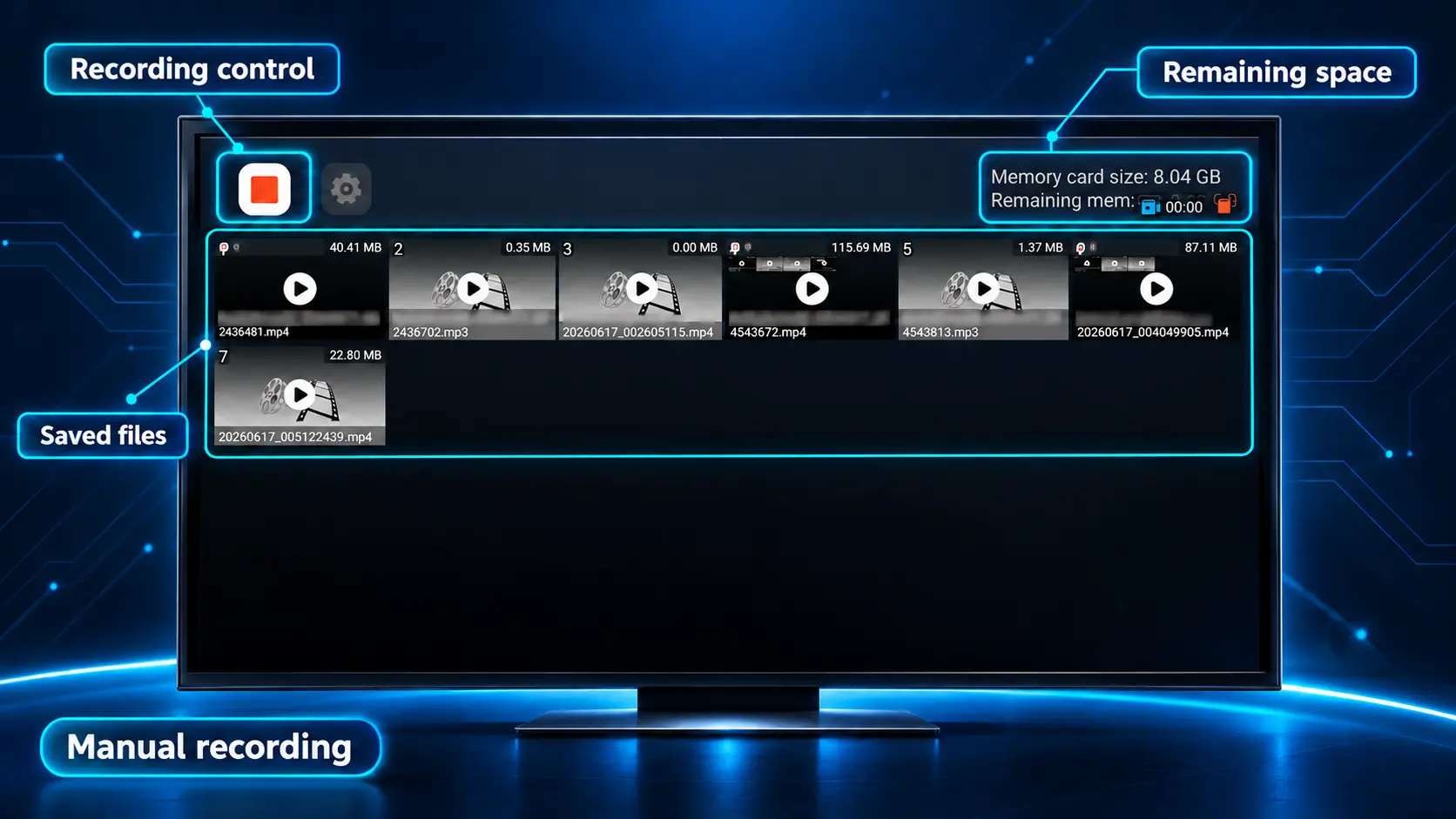
The system automatically archives major broadcast programming on cloud servers for seven days, letting you rewind and watch missed news or sporting events.
Viewers simply navigate to previous dates within the playback guide to rewatch entire programs without setting up manual storage schedules.
Can I connect a set top box to an older television without HDMI?
While HDMI is standard, older screens can connect using an AV composite adapter cable plugging into the set-top box 3.5mm AV output jack.
This analog composite video and stereo audio output allows vintage television sets or CRT monitors to receive modern digital programming.
Is a satellite dish required to operate a SuperBox?
No, SuperBox does not use satellite dishes or coaxial tuners; all television channels stream seamlessly over standard broadband internet.
This completely eliminates cumbersome roof mounts, cable drilling through exterior walls, and signal dropouts caused by heavy rain or tree branches.
What is the difference between Wi-Fi 6 and Wi-Fi 5 on a set top box?
Wi-Fi 6 provides lower packet latency, improved range through dense walls, and superior multi-device bandwidth handling in busy smart homes.
This prevents live stream buffering when other family members stream 4K movies or play competitive online games on the same home network.
How do I update the channels and software on my set top box?
System software and channel directories update automatically over the air when connected to the internet, requiring zero manual maintenance.
New channel feeds, system stability patches, and platform optimizations install in the background while the console remains powered on.
Final Verdict
Upgrading to a high-performance free to air set top box provides unmatched television freedom while permanently eliminating cable and subscription costs.
While traditional digital antennas remain useful for basic local reception, modern turnkey media hubs like the SuperBox S8 and S7 series deliver far superior value.
With 2,000+ live broadcast networks, 7-Day Time Shift Playback, 50,000+ on-demand movies, and Wi-Fi 6 connectivity, SuperBox stands as the ultimate cord-cutting choice.
The article was updated on:
