
Knowledge SuperBox
How Does SuperBox Work? Operating Principle, Hardware & IPTV Technology Explained





A SuperBox (S8 Pro, S8 Max, S8 Ultra, S7 Series) works by converting high-speed broadband internet into a direct, subscription-free home entertainment hub: utilizing Android 12 OS, 4GB DDR3 RAM, and hardware H.265 6K @ 60fps decoding, the device streams IPTV digital broadcast signals over Wi-Fi 6 or 1000Mbps Gigabit Ethernet, giving you lifetime access to 2,000+ live broadcast channels, 15,000+ VOD movies, and 7-Day Time Shift with $0 monthly fees.
- 1. Hardware Engine & Decoding: Powered by a 64-bit Quad-Core ARM Cortex-A53 processor and Mali-G31 GPU with 4GB RAM, the hardware decompresses H.265 6K/4K digital video streams with zero buffering on 25–50+ Mbps home internet.
- 2. IPTV Cloud Architecture: Live TV streams are transmitted directly over the internet via IPTV protocols, eliminating the need for satellite dishes, coaxial cables, or cable box rental fees.
- 3. Core Application Suite: Delivers instant access to Blue TV (2,000+ live sports, news, and entertainment channels), Blue VOD (15,000+ movies/series), 7-Day Time Shift (86 channels), and 7 Bonus Prime Apps.
- 4. MAC-Based Lifetime Server Access: Server access is bound to the physical hardware MAC address of each genuine console, ensuring zero monthly subscription fees and protection under the official 1-Year Replacement Warranty.
Hardware and System Configuration
SuperBox uses hardware similar to other Android media players, including a CPU, GPU, RAM, and internal storage. These components handle video decoding, application performance, multitasking, and system responsiveness.
Hardware specifications vary by model. For example, the SuperBox S6 Ultra features 4GB of RAM and 128GB of internal storage, providing ample capacity for running multiple applications, installing compatible Android apps, and storing system data while maintaining smooth media playback.
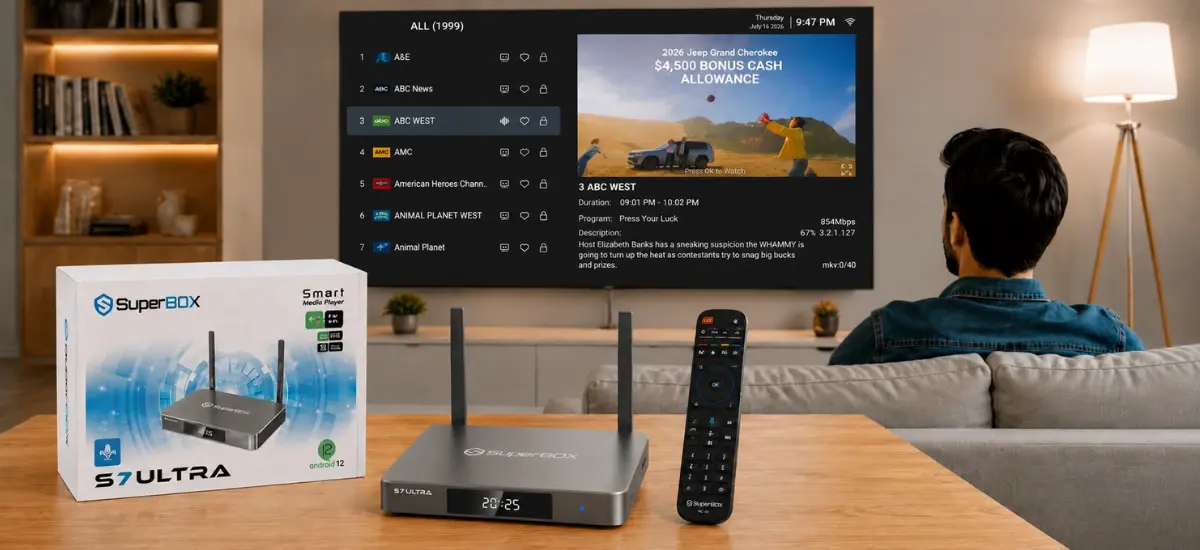
Connecting the device is straightforward. SuperBox plugs into a television through an HDMI port and supports both dual-band Wi-Fi and Ethernet for internet access. Users can choose a wireless connection for convenience or a wired connection for greater network stability.
Compatible models run Android 12, allowing SuperBox to function as a standard Android media player alongside its proprietary software. Users can install familiar applications such as YouTube and Netflix, access compatible Android apps, and manage system settings through an interface that feels familiar to anyone who has previously used an Android smartphone, tablet, or TV device.
To learn about the complete feature lineup, specifications, and remote capabilities, check our master article on what is a superbox tv box.
Proprietary Streaming Applications
The primary streaming experience is delivered through SuperBox’s proprietary applications, which are distributed outside the Google Play Store. Instead of downloading them from Google’s marketplace, users typically access these apps through the device’s built-in app marketplace or compatible APK packages designed for supported SuperBox models.
The core applications include:
- Blue TV, which provides access to a wide selection of live television channels, including sports, news, entertainment, and local programming.
- Blue VOD (Video on Demand), offering an extensive library of movies and television series available for on-demand viewing.
- Playback, which allows users to watch eligible programs that aired within the previous seven days on supported channels, adding flexibility for viewers who miss scheduled broadcasts.
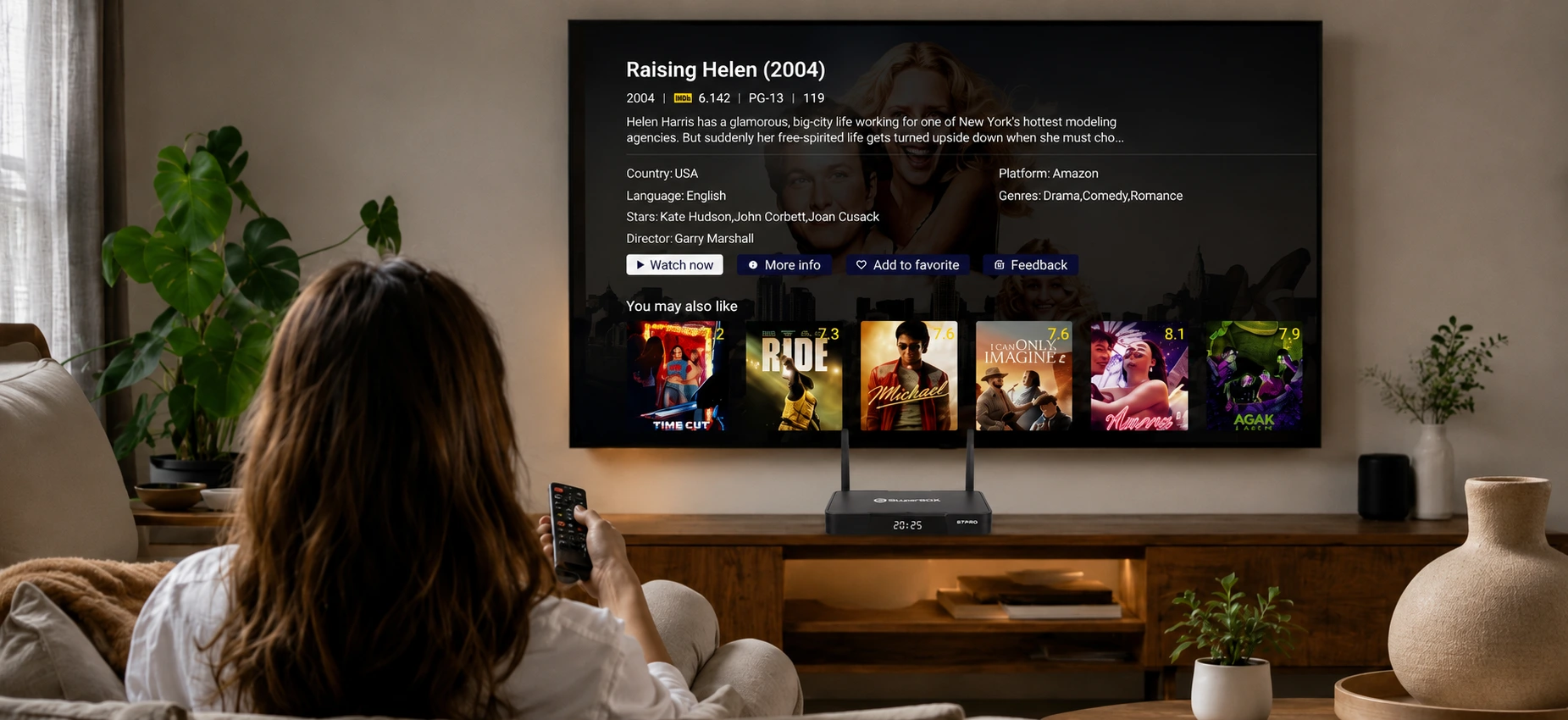
Together, these applications combine live television, on-demand streaming, and replay functionality within a single interface. Content is organized into clear categories, making it easy to browse available programming and switch between different viewing options without changing devices.
Concerned about compliance and streaming regulations? Review our independent analysis on whether is superbox legal, and enjoy lifetime subscription-free entertainment with Free US & Canada 2-4 Day Delivery.
Device Activation and Hardware Authentication
SuperBox’s proprietary software is designed to operate on compatible SuperBox hardware. Each device is identified by a unique MAC address and serial number, allowing the software to recognize supported hardware during activation and regular operation.
During the initial setup process, some models may require remote activation before the proprietary applications become available. After activation is completed, the device is recognized as an authorized unit, enabling access to its supported features.
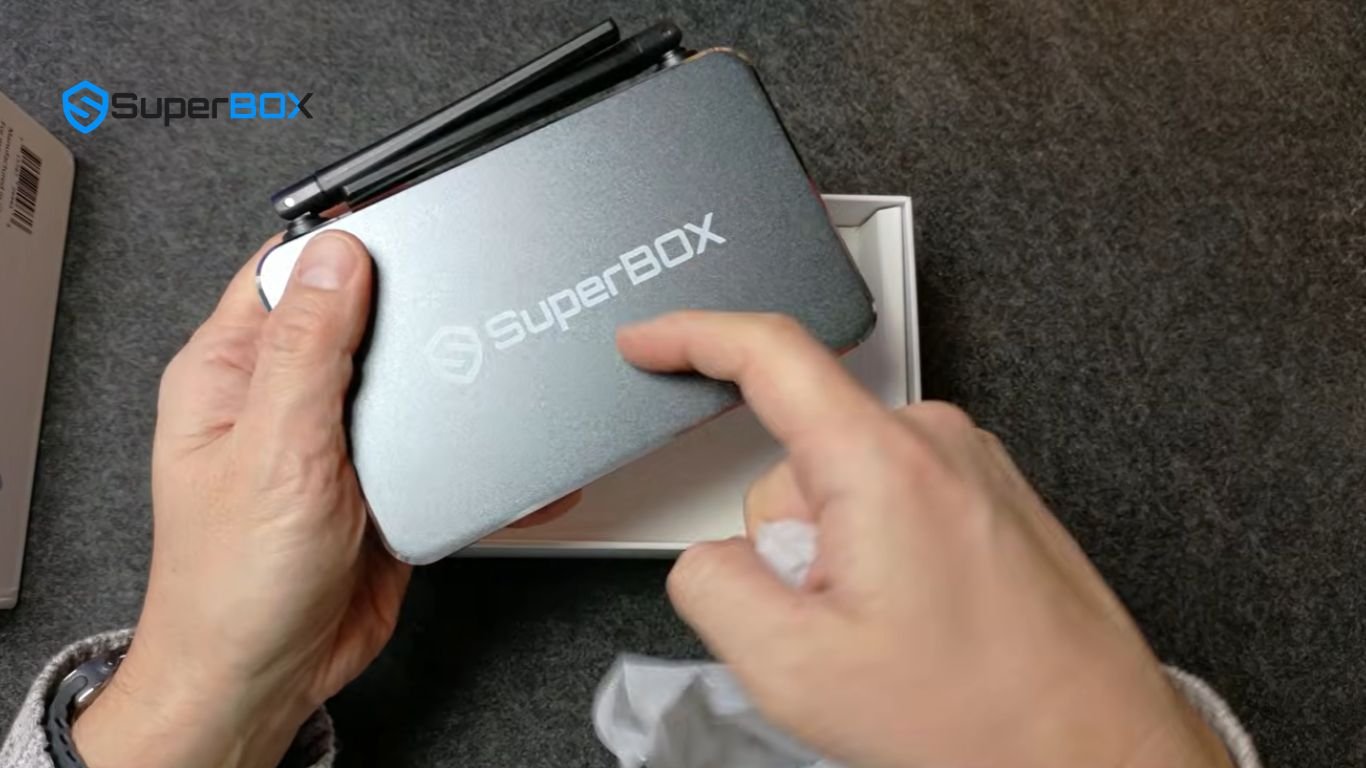
This hardware-based authentication links the software environment to the physical device, ensuring the proprietary platform operates only on compatible SuperBox models rather than on generic Android TV boxes or other Android-based devices.
IPTV Streaming Performance
SuperBox delivers content using IPTV, meaning video streams are transmitted over the internet instead of traditional broadcast infrastructure. When a user selects a live channel or starts a movie, the device requests a digital video stream from online servers for playback.
Because each stream must be established before playback begins, switching channels usually involves a short buffering period of approximately one to five seconds. The exact loading time depends on factors such as internet speed, network stability, server response time, and overall connection quality.
Some SuperBox models support video output up to 6K resolution. However, actual picture quality depends on the available source content, television capabilities, and internet bandwidth.
In most cases, streaming content is available in 1080p Full HD or 4K Ultra HD, which remain the most common formats across modern streaming platforms. A reliable high-speed internet connection helps deliver smoother playback, faster channel switching, and more consistent video quality.
Overall User Experience
SuperBox combines Android hardware with a proprietary IPTV software platform to deliver live television, video on demand, and replay features within a single device. Android provides the operating system and application framework, while SuperBox’s dedicated software powers the platform’s primary streaming experience.
Its familiar Android interface makes navigation simple, allowing users to switch between streaming apps, adjust system settings, and manage installed applications using a standard remote control. HDMI compatibility supports most modern televisions, while both Wi-Fi and Ethernet connectivity provide flexible networking options for different home environments.
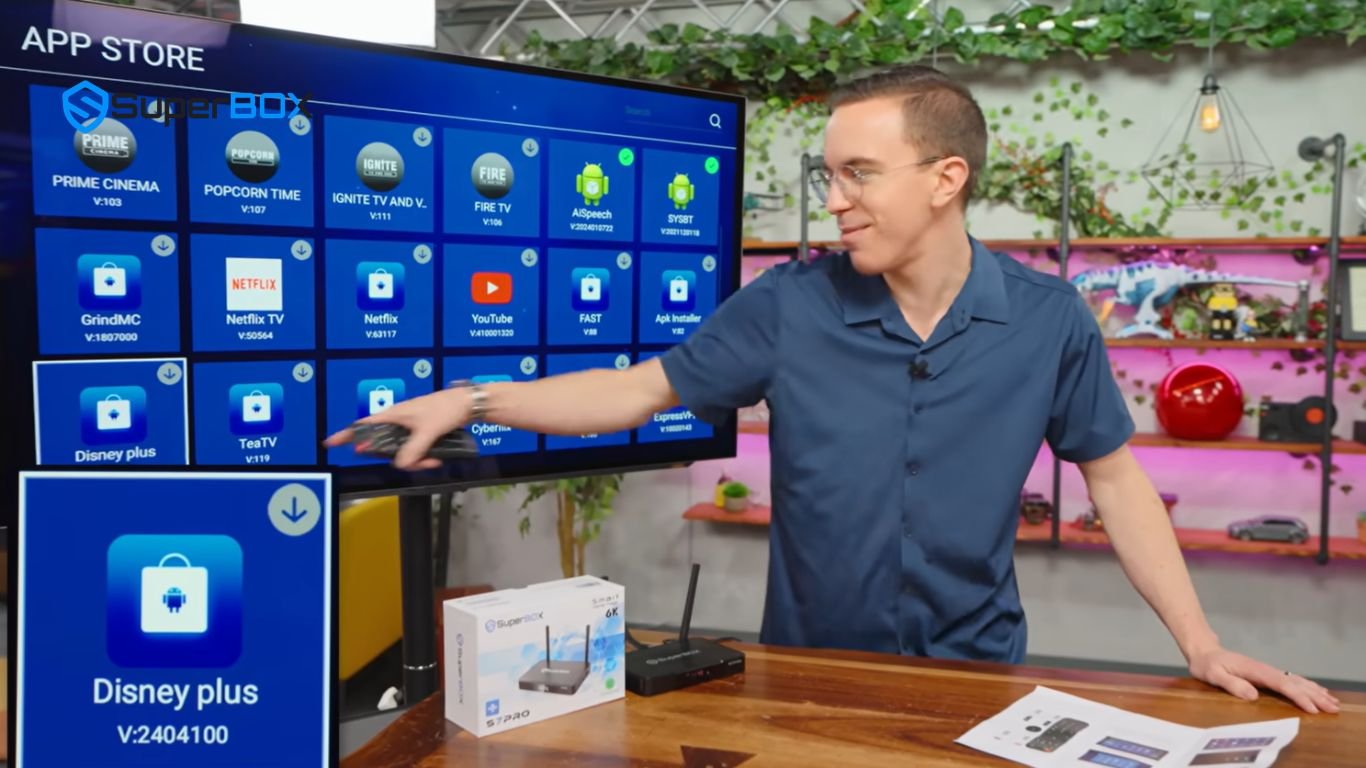
Overall, SuperBox functions as an Android-based media player enhanced by a dedicated streaming ecosystem. By integrating hardware, Android software, network connectivity, and proprietary applications, it provides a unified platform for accessing multiple types of streaming content through a single device.
The videos below were referenced during the creation of this article. For a deeper understanding of how SuperBox works and how its features perform in real-world use, you may find it helpful to watch them alongside reading this guide:
The article was updated on:
