
Knowledge SuperBox
Best Cable Box for Free TV 12 Top Choices for Cord Cutters





Finding the best cable box for free tv is one of the smartest ways to stop paying expensive monthly cable bills while keeping the live sports, news, local stations, and movies your family loves. High cable packages often cost between $100 and $200 every month, yet most households watch only a handful of favorite channels.
Modern television boxes make cutting the cord easier than ever. You do not need to be a technical computer expert to set them up. In this friendly guide, we explore the top 12 cable box alternatives that deliver live and on-demand entertainment without monthly subscription contracts, explaining how each device works in plain, simple language.
Quick Summary: Best Free TV Cable Box Replacements at a Glance
– Best Overall Android TV Box: SuperBox S8 Ultra ($449) with backlit voice remote, 4GB RAM, and 128GB storage.
– Best High-Value TV Box: SuperBox S8 Max ($399) and SuperBox S8 Plus ($379) for smooth daily entertainment.
– Best Budget SuperBox Option: SuperBox S8 Pro ($359) or previous-generation S7 Max ($339) and S7 Pro ($305).
– Best Digital Antenna Converters: TiVo Edge for Antenna, Mediasonic Homeworx, and Tablo 4th Gen for local network broadcasts.
– Average Monthly Savings: Saving between $1,200 and $2,400 per year by eliminating rental fees and monthly TV bills.
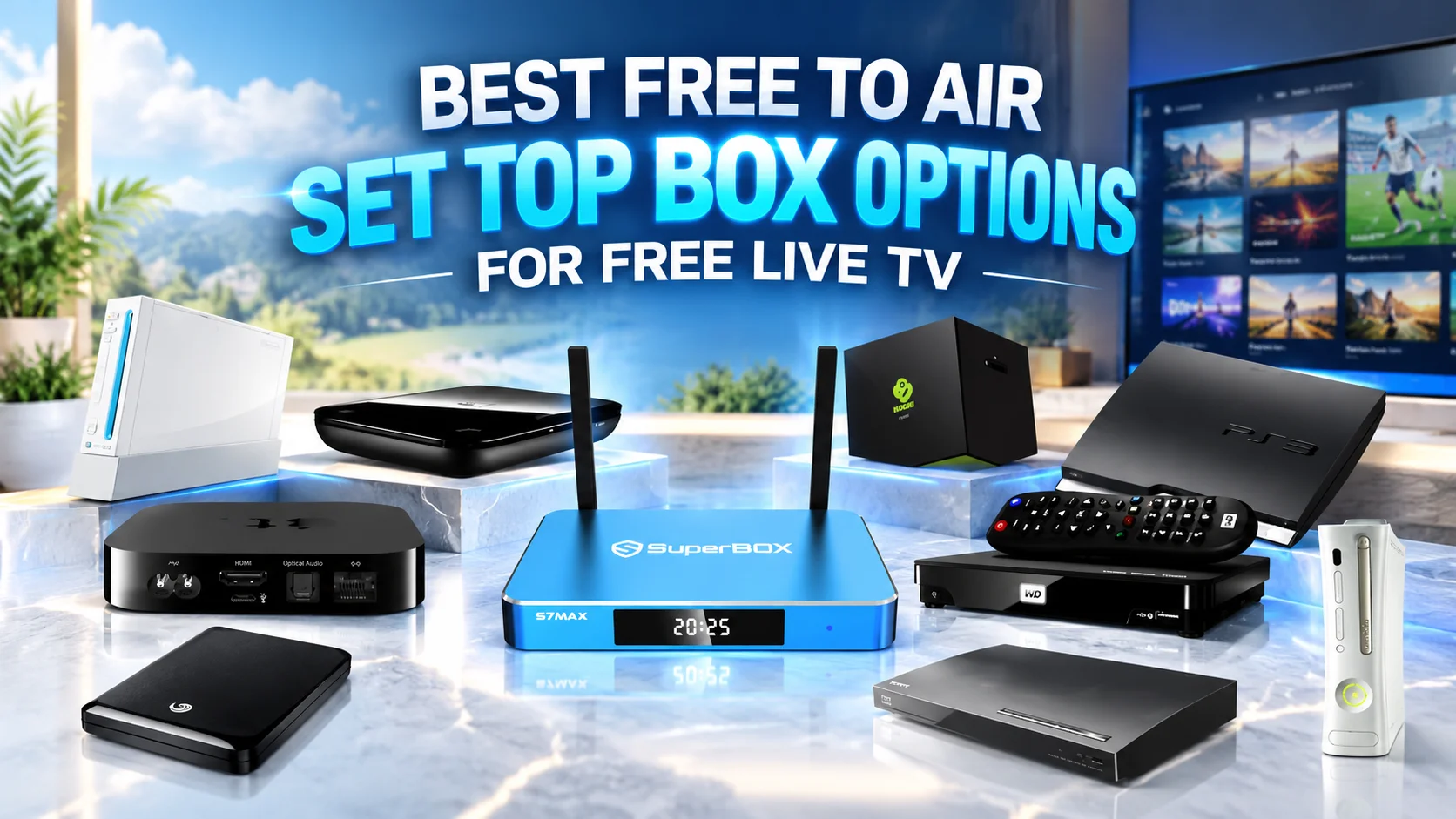
Why Does Replacing Your Traditional Cable Box Make Sense Today?
Traditional cable companies charge equipment rental fees just to keep their box sitting under your television. These hidden charges often add $10 to $20 per box each month on top of your programming package.
When you own your television hardware outright, you eliminate recurring equipment charges forever. A dedicated set-top box connects directly to your television through an HDMI cable and delivers hours of viewing enjoyment.
Free television comes in two primary forms today. You can pick up free over-the-air digital broadcasts using a digital antenna tuner, or you can stream thousands of channels and movies over high-speed internet using an Android TV media hub.
Top 12 Cable Box Alternatives for Free Television
1. SuperBox S8 Ultra
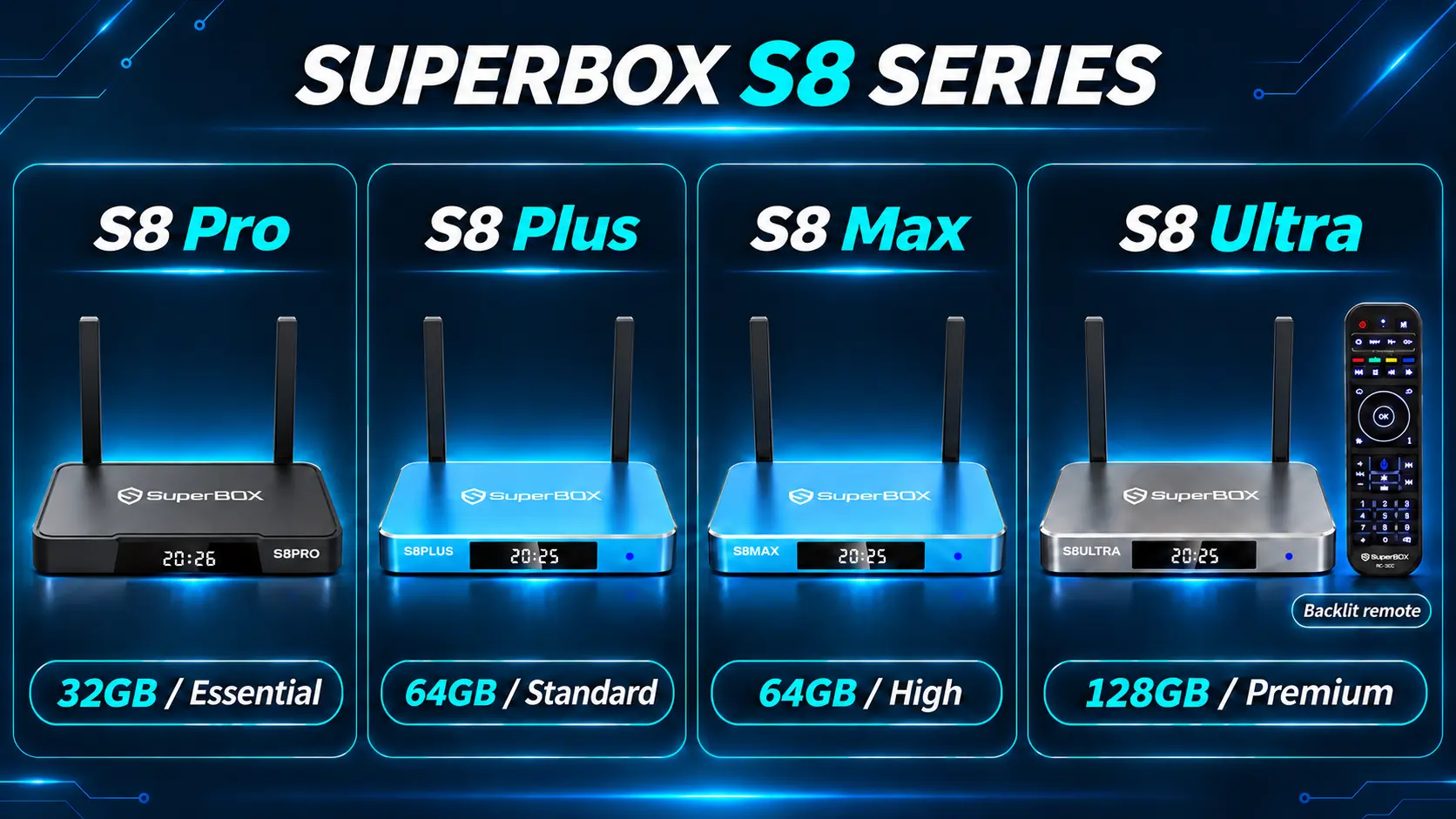
The SuperBox S8 Ultra is the premier flagship streaming console on the market, priced at $449. Designed for viewers who want effortless access to live broadcasts, news, and on-demand movies, it features a massive 4GB of RAM and 128GB of internal storage.
What makes the S8 Ultra uniquely comfortable for evening viewing is its exclusive backlit voice remote control. The buttons softly illuminate in the dark whenever you pick it up or press keys, making channel surfing easy without turning on bright living room lamps. You can toggle the backlight on or off using the OK and zero button combination.
2. SuperBox S8 Max
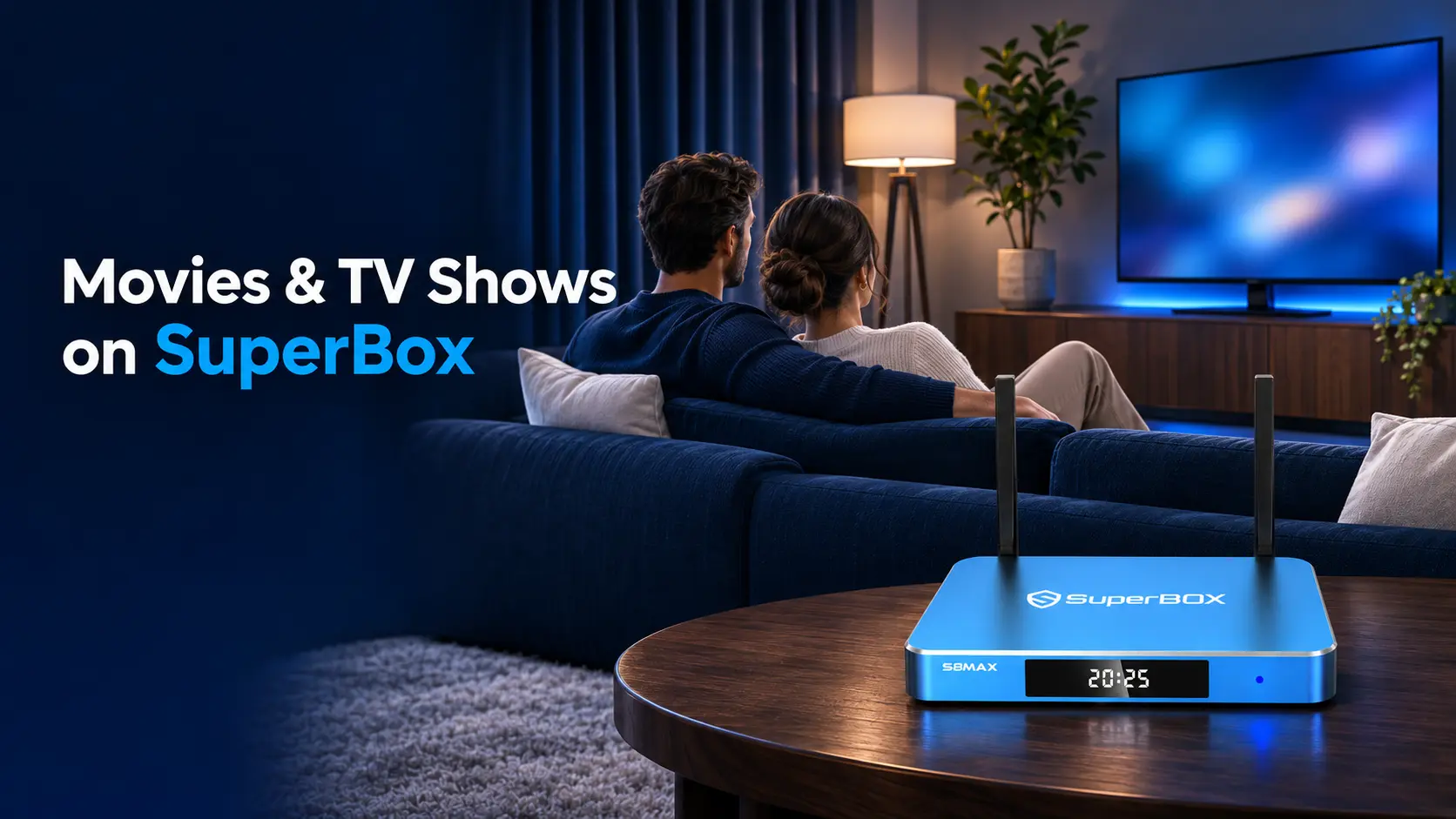
The SuperBox S8 Max retails at $399 and serves as the sweet spot for everyday home entertainment. Equipped with 4GB of RAM and 64GB of fast storage, it loads menus instantly and supports smooth video playback across all your favorite feeds.
It comes with a responsive voice remote that allows you to search for programs simply by speaking. The S8 Max includes dual-band Wi-Fi 6 wireless networking alongside a physical Gigabit Ethernet network port for rock-solid stability.
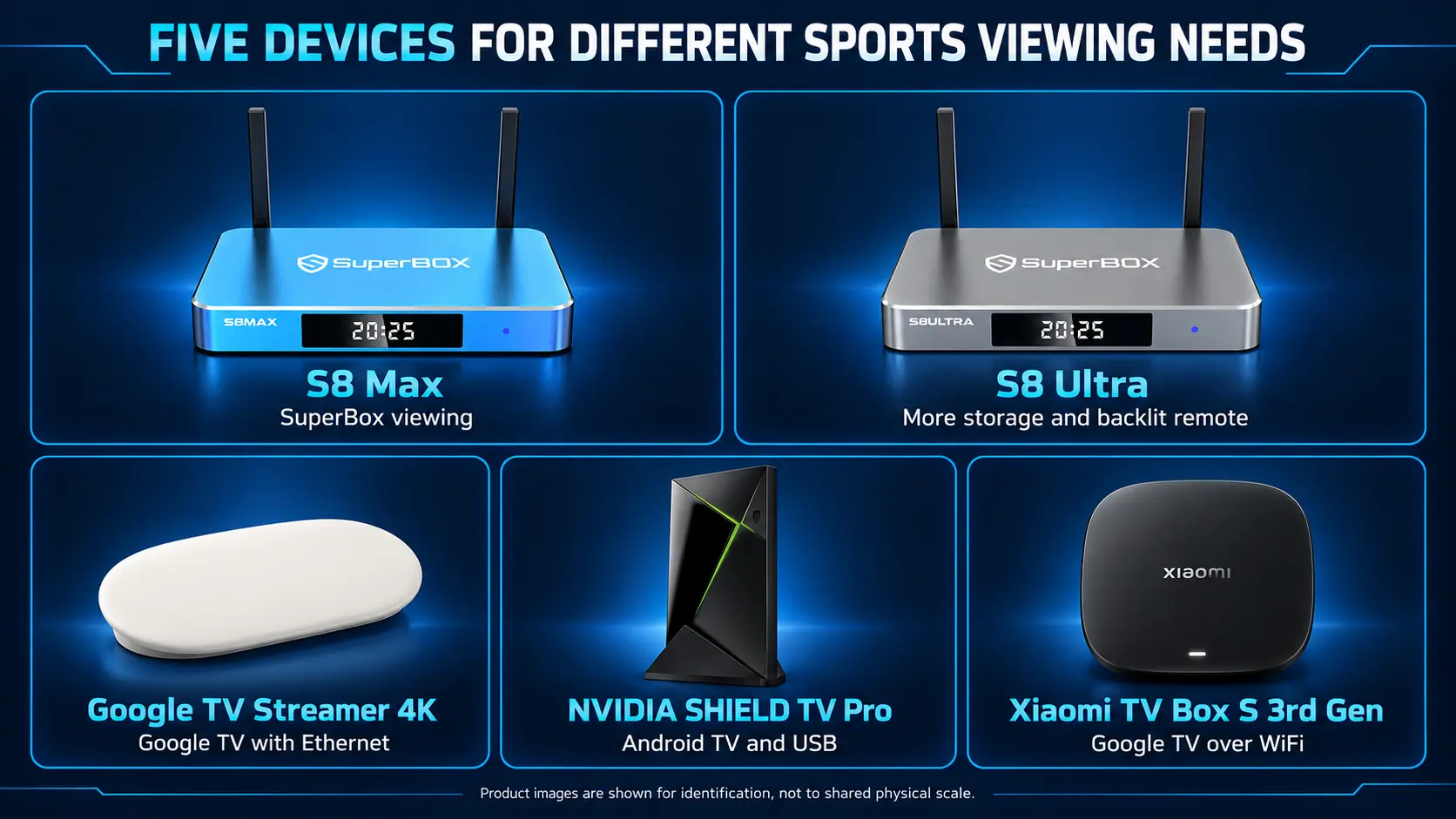
3. SuperBox S8 Plus
The SuperBox S8 Plus is available at $379 and offers the exact same generous 4GB of RAM and 64GB of storage found on higher models. It is built for households that want reliable multi-room performance at a slightly lower price point.
Navigating channels on the S8 Plus is as simple as pressing the number buttons on your remote. It requires no monthly activation fees and connects directly to any modern flat-screen television with an HDMI cable.
4. SuperBox S8 Pro
The SuperBox S8 Pro is the entry doorway to the current generation, priced at $359. It features 4GB of RAM and 32GB of internal storage, providing plenty of space for essential streaming applications and smooth daily viewing.
For parents or retirees who want a clean, no-nonsense setup, the S8 Pro delivers straightforward channel switching with dependable picture performance and zero ongoing contracts.
5. SuperBox S7 Max
The SuperBox S7 Max represents exceptional value at its discounted price of $339. While being part of the previous generation, it remains fully capable with 4GB of RAM, 64GB of storage, and full high-definition video processing.
If you want a dependable secondary box for a master bedroom, guest room, or patio television, the S7 Max provides excellent streaming power while saving you money upfront.
6. SuperBox S7 Pro
Priced at just $305, the SuperBox S7 Pro is the most affordable way to experience subscription-free television from the SuperBox family. It provides 4GB of RAM and 32GB of storage in a sleek, lightweight chassis.
The S7 Pro handles standard channel viewing smoothly and connects to both 2.4GHz and 5GHz home wireless networks, making it a great budget-friendly gift for family members.
7. TiVo Edge for Antenna
The TiVo Edge for Antenna is a classic choice for viewers who love the traditional on-screen guide experience of old-school cable boxes. It connects to an over-the-air digital antenna to capture major local broadcast stations like ABC, CBS, NBC, and FOX in crisp high definition.
It includes a built-in digital video recorder with a hard drive that stores up to 300 hours of programming. However, buyers should note that TiVo requires an ongoing monthly service fee or a costly lifetime guide subscription to function properly.
8. Mediasonic Homeworx HW130STB
If you are looking for the absolute cheapest digital converter box, the Mediasonic Homeworx costs under $40. It is a tiny set-top box designed to convert digital broadcast signals received through an antenna for older televisions.
You can plug a USB flash drive into the front panel to record shows manually. While the user interface looks basic and dated, it gets the job done for budget-minded viewers who only need basic local channels.
9. Tablo 4th Gen Over the Air DVR
The Tablo 4th Generation device is an antenna hub that sits anywhere in your home near a window where signal reception is strongest. Instead of connecting directly to one television, it broadcasts live local channels over your home Wi-Fi to smart TV apps on Roku, Fire TV, or Android TV.
It includes over 50 hours of onboard storage for recording local news and series at no monthly cost. It is an appealing pick for households with multiple smart televisions that do not want to run antenna cables into every room.
10. AirTV Anywhere
The AirTV Anywhere is designed to bridge the gap between free local broadcast television and popular streaming services. By connecting an antenna to the AirTV box, your local channels appear directly inside the Sling TV app guide alongside your streaming feeds.
It comes with four built-in tuners and a 1TB hard drive, allowing you to record up to four broadcast shows at the same time without monthly guide subscription fees.
11. HDHomeRun Flex 4K
For tech-curious households, the HDHomeRun Flex 4K connects directly to your home Wi-Fi router and an outdoor antenna. It transmits digital broadcast signals to phones, tablets, computers, and streaming boxes across your entire home network.
It supports the newest NextGen TV broadcast standards for upgraded audio and video clarity. Setting it up requires downloading companion viewing apps on your playback devices.
12. Roku Ultra
The Roku Ultra is a popular consumer streaming box that plugs into your TV to offer thousands of free ad-supported streaming television channels through apps like The Roku Channel, Pluto TV, and Tubi.
While it does not carry dedicated live broadcast feeds out of the box, it provides a friendly, familiar interface for viewers who enjoy browsing free on-demand movies, sitcom reruns, and 24-hour news feeds.
Comprehensive Comparison of the Top Free TV Boxes
To help you see how these devices compare in everyday usage, we put together this straightforward feature table highlighting pricing, signal sources, and recurring costs.
| Device Model | Initial Price | Primary TV Source | Monthly Fee | Best Suited For |
|---|---|---|---|---|
| SuperBox S8 Ultra | $449 | High-Speed Internet | $0 forever | Flagship home theater viewing |
| SuperBox S8 Max | $399 | High-Speed Internet | $0 forever | Busy family living rooms |
| SuperBox S8 Plus | $379 | High-Speed Internet | $0 forever | Balanced mid-range streaming |
| SuperBox S8 Pro | $359 | High-Speed Internet | $0 forever | Simple everyday TV viewing |
| SuperBox S7 Max | $339 | High-Speed Internet | $0 forever | Budget-conscious 64GB buyers |
| SuperBox S7 Pro | $305 | High-Speed Internet | $0 forever | Entry-level bedroom TVs |
| TiVo Edge Antenna | $249 – $349 | Digital TV Antenna | Monthly or Lifetime | Traditional DVR guide fans |
| Mediasonic HW130STB | Under $40 | Digital TV Antenna | $0 | Old TVs needing digital tuner |
| Tablo 4th Gen | $99 – $139 | Digital Antenna + Wi-Fi | $0 | Whole-home antenna streaming |
| AirTV Anywhere | $199 | Antenna + Sling App | $0 | Sling TV app users |
| HDHomeRun Flex 4K | $199 | Antenna + Home Network | $0 | Tech-savvy multi-room viewers |
| Roku Ultra | $99 | Free Streaming Apps | $0 (ad-supported) | Casual movie & rerun viewers |
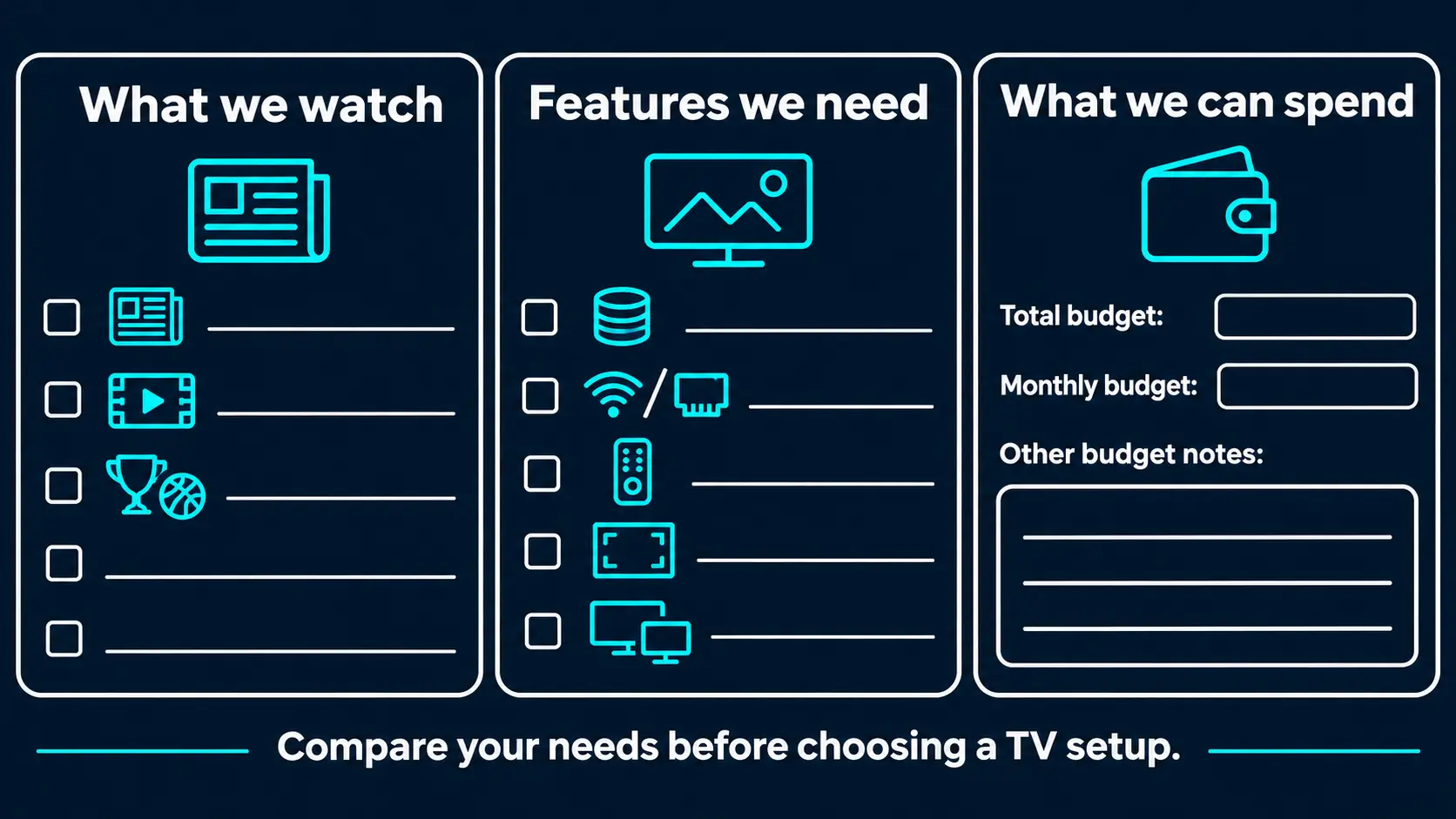
How to Choose the Right Free Television Box for Your Home
Choosing the best box comes down to where you live and how you like to watch television. You do not need to overcomplicate your decision.
If you live near major television broadcast towers in a suburban area, an antenna-based device like the Tablo or Mediasonic gives you crystal-clear local stations without touching your home internet data.
If you live in an apartment, rural area, or valley where antenna signals are blocked by trees or tall buildings, an internet-based device like a SuperBox S8 console is far superior. It requires no roof antennas or window adjustments and delivers thousands of live channels through your existing Wi-Fi.
Step by Step Guide to Setting Up Your Free TV Box
Step 1: Connect the HDMI Cable to Your Television
Take the included HDMI cable from the box. Plug one end into the HDMI output port on your set-top box and plug the other end into an open HDMI port on the back or side of your television.
Step 2: Plug in the Power Adapter
Connect the power cable to the back of your television box and plug the adapter into a nearby wall outlet. Your television box will power on automatically and display an introductory welcome screen.
Step 3: Connect to Your Home Wi-Fi Network
Using the remote control, select Settings on your television screen and open the Network menu. Choose your home Wi-Fi name, enter your password, and verify that the connection status shows connected.
Step 4: Launch Your Live TV Applications
Return to the main home launcher. Open the live television viewing application, select your preferred channel category, and start watching your favorite live programming immediately.
Everyday Situations and Advice from Experienced Streamers
Many viewers ask practical questions before canceling their cable packages. Here are two real-world experiences from long-time cord-cutters.
Case Study 1: Robert M. from Dallas, TX. Robert had been paying $175 every month for basic cable simply to watch evening news, college football, and home improvement shows. After switching to a SuperBox S8 Max in his living room, he hooked the console up via Wi-Fi and saved over $2,000 in his first year without missing a single Saturday game.
Case Study 2: Patricia B. from Orlando, FL. Patricia wanted an easy-to-use box for her retired mother who was intimidated by complicated smart TV menus. She selected the SuperBox S8 Ultra because of the backlit remote. Her mother easily reads the buttons at night and switches between morning news and classic movies with a single click.
Frequently Asked Questions
Is watching TV on these set-top boxes really free?
Yes. Once you purchase the hardware box, there are zero monthly subscription charges, recurring service fees, or equipment rental bills required to watch television.
Do I need home internet to use a free cable box?
For Android TV boxes like SuperBox, a stable home internet connection of at least 15 to 25 Mbps is required. For antenna-based converter boxes like Mediasonic, no internet is needed at all.
Can I watch live local news and sports on these boxes?
Yes. Both digital antenna tuners and SuperBox consoles provide extensive access to regional news broadcasts, national broadcast networks, and live sports coverage.
Will a free TV box work on older non-smart televisions?
As long as your television has an HDMI input port, any modern TV box will work perfectly. It instantly transforms any regular screen into a full-featured entertainment center.
How hard is it to install a free cable box?
Installation is very straightforward. You only need to plug in the HDMI cable to your TV, plug the power brick into the wall, and connect to Wi-Fi using the remote control.
Can I record live television on a SuperBox?
On SuperBox S8 Series consoles, you can plug in an external USB flash drive and use the Video Recorder app to record video manually. Scheduled timer recording is not supported.
What is the difference between SuperBox S8 Ultra and S8 Max?
The SuperBox S8 Ultra ($449) comes with 128GB of storage and an exclusive backlit remote control, while the S8 Max ($399) features 64GB of storage and a standard voice remote.
Can I take my free TV box with me when traveling?
Yes. Set-top boxes are small and portable. You can pack your box in a suitcase, plug it into any hotel or cabin TV with an HDMI port, and connect to local Wi-Fi.
Does SuperBox offer customer technical support if I need help?
Yes. SuperBox provides responsive 24/7 technical assistance and customer care directly through its official store support team to assist with setup and usage questions.
How much money will I save by canceling cable for a free TV box?
Most households save between $100 and $180 every month after canceling traditional cable, which adds up to well over $1,200 to $2,000 in saved money every single year.
The article was updated on:
