
Knowledge SuperBox
SuperBox S5 Pro Review Legacy Specs and Modern S8 Upgrades





The superbox s5 pro was one of the most widely recognized streaming consoles during the early cord-cutting movement. Thousands of television viewers across North America used this dependable device to say goodbye to monthly cable rental fees and enjoy live sports, daily news, and on-demand movies directly on their living room televisions.
As streaming standards have advanced and video resolutions have shifted to ultra-sharp high definition, the S5 Pro has finished its production run and is now considered a legacy device. It has been officially replaced by the modern SuperBox S8 Pro and the budget-conscious SuperBox S7 Pro. In this straightforward guide, we review the capabilities of the original S5 Pro, compare it to modern alternatives, and provide practical upgrade recommendations in everyday, easy-to-understand language.
Quick Summary: SuperBox S5 Pro Overview and Modern Replacements
– Current Availability: Discontinued legacy hardware; no longer produced or sold by authorized stores.
– Original Specs: 2GB of RAM, 16GB to 32GB of internal storage, and older Wi-Fi wireless reception.
– Direct Modern Successor: SuperBox S8 Pro ($359) offering 4GB RAM, 32GB storage, Android 12, and Wi-Fi 6.
– Higher Capacity Upgrade: SuperBox S8 Max ($399) or S8 Ultra ($449) with 64GB to 128GB storage.
– Budget Alternative: SuperBox S7 Pro ($305) providing proven 4GB RAM streaming performance under $310.
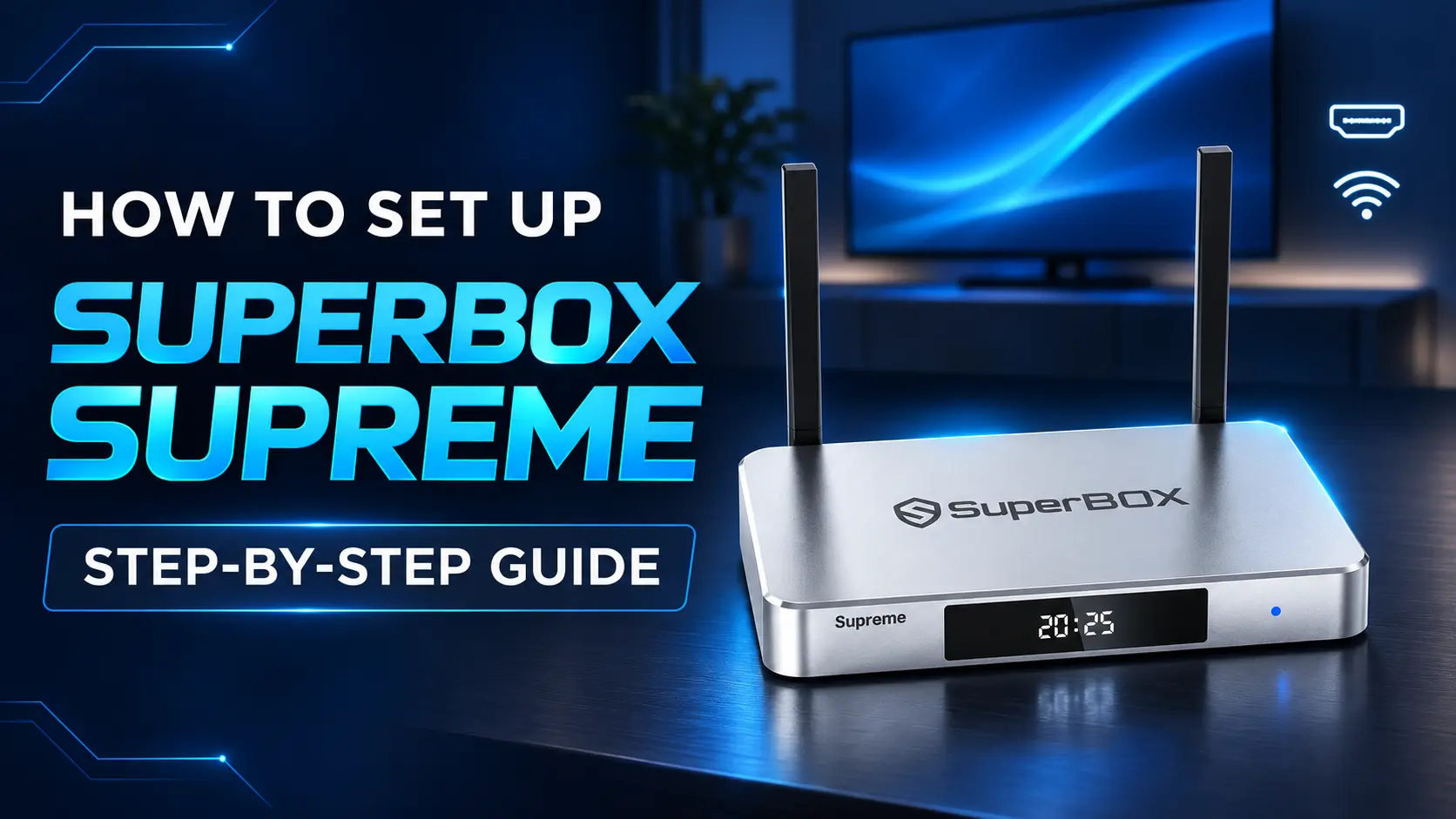
Looking Back at the SuperBox S5 Pro Experience
When the SuperBox S5 Pro arrived on the market, it solved a major dilemma for ordinary consumers. Many families wanted to cut back on monthly expenses but found the transition to smart streaming confusing, with multiple apps and complex menus.
The S5 Pro made television simple again. You turned on the console with a physical remote control, selected a channel from a numbered guide, and immediately began watching. There were no monthly invoices or promotional rates that spiked after six months.
Over the years, television broadcast networks adopted newer video codecs that require more computational horsepower to decode smoothly. While the S5 Pro was a pioneer in its time, current broadcast standards require modern memory and wireless technology to operate without buffering.
Original Technical Profile of the SuperBox S5 Pro
Understanding the hardware inside the original S5 Pro helps explain why upgrading to a modern model delivers such an immediate improvement in daily viewing satisfaction.
The S5 Pro operated on 2GB of system RAM memory. While 2GB was sufficient for older streaming feeds, today’s richer application interfaces and higher-bitrate sports broadcasts require more headroom to maintain smooth framerates.
Internal storage was configured with 16GB or 32GB of flash memory. The box used legacy Wi-Fi wireless standards and a standard 100Mbps Ethernet network port. While adequate for basic home networks years ago, these connections struggle to overcome modern home Wi-Fi congestion caused by dozens of connected smartphones, tablets, and smart home gadgets.
Comparing the Legacy S5 Pro with Modern S8 Pro and S7 Pro
The jump in performance from the S5 Pro to modern models is evident when looking at the hardware side by side. Here is a clear specification comparison.
| Hardware Specification | Original SuperBox S5 Pro | SuperBox S7 Pro | Current SuperBox S8 Pro |
|---|---|---|---|
| Current Retail Price | Discontinued | $305.00 | $359.00 |
| System RAM Memory | 2GB DDR | 4GB DDR | 4GB High Speed DDR |
| Internal Storage | 16GB / 32GB eMMC | 32GB eMMC | 32GB High Speed eMMC |
| Operating System | Legacy Android OS | Android 12 | Android 12 OS |
| Wi-Fi Wireless Standard | Wi-Fi 4 / Wi-Fi 5 | Wi-Fi 6 Dual-Band | Wi-Fi 6 Dual-Band Antennas |
| Ethernet Network Port | 100Mbps Fast Ethernet | 1000Mbps Gigabit Port | 1000Mbps Gigabit Ethernet |
| Remote Control | Basic IR Remote | Standard Voice Remote | Voice Remote Control |
| Video Processing | Basic 1080p / 4K Decoder | 6K@60fps Hardware Engine | 6K@60fps Hardware Engine |
Why Does Replacing Your Old S5 Pro Enhance Daily Television?
If you are still using an original S5 Pro, you are probably familiar with long startup times, sluggish channel flipping, and occasional video freezing during live sports events. Stepping up to a modern unit eliminates these headaches completely.
Modern SuperBox consoles feature double the RAM memory at 4GB, which means applications open in a fraction of a second and stay responsive even when you flip rapidly between channels.
In addition, modern consoles use Wi-Fi 6 wireless connectivity. Wi-Fi 6 handles household internet traffic much more efficiently, ensuring that children gaming or spouses streaming video in other rooms will not disrupt your live television broadcast.
Top Modern Upgrade Recommendations for S5 Pro Owners
SuperBox S8 Pro for Direct Familiar Replacement
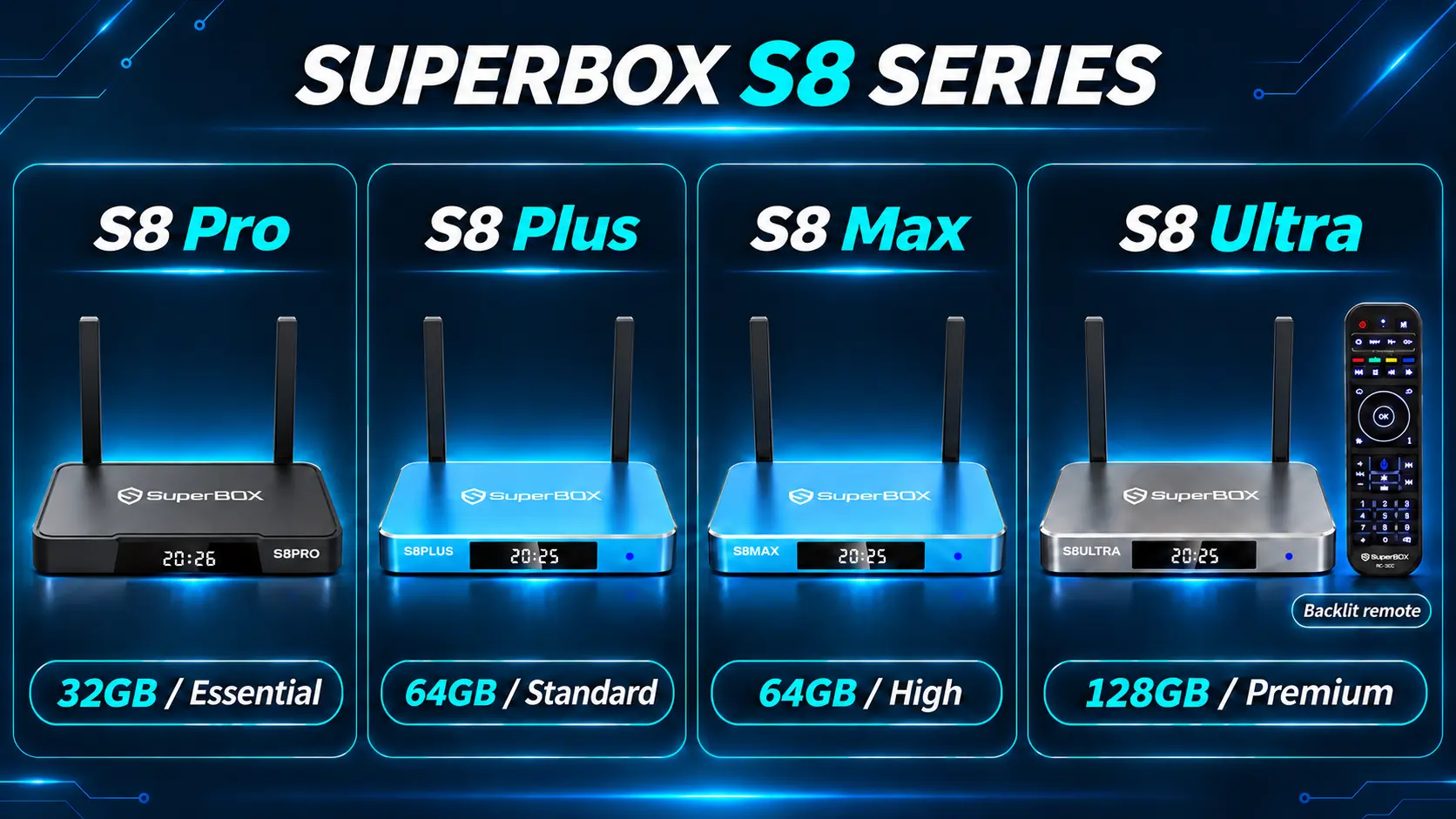
The SuperBox S8 Pro ($359) is the direct modern evolution of the S5 Pro. It provides double the RAM memory at 4GB, 32GB of storage, and full Android 12 operating performance. For viewers who want the exact same easy-to-use experience with modern speed, the S8 Pro is the natural choice.
SuperBox S8 Max for Extra Storage and Speed
Priced at $399, the SuperBox S8 Max steps up to 64GB of internal storage. If your household downloads extra streaming applications or saves extensive favorite channels, the S8 Max gives you plenty of extra breathing room.
SuperBox S8 Ultra for Premium Home Theater Viewing
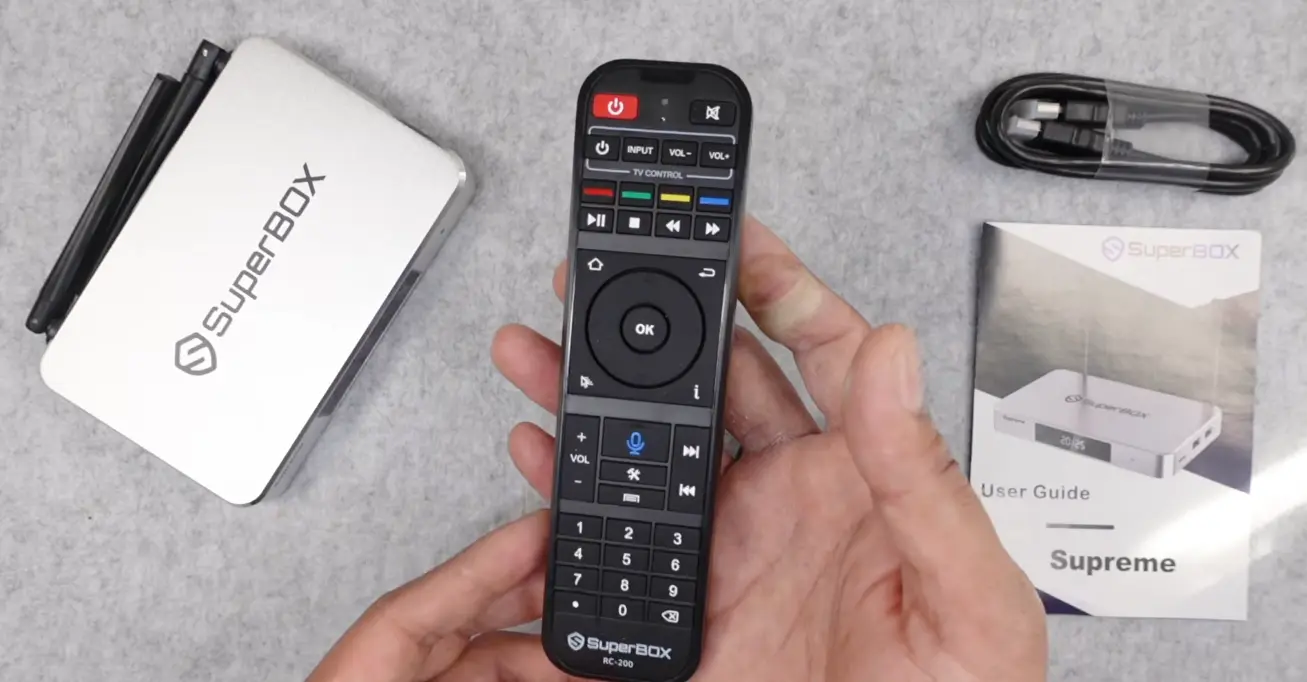
The SuperBox S8 Ultra ($449) is the flagship model with 128GB of internal storage and an exclusive backlit voice remote control. When viewing in the evening with dimmed lights, the buttons softly illuminate, making channel surfing easy without turning on table lamps. You can toggle the light on or off using the OK and zero button combination.
SuperBox S7 Pro for Budget Conscious Viewers
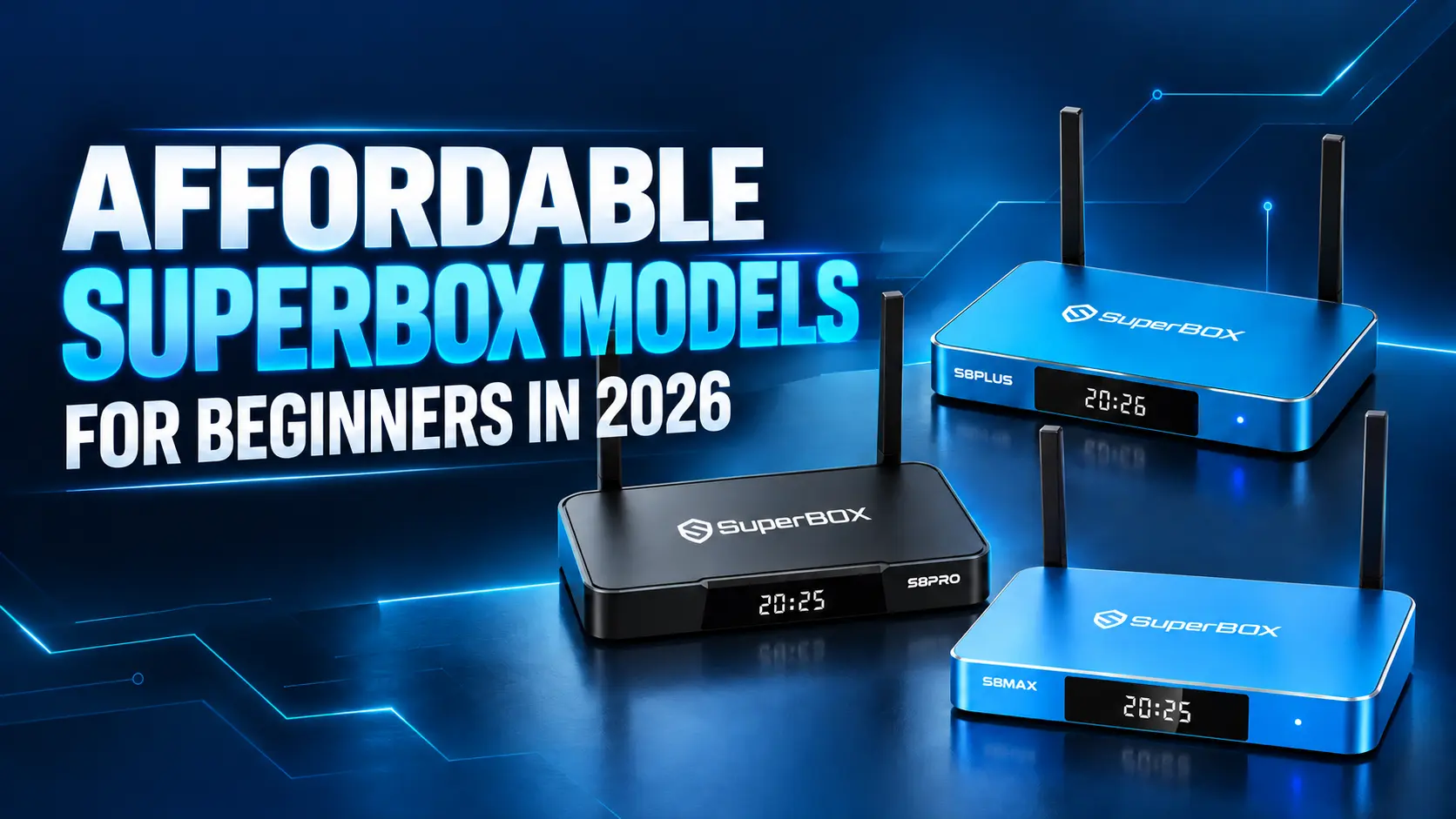
If you want to keep your upgrade investment as affordable as possible, the SuperBox S7 Pro ($305) provides modern 4GB RAM architecture and Gigabit Ethernet for just over $300. It is a fantastic value for secondary televisions in guest rooms or home workshops.
Simple Maintenance for Existing S5 Pro Devices
Step 1: Clear Out Unnecessary Background Files
Navigate to Settings on your main screen, choose Apps, click on your television viewing application, and select Clear Cache. This frees up flash memory and helps menus navigate more smoothly.
Step 2: Position Your Router Closer to the Television
Older Wi-Fi antennas lose signal strength rapidly through walls. Ensuring there are no large metal appliances or thick bookshelves between your router and the S5 Pro will improve signal reception.
Step 3: Power Cycle the Console Regularly
Unplug the power cord from the back of the S5 Pro once a week, wait 15 seconds, and plug it back in. This simple power cycle flushes temporary process memory and refreshes system responsiveness.
Real Life Customer Upgrade Stories
Everyday homeowners share how upgrading from the S5 Pro improved their television viewing routine.
Case Study 1: Frank D. from Milwaukee, WI. Frank had an S5 Pro in his living room for almost five years. While it served him well, sports feeds began freezing during weekend football games. He replaced it with a SuperBox S8 Pro ($359) and noticed that picture clarity improved immediately, with zero buffering on high-speed sports channels.
Case Study 2: Angela M. from Phoenix, AZ. Angela wanted a box with a clear remote control for her retired father who struggled with small buttons in the evening. She upgraded his old S5 Pro to a SuperBox S8 Ultra ($449). Her father loves the illuminated backlit keys and effortlessly browses news and classic movies at night.
Connecting to Older Televisions and Adjusting Picture Scaling
Many viewers who purchased the original S5 Pro kept it connected to secondary bedroom televisions or basement rec rooms. If you plan to upgrade that setup with a modern SuperBox S8 Pro or S7 Pro, connecting to older flat-screen displays is completely seamless.
Every SuperBox console includes standard HDMI output that automatically detects your television panel resolution, whether it is an older 720p HD ready screen or a 1080p Full HD display. If your television lacks HDMI, you can use an inexpensive HDMI to RCA composite video converter.
If you notice that sports scoreboards or channel logos in the corners are slightly clipped off on an older screen, open System Settings, choose Display, and select Screen Zoom. You can easily shrink the picture boundary using your remote control arrows until all text fits comfortably inside your screen borders.
Additionally, modern voice remotes make channel switching accessible for seniors who find small buttons difficult to read. Simply press the microphone key on the remote, speak the name of your desired channel, and the console switches feeds immediately.
Frequently Asked Questions
Is the SuperBox S5 Pro still supported with software updates?
The SuperBox S5 Pro is an older legacy console that has concluded its official development cycle, meaning it no longer receives major system operating system updates.
What is the direct modern replacement for the SuperBox S5 Pro?
The direct modern replacement is the SuperBox S8 Pro ($359), which features 4GB of RAM, 32GB of storage, Android 12, and modern Wi-Fi 6 wireless networking.
How much RAM memory did the SuperBox S5 Pro have?
The original SuperBox S5 Pro came with 2GB of system RAM memory, whereas all current S8 and S7 generation models provide a full 4GB of RAM.
Can I pair a modern S8 voice remote with an S5 Pro box?
Modern Bluetooth voice remotes are designed for Android 12 systems and may not have full voice recognition functionality when paired with the older Android firmware on the S5 Pro.
Can I record live television on a SuperBox S5 Pro?
The S5 Pro does not include the built-in USB Video Recorder app found on modern S8 consoles, which allows users to plug in an external USB flash drive and perform manual screen recording.
Does SuperBox require monthly subscription fees?
No. Across all generations, SuperBox operates with zero monthly subscription fees, zero activation charges, and zero recurring equipment rental bills.
How do I pair a Bluetooth remote on modern SuperBox consoles?
On current models, hold down the OK button and the Return or Back button simultaneously for approximately eight seconds until the red LED flashes, then pair it in the Bluetooth menu.
Which modern SuperBox has a remote with backlit buttons?
Only the flagship SuperBox S8 Ultra ($449) comes equipped with the exclusive backlit voice remote control. Other models include standard voice remotes.
What broadband speed is needed for smooth streaming?
We recommend a home internet download speed of 15 Mbps to 25 Mbps for smooth, uninterrupted high-definition live television and movie streaming.
Where can I safely order an authentic replacement SuperBox?
Always purchase directly through the authorized SuperBox TV Box Store to guarantee brand-new, factory-sealed hardware, genuine firmware, and complete warranty protection.
The article was updated on:
