
Knowledge SuperBox
How to Tell If Your SuperBox Order Was Placed with SuperBox TV Box Store





Need help with a SuperBox order and think you bought it from us? Please check the purchase record first. The name SuperBox on your device, packaging, or product photo does not tell you which store accepted your payment. Several independent retailers sell SuperBox products, and each retailer keeps its own order records.
SuperBox TV Box Store’s website is superboxtvboxstore.com. Our order confirmation email uses customer@superboxtvboxstore.com. If your receipt shows another store or your confirmation came from a different seller, that business is the place to request its shipping update, cancellation, return, refund, or order-specific warranty assistance.
If you still cannot tell, send us your order number and the email address used at checkout through our Contact Us page. We can check whether a matching order exists in our store. Please do not send your full card number, password, or one-time verification code.
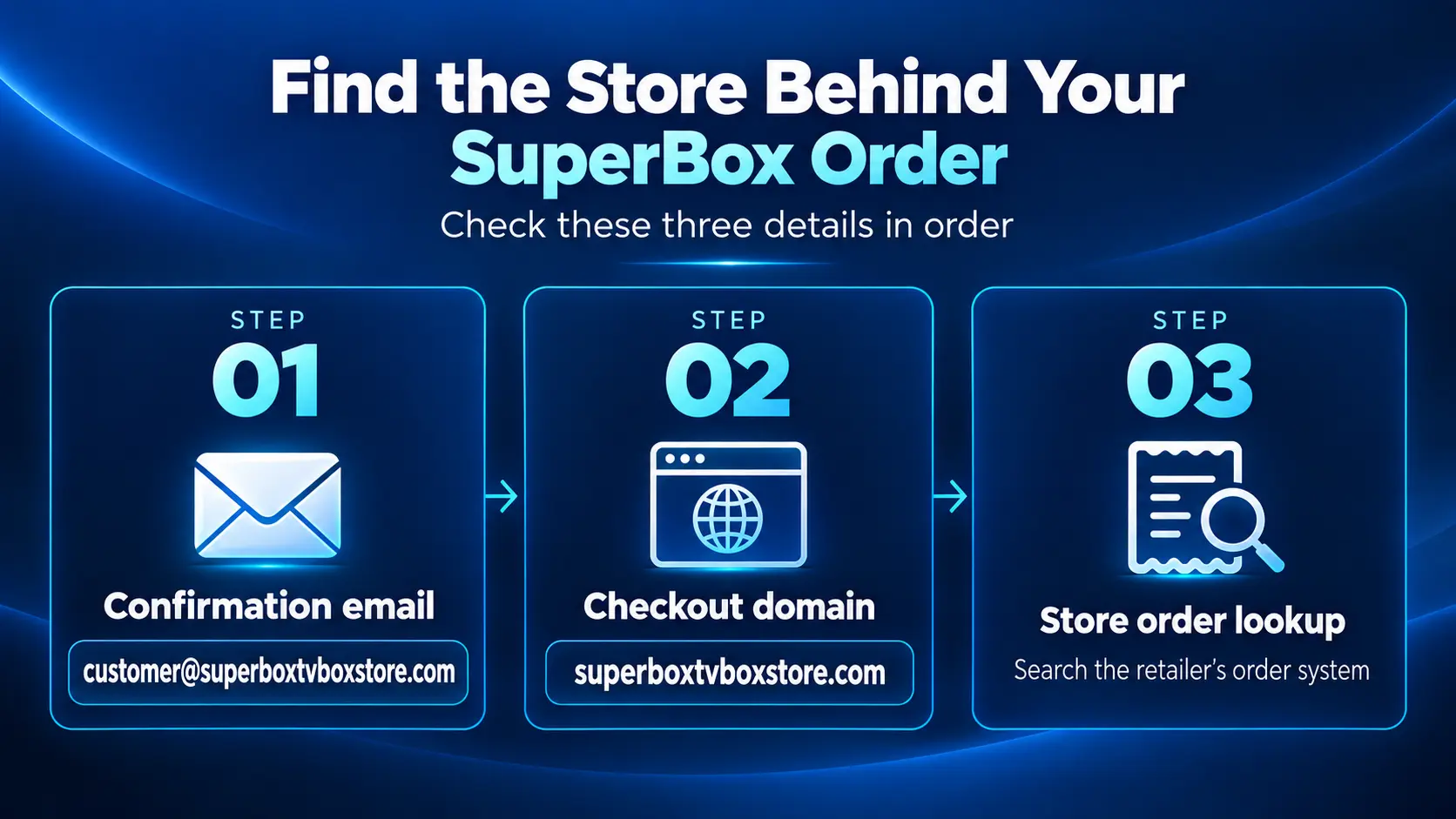
The Three Checks That Identify Your Seller
Take two minutes to look at the documents from the day you ordered. You do not need to read the model label or find the box’s MAC address to answer this question.
- Open the order confirmation. Check the full sender email address, not just the display name “SuperBox.” For an order from our website, look for
customer@superboxtvboxstore.comand order details that match your purchase. - Check the original checkout website. If you still have the order-complete page, receipt link, browser history, or a screenshot, inspect its actual domain. Our domain is
superboxtvboxstore.com. A site with “SuperBox” elsewhere in its name is a different domain unless it leads back to our checkout. - Ask us to check the order record if it remains unclear. Send the order number and checkout email privately through our contact page. A matching order in our own system is the strongest confirmation that we processed your purchase.
An email or screenshot can be forwarded, cropped, or misunderstood. If the details conflict, let us check the actual order record before either side concludes where the purchase was made.
What Counts as Proof and What Does Not?
| What you have | What it tells you | What to do next |
|---|---|---|
| A matching order verified by our support team using your order number and checkout email | Strongest confirmation that the purchase is in our store’s records | We can handle the order-specific request under the applicable terms |
A confirmation showing customer@superboxtvboxstore.com, the correct item, and an order number | Strong indication that the message concerns our store, subject to checking the full message and order record | Contact us if you need help or if other details conflict |
A checkout receipt or saved order page on superboxtvboxstore.com | Strong indication that you used our website | Provide the receipt or order details privately so we can verify them |
| A card or PayPal statement that says only “SuperBox” | Not enough by itself; descriptors and payment processors may not clearly identify the retailer | Find the receipt or ask the payment provider for transaction details |
| A SuperBox logo, product box, device MAC address, app screen, or authorization certificate | Identifies a product or an authorized seller, not who processed your specific order | Return to the receipt, checkout domain, and seller’s order record |
| A tracking label or shipping warehouse address | Shows a parcel route, which may involve a fulfillment partner | Check the retailer named on the order confirmation |
An order number alone is not universal. Different sellers have their own numbering systems, and two businesses can each issue an order with the same digits. We need to find your number in our own order system before we can treat it as an order from our store.
Where to Find the Confirmation Email
Search the inbox you used at checkout for customer@superboxtvboxstore.com and “SuperBox TV Box Store.” Check Spam, Junk, and Promotions too. Open any likely message and expand the sender details so you see the full email address. A display name such as “SuperBox Support” can appear without telling you which company sent the message.
Compare the product model, amount, purchase date, and order number with your own records. A message about a different model, a forwarded confirmation for another person, or a screenshot without the sender information cannot settle the question.
If you paid but cannot find any confirmation, do not assume automatically that the order was placed with us or that no order exists. You may have entered a different email address, the message may have been filtered, or you may have checked out through another seller. Look at the original purchase page or payment receipt. If those point to our domain, send us the name and email used at checkout, an approximate date, and any order or transaction reference you have. We will check our own records.
If Your Receipt Names a Different Website
If the order confirmation, marketplace receipt, or checkout URL points to a domain other than superboxtvboxstore.com, the fact that you bought a SuperBox does not make it an order from SuperBox TV Box Store. The original retailer or marketplace seller has the transaction and must answer questions about its price, shipping, cancellation, return, refund, and warranty process.
For example, an email address that ends in another store’s domain is not our customer@superboxtvboxstore.com address. The other seller may also be a legitimate authorized retailer; this is an issue of which business sold your device, not an accusation that the product is fake. Please use the support link on that seller’s receipt or website for order-specific help.
We may still have general setup articles that help you use your device. Our SuperBox blog covers common app, remote, and network questions. But a guide cannot give our team access to another company’s order database or authorize us to refund or exchange a purchase that company processed.
“But the box says SuperBox, and I spoke with SuperBox support”
That is understandable. SuperBox is the product brand. SuperBox TV Box Store is one retailer of that brand. A box, app, manufacturer interaction, or generic support conversation does not transfer an order from one seller to another. When the question is about a purchase, the receipt and the seller’s order record are the relevant evidence.
“But I found your website when I searched my order”
Search results can show our guides to people who purchased elsewhere. Reading an article on our site after buying does not mean the checkout happened here. Use the domain of the original order page, not the site you found later while seeking help.
“But the payment statement contains SuperBox”
The statement may give a shortened merchant name or payment processor label. It is a useful lead, but it may not identify the exact retail website. Check the emailed receipt, transaction details, and checkout history. If you have a charge that appears connected to our website but cannot find the order, contact us privately with an approximate payment date, amount, order email, and transaction reference. Never send the full card number or security code.
What Our Store Can Do After the Order Is Identified
If your purchase is in the SuperBox TV Box Store order system, we can look up its status and guide you through the shipping, return, or warranty terms that apply to that purchase. Start at our Contact Us page and provide your order number and checkout email. For a technical question, describe the device model and the issue so the appropriate team can help.
If your purchase is not in our records, we cannot cancel it, change its delivery address, issue a refund, approve its return, or replace it as though we had sold it. We also cannot see another retailer’s payment and shipment history. Contact the seller listed on your receipt. If you purchased through a marketplace, open the order in your marketplace account to find the seller and its help channel.
If there is conflicting evidence – say, a screenshot of our website but a confirmation from another domain – send us both privately. We will check what we can in our system and explain what we found. We will not identify your seller solely from the appearance of the box.
Authorization Is Different from Order Verification
SuperBox TV Box Store is an authorized retailer. Our seller authorization code is SP20250414002, which can be checked on the SuperBox authorization website. If the site has separate lookup options, choose the seller or authorization information query, not device verification.
That lookup answers “Is this retailer authorized?” It does not answer “Did I place my particular order with this retailer?” A customer can own a genuine SuperBox purchased from a different authorized seller. Our authorization certificate and code do not make every SuperBox order an order from our website. Your receipt and our order record establish that relationship.
Frequently Asked Questions
How can I tell whether I bought my SuperBox from SuperBox TV Box Store?
Check whether your order confirmation uses customer@superboxtvboxstore.com and whether the original checkout was on superboxtvboxstore.com. If you are still unsure, send us your order number and checkout email through our Contact Us page for an order lookup.
I have a SuperBox order number. Can you find it?
We can check whether it exists in our store’s system when you provide the number and checkout email. An order number issued by another seller will not become ours simply because its digits resemble one of ours.
The email says “SuperBox” but comes from another domain. Is it from you?
The display name alone is not enough. Our standard customer email is customer@superboxtvboxstore.com. Inspect the full sender address and the seller named in the order details. If another retailer sent the confirmation, ask that retailer about the transaction.
Does your authorization code prove I purchased from you?
No. Code SP20250414002 concerns our retailer authorization. It does not verify where an individual order was placed or who paid another seller.
Can you refund or replace a SuperBox I bought elsewhere?
We cannot issue an order-specific refund or replacement for a transaction processed by another store. Contact the retailer or marketplace seller named on your receipt about its applicable policies. You may still use our publicly available setup guides for general help.
I cannot find any confirmation email. What should I send?
Check all email folders and the address you used at checkout. If the payment or browser history points to our website, send your name, checkout email, approximate order date, product model, and any order or transaction reference privately through our contact page. Do not share passwords or complete payment credentials.
Still Unsure? Let Us Check the Right Record
We want to direct you to the team that can actually resolve the issue. If you bought through superboxtvboxstore.com, contact us with your order number and checkout email. If your receipt shows another seller, contact that seller for the purchase. If the records are unclear, send us the evidence privately and we will tell you whether we can find a matching order in our system.
For your next purchase, confirm the website address before checkout and save the confirmation email. That makes it much easier to know who is responsible for your order later.
The article was updated on:
