-
×
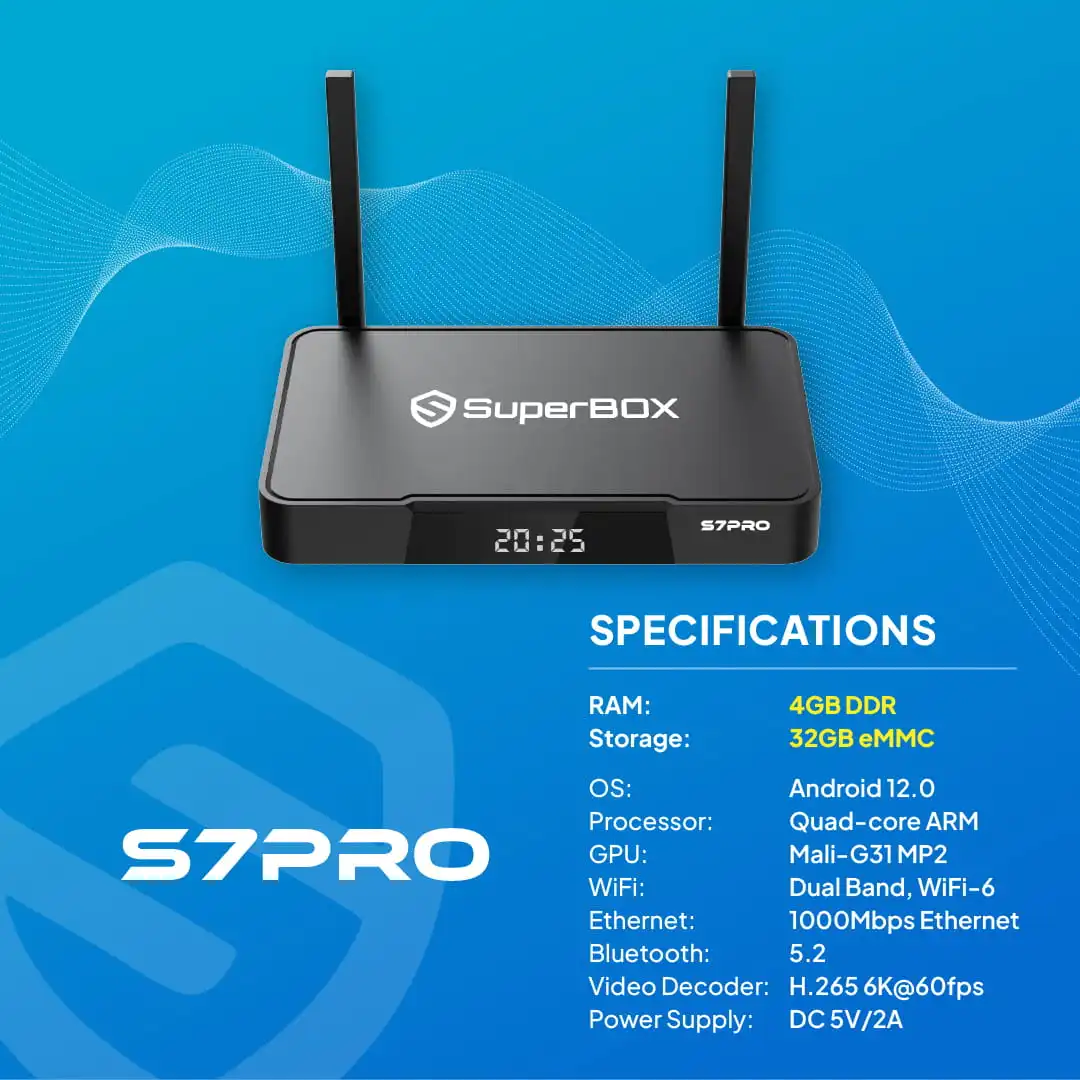
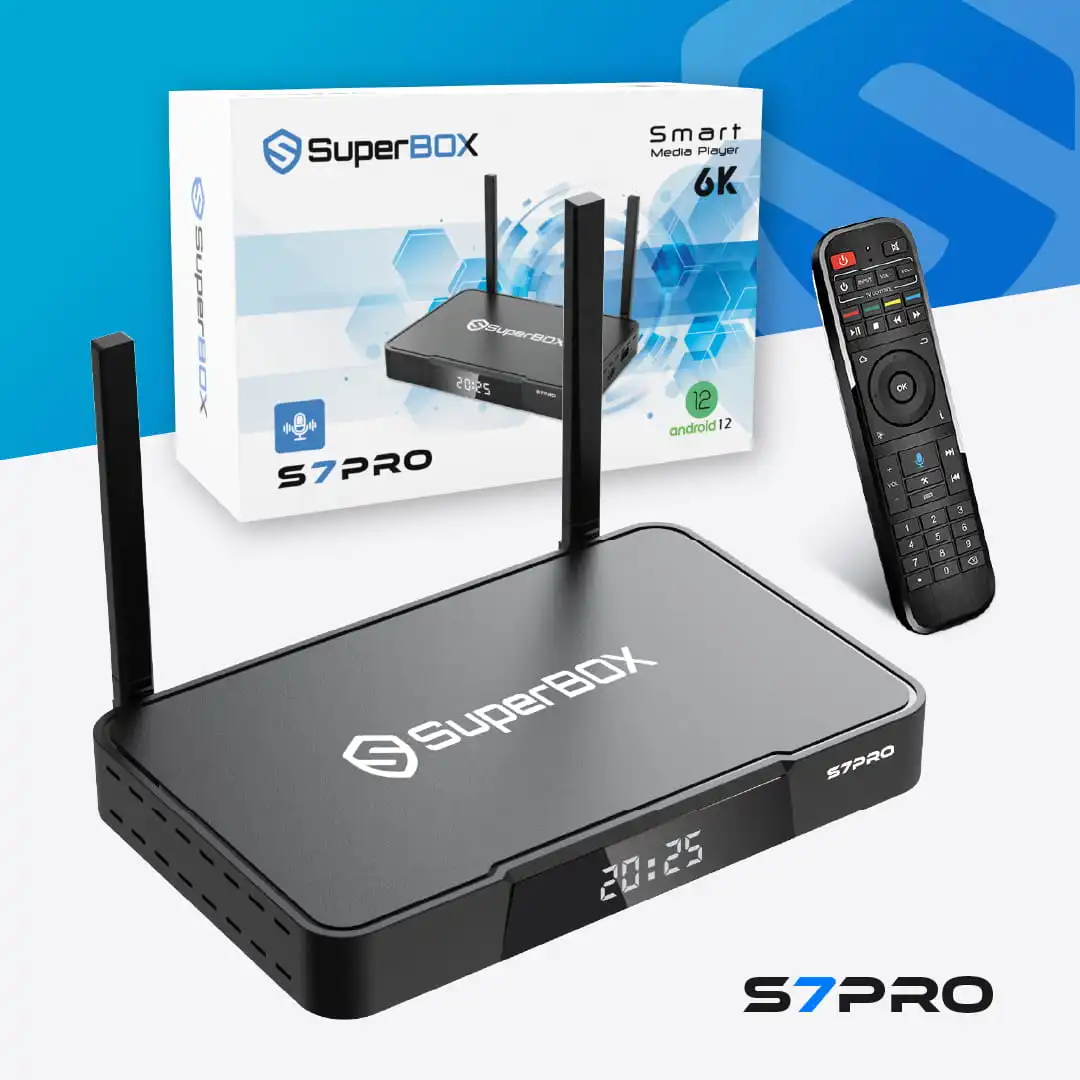 SuperBox S7 Pro
1 × 359.00 US$
SuperBox S7 Pro
1 × 359.00 US$
We’re most trusted SuperBox Seller in US&Canada
Explore the Latest SuperBox Series (S6 • S7 • S8)
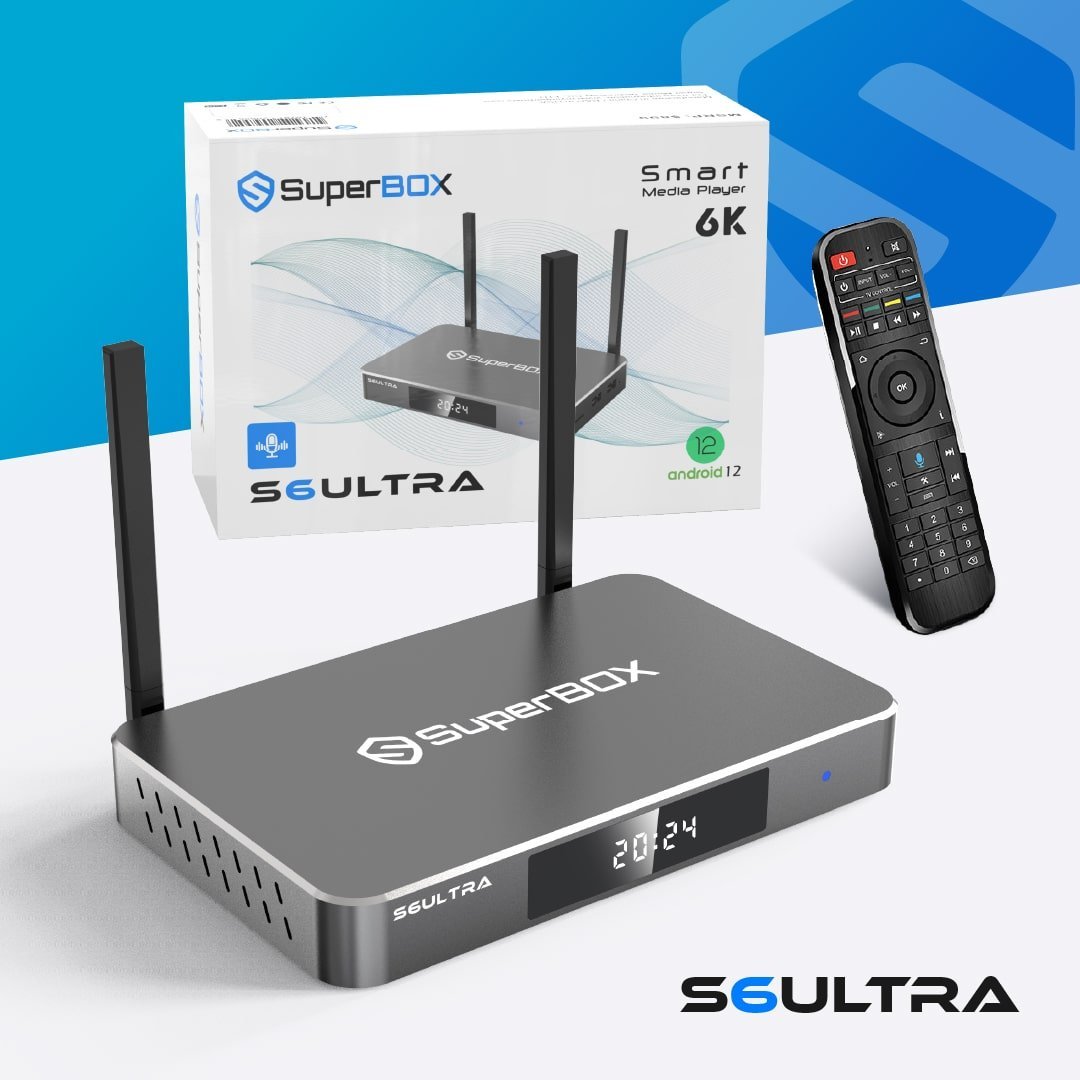
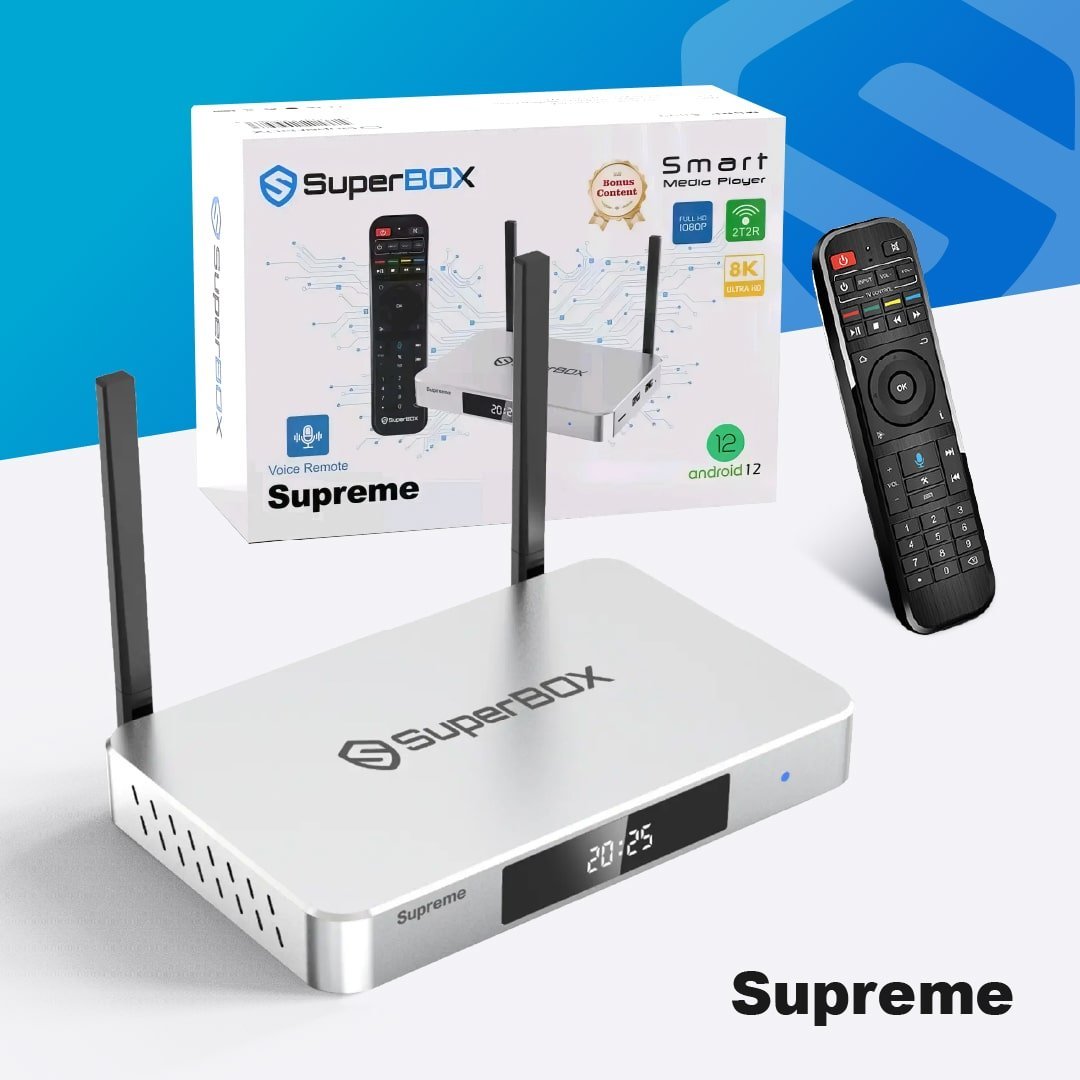
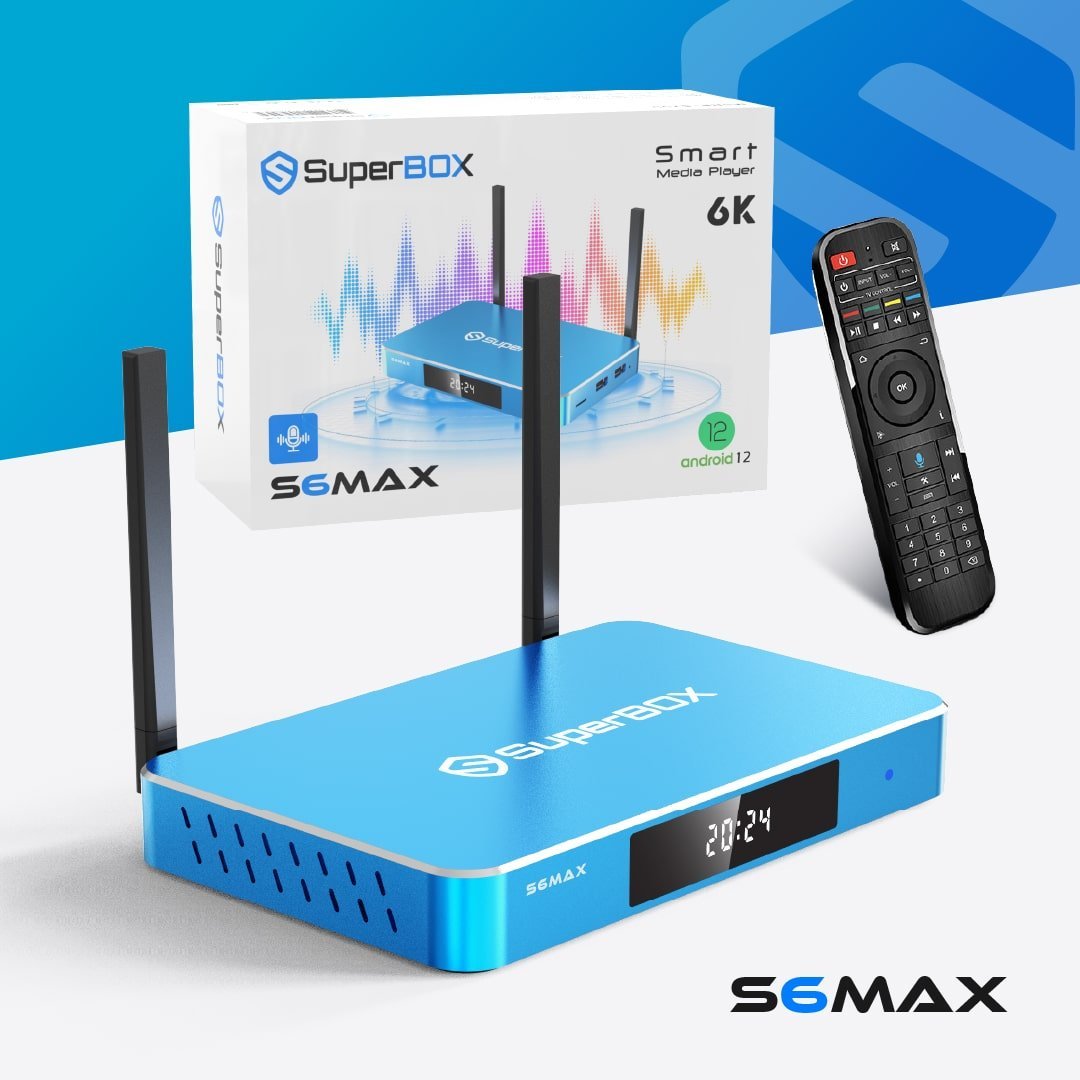
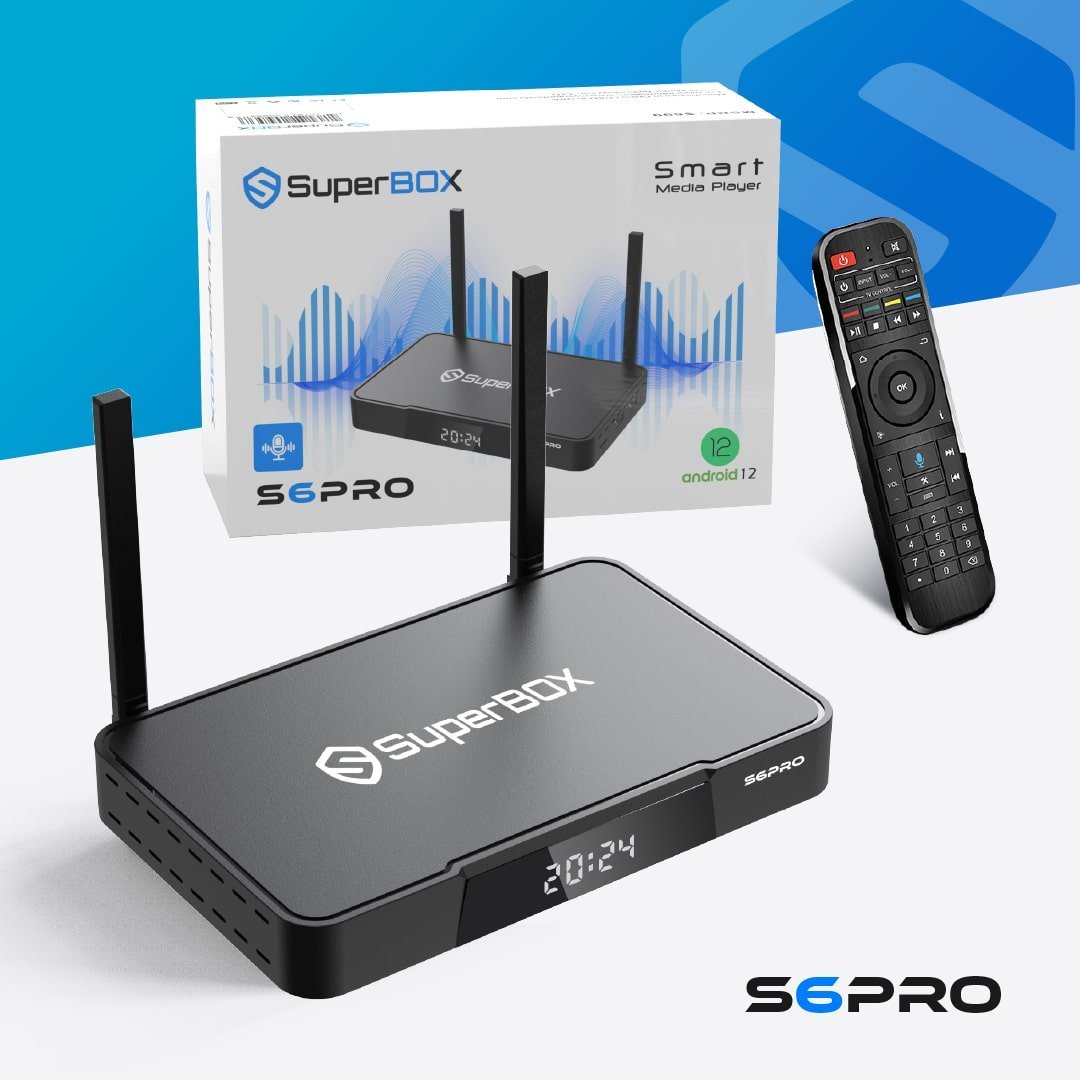
Compare models and find your perfect SuperBox.
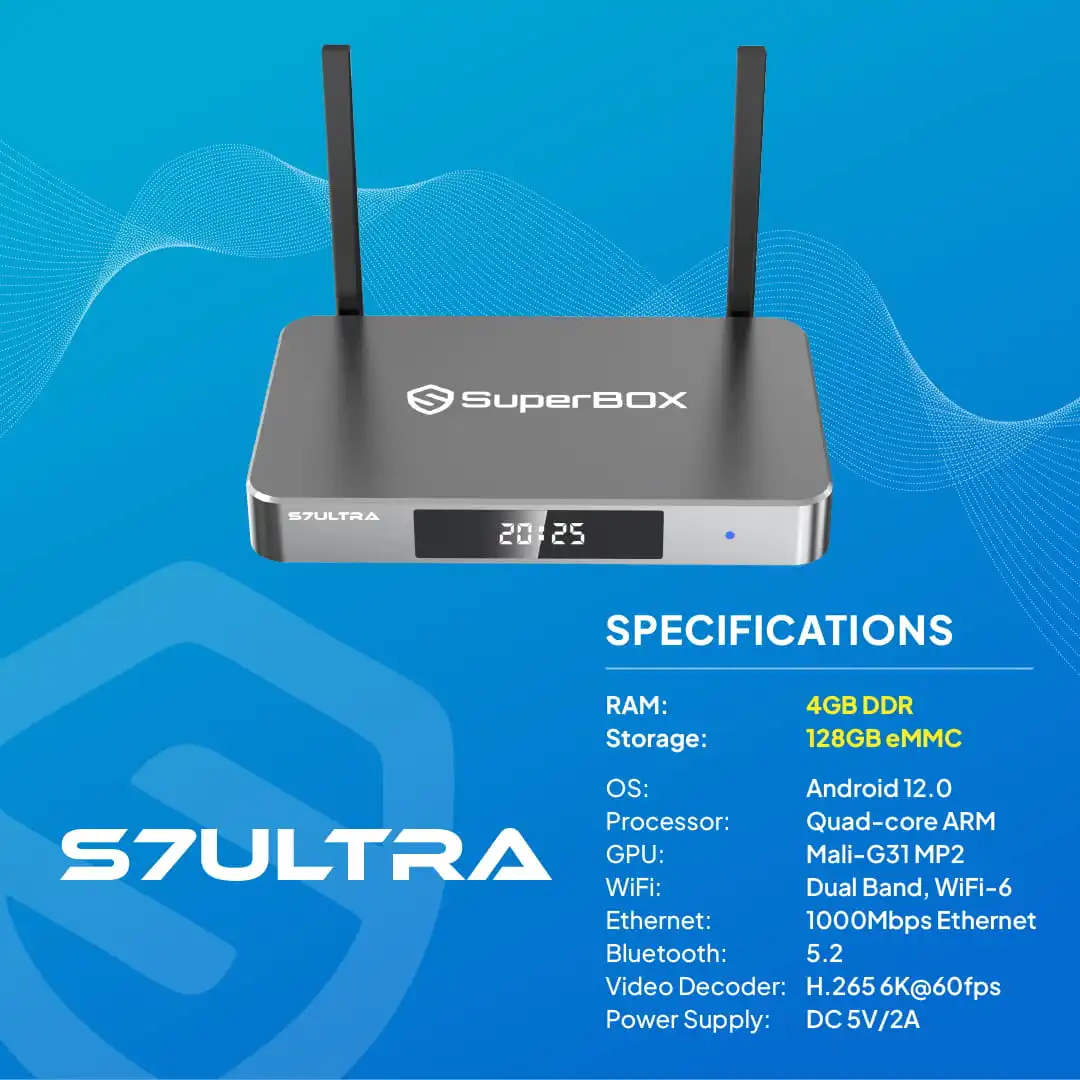
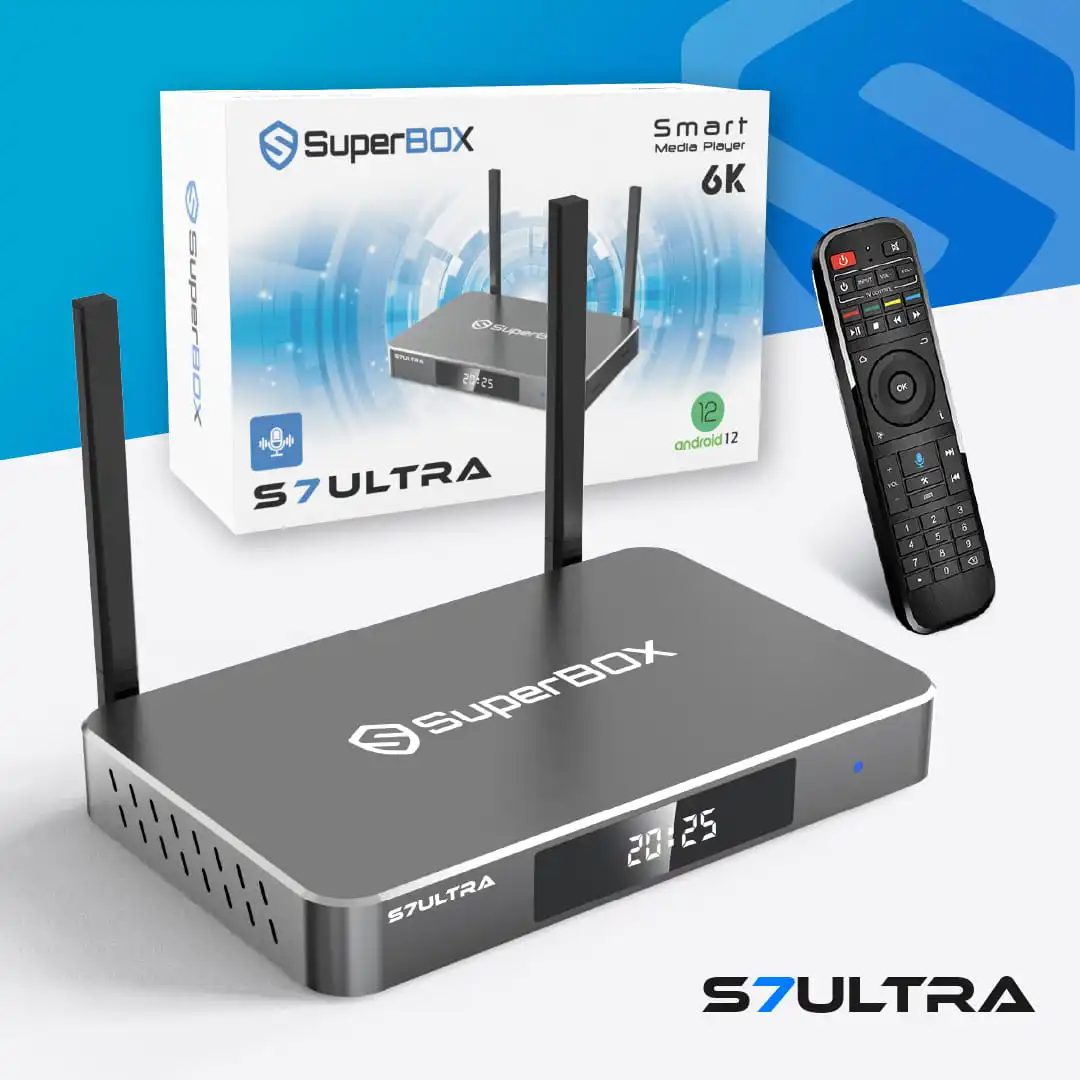
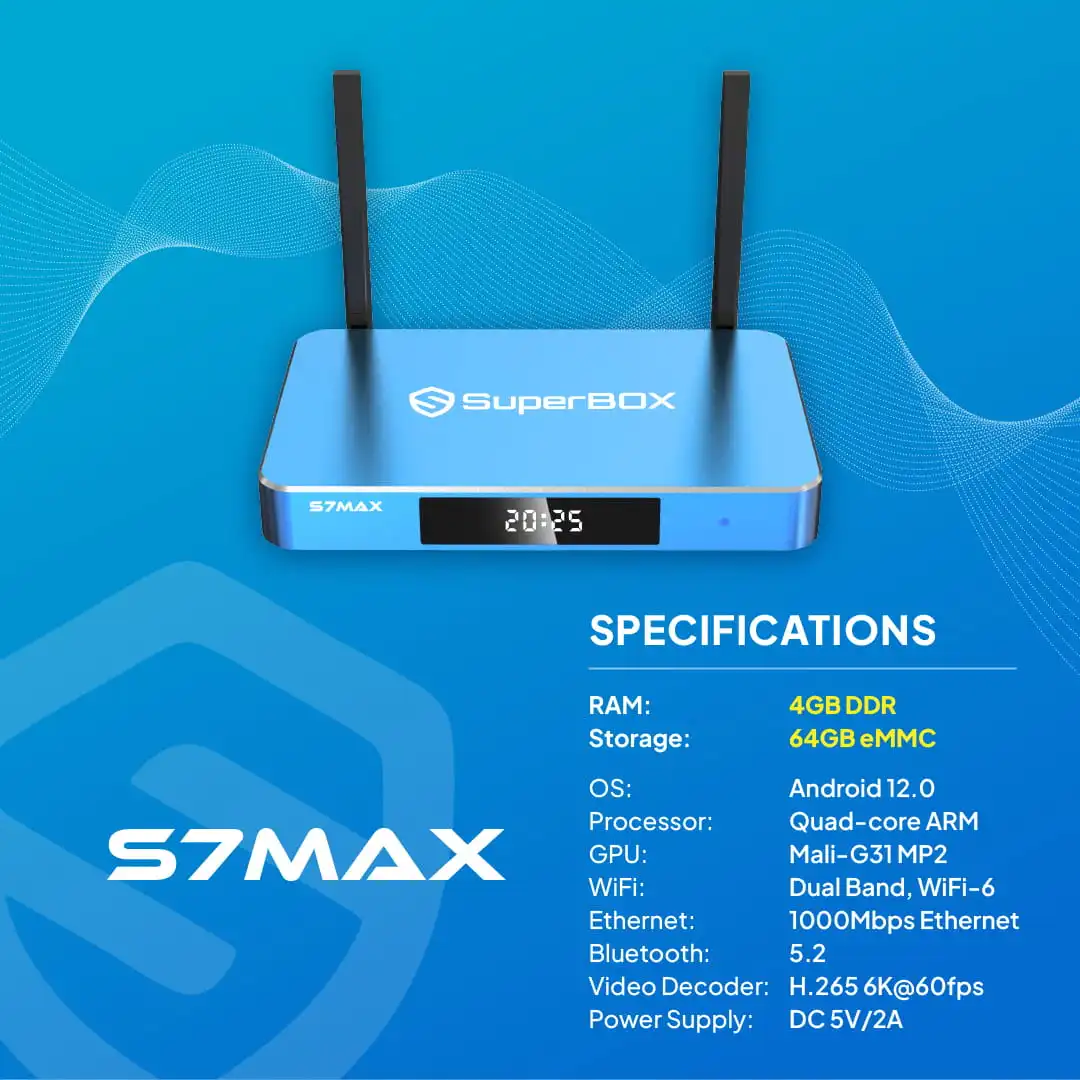
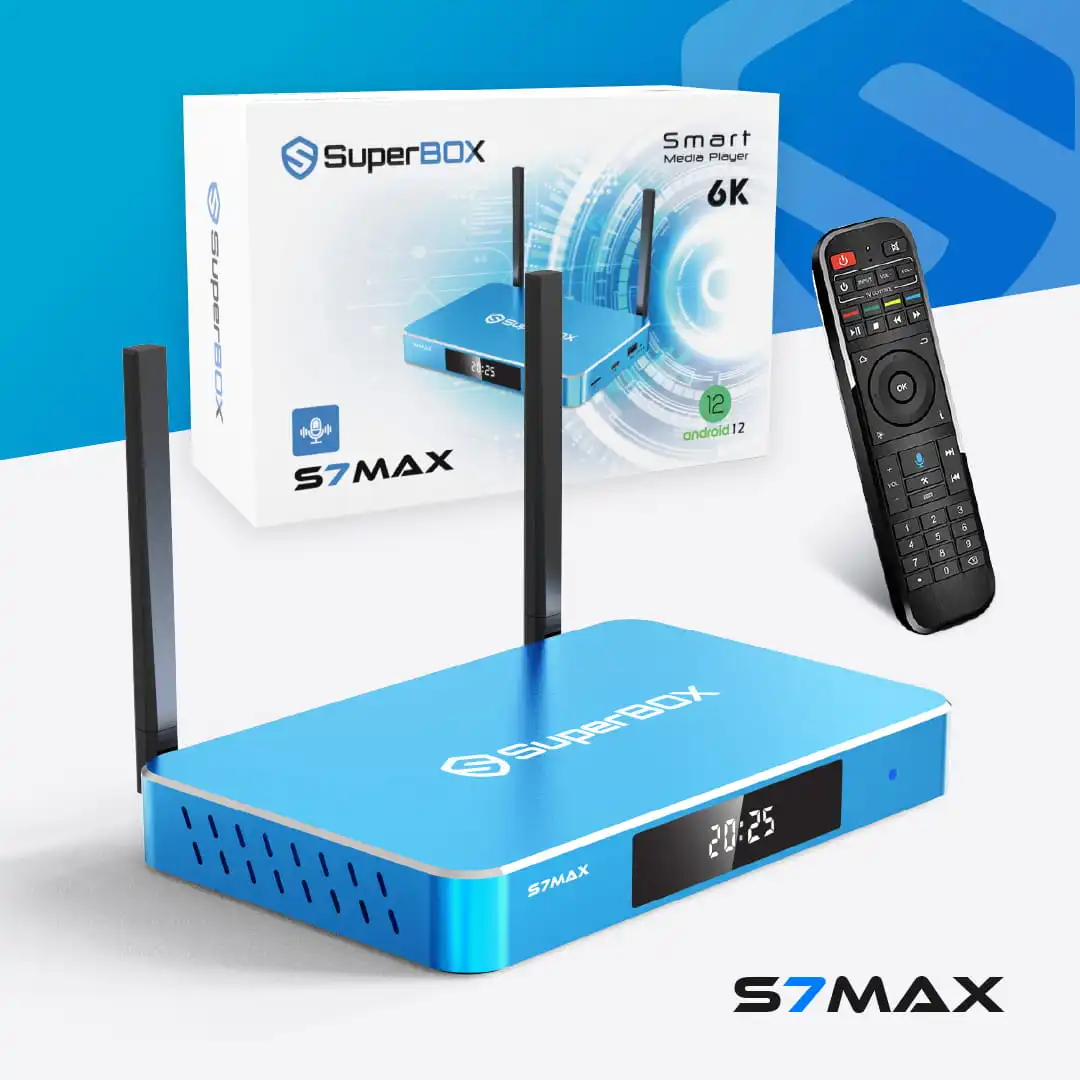
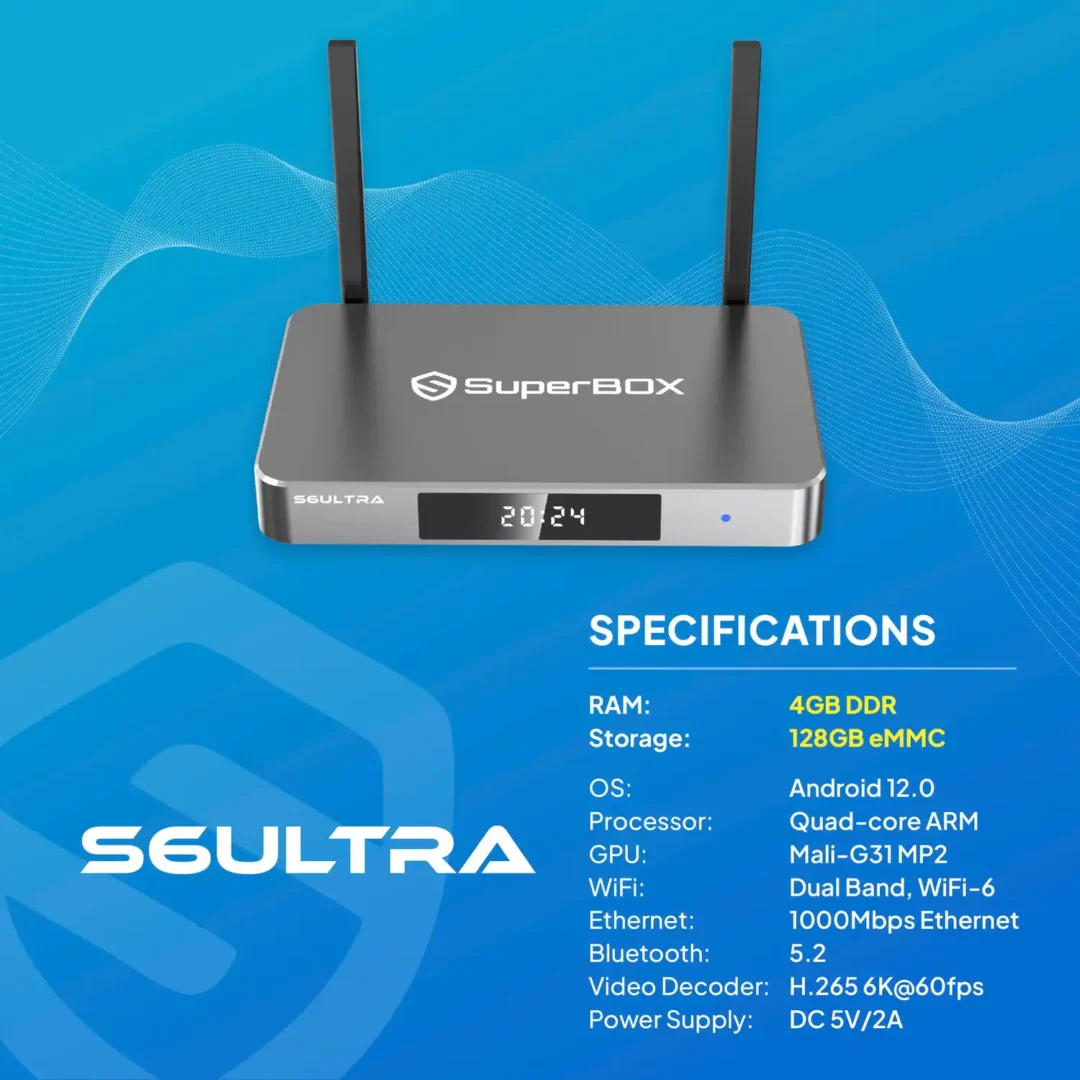
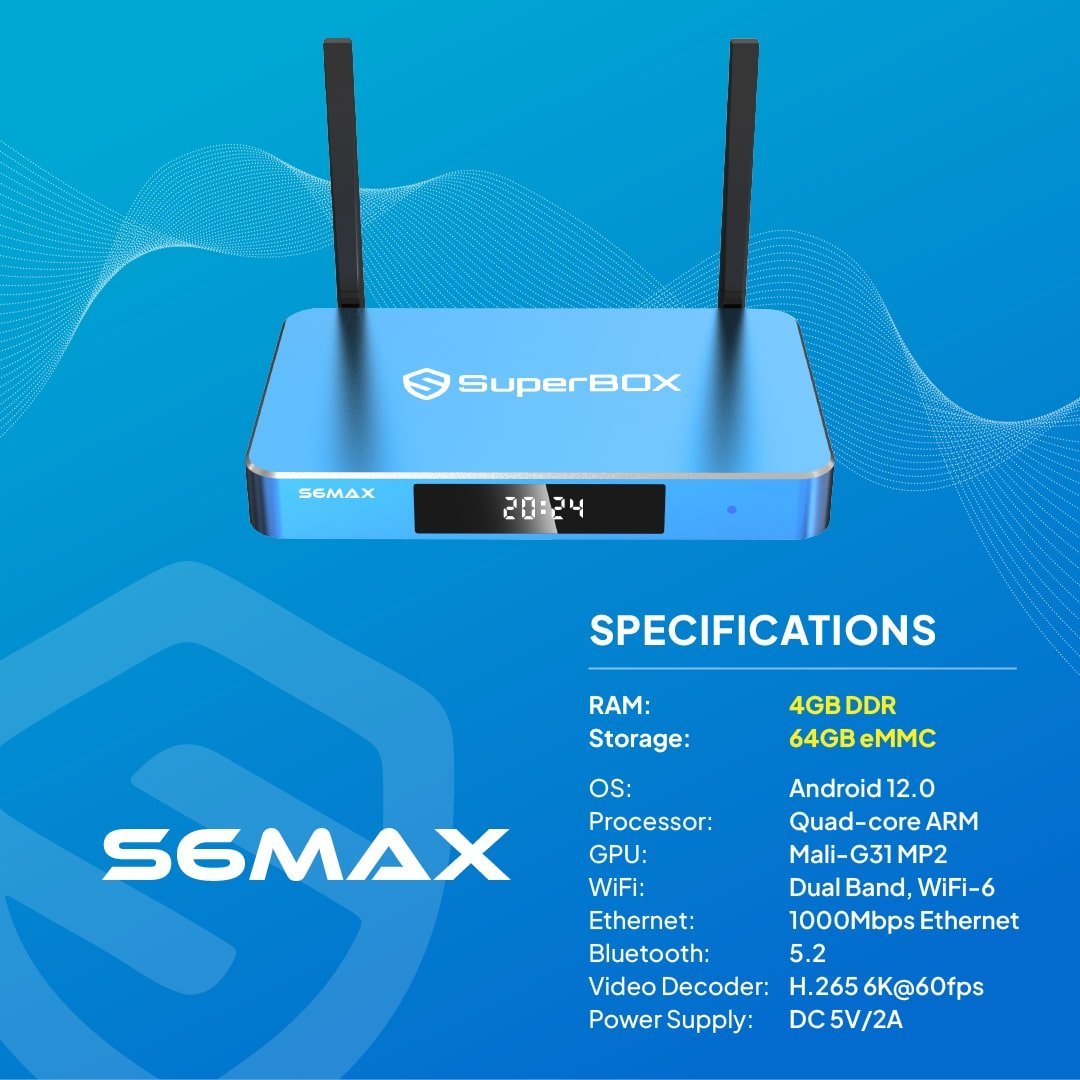
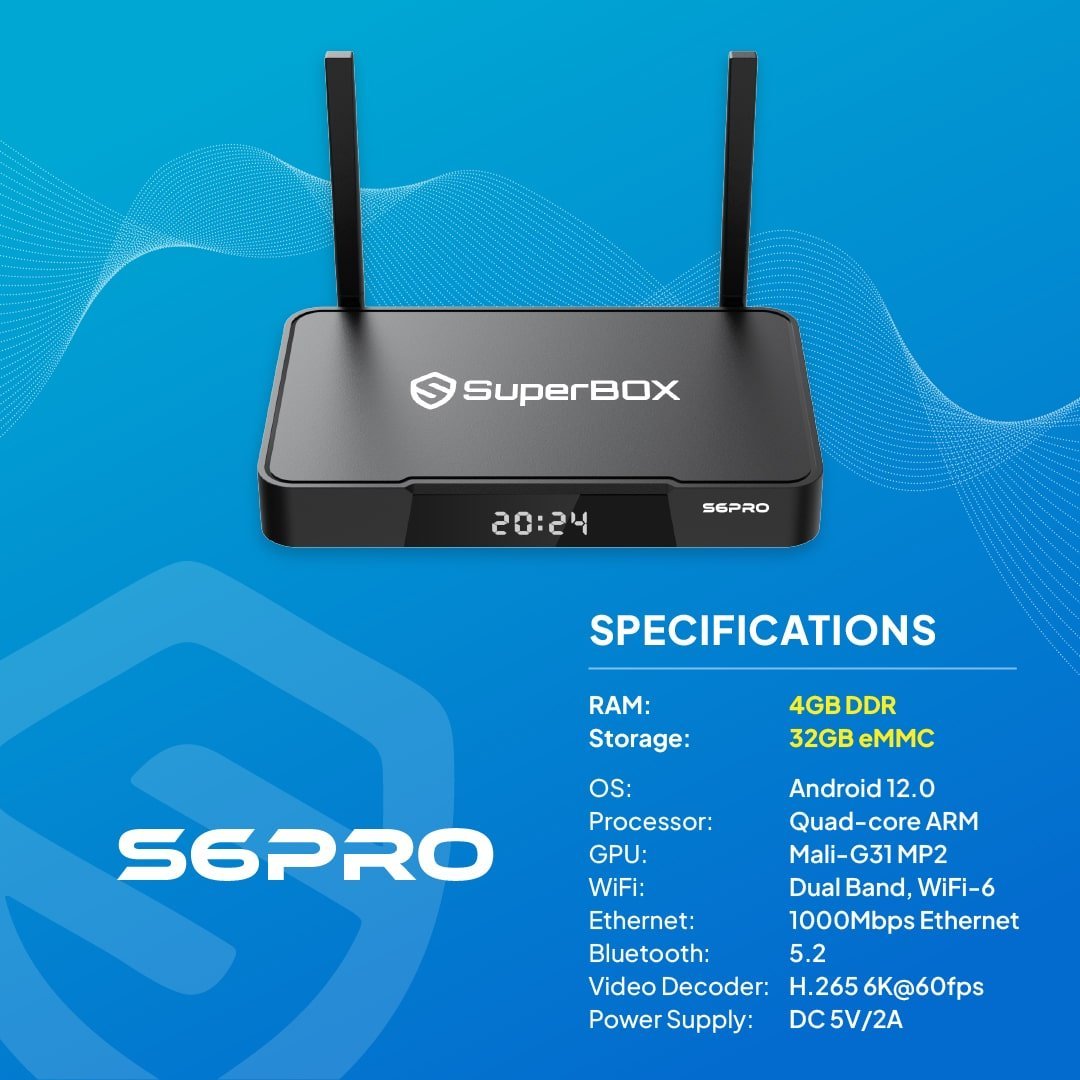
| Feature | SuperBox S7 Ultra | SuperBox S6 Ultra | SuperBox S7 Max | SuperBox S7 Pro |
|---|---|---|---|---|
| Memory | 4GB | 4GB | 4GB | 4GB |
| Storage | 128GB | 128GB | 64GB | 32GB |
| Release Date | 2026 Model | 2025 Model | 2026 Model | 2026 Model |
| Best for | Premium users | Standard users | Family entertainment | Basic needs |
| Price | $449.00 | $369.00 | $399.00 | $359.00 |

SuperBox TV Box Store
SuperBox TV Box Store com is an officially authorized Superbox reseller. All Superbox products offered on our store are genuine, fully licensed, and eligible for official support.
Authorization Code: SP20250414002
Verify Us How to Verify
SuperBox Entertainment Hub
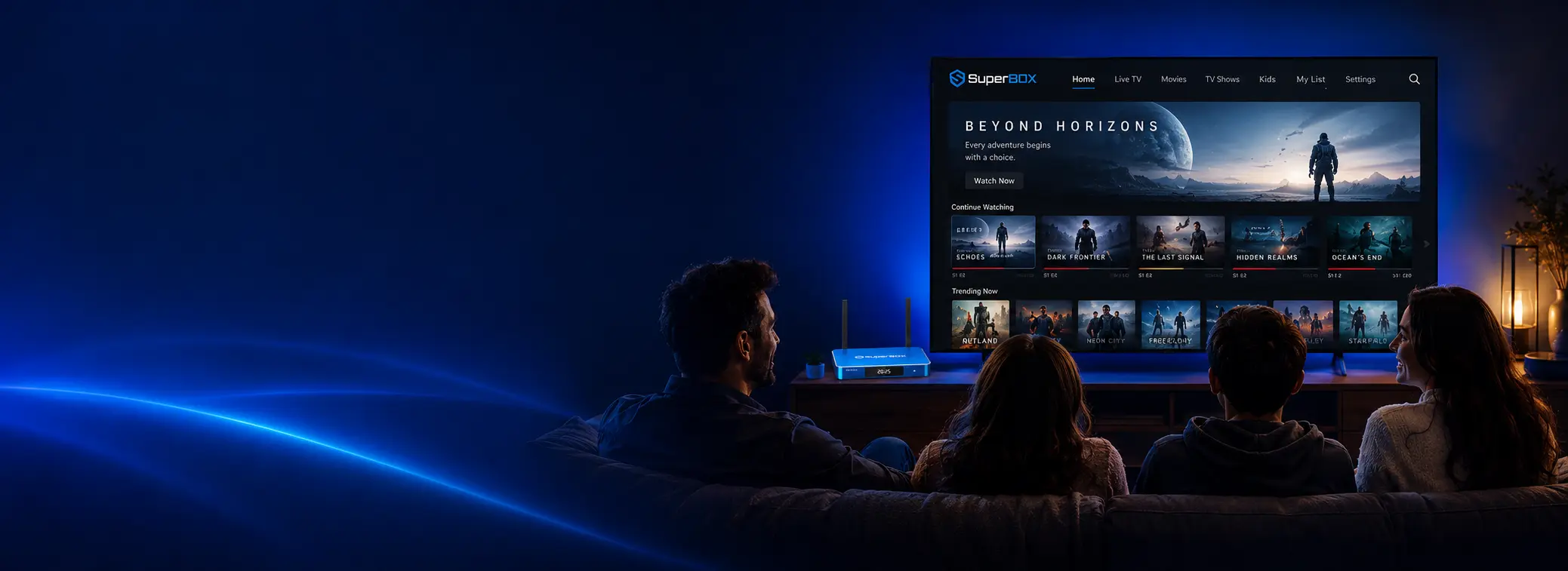
Compatible with thousands of Android-compatible streaming apps, live TV services, and VOD platforms. Stream your favorite movies, TV shows, and live events in stunning high definition with robust hardware designed to elevate your home theater experience.
Find information about our product here.
A SuperBox is an Android-based streaming device that connects to your TV and the internet. It is marketed as a cable-cutting alternative that provides access to thousands of live TV channels, sports, and video-on-demand content without recurring monthly subscription fees.
We are an authorized seller of SuperBox. Our authorization code is SP20250414002. You can verify our Certificate of Authorization on the Official SuperBox Website.
Please note, we are only responsible for orders placed through our official website at https://superboxtvboxstore.com/. We receive numerous inquiries daily and strive to offer the best service, exclusive offers, and dedicated care for our customers who order through our site.
We do not handle claims or issues related to purchases made outside of our website. Some customers have reported purchasing SuperBox devices from unlicensed or unauthorized dealers, and in some cases, have lost contact with those sellers. We strongly recommend that you purchase only from trusted sources to ensure the authenticity of your SuperBox device and avoid any potential issues.
Thank you for your understanding and support.
Setting up a SuperBox TV Box is a straightforward process that typically takes only a few minutes. Simply connect the device to your television using an HDMI cable, connect it to the internet via Wi-Fi or Ethernet, and follow the on-screen setup instructions.Most SuperBox models feature Android-based software, support dual-band Wi-Fi, Gigabit Ethernet connectivity, and HDMI output for compatibility with modern TVs. Once setup is complete, users can access installed applications and customize their entertainment experience according to their preferences. Step-by-Step Installation Guide:
The SuperBox TV Box is a portable Android streaming device that you can use anywhere in the world as long as you have a TV with an HDMI port and a reliable internet connection (via Wi-Fi or Ethernet).
A SuperBox is an Android-based streaming device that plugs into your TV to provide access to thousands of live TV channels, sports, pay-per-view events, and on-demand movies. Unlike traditional platforms like Netflix or cable, it generally avoids monthly subscriptions by operating on a one-time purchase model.
Yes, you can access Disney+ content on a Superbox, but it is not available as a standard, official app downloaded directly from the Google Play Store.
We are pleased to offer 100% FREE Shipping on every order across our entire catalog. Whether you are purchasing the latest hardware or accessories, there are no hidden delivery fees at checkout on the superbox official website
For domestic orders in the United States, delivery typically takes 2 to 5 business days from the date of shipment. Orders for Canada are dispatched via UPS Express with an estimated delivery window of 3 to 5 business days
To ensure expedited fulfillment, orders placed before 2:00 PM Pacific Time (PT) on a business day will begin processing the same day . Any orders received after 2:00 PM PT, or on weekends and public holidays, will begin processing on the following business day
The superbox store utilizes strategic fulfillment centers in the United States located in California (City of Industry) and New Jersey (Howell) to minimize transit times . Canadian orders are fulfilled via our international distribution hub
We operate under a Duty-Prepaid (DDP) model for all Canadian shipments . This means the superbox official store covers all import duties, VAT, and customs fees, ensuring that the price you see at checkout is final with no additional charges upon delivery
If your tracking shows a “Delivered” status but you do not have the package, you must contact us at customer@superboxtvboxstore.com within 10 days of the reported delivery date to initiate a formal investigation . Please note that these claims can take up to 30 days to resolve depending on carrier protocols
We provide a secure checkout experience using PCI-DSS compliant gateways including Stripe (for encrypted credit/debit cards) and PayPal (for digital wallets) . Accepted cards include Visa, MasterCard, American Express, Discover, and UnionPay, alongside Apple Pay and Google Pay.
All transactions conducted on the superbox official website are processed in USD (United States Dollars) . Customers purchasing from outside the U.S. should be aware that their bank may apply separate currency conversion rates or fees.
To maintain a secure shopping environment, our security team may request additional identity or billing verification for high-value transactions. Failure to provide this requested information within 48 hours will result in an automatic order cancellation and a full refund.
Once a refund is triggered by the superbox store system (within 24 hours of a return inspection), it typically takes 5 to 10 business days for the funds to be credited back to your original payment method .
Customers are entitled to a 30-day free refund . You may request a return within 30 calendar days of receiving the product for any reason, provided the unit is in brand-new, unused condition with all original packaging and accessories.
No, the superbox store does not charge a restocking fee for any cancellations or returns that meet our basic eligibility criteria . We believe in a fair and transparent return process for all our North American customers .
Our fulfillment centers employ high-tech prevention protocols, including recording High-Definition video of the packaging process for every order . We also weigh every package to the nearest gram and log this against your Order ID to verify that every accessory and the correct hardware unit were included.
Before any model is cleared for sale, it undergoes a 168-hour continuous-operation stress test in our technical labs . This ensures that the hardware can handle high-demand 4K and 6K decoding without thermal throttling or failure.
The superbox official store guarantees a formal acknowledgment of any grievance within 24 business hours . Our target for a total average resolution is under 7 business days, with technical investigations typically concluding within 3 to 5 business days .
To qualify for a refund on the superbox website, the returned unit must be in brand-new, unused condition . This mandate includes the return of all original packaging materials, technical manuals, and accessories (such as remotes and power adapters) . Items exhibiting signs of misuse, physical damage, or missing components may not be eligible for a full refund .
If a return is the result of a verified product quality issue or a manufacturing defect, the superbox store will cover 100% of the return shipping costs. In these instances, the store provides a prepaid return label so the customer incurs zero out-of-pocket expenses for the return logistics.
Customers who wish to cancel an order before it is transferred to a logistics carrier are entitled to a full 100% refund . Once our support team confirms the order has not yet been processed for shipment, the refund is executed within twenty-four (24) hours.
Orders returned due to non-product quality reasons, such as a refusal of delivery or an incorrect address provided by the customer, are refunded only after the goods are received and inspected at our warehouse . These refunds are typically processed within 24 hours of confirmation that the hardware remains in its original, brand-new condition.
Yes. Prior to returning any hardware to the superbox store, you must contact the support team to receive formal authorization and a prepaid return label . Customers should not pay for these authorized return labels themselves, and shipping items back without this authorization may delay the refund process.
Original shipping fees are generally non-refundable . The only exceptions to this rule are when the return is a direct result of a verified product defect or an explicit fulfillment error made by the superbox official store.
Eligible returns are directed to one of our regional logistics hubs:
To prevent “Warranty Extension Fraud,” the superbox official store utilizes digital fingerprints and physical warranty seals on every unit . During the return inspection, we verify the Serial Number (S/N) and Lot Number against our high-definition packaging videos and weight logs to ensure the integrity of the return.
The superbox official website values amicable resolutions and encourages customers to contact support at customer@superboxtvboxstore.com before disputing a transaction . Fraudulent or abusive chargebacks result in the permanent suspension of all future services, including technical support and warranty eligibility.
Because our automated fulfillment system moves orders to “Processing” immediately, customers should contact support within 24 hours to request a cancellation . Once a tracking number has been generated, the order can no longer be modified or canceled, and the customer must instead follow the standard return process after the package arrives.
LATEST UPDATES
If your television already has Netflix, YouTube, and other apps, buying a separate streamer box [...]
The best TV for an Airbnb is not automatically the television with the brightest panel, [...]
Seeing “Devices Abnormal” on a SuperBox can make it look as though the entire device [...]