





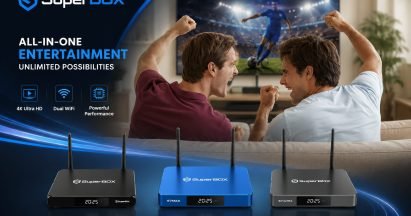
Wondering how does SuperBox work and what makes it tick? You are in the right place! This comprehensive guide from SuperBox TV Box Store, your most trusted retailer of authentic SuperBox devices in the US and Canada, is designed to demystify everything about this popular Android TV box.
We will dive deep into its functionality, content sources, setup, and address crucial concerns like legality and security risks, drawing from extensive research and real user experiences.
Our goal is to equip you with all the information you need to make an informed decision, whether you are considering a purchase or looking to optimize your current SuperBox experience.
What is a SuperBox TV Box?
A SuperBox is an Android-based, internet-connected streaming device that serves as a “cord-cutting” alternative to traditional cable, offering live TV channels and on-demand movies without monthly subscriptions. Known for pre-installed third-party apps, it provides access to premium content, often with high-definition support, making it popular for accessing extensive, often unlicensed, content for a one-time purchase fee.
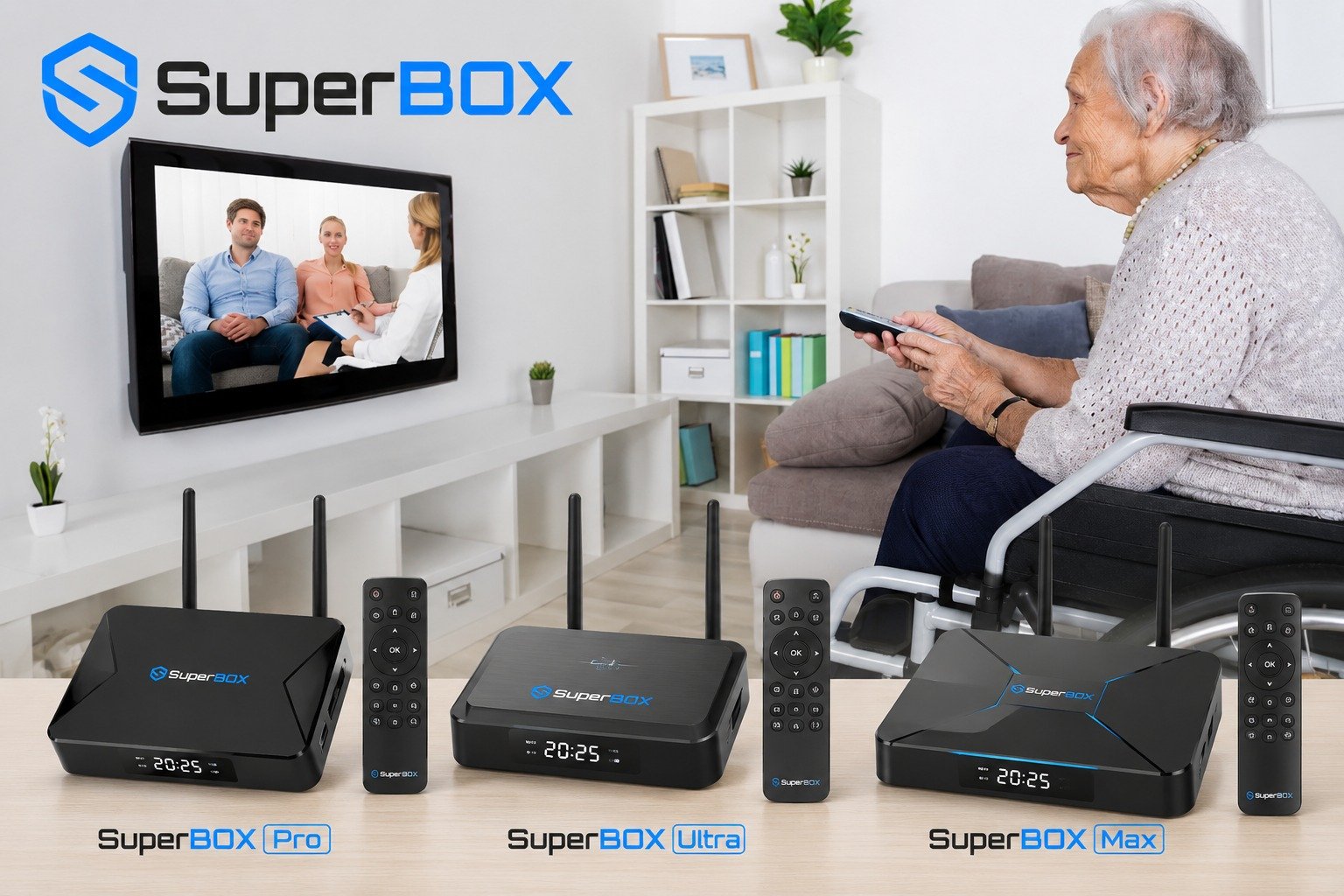
How Does SuperBox Work?
Connecting Your SuperBox: Hardware Setup
Setting up your SuperBox begins with physical connections. You connect the device to your television using an HDMI cable. For internet connectivity, SuperBox offers flexibility with both Wi-Fi (including Wi-Fi 6 on newer models) and an Ethernet port for a stable wired connection.
The remote control, often a Bluetooth remote with voice control capabilities, needs to be paired during the initial setup to ensure full functionality. These steps are crucial for the SuperBox network setup.
Navigating the SuperBox Interface: Android OS and Custom Launchers
SuperBox runs on an Android-based operating system, typically Android 9-12, with newer models supporting Android 14. Upon powering on, users are greeted by a custom launcher interface, often branded SuperTV or SuperBox Home.
This user-friendly interface organizes pre-installed live TV apps and video on demand (VOD) applications, making it easy to access your desired content. The intuitive design enhances the overall SuperBox user experience.
Unpacking Content Delivery: How SuperBox Gets Its Streams
SuperBox gets its streams primarily through third-party IPTV service providers. Pre-installed apps like Blue TV, Blue VOD, Playback, and Backup TV aggregate content from various internet sources. These applications stream video using standard protocols from remote servers.
The content sources include thousands of local channels, international channels from various regions like Mexico and South America, a wide range of sports programming, and an extensive library of movies and TV shows.
The 7-Day Playback Feature Explained
A notable feature of SuperBox is its 7-day playback capability, also known as Time Shift. This allows users to view past programming from certain channels, ensuring you do not miss your favorite shows or sports events.
The availability and limitations of the playback feature can vary, but it is a highly valued aspect for catching up on missed content. This SuperBox 7-day playback feature explained provides significant flexibility for viewers.
Key Features and Benefits of SuperBox
Vast Content Library: Live TV, Video on Demand (VOD), and More
SuperBox provides access to a vast content library, including thousands of live TV channels covering various genres. Users can enjoy an extensive library of movies and TV shows through its video on demand (VOD) services.
Specific content types available often include major sports events, premium channels, and a wide selection of local and international programming, making it a robust cord cutting solution.
Enhanced User Experience
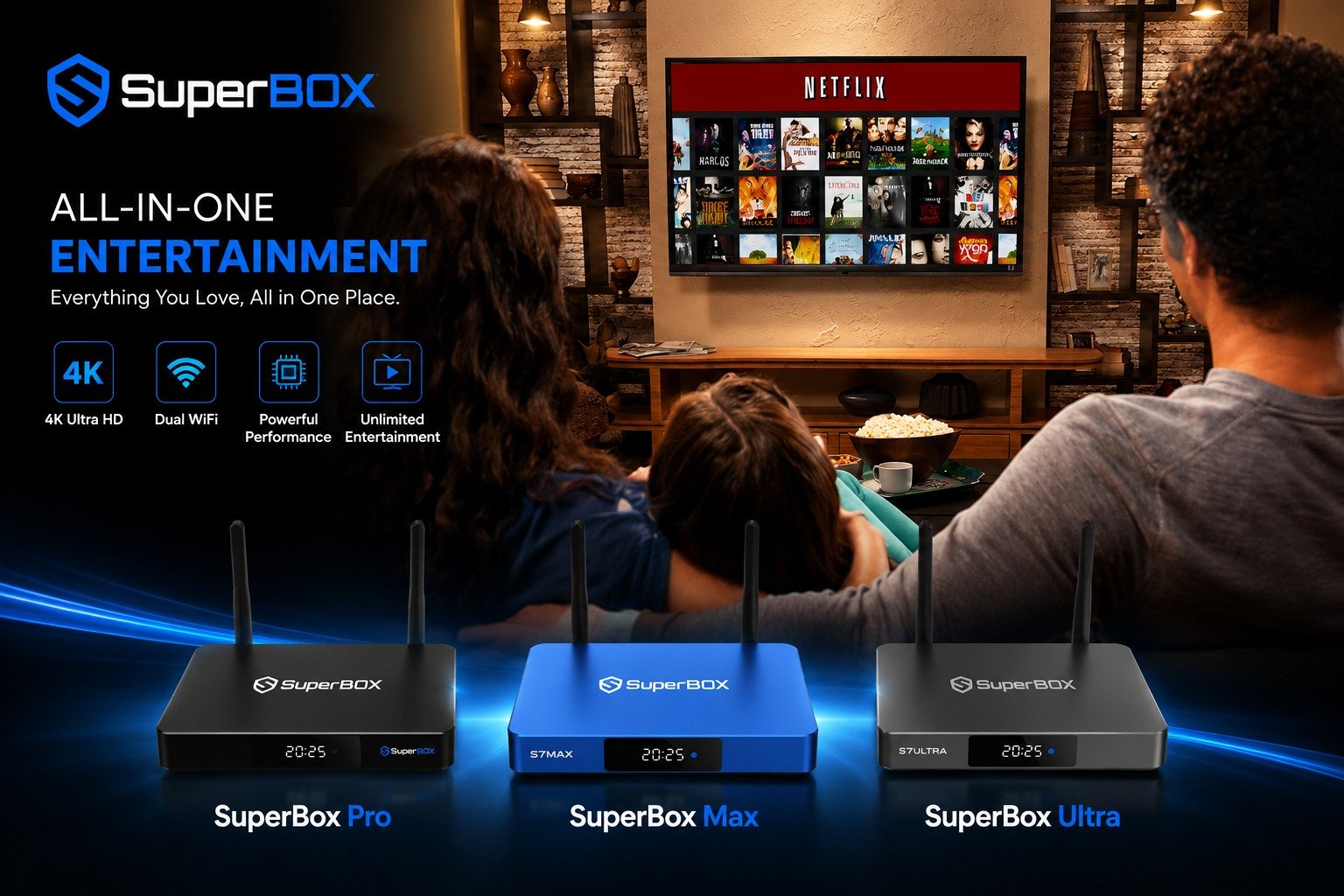
The SuperBox offers an enhanced user experience with features like voice control setup, often integrated with Google Assistant, allowing for hands-free navigation and content search. Its intuitive interface is designed for easy navigation, making it accessible for users of all ages to find and enjoy content quickly. This focus on ease of use improves the overall SuperBox user experience.
High-Quality Streaming and Connectivity
For high-quality streaming, SuperBox supports up to 4K and 6K Ultra HD resolutions, delivering crisp and clear visuals. Reliable connectivity is ensured through its dual-band Wi-Fi capabilities, including Wi-Fi 6 on newer models, and a dedicated Ethernet port. This robust connectivity is essential for minimizing SuperBox freezing and buffering issues and maintaining a smooth viewing experience.
Family-Friendly Viewing: Parental Control Features
SuperBox includes parental control features, allowing families to manage and restrict content access. Users can set passwords to lock specific channels or categories, ensuring that children only view appropriate programming. This feature provides peace of mind for parents, making SuperBox a more family-friendly entertainment option.
Is Using a SuperBox Legal? Understanding the Implications
The Device vs. The Content: A Legal Nuance
The SuperBox device, as an Android TV box, is typically considered legal to own and operate. However, the legal concern shifts to the content that users access through the box. The core issue is accessing copyrighted material without proper authorization or licensing.
Many pre-installed or third-party apps on SuperBox may not have the legal rights to distribute the content they offer, leading to potential copyright infringement.
Copyright Infringement and DMCA: What Users Need to Know
Streaming unauthorized copyrighted content directly violates U.S. copyright laws, including the Digital Millennium Copyright Act (DMCA). Users need to understand that even watching streams of movies, TV shows, or sporting events without authorization can constitute copyright infringement, despite claims from some resellers. This is a significant aspect of SuperBox legal implications.
Risks for Users: Warning Letters, Fines, and ISP Actions
Users who stream unauthorized copyrighted content face potential consequences. These can include receiving warning letters from Internet Service Providers (ISPs), substantial fines, or even legal action.
ISPs may monitor and block access to illegal streaming sites, and repeated infringement could lead to the suspension of internet service. The risk of receiving a threat letter in the mail, similar to those associated with torrents, is a valid concern for users.
SuperBox’s Official Stance vs. Expert Opinions
SuperBox and some resellers often claim the device is legal, asserting that streaming content does not violate U.S. copyright law unless one is downloading, uploading, or broadcasting content to a large audience.
However, many cybersecurity experts and legal sources strongly caution against this view, emphasizing that streaming unauthorized copyrighted content still carries significant legal risks for the end-user. The consensus among experts suggests a cautious approach to SuperBox legal implications.
Protecting Your Privacy and Network: Do You Need a VPN for SuperBox?
Unpacking SuperBox Security Risks: Malware, Spyware, and Botnets
SuperBox devices can present significant SuperBox security risks, including vulnerabilities to malware, spyware, and botnets. Many third-party apps, operating outside official app stores, may not undergo rigorous security checks, increasing the risk of infections.
Some devices might even come with factory-installed malware, potentially compromising your privacy and data. This makes understanding SuperBox security risks malware crucial.
Network Vulnerability: How SuperBox Can Affect Your Home Devices
An infected SuperBox can act as a backdoor into your entire home network. This vulnerability means that hackers could potentially access other connected devices, such as computers, smartphones, or smart appliances. The threats extend to sensitive data like passwords and banking information, highlighting the importance of securing your home entertainment system.
The VPN Debate: Official View vs. Expert Recommendations
SuperBox’s official stance suggests that VPN services are not required for basic operation. However, many users and cybersecurity experts strongly recommend using a VPN for streaming with SuperBox.
A VPN (Virtual Private Network) can mask your IP address, encrypt your internet traffic, and help bypass ISP throttling or geo-restrictions on content. It adds a crucial layer of privacy and security, particularly when accessing content from potentially unauthorized sources.
Best Practices for SuperBox Security
To mitigate SuperBox security risks, using a reputable paid VPN service optimized for streaming is a best practice. Additionally, consider isolating your SuperBox on a separate router or a guest Wi-Fi network to prevent potential malware from spreading to your main home network.
It is also important to acknowledge that these boxes may require users to disable built-in security features during setup and often lack official Google Play Protect certification, further emphasizing the need for proactive security measures in your SuperBox network setup.
Setting Up Your SuperBox
Initial Connection: HDMI, Power, and Internet
Begin by physically connecting your SuperBox. Plug one end of the HDMI cable into the SuperBox and the other into an HDMI port on your TV. Next, connect the power adapter to the SuperBox and plug it into an electrical outlet. Finally, connect your SuperBox to the internet.
You can use Wi-Fi by selecting your network and entering the password, or opt for a more stable connection by plugging an Ethernet cable into the SuperBox and your router. This completes the basic hardware setup.
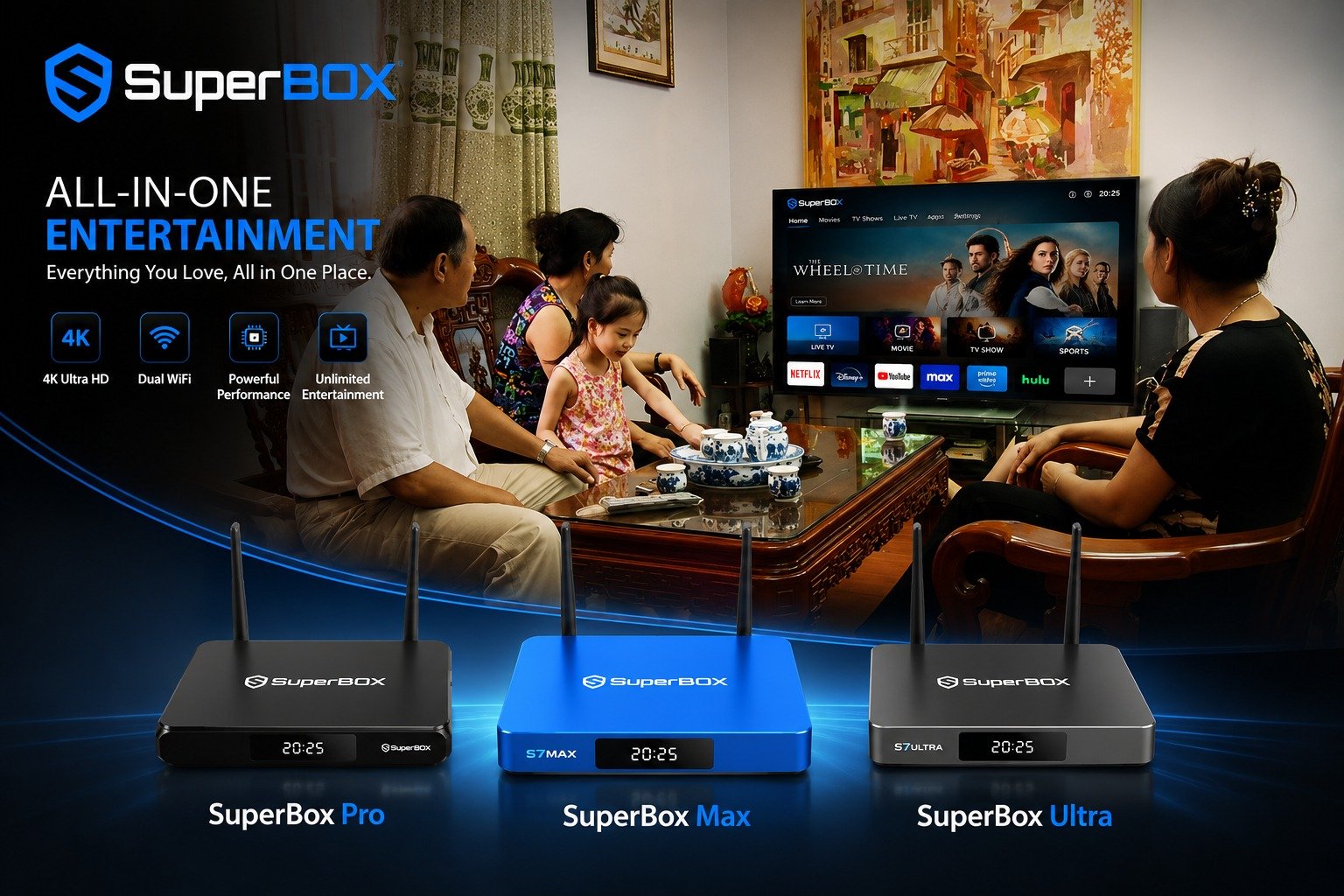
Pairing Your Remote and Basic Configuration
Once powered on, your SuperBox will guide you through initial setup steps. This typically includes selecting your preferred language and adjusting the screen size to fit your TV display perfectly.
If your SuperBox comes with a Bluetooth remote, you will need to pair it with the device during this stage, usually by holding down specific buttons as instructed on the screen. This ensures full control over your SuperBox user experience.
Installing Essential Apps: Blue TV, Blue VOD, and Google Play Store
Essential apps like Blue TV for live channels and Blue VOD for movies and TV shows are usually installed from a dedicated App Store found directly on the SuperBox device.
You may also have the option to sign into the Google Play Store, which allows you to download additional third-party apps and further expand your content options. This flexibility is a key aspect of how SuperBox works.
Can You Add Channels to SuperBox? (e.g., Mexican local channels)
Many users wonder, can you add channels to SuperBox? While the device comes with a pre-programmed channel lineup, customization options exist.
You can often add more channels, including specific international channels like Mexican local channels, through various methods, such as installing additional IPTV player apps like Tivimate or exploring other third-party applications. This allows for a personalized channel lineup beyond the default offerings.
Troubleshooting Common SuperBox Issues
Addressing Freezing and Buffering Issues
SuperBox freezing and buffering issues are common but often resolvable. First, ensure you have a stable and fast internet connection; a minimum of 5-10 Mbps is recommended for HD streaming, and 25 Mbps for 4K. Restarting your router and SuperBox can often clear temporary glitches.
Regularly clearing the app cache and updating SuperBox software and apps can also improve performance. Using a wired Ethernet connection instead of Wi-Fi can significantly enhance stability.
Adjusting video decoding settings within apps or switching speed modes might help. Server congestion and VPN usage can also impact streaming quality, so consider these factors.
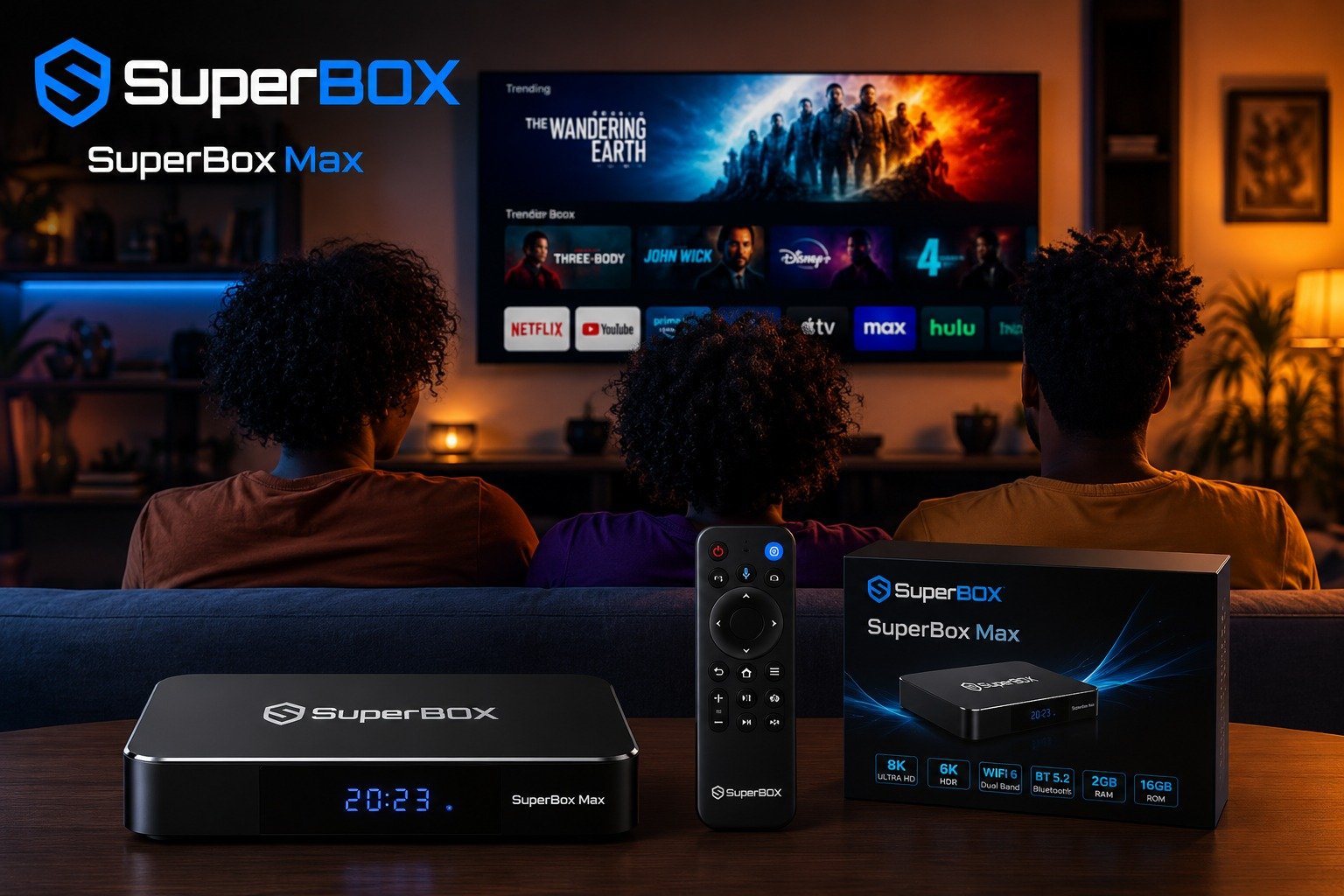
Solving “No Signal” or “Not Playing” Problems
If you encounter a SuperBox no signal not playing message, first check all your physical connections, especially the HDMI cable and power supply. Ensure the TV input is set to the correct HDMI port. If connections are secure, try restarting the SuperBox. If the issue persists with specific apps, verify their functionality and ensure they are updated.
Dealing with Audio Glitches
Audio glitches, such as skipping or stuttering, can disrupt your viewing experience. Common solutions include checking your TV’s audio settings, ensuring the SuperBox firmware is updated, and trying different audio output settings within the SuperBox system. Sometimes, a simple restart of both the SuperBox and your TV can resolve these issues.
Apps Disappearing After Reset: How to Restore
If apps disappear after a factory reset, you will need to reinstall them. Access the dedicated App Store on your SuperBox and download Blue TV, Blue VOD, and any other essential applications. If you had signed into the Google Play Store, you can redownload additional third-party apps from there.
When to Consider a Factory Reset
A factory reset should be considered a last resort for persistent issues that other troubleshooting steps cannot resolve. While it can fix deep-seated software problems, it will erase all your data, settings, and installed applications, requiring you to set up the device from scratch.
Preventing Overheating
To prevent overheating, ensure your SuperBox is placed in a well-ventilated area, away from direct sunlight or other heat sources. Avoid stacking other devices on top of it. If the device feels hot, unplug it for a while to allow it to cool down. Proper ventilation helps maintain optimal SuperBox functionality and longevity.
Choosing Your SuperBox: Models, Lifespan, and Updates
SuperBox Model Comparison: S2 Pro to S7 Max
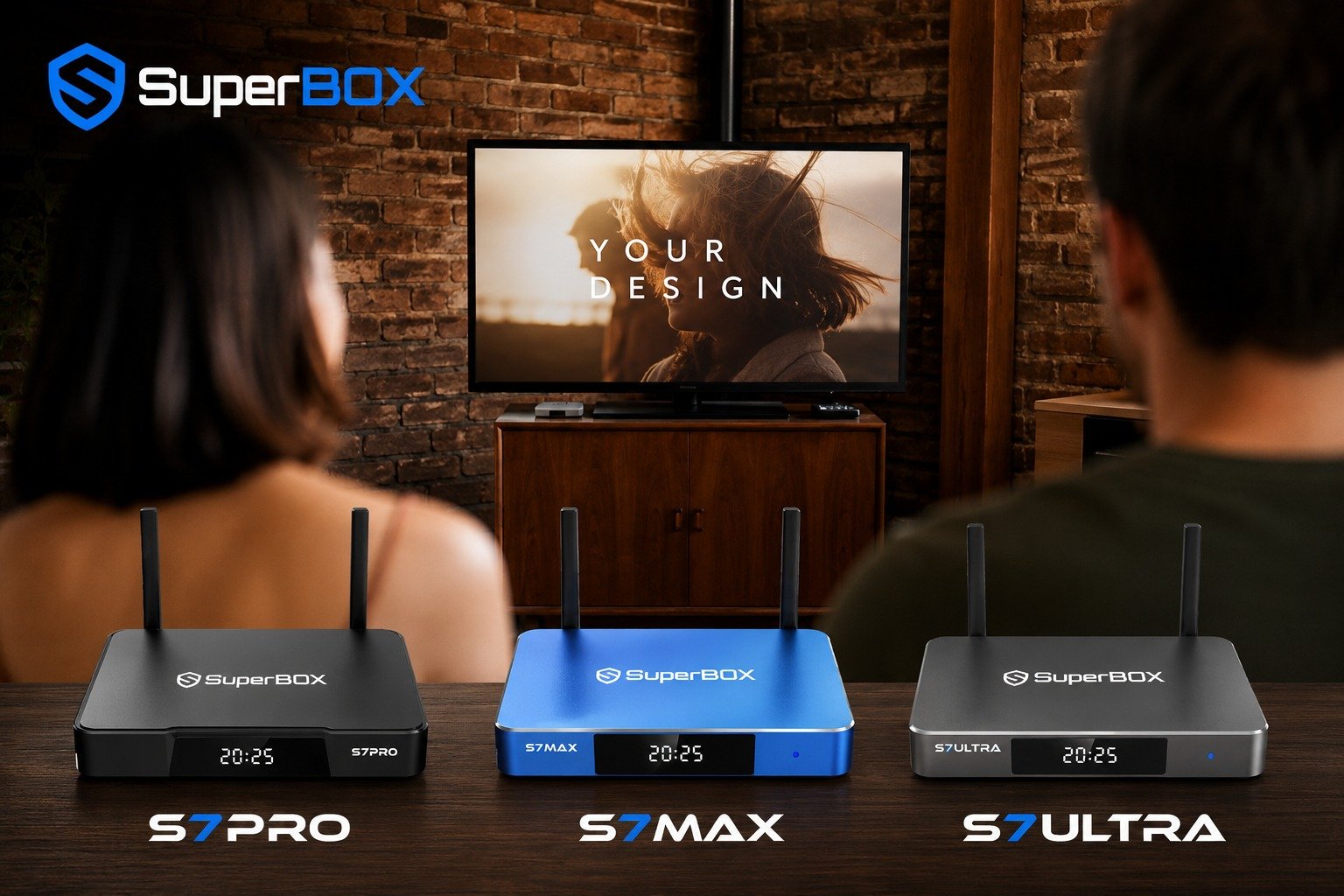
SuperBox offers a range of models, from older versions like the S2 Pro to newer iterations such as the S7 Max. Popular models include the S4 Pro, S5 Max, S6 MAX, S6 Ultra, and S7 Pro. These models typically differ in storage capacity, RAM, processors, and the Android versions they support (e.g., Android 9-12, Android 14).
For instance, the S6 MAX for sale often features improved specifications over earlier models. Key features like Time Shift, Parental Control, and Voice Command are generally consistent across many newer SuperBox models, but performance can vary with SuperBox technical specifications.
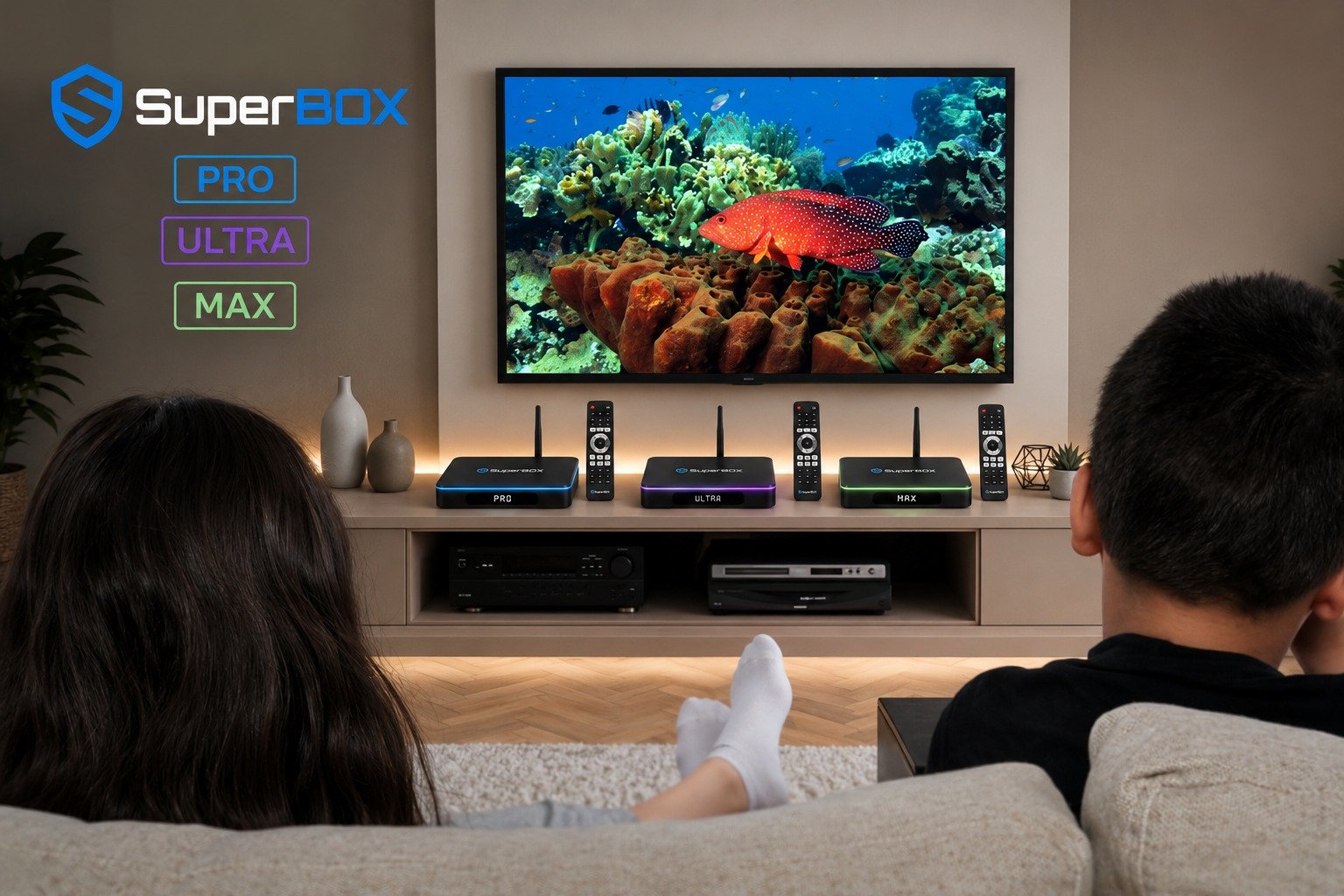
How Long Does a SuperBox Last? Expected Lifespan and Updates
Many users ask, how long does a SuperBox last? The longevity of the device itself can vary, with some users reporting older models like the S2 Pro still working well after years.
SuperBox software engineers release updates periodically to improve performance and fix bugs, which is crucial for app compatibility and security.
However, the long-term reliability and update frequency for the pre-loaded IPTV services can be a concern, with some experts suggesting their lifespan might be limited due to legal reasons. This highlights the importance of considering SuperBox software updates.
Authenticity Matters: Buying from Trusted Retailers
When looking for where to buy SuperBox, authenticity matters significantly. The SuperBox TV Box Store is a trusted retailer of authentic SuperBox devices in the US and Canada. Be cautious of cheaper alternatives found on platforms like Temu or AliExpress, as these may not be genuine SuperBox products or could be generic Android boxes.
Purchasing from reputable sources helps ensure you receive an authentic device with proper support and expected SuperBox functionality. Always check for SuperBox deals from authorized dealers to ensure you are getting a genuine product.
SuperBox vs. Alternatives: Is It the Right Choice for You?
SuperBox vs. Generic Android Boxes with Separate IPTV Subscriptions
SuperBox’s main advantage over generic Android boxes with separate IPTV subscriptions is its promise of no monthly fees after the initial purchase. This can present a significant cost-benefit analysis for users looking to cut recurring expenses.
However, generic Android boxes offer more flexibility, allowing users to choose their preferred IPTV service and applications, potentially leading to a different user experience and greater control over their channel lineup.
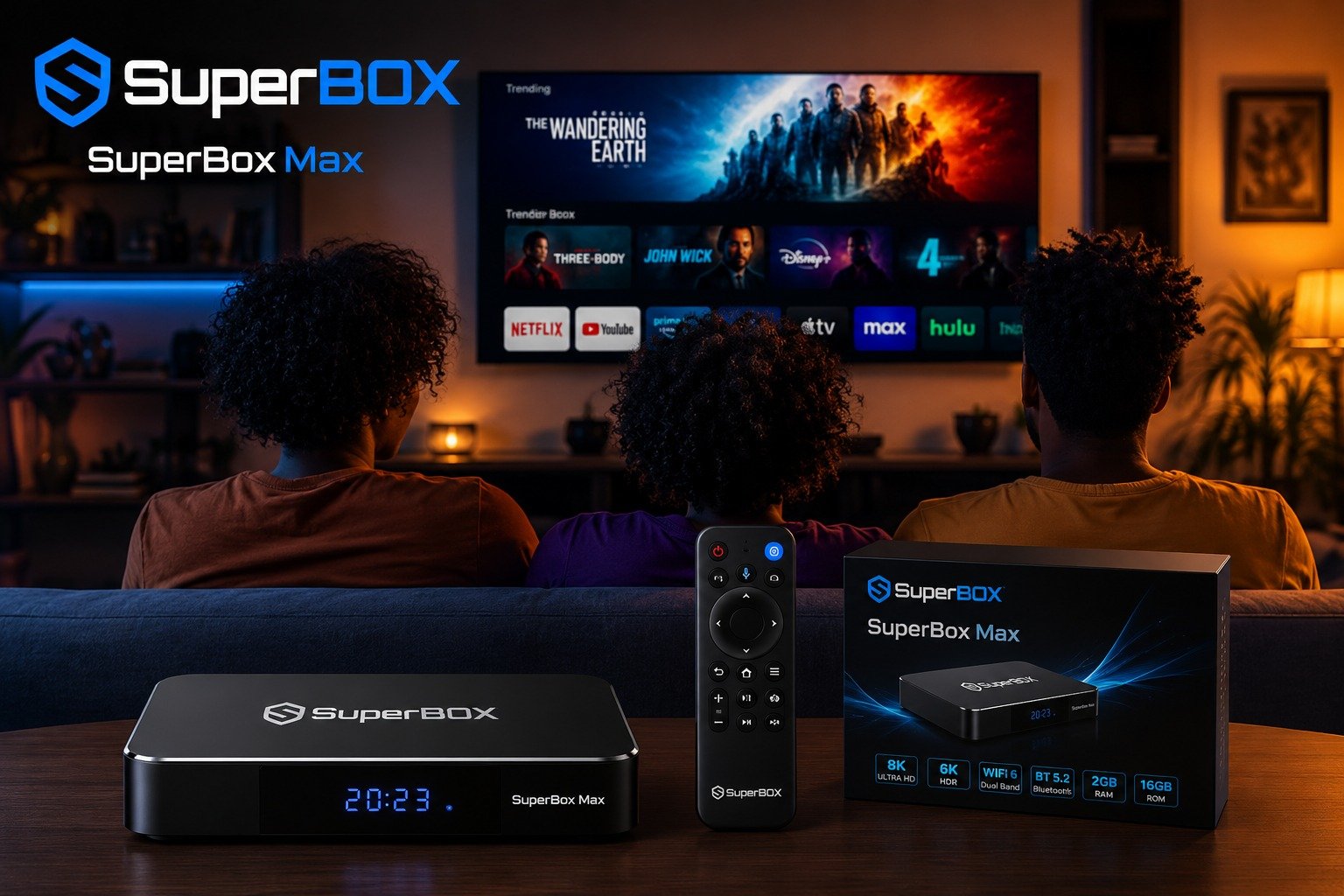
SuperBox vs. Certified Streaming Platforms (Roku, Amazon Fire Stick, Google Chromecast)
Compared to certified streaming platforms like Roku, Amazon Fire Stick, or Google Chromecast, SuperBox offers a different value proposition. Certified devices generally provide greater security, official app store support with verified applications, and clear legal compliance.
While SuperBox offers a vast content library without ongoing subscriptions, these mainstream alternatives prioritize security, consistent updates, and adherence to digital rights management (DRM) standards.
Weighing the Pros and Cons: Flexibility vs. Security and Legality
Ultimately, choosing SuperBox involves making an informed decision based on your individual needs and risk tolerance. It offers unparalleled flexibility and a wide array of content for a one-time payment, making it an attractive cord cutting solution.
However, these benefits come with potential SuperBox security risks and SuperBox legal implications, as much of the content may be unauthorized. Users must weigh the desire for extensive, free content against concerns about copyright infringement, malware, and network vulnerability.
Understanding these SuperBox limitations is crucial for a balanced perspective.
Frequently Asked Questions About SuperBox
Can you add Google to SuperBox?
Yes, you can typically add Google services to SuperBox. While SuperBox comes with its own pre-installed apps and a dedicated App Store, you usually have the option to sign into the Google Play Store. This allows you to download and install additional third-party apps, including various Google applications, expanding the device’s functionality.
Does the SuperBox only work for 7 days?
No, the SuperBox does not only work for 7 days. This misconception likely stems from its 7-day Playback or Time Shift feature, which allows users to watch past programming from certain channels for up to seven days. The device itself is designed for long-term use, with some users reporting their SuperBox models, like the S2 Pro, still functioning well after several years.
Are SuperBoxes on Temu and AliExpress the same as what “local dealers” are selling?
SuperBoxes found on platforms like Temu and AliExpress for significantly lower prices (e.g., $106 compared to over $300 from local dealers) may appear similar but are often not the same authentic devices. These cheaper alternatives might be generic Android boxes or unauthorized versions, potentially lacking the full functionality, support, or pre-programmed services of genuine SuperBox products. It is crucial to buy from trusted retailers like SuperBox TV Box Store to ensure authenticity.
What IPTV service does this box come preloaded with?
SuperBox typically comes preloaded with its own proprietary IPTV service, which includes applications like Blue TV for live television and Blue VOD for video on demand. These apps are integral to how SuperBox gets its streams and provides access to its vast content library without additional monthly subscriptions.
Do the movies for Blue VOD have ads?
The movies available through Blue VOD on SuperBox generally do not have ads. The appeal of SuperBox’s video on demand service is often its ad-free viewing experience for movies and TV shows, contributing to a more seamless and enjoyable user experience.