





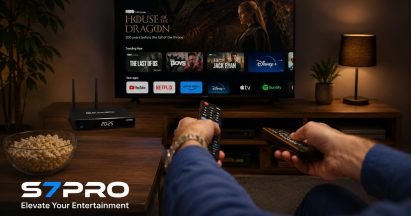
Are you curious about how the SuperBox S7 Pro can transform your home entertainment? You’re in the right place! This advanced Android-based streaming device is designed to deliver a comprehensive streaming experience, helping you cut the cord from expensive cable bills.
In this guide, we’ll dive deep into its functionality, features, and benefits, ensuring you understand exactly how it works to bring over 2000+ channels and 15000+ movies and TV shows right to your screen.
As the most trusted retailer of authentic SuperBox TV Boxes in the US and Canada, SuperBox TV Box Store is committed to providing you with accurate and reliable information to help you make an informed decision.
What is the SuperBox S7 Pro and How Does it Fundamentally Work?
Defining the SuperBox S7 Pro
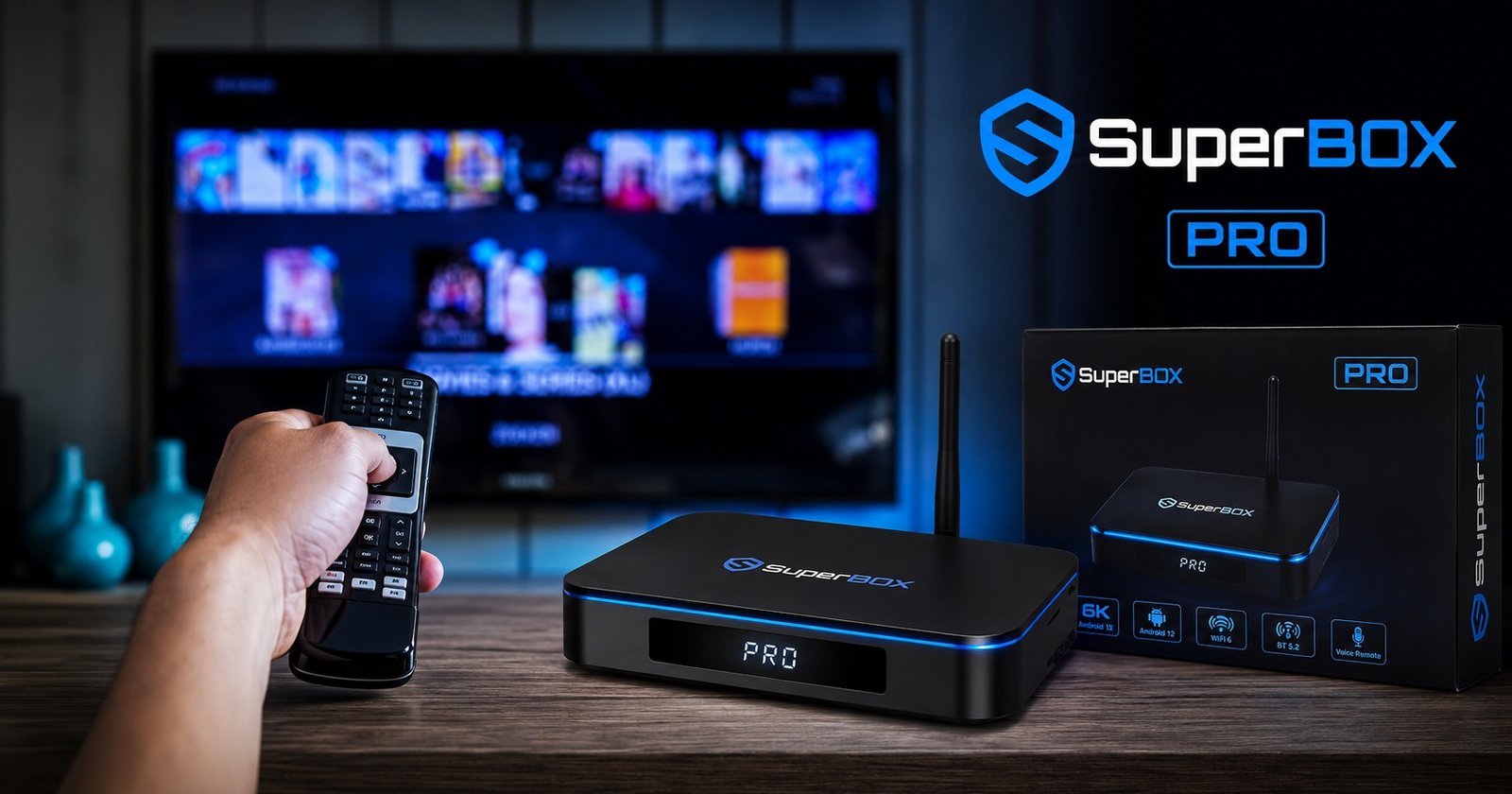
The SuperBox S7 Pro is an advanced Android-based streaming device that transforms any TV into a smart entertainment system, offering a comprehensive streaming experience for users looking to cut the cord from traditional cable services.
It functions as a powerful media player and Android TV box, specifically designed to bring a vast array of entertainment directly to your home. This device goes beyond basic streaming sticks by providing a robust platform for diverse content.
It operates by connecting to your television and your home internet, acting as a central hub for various streaming applications. Unlike traditional cable boxes, the SuperBox S7 Pro leverages the power of the internet to deliver content, giving you flexibility and control over what you watch.
Its core purpose is to simplify access to digital entertainment, making it an ideal choice for a modern home entertainment system.
The Core Mechanism: Hardware and Software Synergy
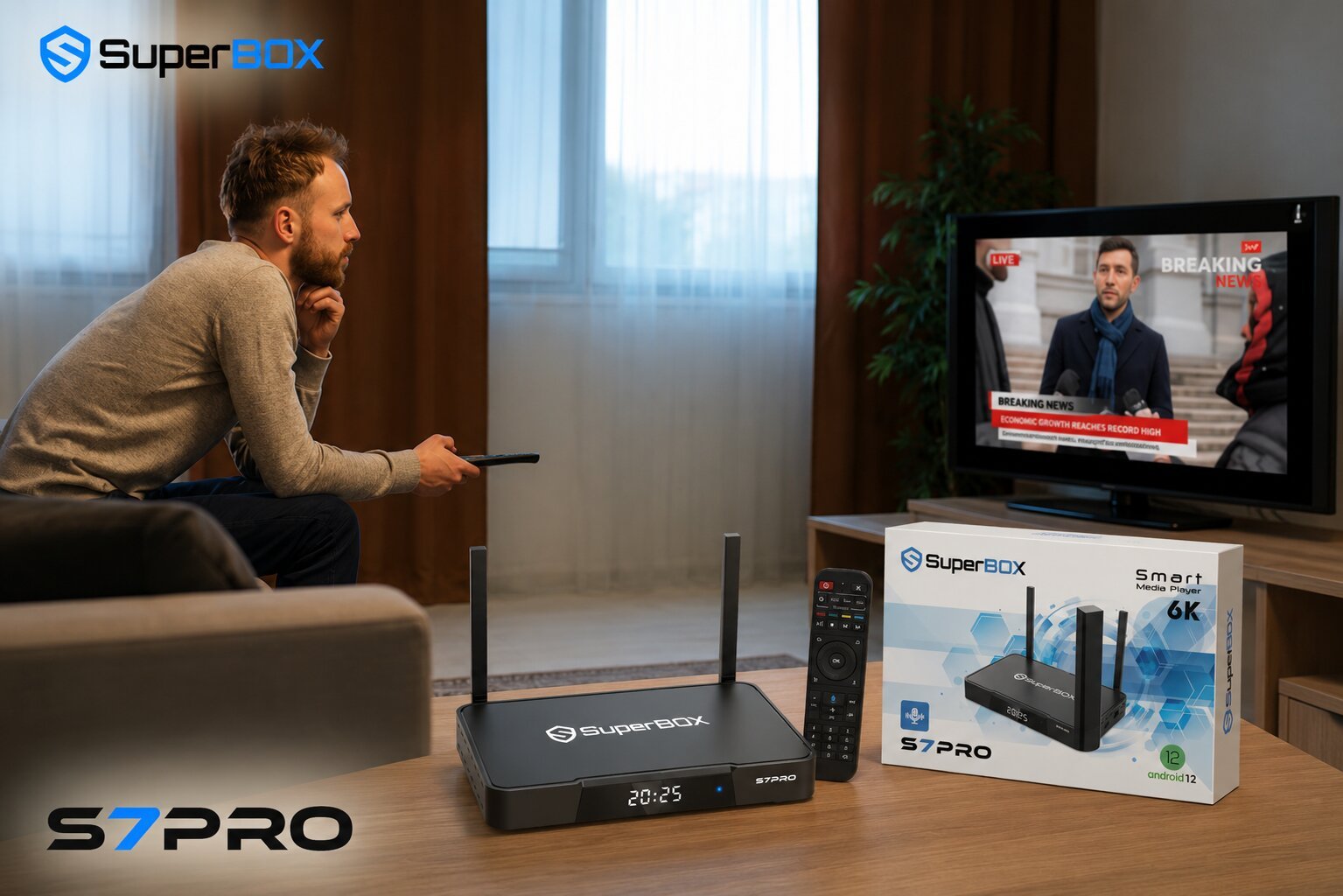
The SuperBox S7 Pro operates on the Android 12 OS, providing enhanced security, faster performance, and compatibility with the latest streaming applications. This operating system forms the backbone of the device, allowing for a smooth and intuitive user experience. The synergy between its advanced hardware and optimized software is what makes the SuperBox S7 Pro functionality so effective.
At its core, it features a Quad-core ARM Cortex-A53 processor and a Mali-G31 MP2 GPU, ensuring smooth app handling, faster boot times, and superior streaming quality. These components work together to efficiently process tasks, support quick app launches, and deliver crystal-clear visuals and steady frame rates for ultra-high-definition (UHD) content.
It comes with 4GB DDR3 RAM and 32GB eMMC internal storage, built for multitasking and speed, guaranteeing excellent SuperBox S7 Pro 4GB RAM performance and faster boot times. This ample memory and storage capacity allow for seamless navigation and the installation of numerous Android apps for streaming.
Seamless Connectivity for Optimal Performance
The device ensures lightning-fast and stable internet connectivity for buffer-free streaming with dual-band WiFi 6 and a 1000Mbps Gigabit Ethernet port. This advanced connectivity is crucial for maintaining a high-quality streaming experience, especially when dealing with 4K streaming or 6K resolution content. WiFi 6 connectivity provides a more efficient and reliable wireless connection, reducing latency and improving overall network performance.
Advanced Bluetooth 5.2 allows for faster and more reliable connections with headphones, speakers, or controllers. This feature enhances the SuperBox S7 Pro user experience by offering greater flexibility in how you enjoy your audio and interact with the device.
It connects to your TV via HDMI 2.1 for high-quality video and audio output, ensuring that you receive the best possible picture and sound from your home entertainment system. The inclusion of USB 3.0 and Type-C ports further expands its connectivity options for external devices.
What Content Does SuperBox S7 Pro Offer and How Do You Access It?
A World of Live TV Channels at Your Fingertips
The SuperBox S7 Pro provides lifetime access to exclusive apps like Blue TV, offering over 2000+ ordinary and premium live TV channels, including sports, news, entertainment, and international content.
This extensive selection allows users to enjoy a wide variety of programming without the need for traditional cable subscriptions. Accessing these channels is straightforward through the dedicated Blue TV app, which organizes content for easy navigation.
The range of live TV channels available caters to diverse interests, from major sports events and breaking news to popular entertainment shows and international broadcasts.
This feature is a significant draw for those looking into how does SuperBox S7 Pro work without cable, as it replicates and often surpasses the offerings of conventional television services. The intuitive interface of the Blue TV app makes finding and watching your preferred live content simple and efficient.
Expansive Video-On-Demand (VOD) Library
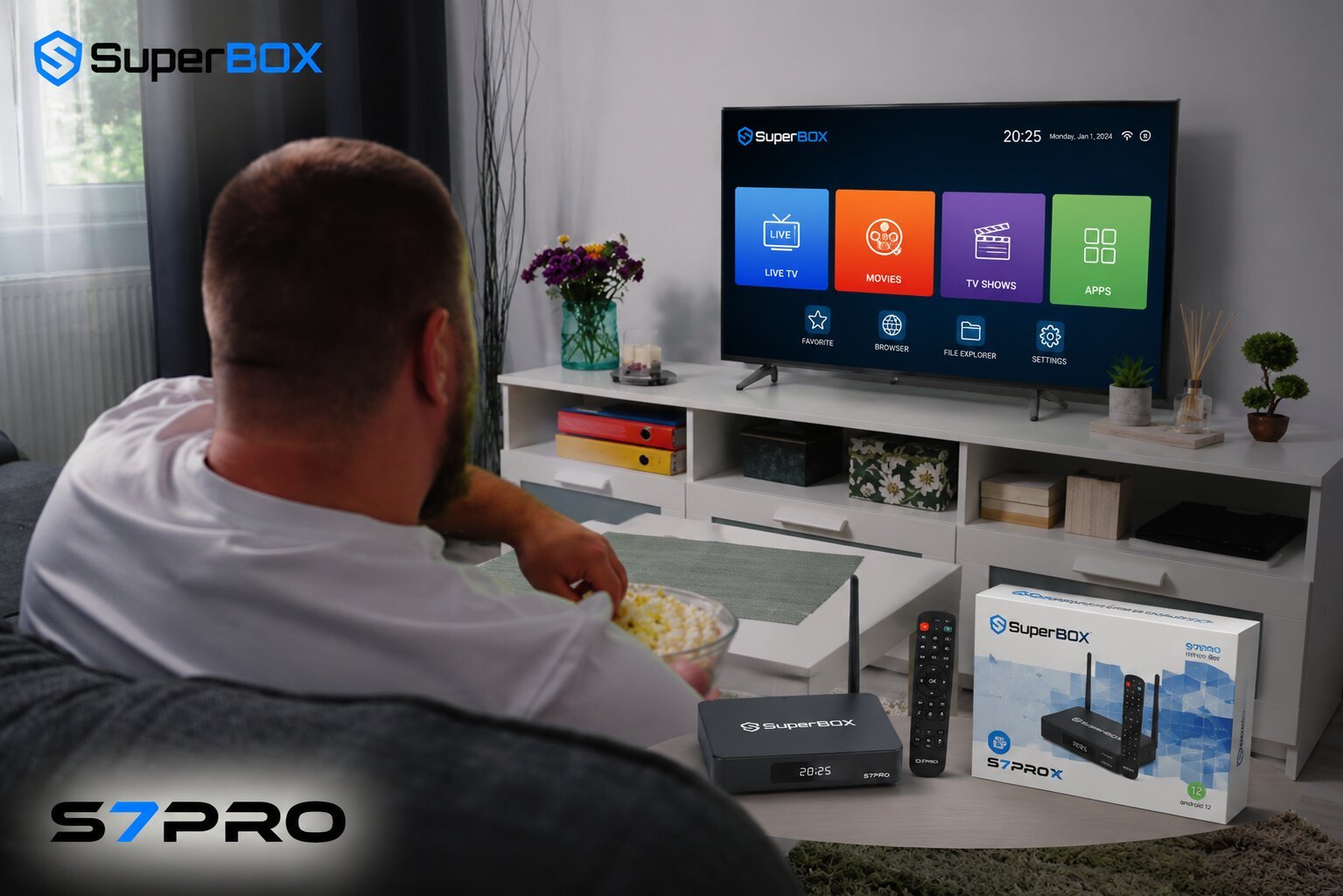
With the Blue VOD app, you get access to a vast collection of over 15000+ on-demand movies and TV shows across various genres. This extensive video on demand (VOD) library allows you to watch content whenever you want, providing ultimate flexibility in your viewing schedule.
The Blue VOD app is designed for easy browsing, with categories and search functions that help you discover new content or find your favorites.
This feature is central to the SuperBox S7 Pro’s appeal as a comprehensive streaming device, offering a wealth of content that can be accessed at your convenience. Whether you are in the mood for a blockbuster movie, a classic TV series, or a documentary, the Blue VOD app provides a rich selection.
The constant updates to the library ensure that there is always something new to explore, enhancing your overall SuperBox S7 Pro user experience.
Never Miss a Moment with Time-Shift and Playback
The Playback App allows you to catch up on popular TV channels and highlights from the past seven days. This means you no longer have to worry about missing your favorite shows due to scheduling conflicts.
The revolutionary 7-day time-shift function lets you pause, rewind, fast-forward live TV, and replay programs from up to 7 days ago on many popular TV channels. This SuperBox S7 Pro 7-day time shift function explained feature offers unparalleled control over your live TV viewing.
This functionality transforms the way you interact with live broadcasts, providing the convenience of on-demand viewing for scheduled programming. It is particularly useful for sports enthusiasts who might want to rewatch key moments or for anyone who wants to catch up on news or entertainment they missed.
The Playback App integrates seamlessly with the live TV offerings, making it easy to transition between live and time-shifted content, further enhancing the SuperBox S7 Pro content access options.
Exploring Other Android Apps for Streaming
The Android 12 OS ensures compatibility with a wide range of Android apps for streaming, allowing for a personalized home entertainment system. Beyond the exclusive preloaded applications, users can download and install other popular streaming services and utility apps from the integrated App Store. This open-ended compatibility means your entertainment options are not limited to the pre-installed offerings.
This flexibility allows you to tailor your SuperBox S7 Pro to your specific preferences, whether you want to access additional streaming platforms, social media, or even light gaming applications.
The robust hardware and software of the device ensure that these additional Android apps for streaming run smoothly, contributing to a versatile and comprehensive user experience.
The ability to customize your app library is a key advantage, making the SuperBox S7 Pro a truly adaptable media player.
Key Features and Technical Specifications SuperBox S7 Pro
Powering Your Entertainment: Android 12 OS Benefits
The Android 12 OS provides a modern, user-friendly interface with enhanced app compatibility and superior security features, contributing to a better SuperBox S7 Pro user experience.
This updated operating system brings a host of improvements, including a more intuitive design and smoother animations, making navigation effortless. The Android 12 OS benefits extend to improved privacy controls and system optimizations that contribute to the device’s overall stability and responsiveness.
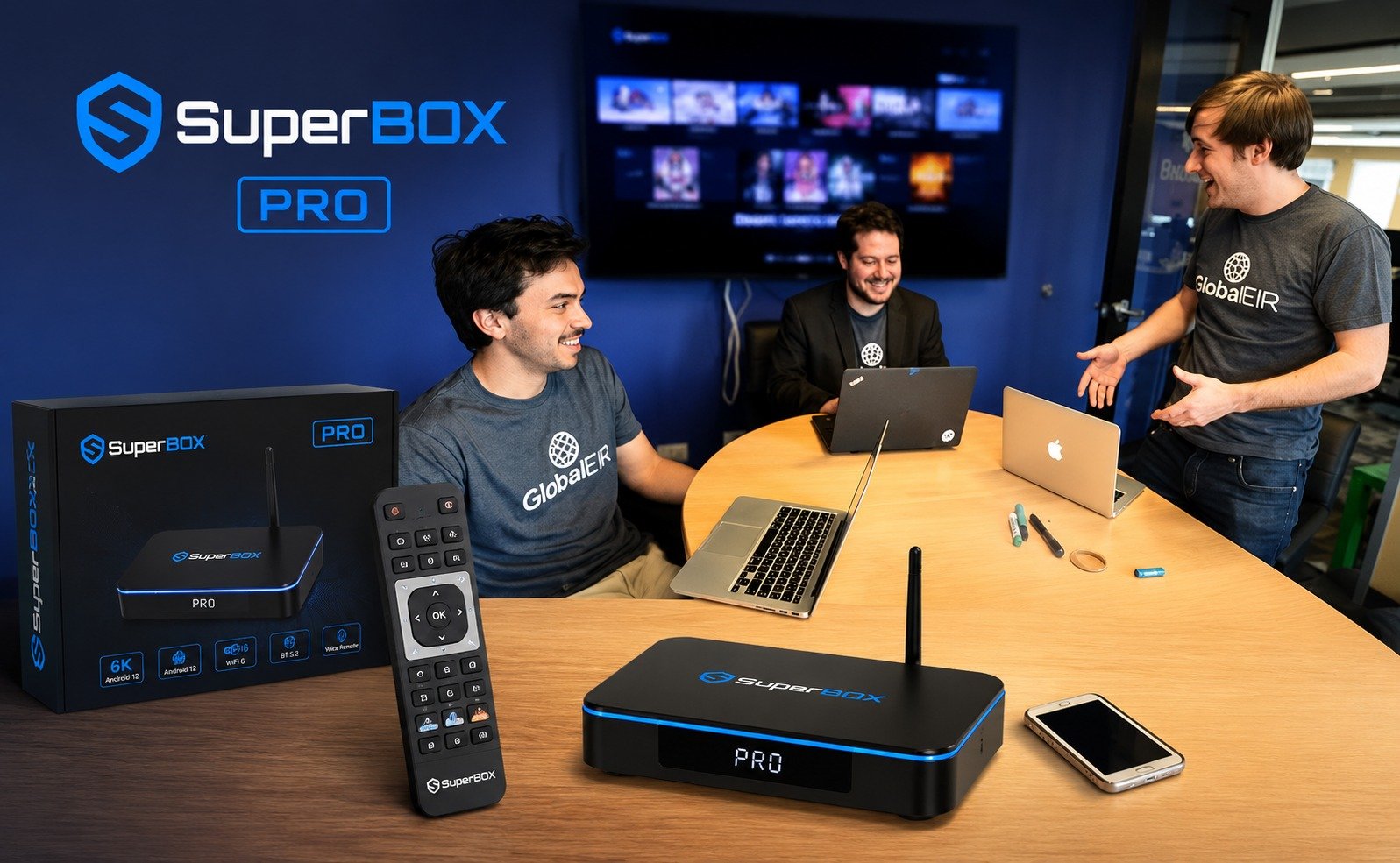
Users will notice faster app loading times and a more fluid transition between different applications. The enhanced security features protect your data and privacy while streaming, giving you peace of mind.
Furthermore, the compatibility with a wider range of modern applications ensures that your SuperBox S7 Pro remains relevant and capable of running the latest streaming services and features. This focus on a refined operating system significantly elevates the device’s performance and usability.
Unmatched Performance: Processor, RAM, and Storage
Equipped with a Quad-core ARM Cortex-A53 processor and Mali-G31 MP2 GPU, along with 4GB DDR3 Memory and 32GB eMMC Internal Storage, the SuperBox S7 Pro guarantees smoother app handling and faster boot times, ensuring excellent SuperBox S7 Pro 4GB RAM performance.
This powerful combination of components is specifically chosen to deliver a high-performance streaming device capable of handling demanding tasks. The Quad-core processor efficiently manages multiple applications simultaneously, preventing lag and ensuring a seamless experience.
The Mali-G31 MP2 GPU is responsible for rendering stunning visuals, supporting the device’s 6K decoding and 4K streaming capabilities with clarity and vibrant colors. The generous 4GB DDR3 RAM allows for extensive multitasking, letting you switch between apps without interruption.
Coupled with 32GB of eMMC internal storage, there’s ample space for system files, applications, and even some downloaded content, contributing to the SuperBox S7 Pro performance review as a top-tier streaming solution. These technical specifications are key to the device’s overall responsiveness and reliability.
Superior Visuals: 6K Decoding and 4K Streaming
The device supports H.265 6K at 60 frames per second, enabling ultra-high-definition streaming with crisp visuals and lifelike colors, supporting 6K resolution and 4K streaming.
This advanced video decoding capability means the SuperBox S7 Pro can process and display content at incredibly high resolutions, offering an immersive viewing experience. Even if your TV is 4K, the 6K decoding ensures that the 4K content is delivered with maximum fidelity and detail.
The H.265 codec is highly efficient, allowing for high-quality video streams with less bandwidth, which is crucial for buffer-free streaming. This commitment to superior visuals ensures that every movie, TV show, and live broadcast is presented with stunning clarity and vibrant color accuracy.
The ability to handle such high resolutions makes the SuperBox S7 Pro a future-proof investment for your home entertainment system, ready for the next generation of visual content.
Advanced Connectivity for Buffer-Free Streaming
Dual-band WiFi 6 and a 1000Mbps Gigabit Ethernet port ensure lightning-fast and stable internet connectivity for buffer-free streaming, highlighting its WiFi 6 connectivity. These advanced networking features are critical for maintaining a smooth and uninterrupted streaming experience, especially when enjoying high-resolution content like 4K streaming.
WiFi 6 offers significant improvements over previous Wi-Fi standards, providing faster speeds, lower latency, and better performance in congested network environments.
For users who prefer a wired connection, the Gigabit Ethernet port offers the most reliable and fastest possible internet connection, virtually eliminating buffering issues. This robust connectivity ensures that the SuperBox S7 Pro can consistently deliver high-quality content without frustrating interruptions.
Advanced Bluetooth 5.2 further enhances connectivity, allowing for seamless pairing with various peripherals, contributing to the overall SuperBox S7 Pro user experience by providing versatile and reliable connections.
Intuitive Control with Voice Commands
The enhanced voice command feature allows users to search for shows, control playback, and open apps hands-free using the voice control remote, simplifying the SuperBox S7 Pro voice command setup. This intuitive control method makes navigating the vast content library and device functions incredibly easy and convenient. Instead of typing, you can simply speak your commands, saving time and effort.
The voice control remote is designed to be responsive and accurate, recognizing a wide range of commands for searching content, adjusting volume, pausing or playing media, and launching specific applications.
This feature is particularly beneficial for users who prefer a more natural interaction with their streaming device or for those who find traditional remote navigation cumbersome. The voice command functionality truly enhances the SuperBox S7 Pro user interface, making entertainment more accessible and enjoyable for everyone.
Family-Friendly Viewing: Parental Control Features
Simplified parental controls allow users to easily set up and manage restrictions, ensuring a family-friendly viewing environment with SuperBox S7 Pro parental control features.
This essential functionality provides parents with the tools to manage what content their children can access, offering peace of mind. You can set up PINs, restrict access to certain apps, or filter content based on ratings, creating a safe and appropriate viewing experience for all ages.
The ability to customize these controls means you can tailor them to your family’s specific needs and preferences. Implementing parental controls is straightforward, ensuring that even less tech-savvy users can manage them effectively.
This commitment to a secure and controlled viewing environment highlights the SuperBox S7 Pro’s design as a comprehensive home entertainment system suitable for the entire family. These features contribute significantly to the overall SuperBox S7 Pro benefits and advantages.
The SuperBox S7 Pro Advantage: Why Choose This Streaming Device?
Cutting the Cord: Significant Savings on Cable Bills
The SuperBox S7 Pro is marketed as a cost-effective entertainment solution, eliminating the need for expensive cable bills with a one-time purchase (currently $359.00) and no monthly subscription fees.
This is a major benefit for cord-cutting, as it offers a clear path to significant savings over time. Traditional cable subscriptions can quickly add up, making the SuperBox S7 Pro price an attractive alternative for budget-conscious consumers.
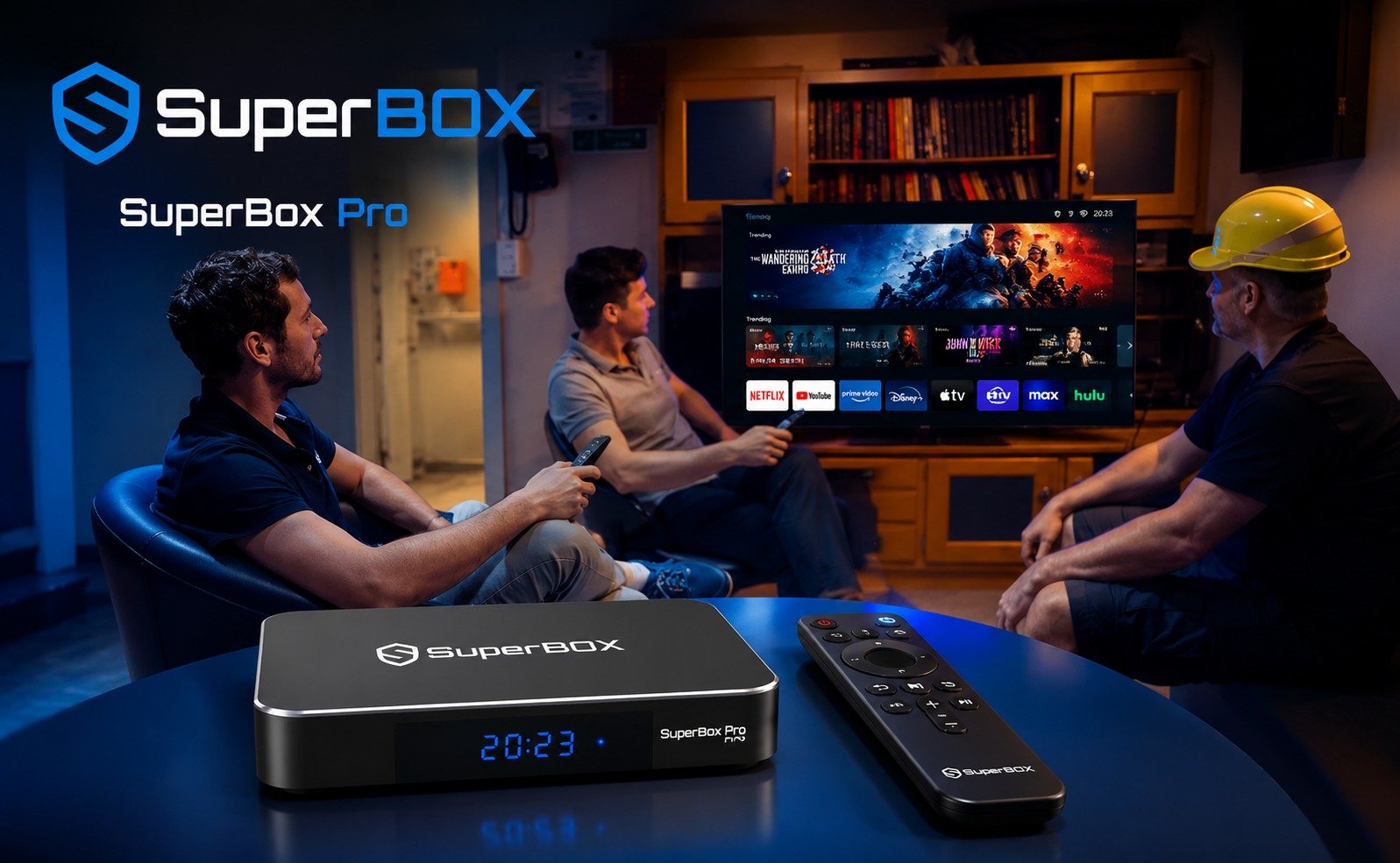
By investing in the device upfront, users gain access to a vast library of content without the burden of recurring monthly payments. This economic advantage is a primary reason many individuals are exploring how does SuperBox S7 Pro work without cable.
The long-term financial benefits make the SuperBox S7 Pro a smart choice for those looking to reduce their household expenses while still enjoying premium entertainment.
Premium Entertainment Without Subscriptions
Get over 2000+ ordinary & premium channels instantly and over 15000+ movies & TV shows (VOD) without recurring costs. This extensive content library, accessible through exclusive preloaded apps like Blue TV and Blue VOD, provides a wealth of entertainment options that would typically require multiple paid subscriptions. The value proposition is clear: a one-time purchase unlocks a lifetime of content.
This means you can enjoy a diverse range of live TV channels, from sports and news to movies and international programming, along with an expansive collection of on-demand films and series, all without additional monthly fees.
The SuperBox S7 Pro offers an unparalleled entertainment experience, making it a compelling alternative to traditional cable and multiple streaming service subscriptions. This access to premium content without subscriptions is a core advantage.
User-Friendly Experience: Plug-and-Play Setup
The device promises a plug-and-play setup that takes less than 5 minutes, making it user-friendly even for those less tech-savvy, enhancing the SuperBox S7 Pro user interface and overall user experience.
This straightforward installation process ensures that you can start enjoying your entertainment quickly and without hassle. There is no complex wiring or intricate software configuration required, making it accessible to a wide range of users.
The intuitive on-screen instructions guide you through the initial setup, from connecting to your TV to linking to your internet. This ease of use is a significant advantage, particularly for individuals who may be new to streaming devices or prefer a simple, direct approach to technology. The SuperBox S7 Pro is designed to be ready to go almost immediately, allowing you to dive into your favorite content with minimal effort.
Guaranteed Authenticity and Exclusive Support
As a SuperBOX Authorized Online Store, we guarantee 100% authenticity and offer exclusive customer service. When you buy SuperBox S7 Pro from an authorized retailer, you can be confident that you are receiving a genuine product with full manufacturer support. This assurance of authenticity is crucial, as it protects you from counterfeit devices that may not offer the same performance, features, or reliability.
Our exclusive customer service provides dedicated support for any queries or issues you might encounter with your SuperBox S7 Pro. This means you have a reliable resource to turn to for assistance with setup, troubleshooting, or general questions about the device’s functionality.
This commitment to authenticity and customer care enhances the overall value and trustworthiness of choosing the SuperBox S7 Pro from a reputable source, providing peace of mind for your purchase.
Setting Up Your SuperBox S7 Pro: A Step-by-Step Guide
What You Need to Get Started
To begin setting up your SuperBox S7 Pro, you will need a few essential items. You’ll need the SuperBox S7 Pro device itself, which comes with all necessary components. An HDMI cable is required to connect the device to your television, ensuring high-quality video and audio transmission.
Finally, the Type-C power supply, included with your SuperBox, is needed to power the unit. Having these items ready will make the initial installation process quick and seamless.
Initial Installation Process
Connecting your SuperBox S7 Pro is designed to be a straightforward process, typically taking less than 5 minutes. First, connect one end of the HDMI cable to the HDMI port on your SuperBox S7 Pro and the other end to an available HDMI input on your TV.
Next, connect the Type-C power supply to the designated port on the device and then plug it into a power outlet. Once powered on, your TV should detect the SuperBox.
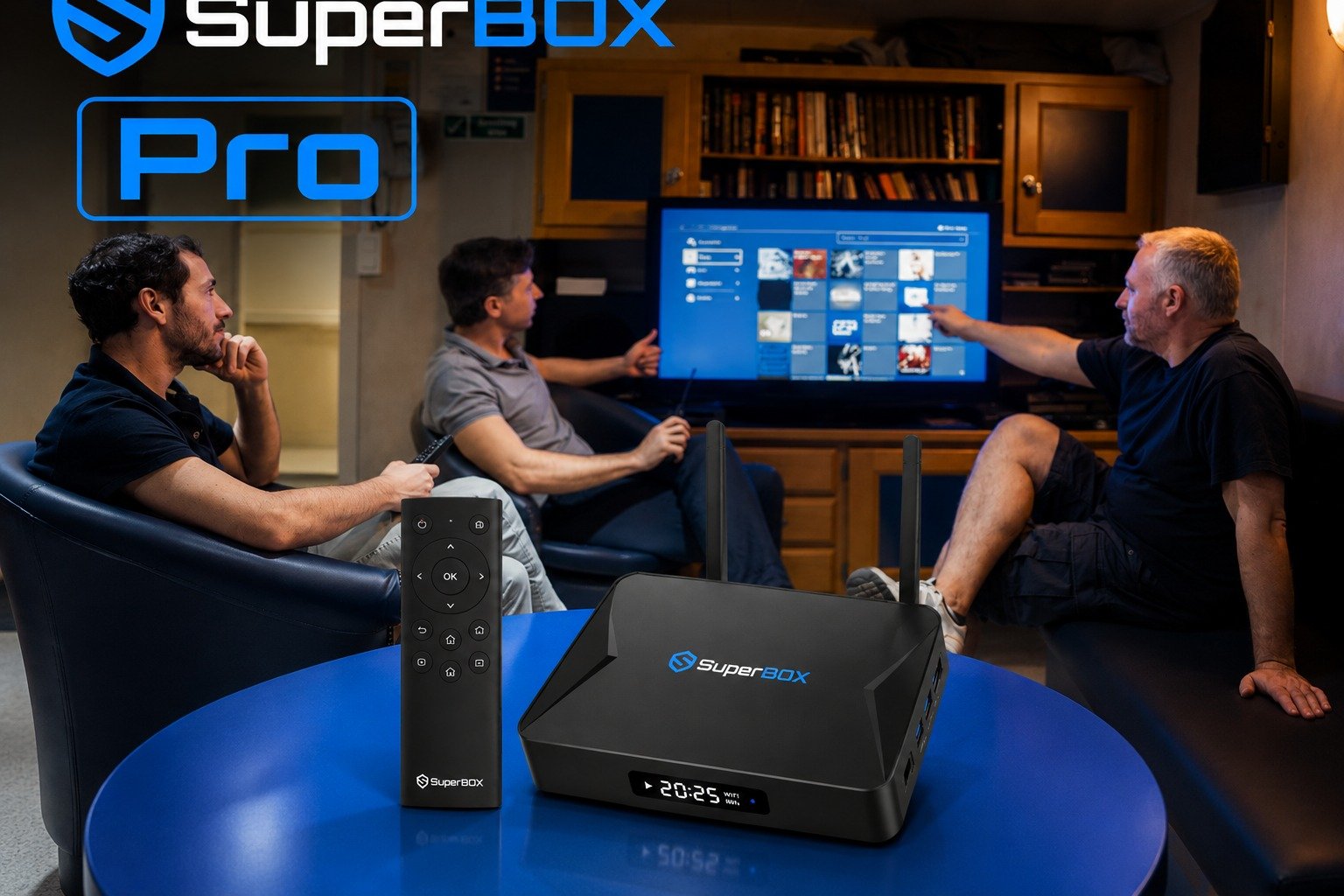
You will then be prompted to link to Wi-Fi or connect via Ethernet. For a wired connection, simply plug an Ethernet cable from your router into the Gigabit Ethernet port on the SuperBox. For Wi-Fi, select your network from the on-screen list and enter your password.
Follow any remaining on-screen instructions to complete the setup, which covers how to set up SuperBox S7 Pro and SuperBox S7 Pro internet connection setup, getting you ready to stream.
Pairing Your Voice Control Remote
To fully utilize the intuitive control features of your SuperBox S7 Pro, you will need to pair the remote control via Bluetooth for voice command functionality. This process is usually initiated during the initial setup or can be done later through the device settings. Typically, you will hold down specific buttons on the remote, as indicated by the on-screen instructions, to put it into pairing mode.
Once in pairing mode, the SuperBox S7 Pro will detect the remote, and you can confirm the connection. This pairing enables the enhanced voice command feature, allowing you to search for content, control playback, and open apps simply by speaking into the remote.
This step is crucial for simplifying the SuperBox S7 Pro voice command setup and enjoying a hands-free entertainment experience.
Installing Essential Streaming Apps
After the initial setup and remote pairing, you will want to install essential streaming apps to unlock the full potential of your SuperBox S7 Pro. While some exclusive apps like Blue TV and Blue VOD are often preloaded, you may need to ensure they are updated or install others. Navigate to the App Store on your SuperBox S7 Pro, which functions similarly to other Android app marketplaces.
From here, you can browse or search for applications such as Blue VOD, Blue TV, and Playback, if they are not already installed or require updates. Installing these apps is typically a one-click process, and they will then appear on your home screen for easy access. This step ensures you have immediate access to the over 2000+ channels and 15000+ movies and TV shows that the SuperBox S7 Pro offers.
Troubleshooting Common SuperBox S7 Pro Issues
Addressing Buffering and Connectivity Problems
Common issues like buffering or a slow connection can often be resolved by checking internet connection stability or rebooting the SuperBox and TV, addressing SuperBox S7 Pro buffering issues fix. Buffering typically indicates that the device is not receiving data fast enough to maintain continuous playback. First, ensure your internet service is functioning correctly and that other devices on your network are not consuming excessive bandwidth.
Try moving your SuperBox closer to your Wi-Fi router or, ideally, connect it directly using the 1000Mbps Gigabit Ethernet port for the most stable connection. Rebooting both your SuperBox S7 Pro and your internet router can often clear temporary network glitches.
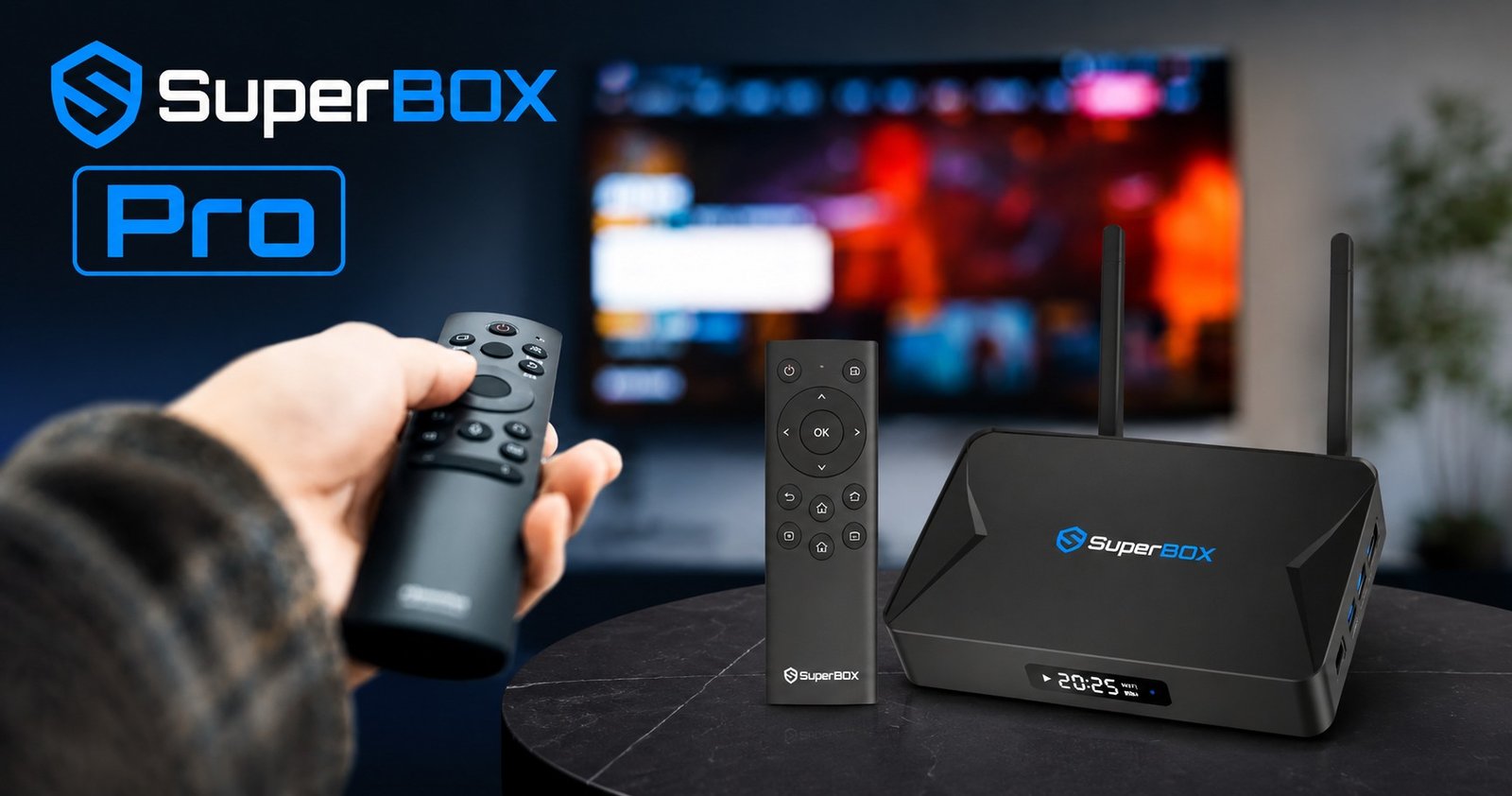
Additionally, check for any obstructions that might be interfering with your WiFi 6 connectivity. These simple steps can significantly improve your streaming experience and resolve most connectivity-related issues.
Optimizing Performance: Cache and Updates
Optimizing the performance of your SuperBox S7 Pro involves managing its internal resources and keeping its software up to date. Clearing the cache and data of the Blue VOD app, or any other frequently used streaming app, can help. Over time, app caches can accumulate, leading to slower performance and potential glitches. You can usually do this through the device’s settings under the “Apps” section.
Regular system updates are crucial for improved performance, enhanced security, and compatibility. SuperBox frequently releases firmware updates that can fix bugs, introduce new features, and optimize the device’s operation.
Ensure your SuperBox S7 Pro is set to receive automatic updates or manually check for them periodically in the system settings. Keeping your device updated ensures you benefit from the latest improvements, maintaining optimal SuperBox S7 Pro performance review standards and a smooth user experience.
SuperBox S7 Pro vs. The Competition: A Comparative Look
SuperBox S7 Pro vs Firestick: Key Differences
When comparing the SuperBox S7 Pro vs Firestick, several key differences highlight the SuperBox’s unique value proposition. The SuperBox S7 Pro stands out due to its advanced hardware, optimized software, and comprehensive entertainment experience, offering enhanced performance and stability compared to standard streaming sticks like Amazon Firestick or Roku streaming devices.
While Firesticks are compact and affordable, they typically offer more basic specifications and rely heavily on individual app subscriptions.
The SuperBox S7 Pro, with its Quad-core ARM Cortex-A53 processor, 4GB DDR3 RAM, and 32GB eMMC storage, provides a more robust and powerful Android TV box experience. It supports 6K decoding and WiFi 6 connectivity, often surpassing the capabilities of many Firestick models.
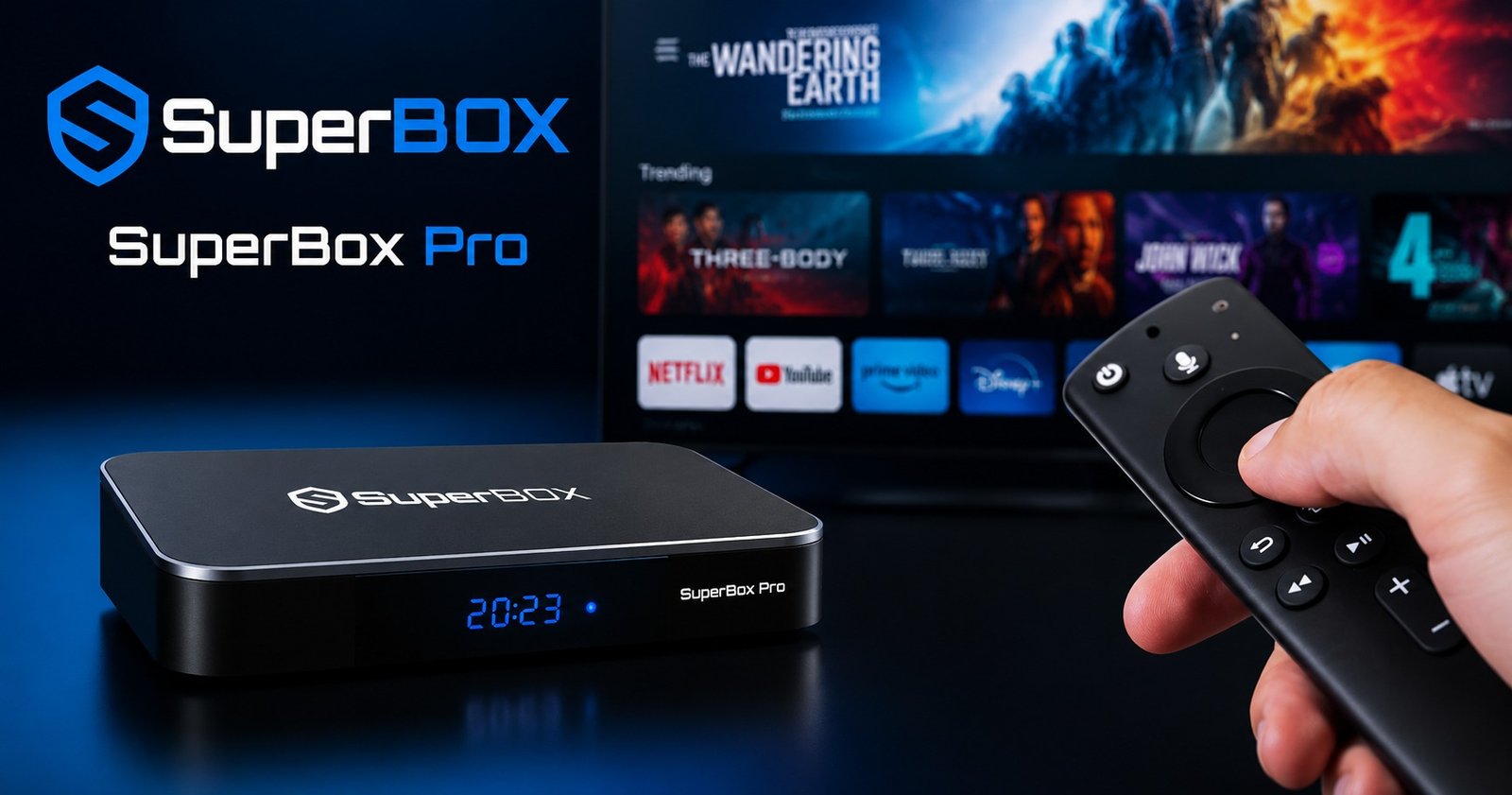
Crucially, the SuperBox S7 Pro offers lifetime access to exclusive apps like Blue TV and Blue VOD without monthly subscription fees, a significant contrast to the Firestick’s model of requiring subscriptions for most premium content. This makes the SuperBox a more comprehensive and potentially cost-effective long-term solution for cord-cutting.
SuperBox S7 Pro vs SuperBox S6 Pro: What’s New?
The SuperBox S7 Pro boasts significant improvements in speed, performance, and stability over its predecessors, including the SuperBox S6 Pro. Understanding the SuperBox S7 Pro vs SuperBox S6 Pro comparison reveals key upgrades that enhance the user experience.
The S7 Pro features the newer Android 12 OS, offering enhanced security, a more modern interface, and better app compatibility compared to the S6 Pro’s older Android version.
Hardware-wise, the S7 Pro often comes with upgraded components such as dual-band WiFi 6 and Bluetooth 5.2, providing faster and more reliable connectivity than the S6 Pro. While both offer impressive streaming capabilities, the S7 Pro’s optimized hardware and software synergy result in smoother app handling, faster boot times, and overall snappier performance.
These advancements contribute to a more refined and future-proof streaming device, justifying the upgrade for users seeking the latest in home entertainment technology.
Value Proposition: Is the SuperBox S7 Pro Price Worth It?
While the SuperBox S7 Pro price of $359.00 may be more expensive upfront than some alternatives, it aims to recoup costs by eliminating monthly subscription fees, offering long-term value. This initial investment provides access to over 2000+ live TV channels and 15000+ on-demand movies and TV shows through exclusive apps, without any recurring charges.
When considering the cumulative cost of multiple streaming subscriptions or traditional cable bills over several years, the SuperBox S7 Pro often presents a more economical solution.
The device’s robust hardware, advanced features like 6K decoding, WiFi 6, and voice control, along with dedicated customer service, contribute to its overall value proposition. For those looking to cut the cord and reduce ongoing entertainment expenses,
the SuperBox S7 Pro benefits and advantages in terms of long-term savings can make the initial price a worthwhile investment. Potential buyers should also look out for SuperBox S7 Pro deals to maximize their savings.
Is SuperBox S7 Pro Legal and Safe to Use?
The SuperBox S7 Pro is legal to own as a generic Android streaming device. However, using it to stream copyrighted content (like premium TV channels and movies) without a subscription is illegal in the U.S. and violates copyright laws. Security risks exist, as unofficial third-party apps may carry malware or expose your network.
Understanding the Legality of Streaming Content
While the SuperBox S7 Pro device itself is legally sold in the United States, legality concerns arise from the content accessed through its preloaded third-party apps, as streaming copyrighted content without permission violates Title 17 of the U.S. Code. The device acts as a media player, and its legality is similar to that of a computer or a smartphone. The issue stems from the source of the content being streamed.
Many preloaded applications on such devices claim to offer free access to premium content, which often includes copyrighted material without proper licensing or authorization. Users must understand that accessing such content without the copyright holder’s permission can lead to legal ramifications. It is crucial for users to be aware of the content they are accessing and its source to ensure compliance with copyright laws.
SuperBox’s Disclaimer and User Responsibility
SuperBox includes a disclaimer stating they are not responsible for the content streamed or viewed by users, placing the responsibility on the user to ensure compliance with copyright laws.
This disclaimer is a standard practice for manufacturers of streaming devices that can access third-party applications. It clearly communicates that while the hardware is legitimate, the user bears the responsibility for how they utilize the device and the content they choose to stream.
This emphasizes the importance of understanding the sources of your entertainment. Users should exercise caution and discretion when using any third-party apps that promise free access to typically paid content. By acknowledging this disclaimer, users accept the responsibility to ensure their streaming activities adhere to all applicable legal standards, particularly regarding intellectual property and copyright.
Recommendations for Safe and Legal Streaming
To use SuperBox legally, it is advised to stick to authorized content from reputable streaming services and avoid apps offering free access to premium content without proper authorization.
This means utilizing platforms like Netflix, Hulu, YouTube, or other legitimate services that you subscribe to or that offer free, legally distributed content. The SuperBox S7 Pro, with its Android 12 OS, is fully compatible with these authorized Android apps for streaming.
Using a VPN for streaming is also recommended when using questionable apps to enhance security and isolation. A Virtual Private Network can help mask your IP address and encrypt your internet traffic, providing an additional layer of privacy and security. While a VPN does not make illegal streaming legal, it can protect your online anonymity. Always prioritize legitimate sources for your entertainment to ensure a safe and legal streaming experience on your SuperBox S7 Pro.
Frequently Asked Questions about SuperBox S7 Pro
Where can I buy the SuperBox S7 Pro?
You can buy the SuperBox S7 Pro from the SuperBOX Authorized Online Store, which guarantees 100% authenticity. To ensure you receive a genuine product with full support and warranty, it is crucial to purchase from trusted retailers. Look for SuperBox S7 Pro where to buy or SuperBox S7 Pro official website to find reputable sellers. Our store, SuperBox TV Box Store, is a leading authorized retailer in the US and Canada, offering authentic devices and exclusive customer service.
Does the SuperBox S7 Pro require a monthly subscription?
No, the SuperBox S7 Pro offers a one-time purchase price of $359.00 with no monthly subscription fees for its exclusive content. This is one of the primary SuperBox S7 Pro benefits and advantages, as it allows users to cut the cord from expensive cable bills and avoid recurring charges for a vast library of live TV channels and on-demand movies and TV shows. Once you purchase the device, the core entertainment features are accessible without additional monthly costs.
Can I use a VPN with my SuperBox S7 Pro?
Yes, using a VPN with your SuperBox S7 Pro is recommended, especially when accessing third-party apps, to enhance security and privacy. A VPN for streaming encrypts your internet connection and masks your IP address, which can help protect your online activities and personal information. It can also help bypass geo-restrictions for certain content, although users should always ensure they are complying with content licensing agreements. Setting up a VPN is generally straightforward through the Android 12 OS.
What kind of customer service does SuperBox offer?
SuperBox provides exclusive customer service to assist with any queries or issues related to your device. As an authorized retailer, SuperBox TV Box Store offers dedicated support to ensure a smooth user experience. This includes assistance with SuperBox S7 Pro installation guide, troubleshooting common issues like SuperBox S7 Pro buffering issues fix, and general inquiries about SuperBox S7 Pro features explained. Our commitment is to provide reliable and prompt support for all our customers, ensuring satisfaction with their SuperBox S7 Pro.