




Welcome, fellow entertainment seekers! Are you curious about the SuperBox S8 and how it can transform your home viewing experience? You’ve come to the right place. This guide will demystify the SuperBox S8, explaining its functionality, content offerings, and why it’s a top choice for cord-cutters.
As the SuperBox TV Box Store, the most trusted retailer of authentic SuperBox TV Box S6, S7, and S8 series in the US and Canada, we’re here to provide you with all the expert insights you need.
Understanding the SuperBox S8
What is SuperBox S8?
The SuperBox S8 is an advanced Android TV box specifically engineered for seamless home entertainment. This powerful streaming device acts as a media player, bridging the gap between your television and a vast universe of online content.
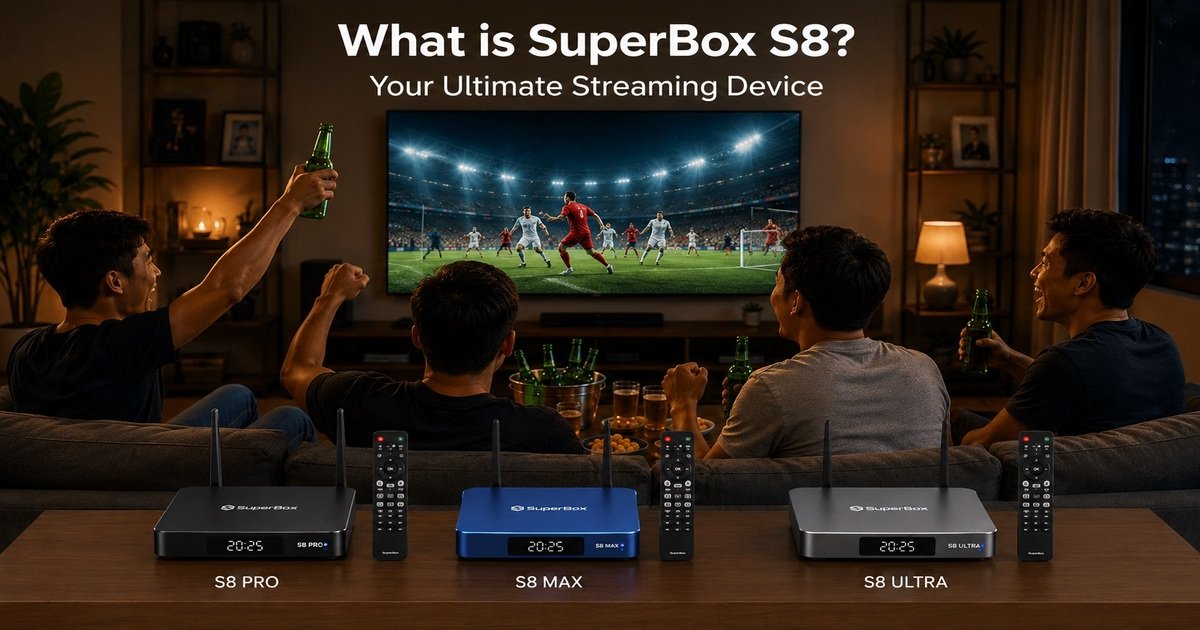
It forms the core of a modern cord-cutting solution, providing an all-in-one system to access live TV, movies, and shows without monthly fees. The SuperBox S8 functionality is centered around delivering a comprehensive and user-friendly streaming experience.
Unlocking a World of Entertainment: Content Access on SuperBox S8
Exclusive Pre-loaded Apps: Your Gateway to Premium Content
The SuperBox S8 comes equipped with exclusive pre-loaded apps, serving as your gateway to premium content. The Blue TV App offers access to over 2,000 live TV channels, primarily focusing on popular US channels, providing a premier IPTV box experience.
This app features automatic activation with no monthly fee or subscription required, making it a truly cost-effective streaming device. For movie enthusiasts, the Blue VOD App boasts a vast library of over 15,000 movies and television shows, with content updates daily to ensure fresh on-demand content is always available.
The Playback App is another key feature, ensuring you never miss your favorite shows with its 7-day playback capability for over 86 popular channels. It also includes a convenient rewind feature, allowing you to catch up on missed programs or games at your leisure.
Bonus Prime Apps: Expanding Your International Content
Beyond the core exclusive applications, the SuperBox S8 further expands your entertainment horizons with access to 7 additional Bonus Prime Apps. These apps significantly broaden the international content offerings, providing users with an impressive selection of 10,000 international channels and 100,000 on-demand titles.
This makes the SuperBox S8 an excellent choice for viewers seeking diverse global programming, adding immense value to its content access.
Beyond Exclusive Apps: Google Play Store and Popular Streaming Services
The SuperBox S8 is not limited to its pre-loaded content; it also offers the ability to install additional apps from the Google Play Store. This flexibility allows users to customize their streaming experience further, accessing popular platforms like Netflix and YouTube for even more content.
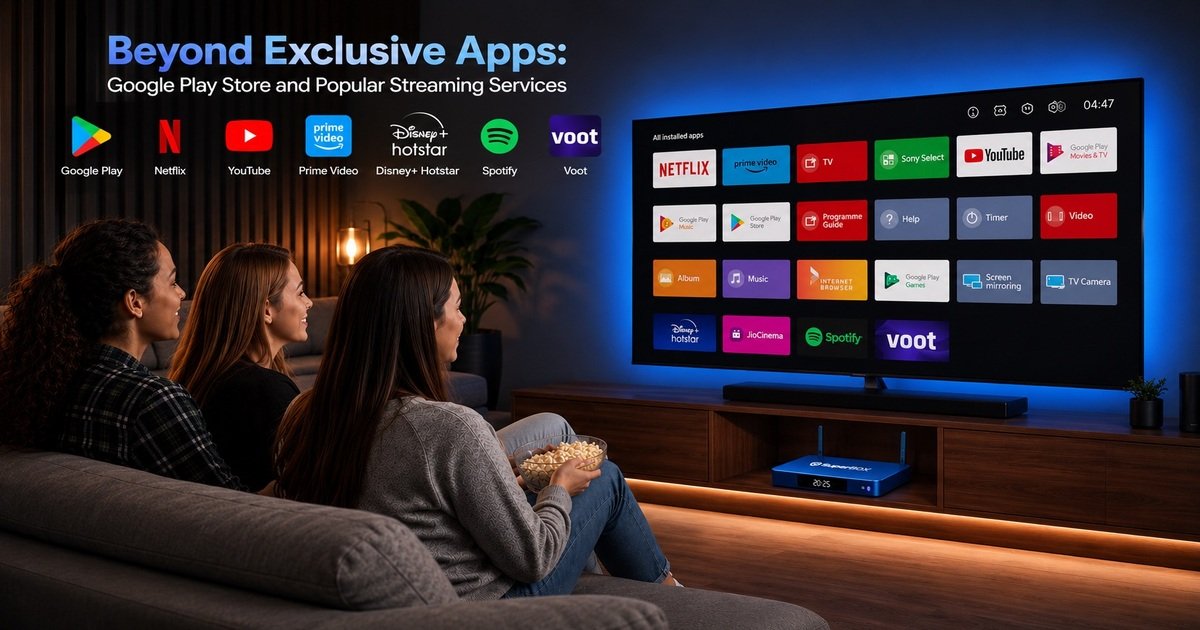
Whether you want to explore new apps or enjoy your existing subscriptions, the SuperBox S8 capabilities ensure a truly comprehensive home entertainment system. This open access is a significant SuperBox S8 benefit, enhancing its versatility as a streaming device.
User-Friendly Design: Making SuperBox S8 Easy to Operate
Navigating with Ease: The Android 12 OS Interface
The Android 12 OS interface on the SuperBox S8 is intuitively designed for a smooth SuperBox S8 user experience. Its clean layout and logical menu navigation make content discovery effortless.
Users can easily browse through apps, settings, and media libraries, ensuring that finding and enjoying entertainment is always simple and straightforward. This thoughtful design is a key SuperBox S8 benefit.
Voice Control Remote: Command Your Entertainment
The SuperBox S8 comes with a backlit voice control remote, allowing you to command your entertainment effortlessly. This feature enables intuitive searching and navigation, simply by speaking your commands.
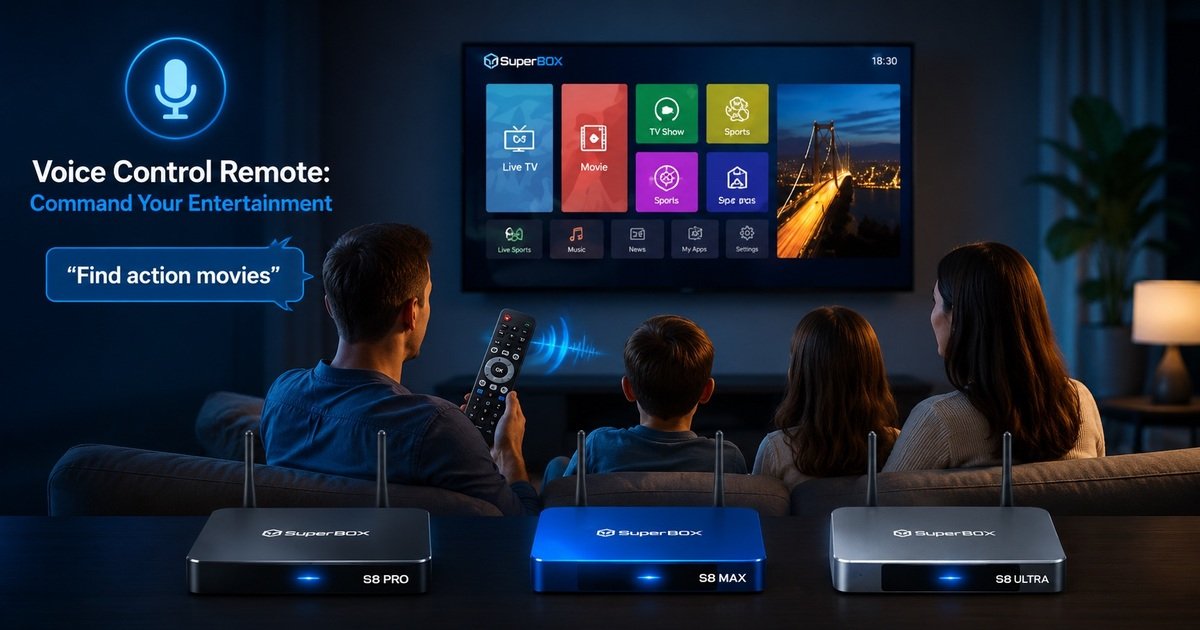
The SuperBox S8 voice control setup is straightforward, making it quick and easy to find movies, shows, or launch applications without typing. This modern control method significantly enhances the SuperBox S8 user experience.
Simple App Management and Customization
Managing apps on the SuperBox S8 is remarkably simple, offering great flexibility for customization. How to install apps on SuperBox S8 is quick and easy through the Google Play Store, allowing you to expand your content library with your favorite applications.
You can also personalize your home screen, arranging apps and widgets to suit your preferences, creating a truly tailored home entertainment system.
What Comes in the Box? SuperBox S8 Standard Packages and Gift Bundles
Standard Retail Box Contents
The standard retail box for the SuperBox S8 contains all the essential items to get you started. Each package includes:
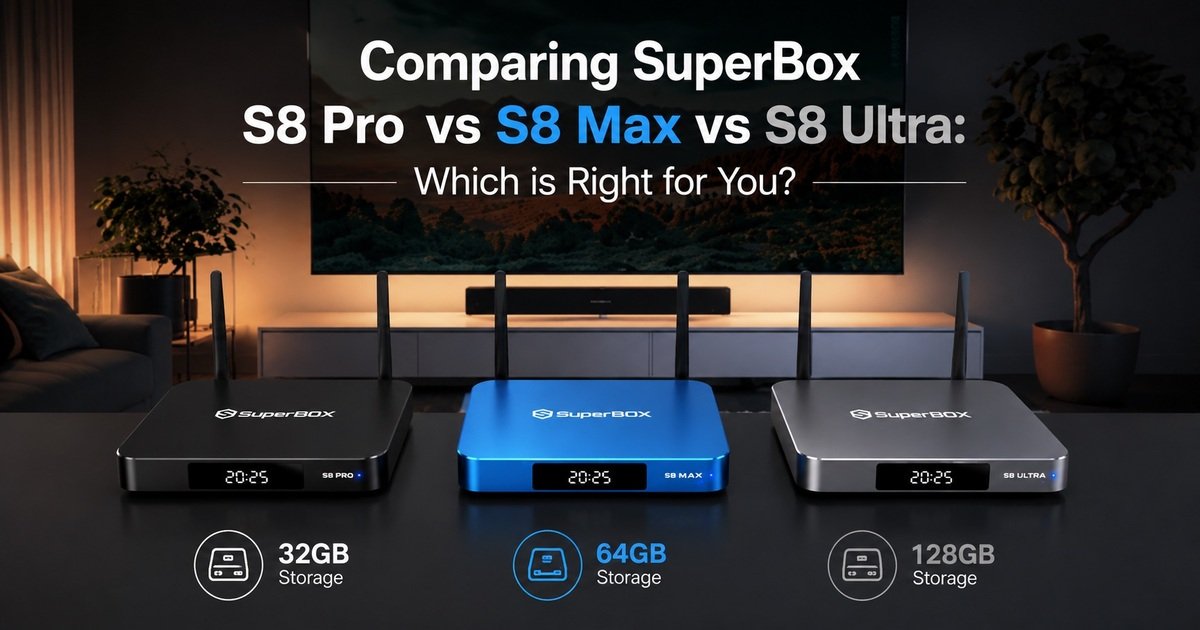
- 1 x SuperBox S8 (Android TV Box with 4GB RAM, storage varies by model: 32GB for Pro, 64GB for Max, 128GB for Ultra)
- 1 x Backlit voice control remote
- 1 x High-speed HDMI 2.1 cable
- 1 x Type-C power supply cable
- 1 x Detailed user guide (providing comprehensive instructions for your SuperBox S8 user guide)
Exclusive Gift Bundles for Added Value
For added value, SuperBox TV Box Store offers exclusive gift bundles that enhance your SuperBox S8 experience. These bundles include premium accessories designed to make your streaming even more convenient:
- High-Quality Mini Keyboard: This accessory makes searching for movies and shows significantly faster, improving your SuperBox S8 user experience.
- 64GB Micro SD Card: Adds extra storage for your local files, expanding the device’s capacity beyond its internal eMMC.
- 6-in-1 Adapter Hub: Connects multiple devices to your box, offering greater versatility for your home entertainment system.
Frequently Asked Questions about SuperBox S8
Do I need high-speed internet for SuperBox S8?
Yes, a stable and reasonably fast internet connection is recommended for optimal 6K Ultra HD streaming and smooth performance. The SuperBox S8 supports both Dual-band Wi-Fi 6 and Gigabit Ethernet, ensuring the best possible connection quality for uninterrupted viewing.
A minimum of 25 Mbps is generally recommended for 4K streaming, and slightly higher for 6K content, to fully leverage the SuperBox S8 streaming quality.
Can I install other apps on SuperBox S8?
Absolutely! The SuperBox S8 runs on Android 12 OS, which means you can download and install a wide variety of apps from the Google Play Store.
This capability allows you to customize your entertainment options, accessing popular streaming services, games, and utility applications beyond the pre-loaded content. How to install apps on SuperBox S8 is as simple as using any Android device.
What is the Playback app feature explained?
The Playback app feature allows you to watch programs from the last 7 days on over 86 popular channels. This means if you miss a live broadcast, you can simply access it through the Playback app at your convenience.
It also includes a convenient rewind feature, which is particularly useful for catching up on missed segments of live sports or shows. The SuperBox S8 playback feature explained here highlights a major SuperBox S8 benefit for flexible viewing.
How does SuperBox S8 compare to other streaming devices?
The SuperBox S8 stands out from other streaming devices due to several key advantages. It offers no monthly fee content access through its exclusive pre-loaded apps like Blue TV, Blue VOD, and Playback. Its powerful hardware, including Android 12 OS, Dual-band Wi-Fi 6, and 6K streaming capabilities, ensures superior performancensive customer support and a robust warranty policy further distinguish the SuperBox S8, providing exceptional value and reliability compared to many alternatives.
Is the SuperBox S8 remote control easy to use?
Yes, the SuperBox S8 comes with a backlit voice control remote, making navigation and content searching incredibly intuitive and user-friendly.
The SuperBox S8 remote control functions are designed for ease of use, allowing you to quickly find what you want to watch with voice commands or simple button presses, even in low light conditions. The SuperBox S8 voice control setup is quick and seamless.